Story Foundations to the Rescue: Michele's Project Life Catch-Up
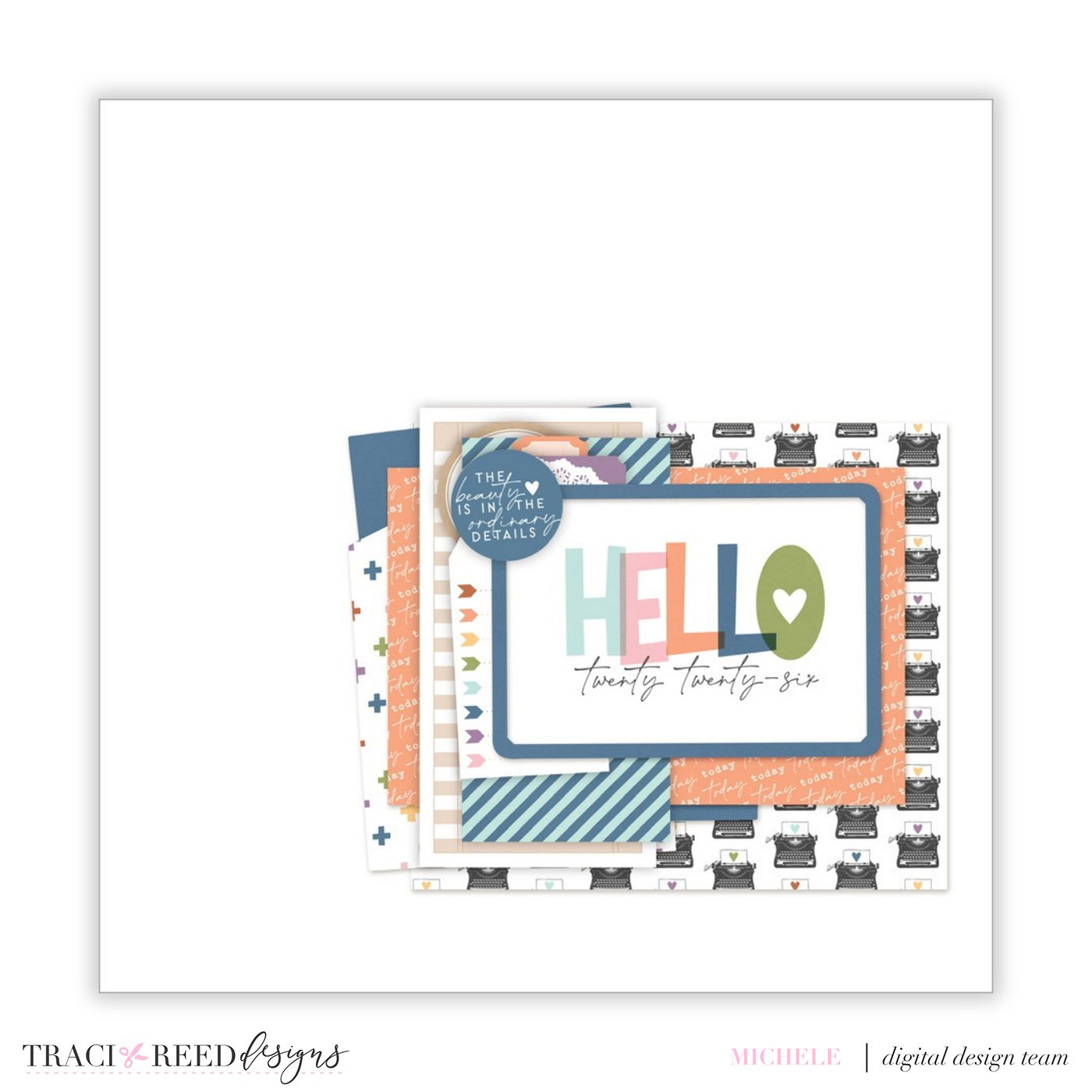
If you’re anything like me, Project Life is one of those projects that’s so easy to fall behind on—but it’s also one I’m not willing to give up.
I had grand plans for 2026. Not only was I going to create a Project Life album, I was actually going to keep up with it.
Then life happened.
And honestly, 2026 has been hard.
I even have a reminder that pops up every Sunday telling me to add to my Project Life album. And week after week?
I ignored it.
I just wasn’t in a place where I could make myself sit down and work on it—and that was okay.
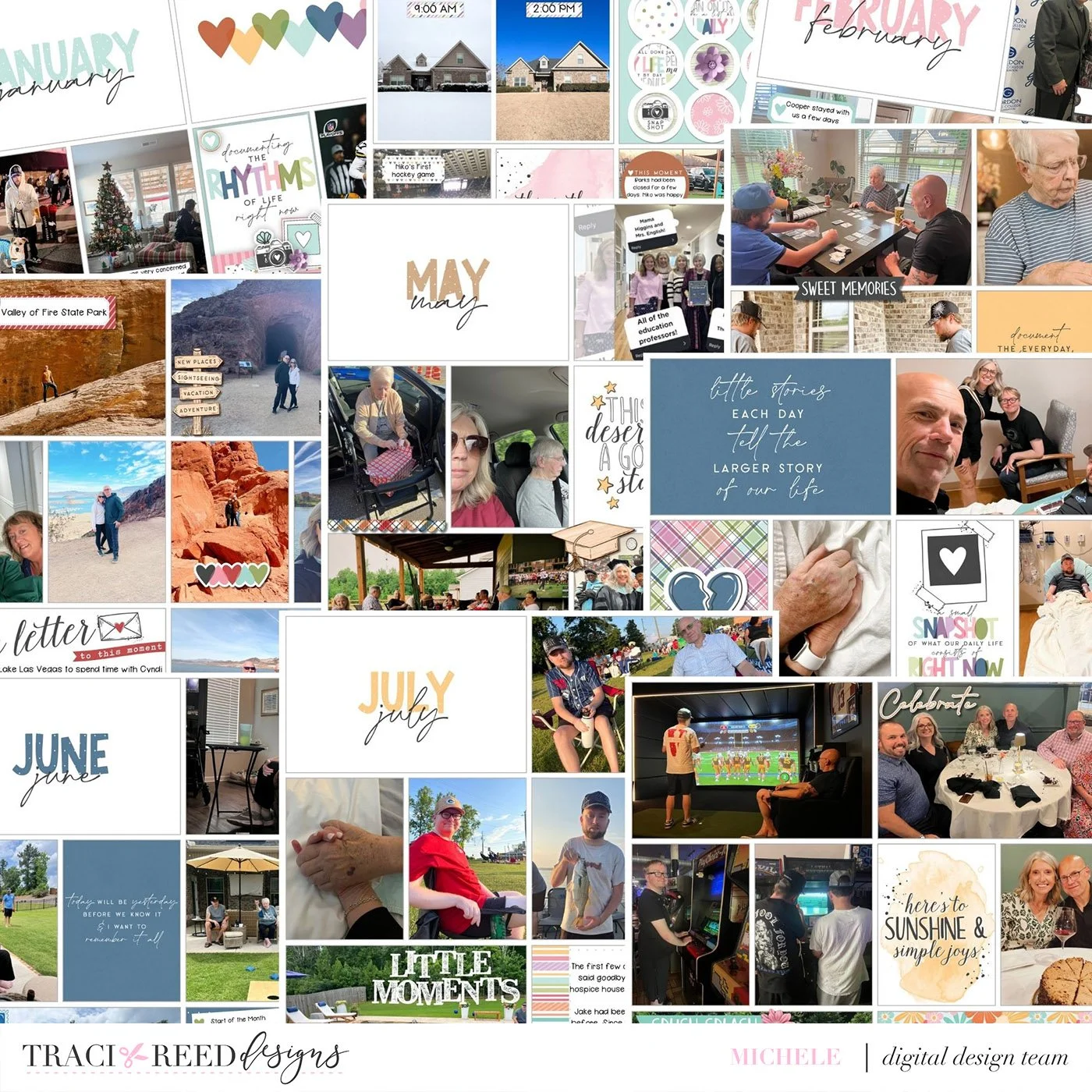
I was still dropping photos into my pages along the way, so I wasn’t starting completely from scratch. But the cards, journaling, and embellishing were limited.
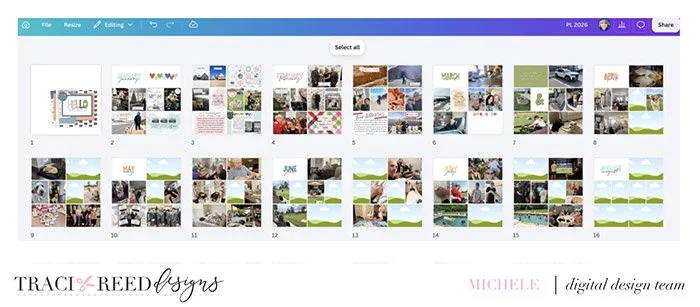
You can see lots of gaps, and my effort from January and February definitely dropped off by March.
Recently, I finally felt ready to spend some time catching up.
And you know what? It wasn’t nearly as overwhelming as I thought it would be.
A System That Works for Me
The biggest reason catching up felt manageable is that I already had a system in place that works for me.
And that got me thinking: Is your system working for you?
If it isn’t, it’s okay to change it! A midyear (or slightly past) check-in is actually a great time to look at your memory-keeping process and decide what’s working, what isn’t, and what could make things easier. As summer draws to a close and what may be the busiest part of the year gets ready to begin, it’s a great time to open that Project Life folder again and face the reality of the project.
I thought I’d share my Project Life system because maybe something I’m doing will work for you, too.
If you haven’t started your project for the year but want to, this is a great time to do that too. Before you begin, there are a few basic decisions to make or double check for success:
Format: Are you digital, hybrid, or working with printed products?
Size: What size will your finished pages be?
Program: What are you using to create your pages?
Kit(s): Are you working from specific collections or mixing and matching?
My 2026 Project Life Setup and a Few Adjustments I Made
I’m creating my 2026 Project Life album digitally in Canva. I do have a pro account, but everything I’m doing for these pages can also be done with the free version.
My layouts are designed at 12x12. Of course, when you’re working digitally, that really just means I’m designing in a square format. I print my finished pages at 8x8.
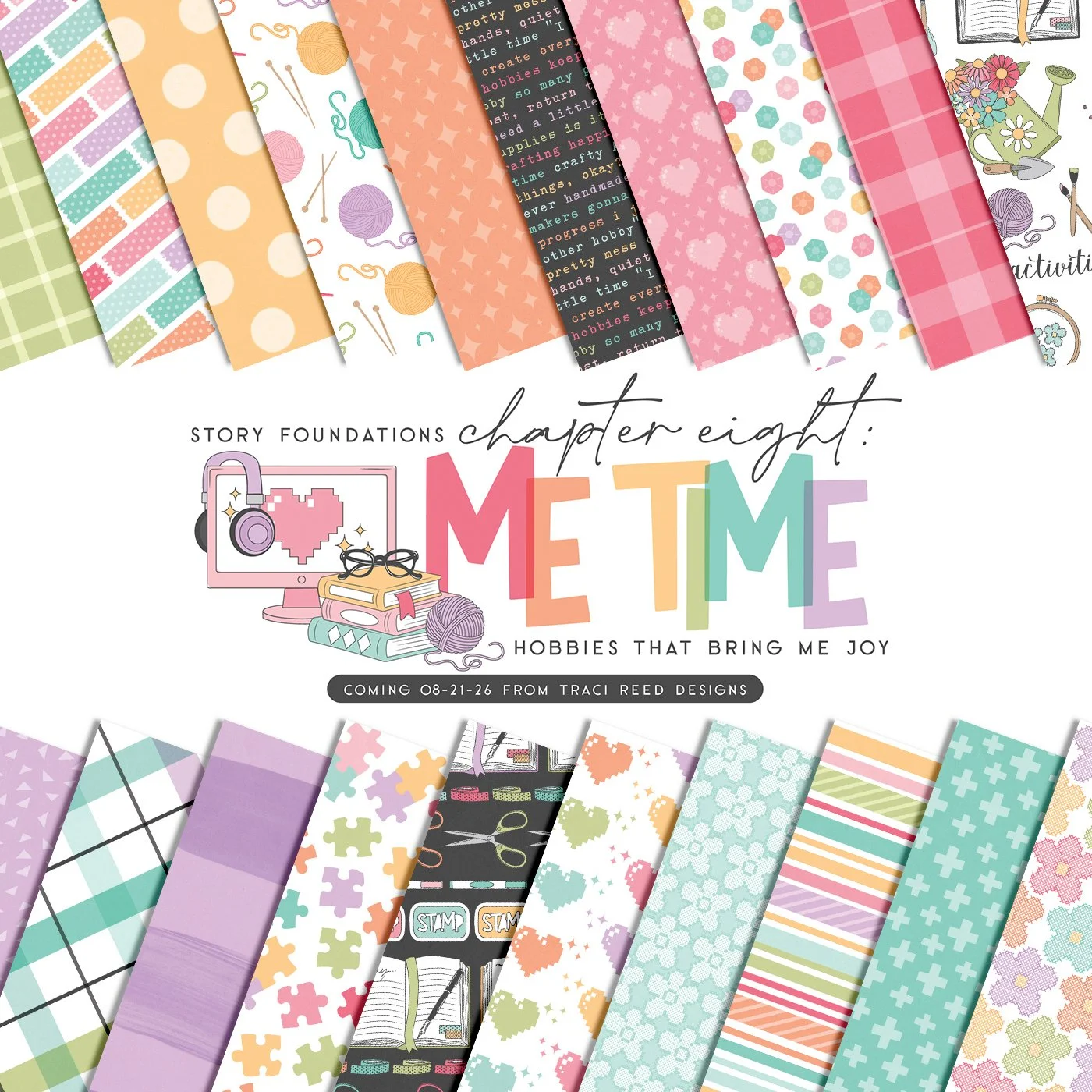
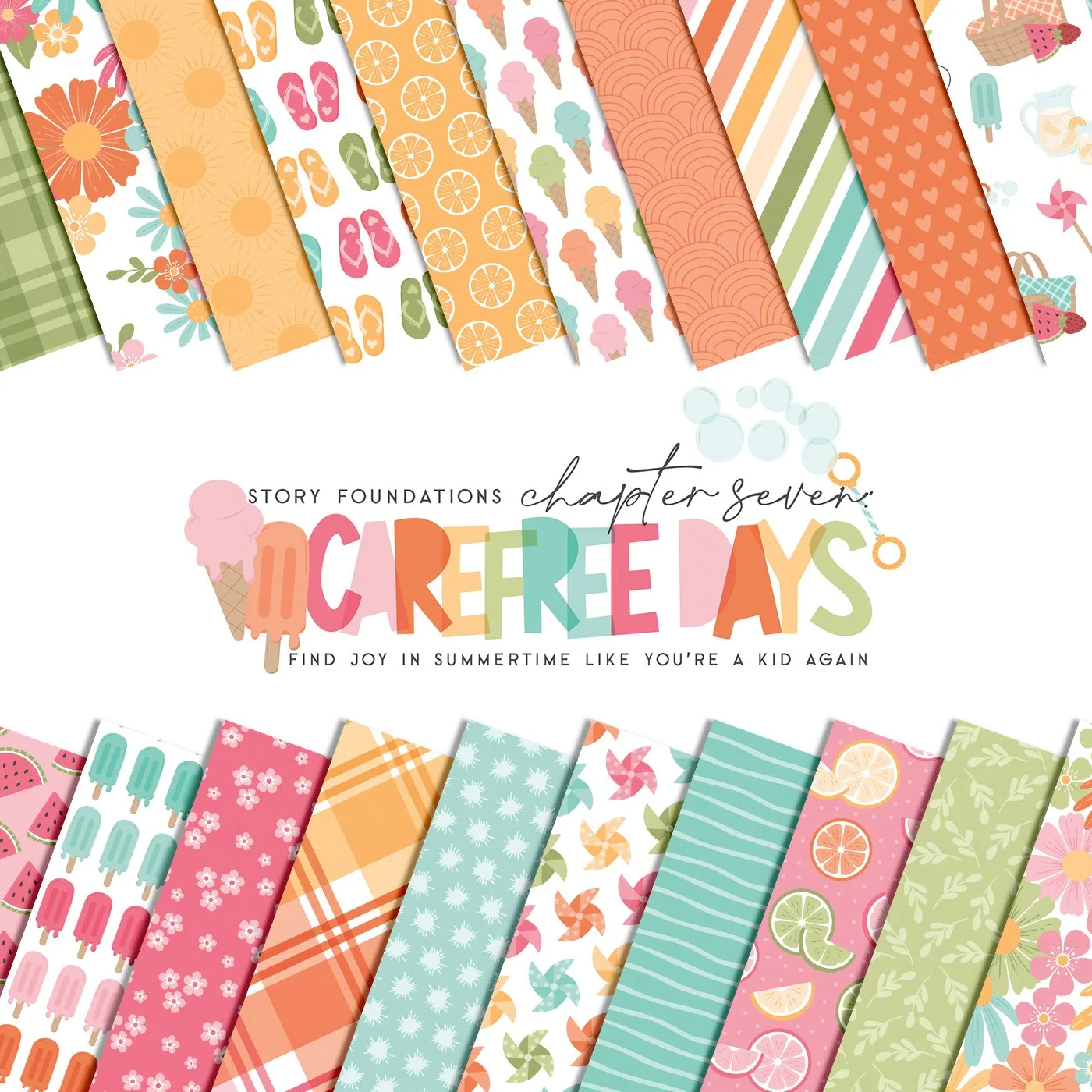
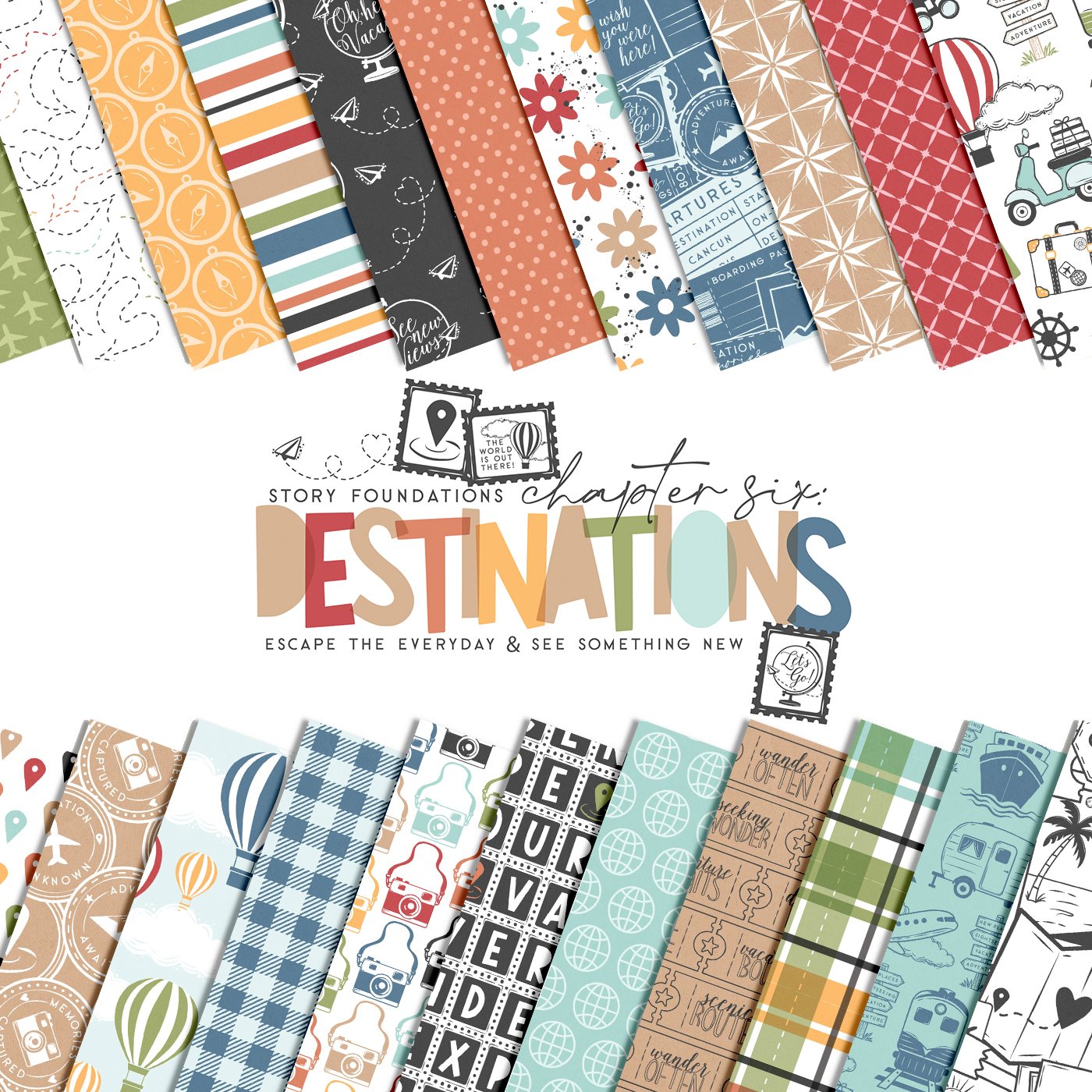
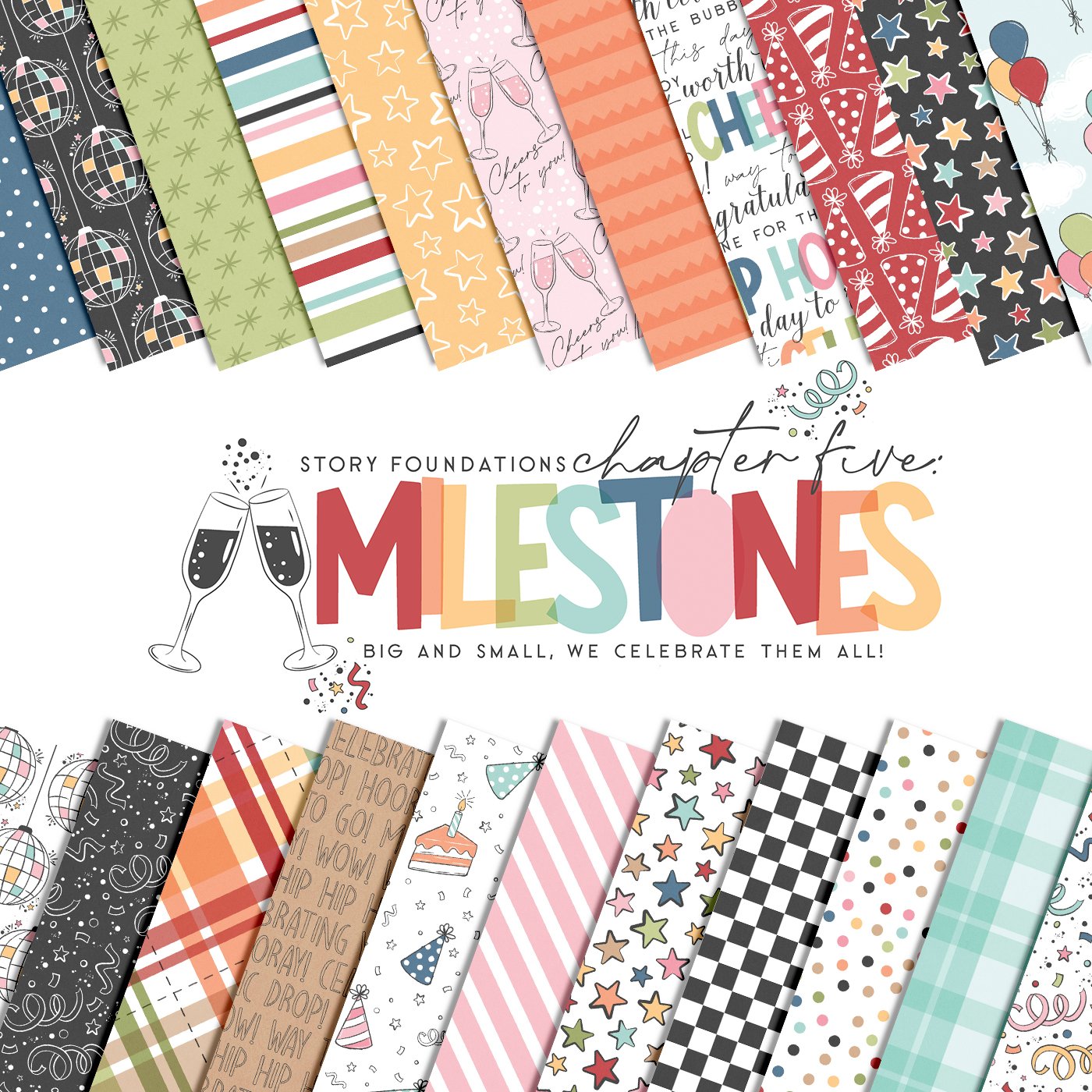
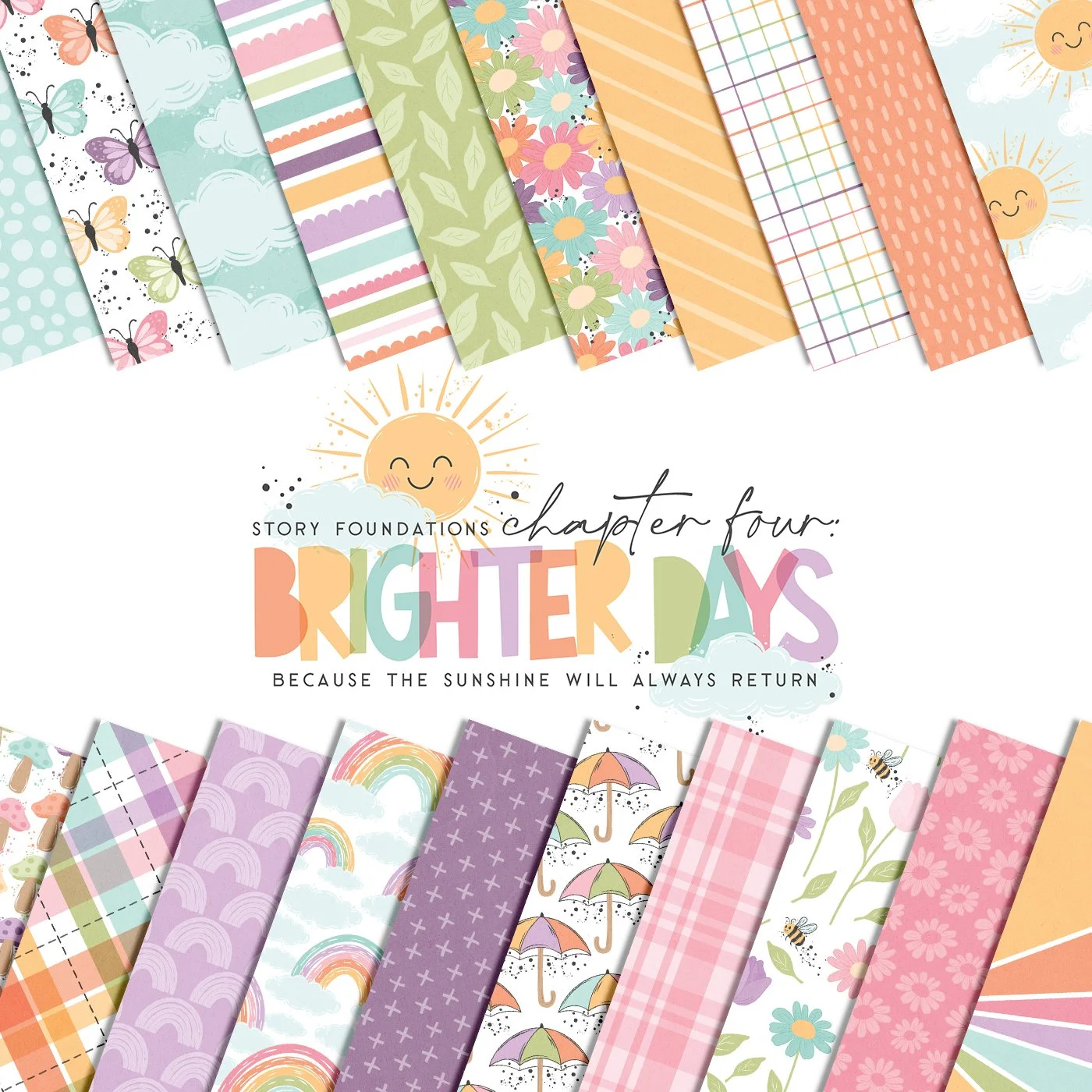
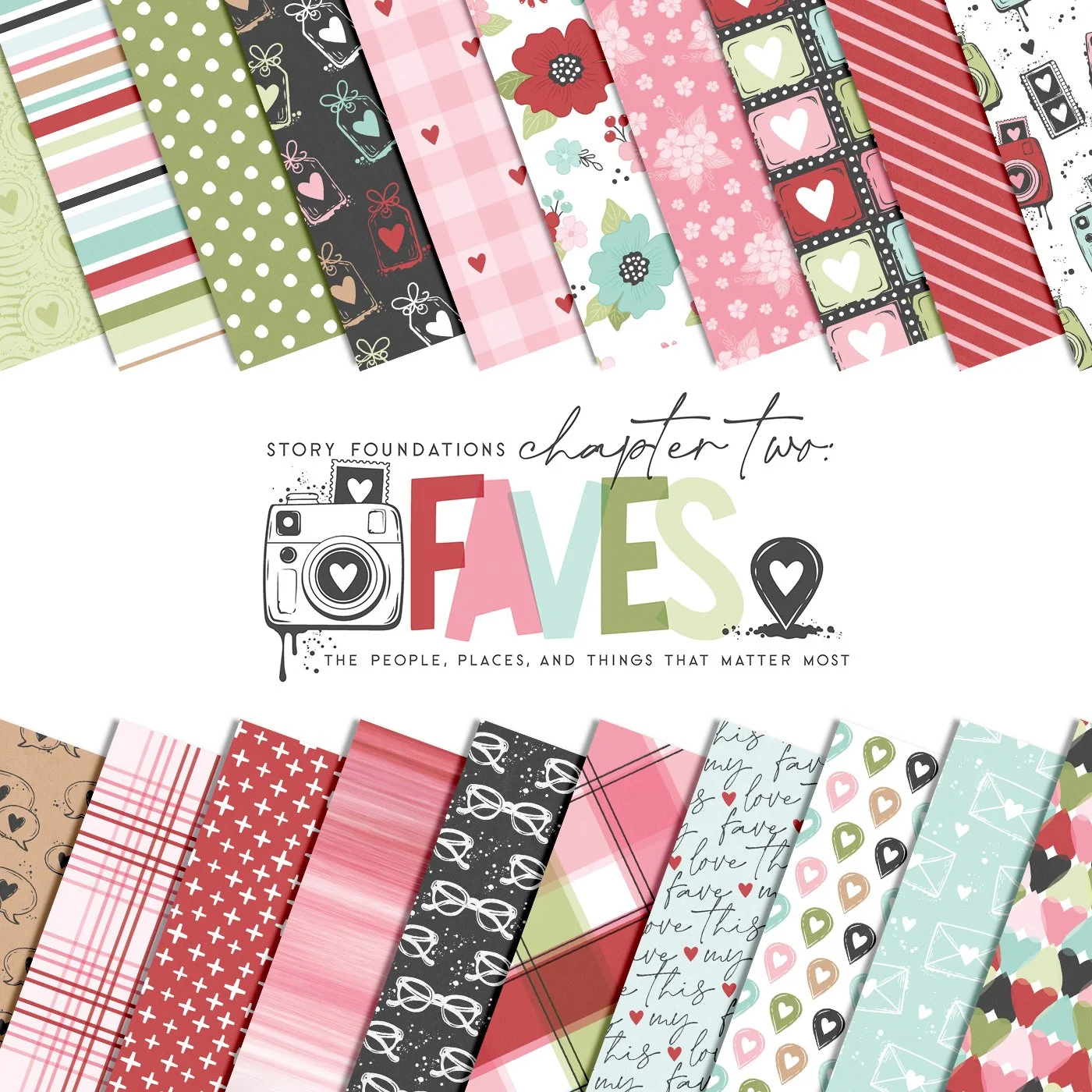
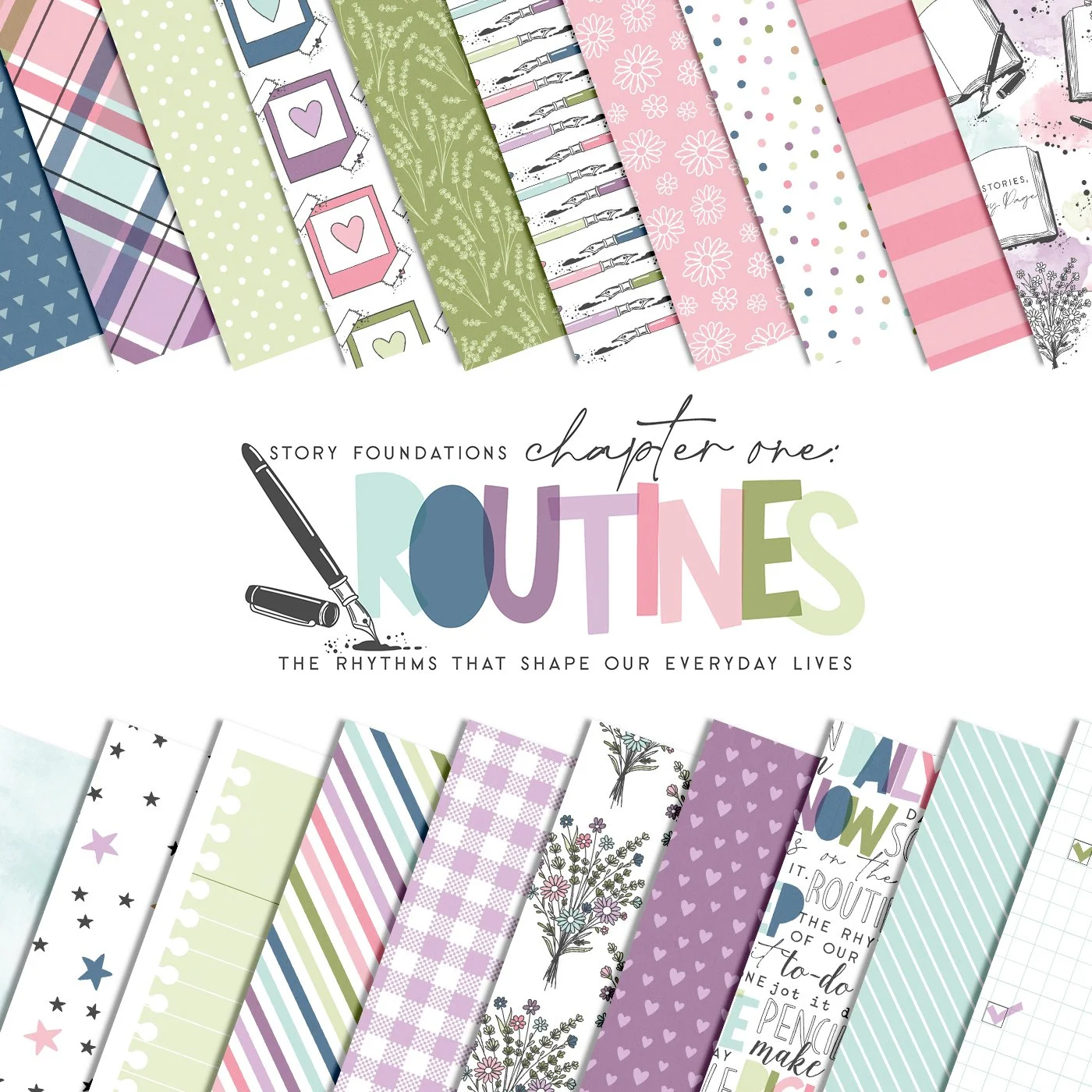
For supplies, I’m exclusively using the Story Foundations kits from Traci Reed Designs, and these kits have made catching up so much easier. The main kit is my go-to for everything that isn’t themed. I use it for many of the labels, general phrases, and embellishments that can work with a variety of photos. For me, it’s essential.
The other monthly release kits complement specific photos. Their themes are more focused and are perfect for documenting the highs and lows of everyday life.
How I Organize My Story Foundations Kits
I organize my Story Foundations digital supplies in Canva in two different ways.
That might sound like overkill but having everything organized before I start creating makes a huge difference—especially when I want to sit down and batch several Project Life layouts at once. I had seen many different videos on how to organize your kits within Canva, but I had to organize the way my brain thinks.
First, I upload and organize each complete Story Foundations kit. I have one main folder titled Story Foundations, and then I add each new kit as it’s released. I star this folder so it is at the top and easy to access when I am in my project.
This setup is perfect when I know I want to create with one specific kit because everything from that collection is together in one place. You can see that I leave my Main Kit pinned because this kit is so valuable to me.
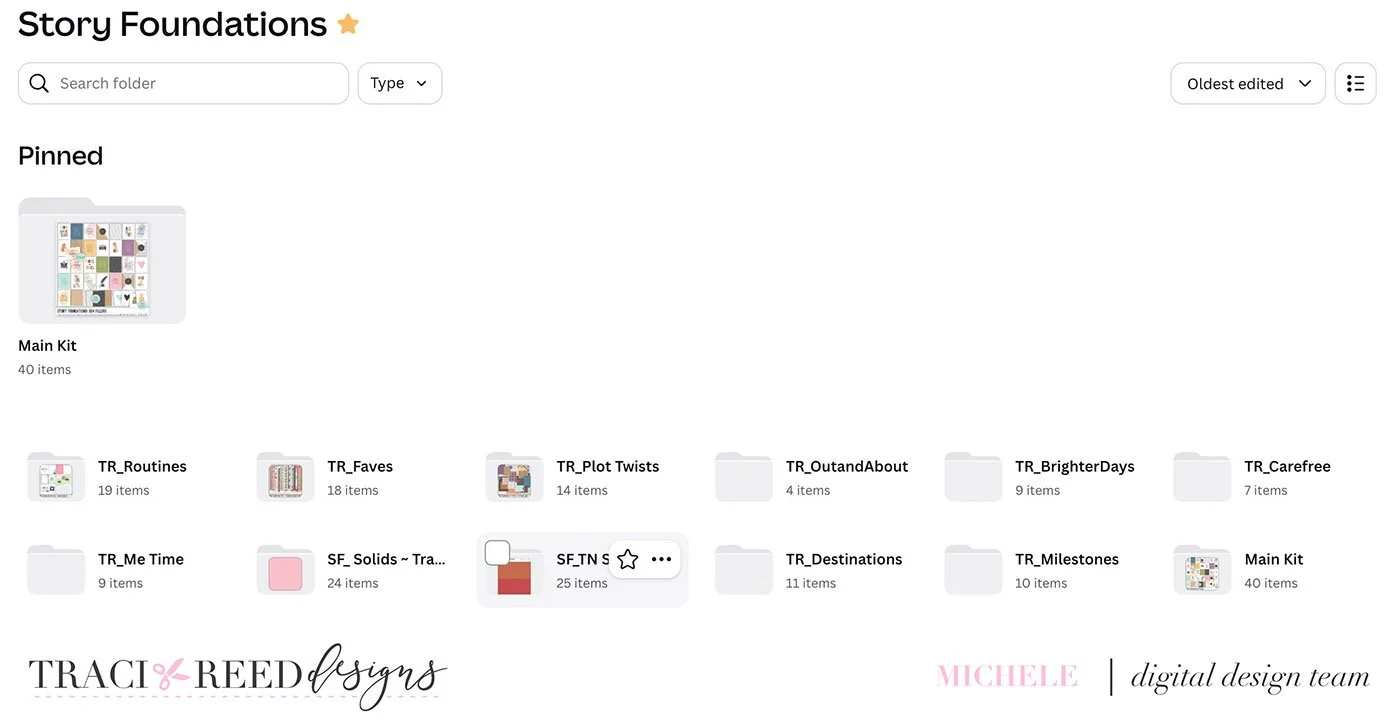
But I have a second system, too.
Organizing by Product Type
I also upload the individual pieces from the kits that I use most often on my Project Life pages. Since all of the pieces are already available in the complete kit upload, I don’t worry about separately uploading the parts of the kits I don’t normally use. In this area I do not include the pattern cards, alphabets, and TN pieces because I won’t access those regularly and if I did want them, I would go to the above referenced kit organization. They are there, just not in the quick access.
For me, that means:
Cards
Papers
Embellishments
Stickers
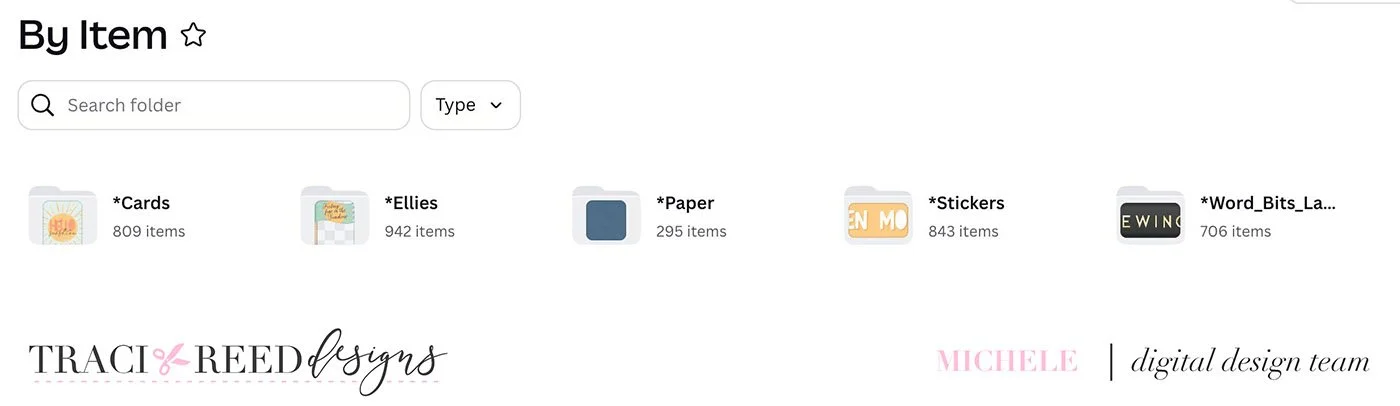
Here’s why this works so well for me: I often don’t care which month a kit was originally released.
If something works with my photos and my story, I’m going to use it!
So, if I need a small sticker to fill a particular spot on my layout, I don’t want to search through every Story Foundations kit trying to remember which collection it came from. Instead, I can simply open my sticker folder and look through all of my options in one place.
It makes creating faster, gives me more choices, and lets me focus on what matters most—the photos and the stories. While it takes a few extra minutes each time a kit is release to upload it in this secondary place, it is totally worth it for me when it is time to scrap.
Caught Up and Moving Forward
I’m so happy I finally gave myself the time to catch up.
This is much better.
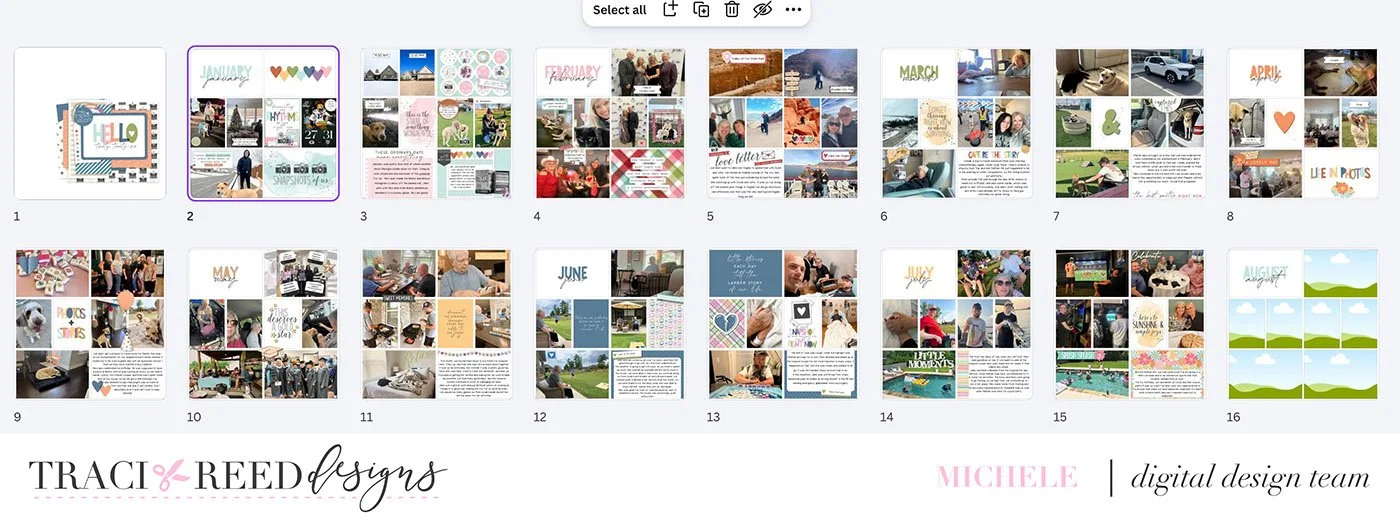
More importantly, I’m excited about Project Life again.
Falling behind didn’t mean I failed at the project. I just needed to give myself some space, come back when I was ready, and rely on a system that made catching up feel doable.
So, if your Project Life album has been sitting untouched for a few weeks—or a few months—maybe this is your sign to pull it back out.
You don’t have to catch up all at once. You don’t have to make it complicated. And you definitely don’t have to follow someone else’s system.
Find what works for you and start there.
Will you catch up with me?