Planning for Scrapbook Success with Melinda
Hey and hello scrappy friends!!
Have you seen the amazing new chapter in the Story Foundations collection, Plot Twists? It is exactly as the title suggests and AMAZING for documenting those stories that are NOT “best day ever” worthy.
I’m here to share with you today how I “plan” my scrapbooking, starting with getting the photos off my phone and actually printed. And this is where I start:
I literally go to the camera roll on my phone, select ALL of the photos for the month I’m about to “plan” and airdrop them to my Mac. They always land in my “dowloads file” and then I move them into the correct folder for that month/year.
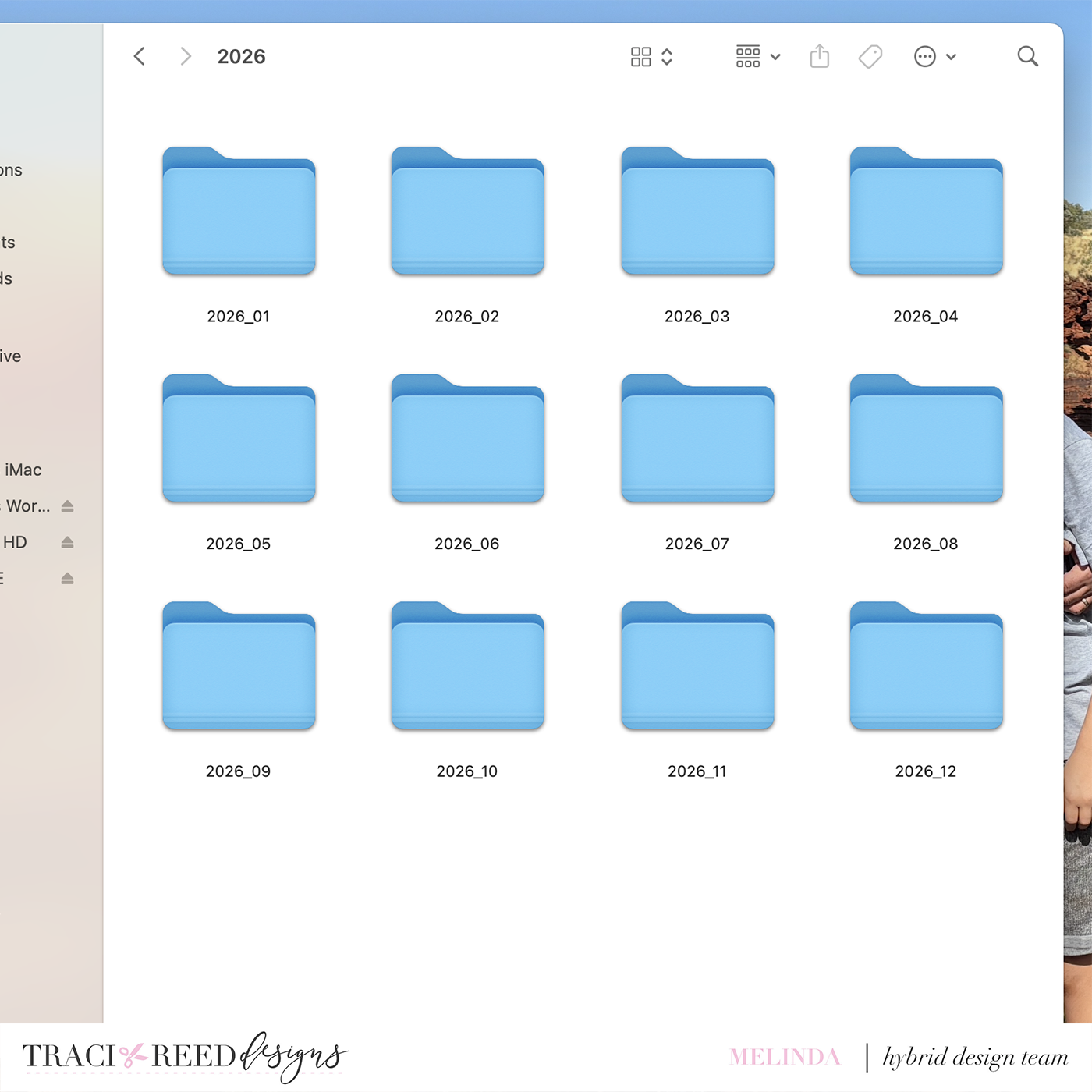
Next up, pen and paper ❤️
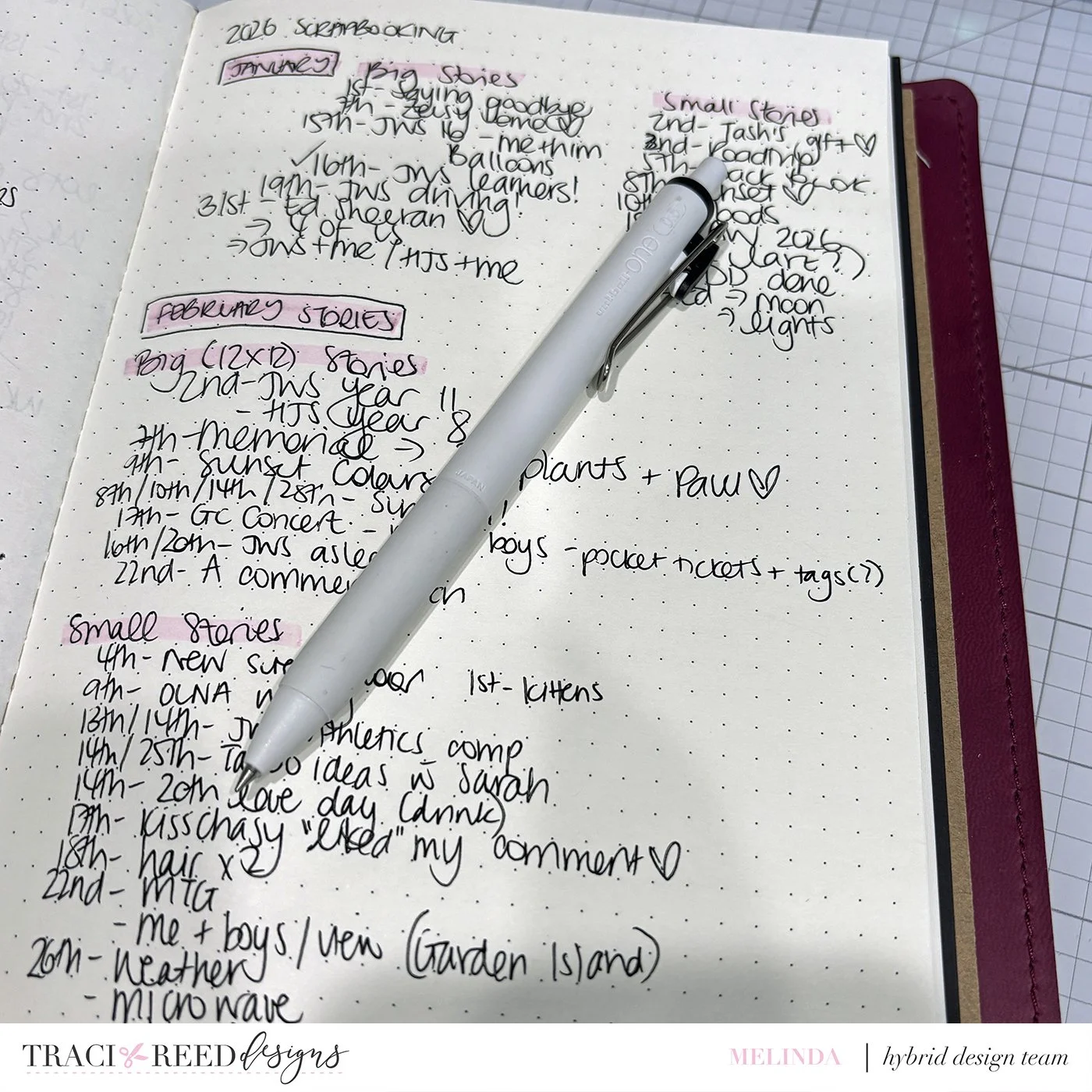
As you can see, I start with the month I’m planning and break that into 2 categories - big stories (12x12 layouts) and small stories (anything that goes into either a pocket page of TN).
This list is usually compiled with a combination of scrolling my camera roll, our family calendar and the day to day notes/stories I write.
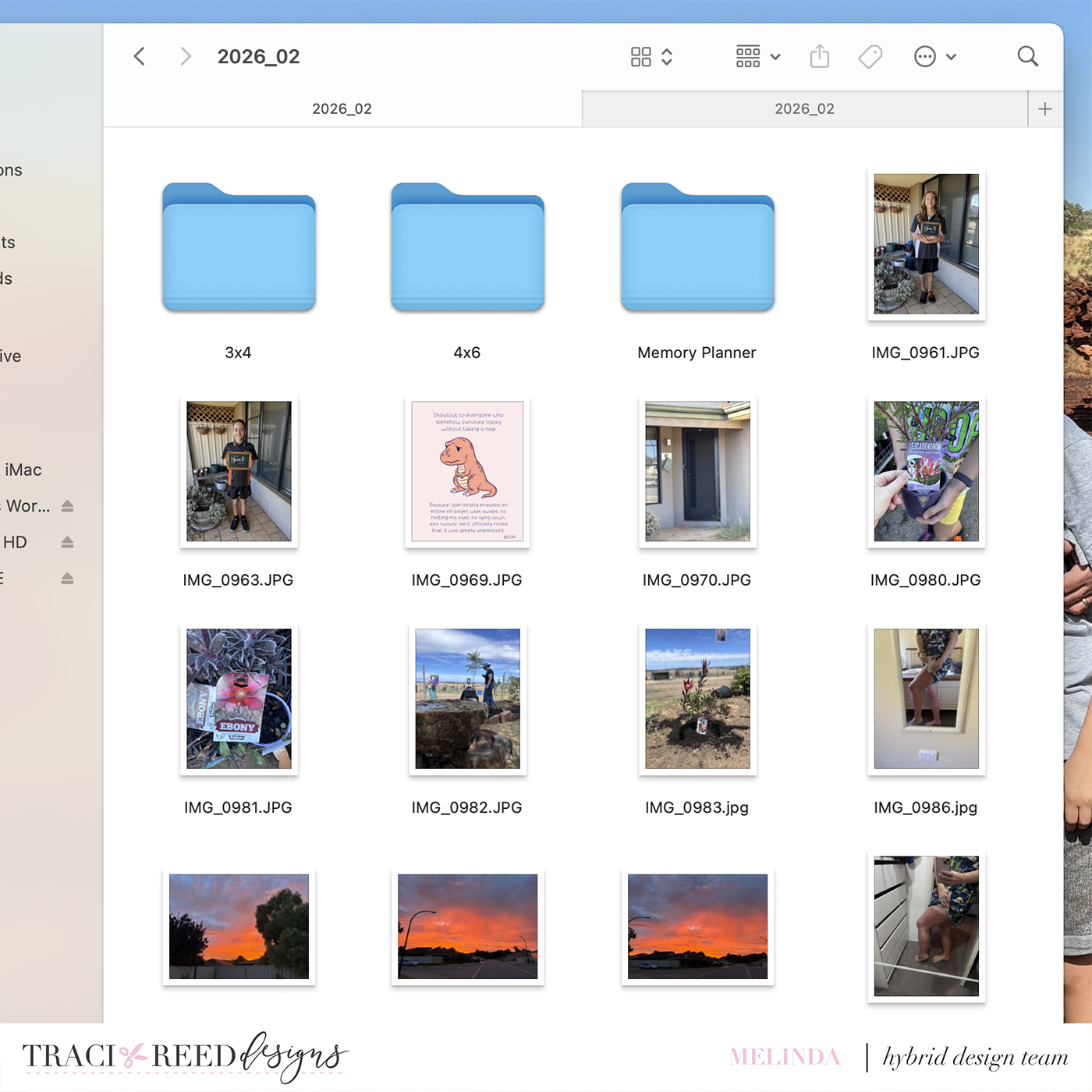
Once I have my completed list of stories, I will copy the photos I want to print into another folder, ready to sort, edit and eventually print. As you can see, I have 3 folders in that to print folder - 3x4, 6x4 and Memory Planner. I simply drag and drop the photos into either the 3x4 or 6x4 folders (the Memory Planner folder is a little different!) deciding as I go which sizes I will print things at. Generally speaking, anything I want bigger than 3x4 goes into the 6x4 folder (including any 4x4 squares) and anything that is 3x4 or smaller goes into the 3x4 folder.
This may seem complicated to you but, honestly, it’s simple for me and a really easy way for me to “keep track” of what I want to scrap with an idea of how too.
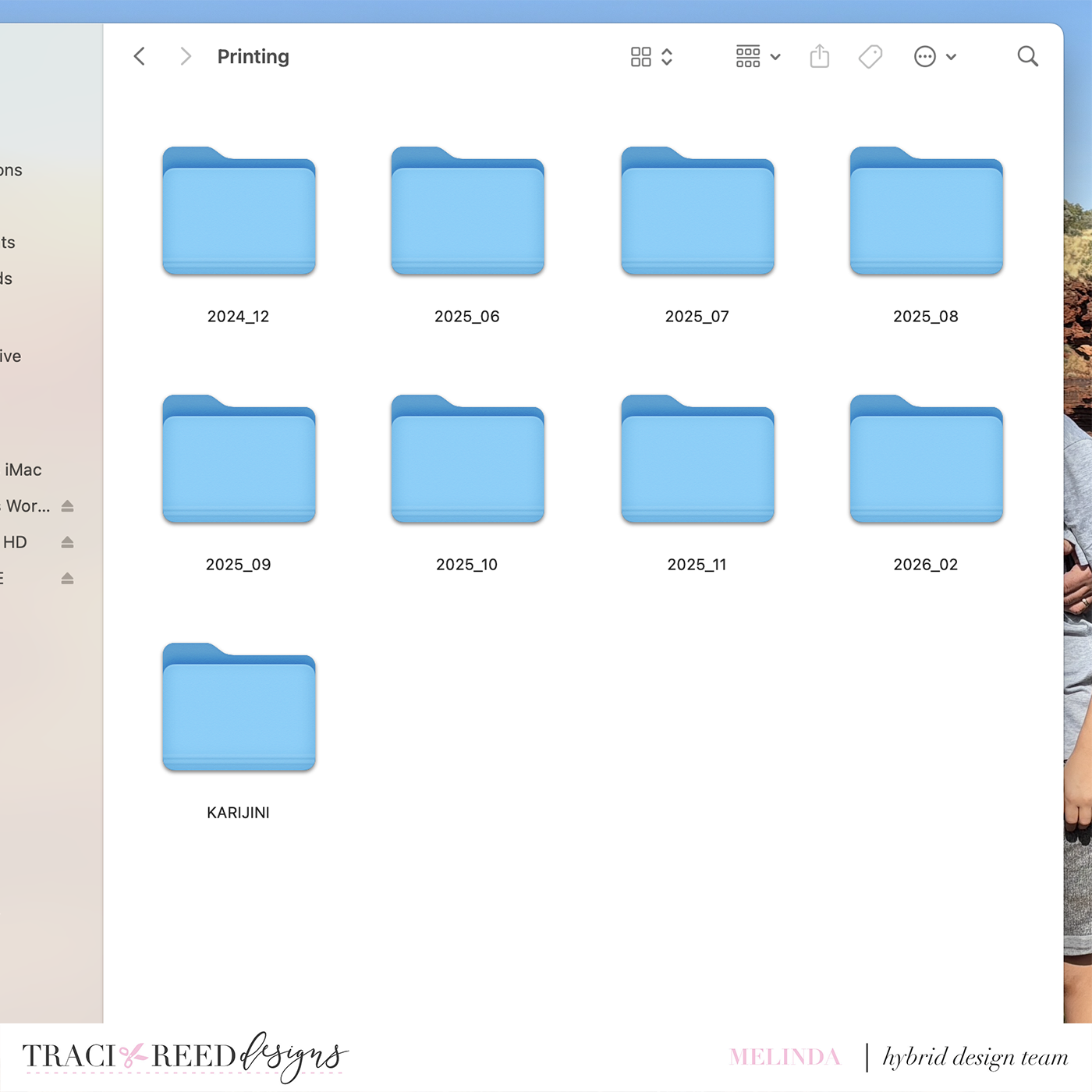
My “Printing” folder lives right on my desktop and currently looks like the above!
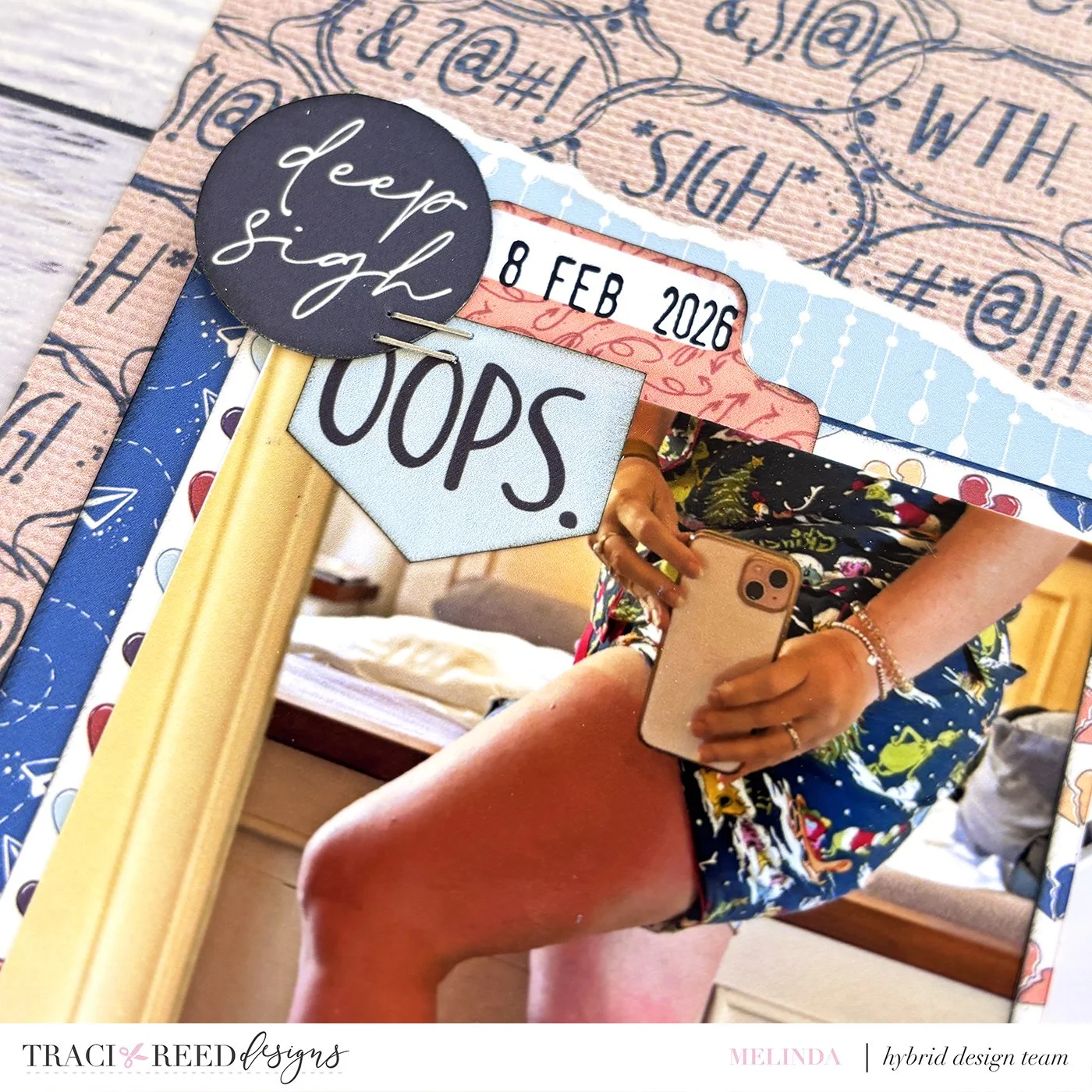
As you can see, I have done lots of “planning” and not so much printing but I did create this LO to show how my process goes from camera roll to page!
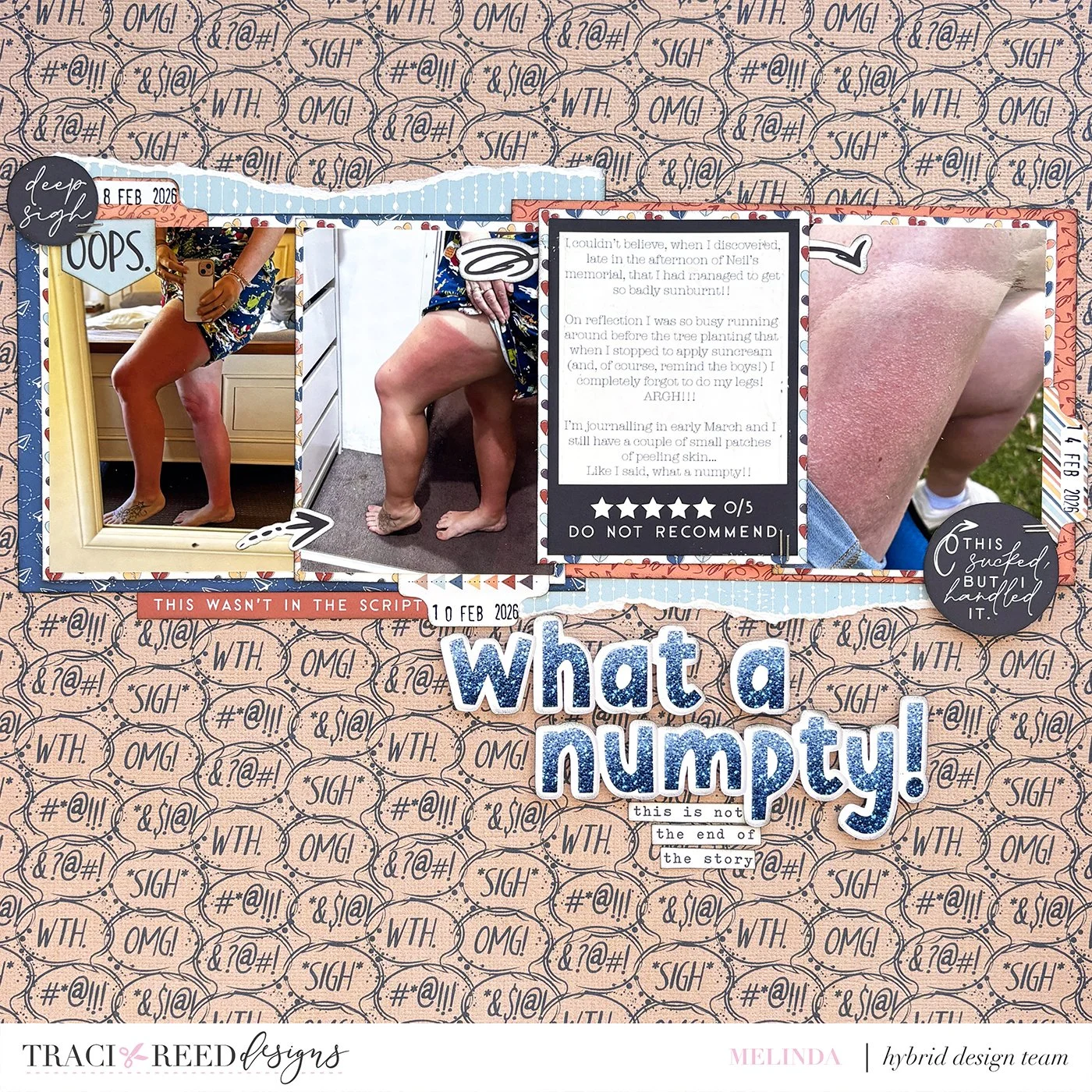
Using my “plan” I chose some photos that I thought worked perfectly with the new collection - you can see them in my notebook! You can even see that in my notes I included the 28th as well, but in the end I chose to go with only 3 photos.
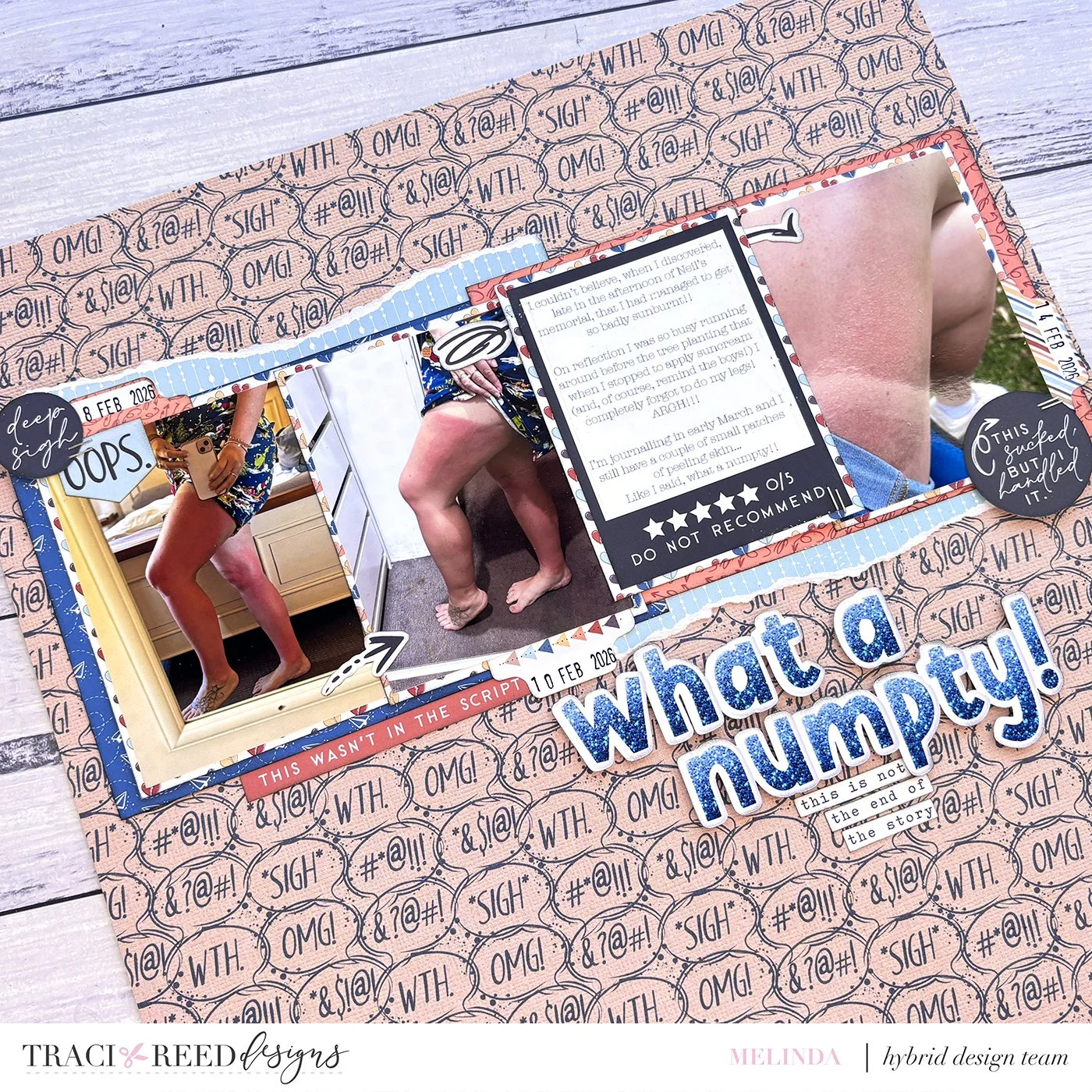
I noticed while planning this page that this seems to be a go-to design for me lately. But, whatever works, right?! Also, I don’t create chronologically so they will all appear separately in my album.
So, now you’ve seen how I get my photos from my camera roll and onto a page.
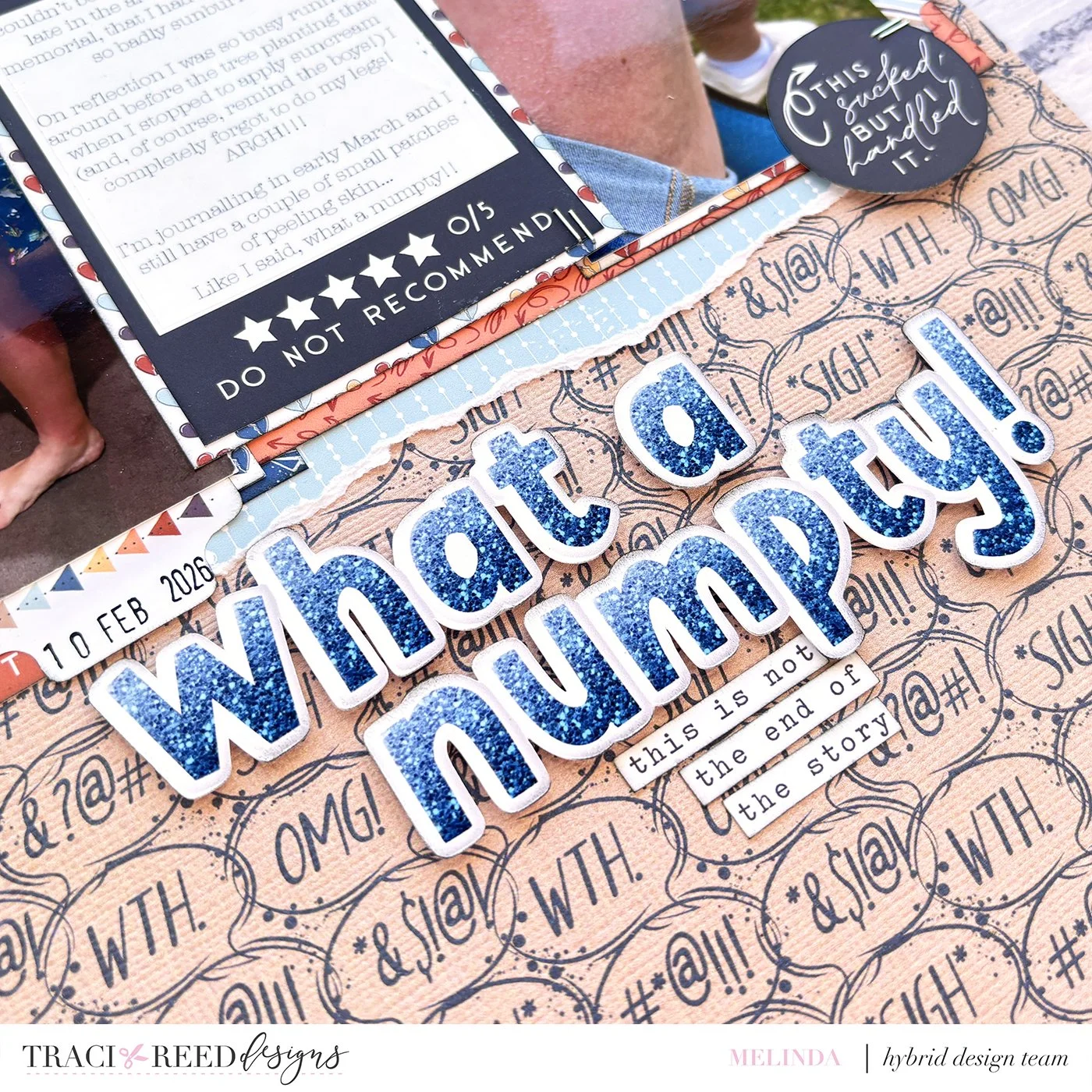
I wonder, do you have a “process” for this also and what does it look like?
I hope that my share today helps you to remember to get those memories off your camera roll and printed - in whatever format works for you.
Happy scrapping!
Melinda
xx
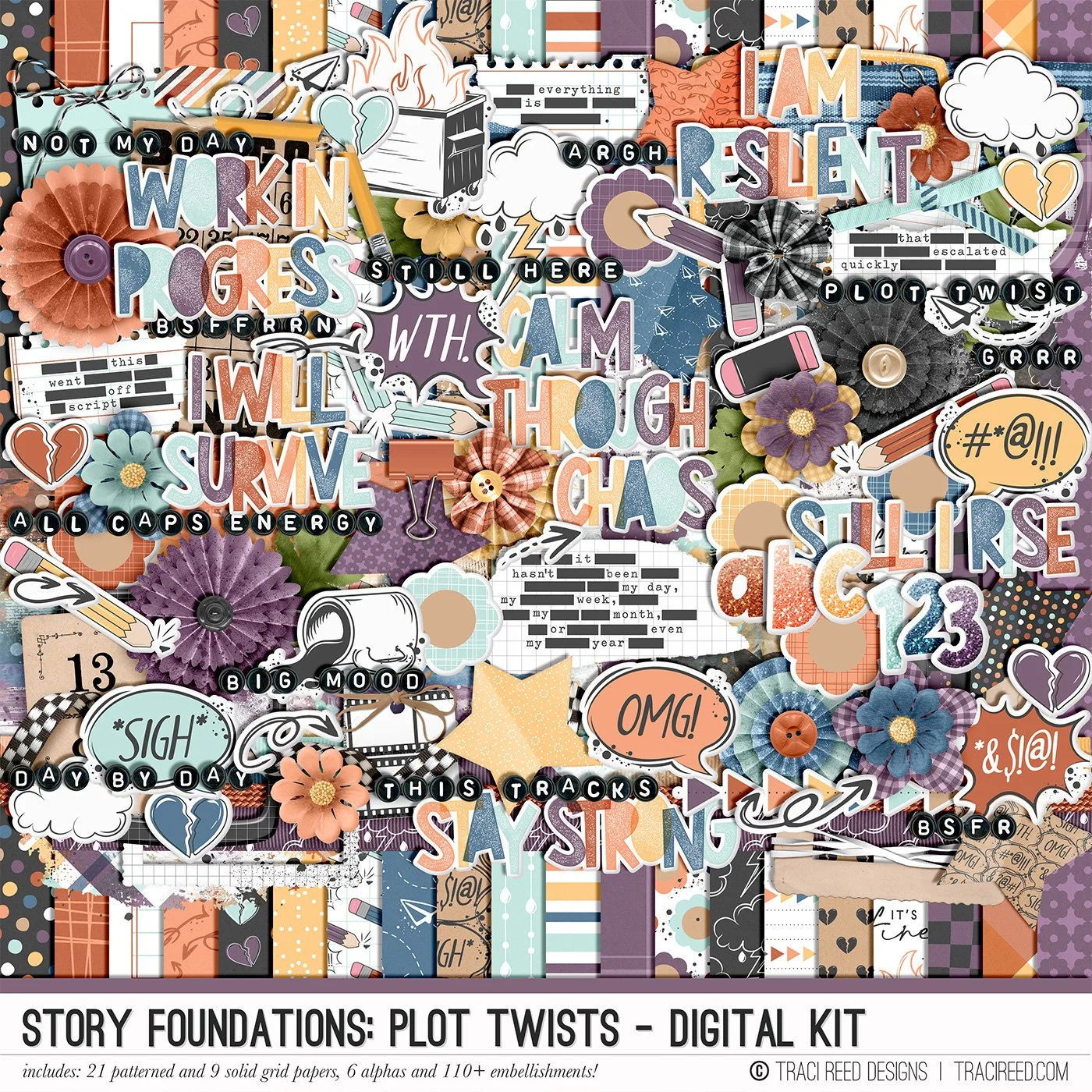
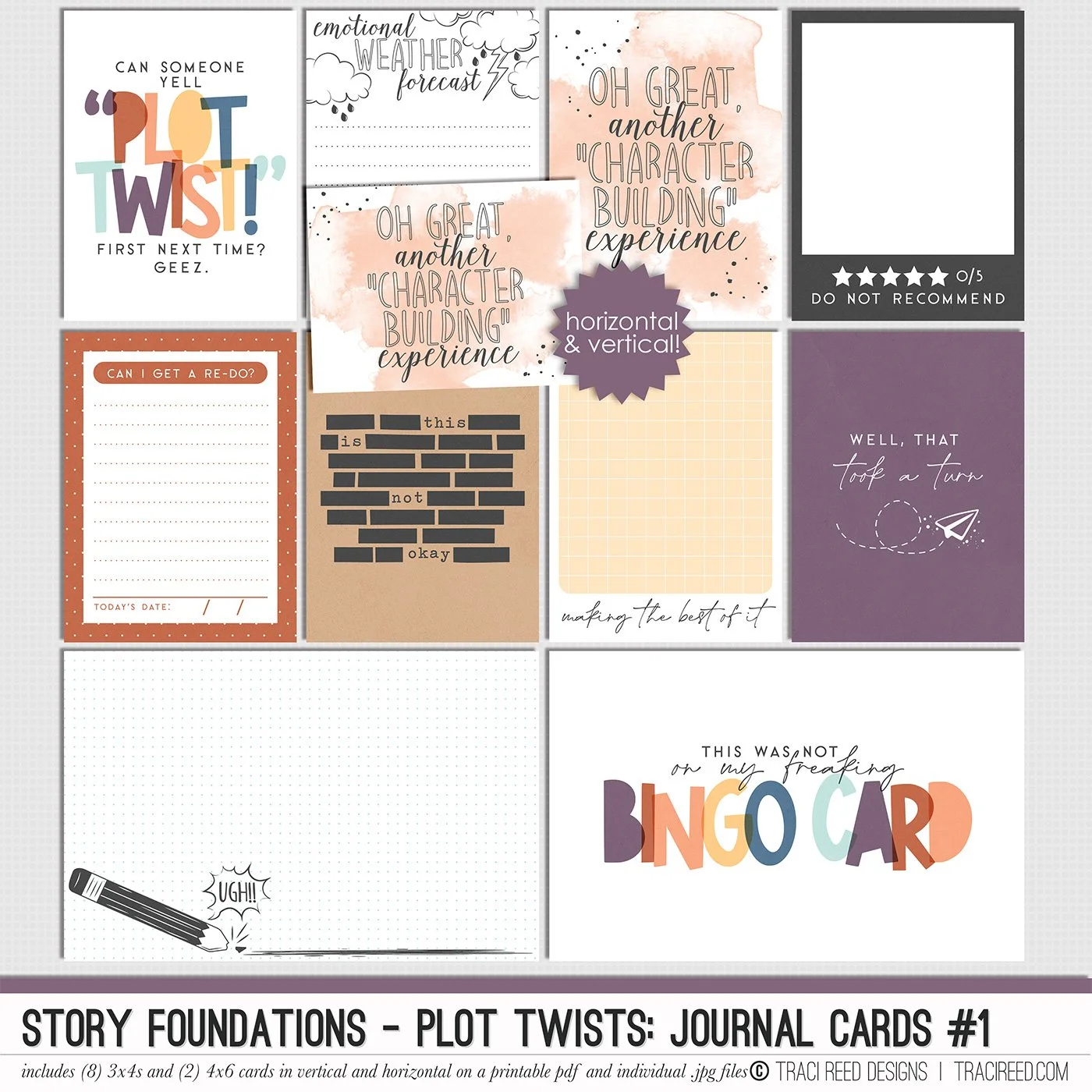
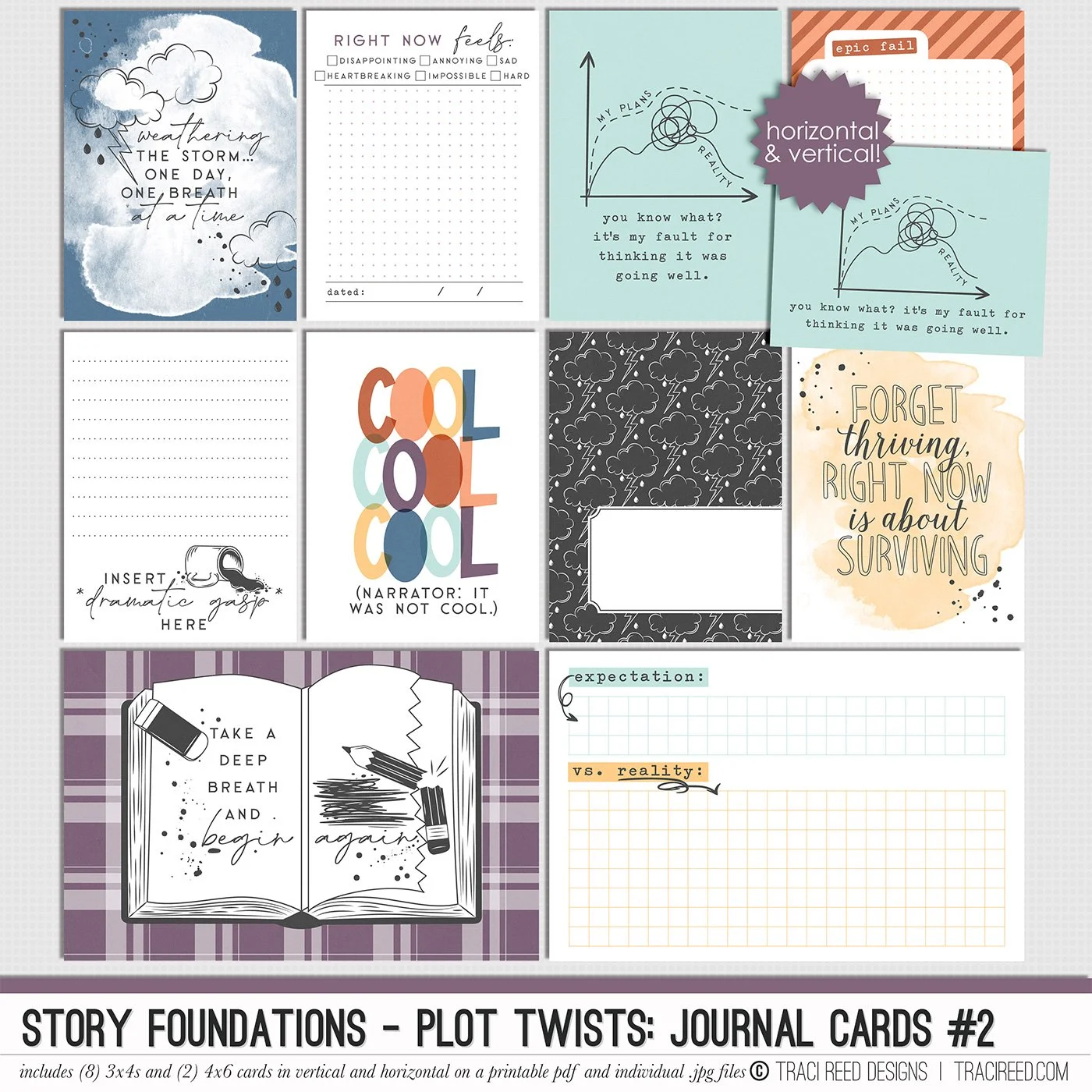
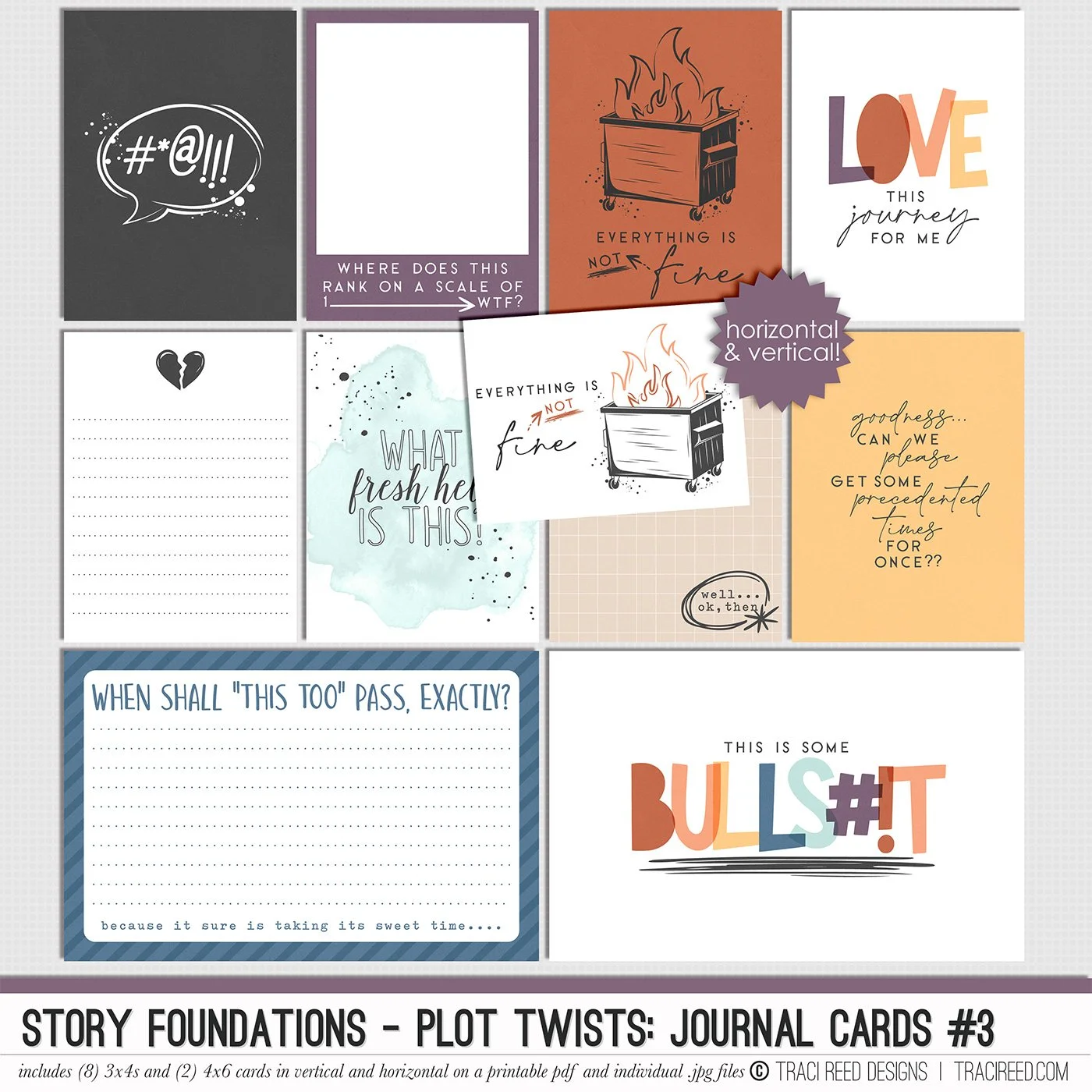
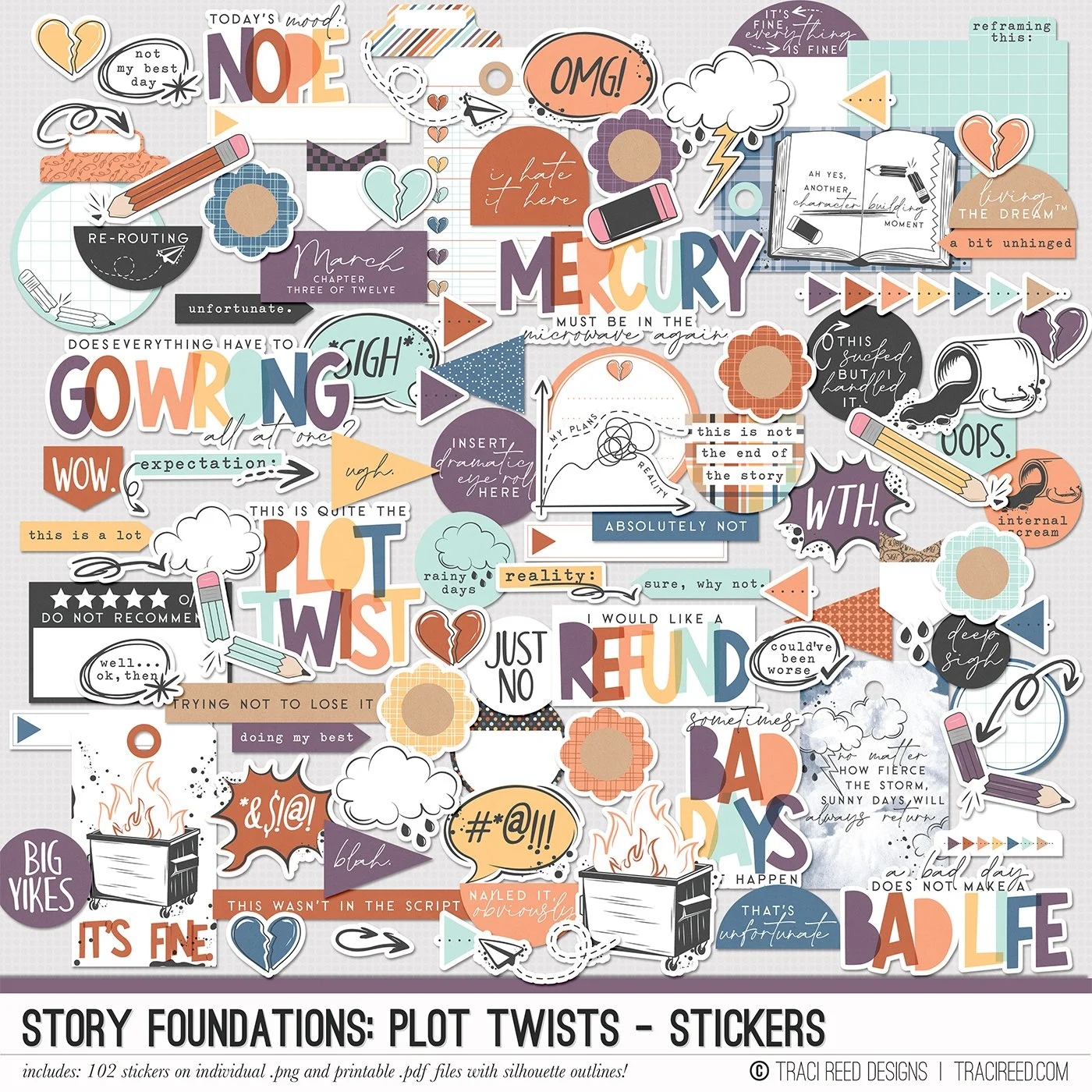
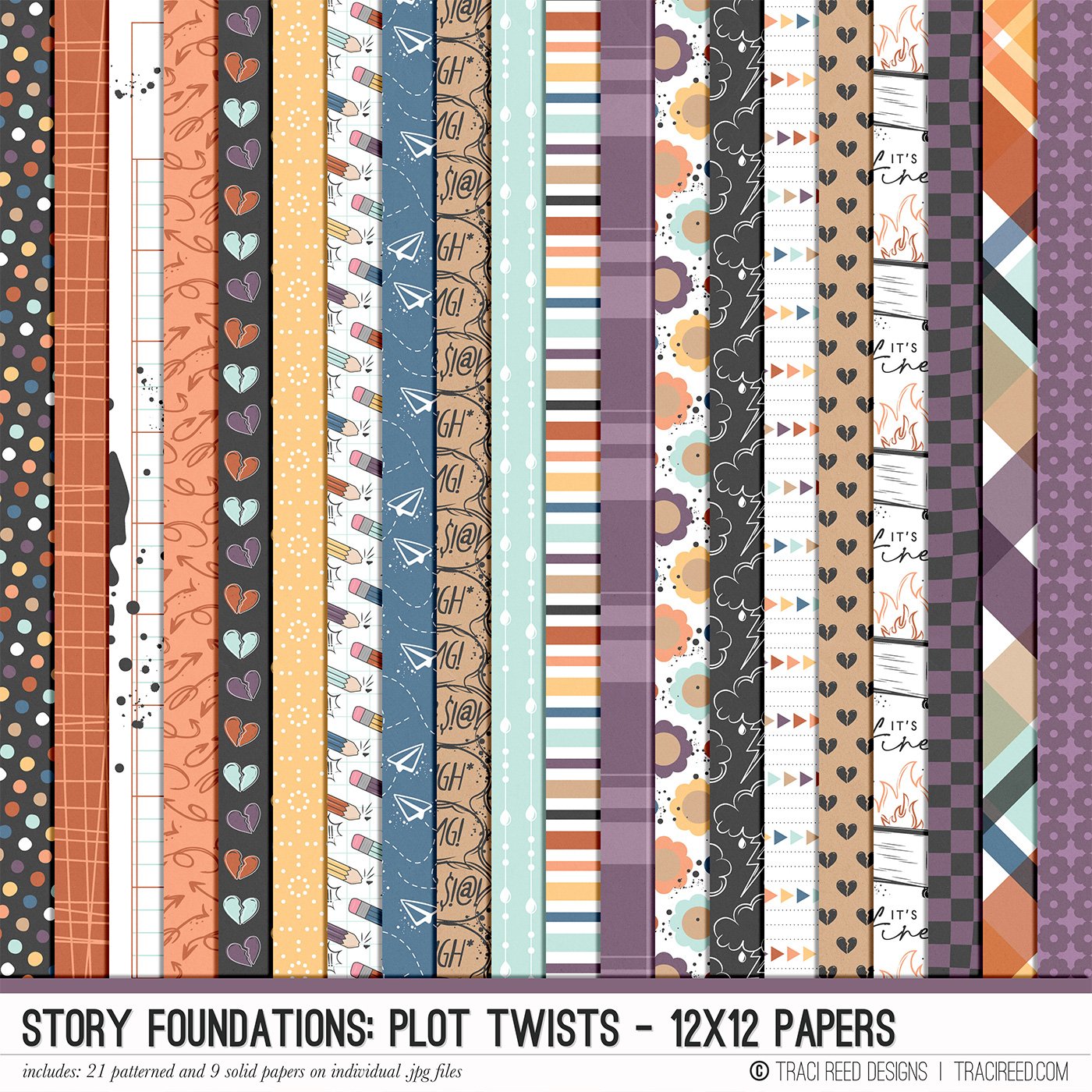
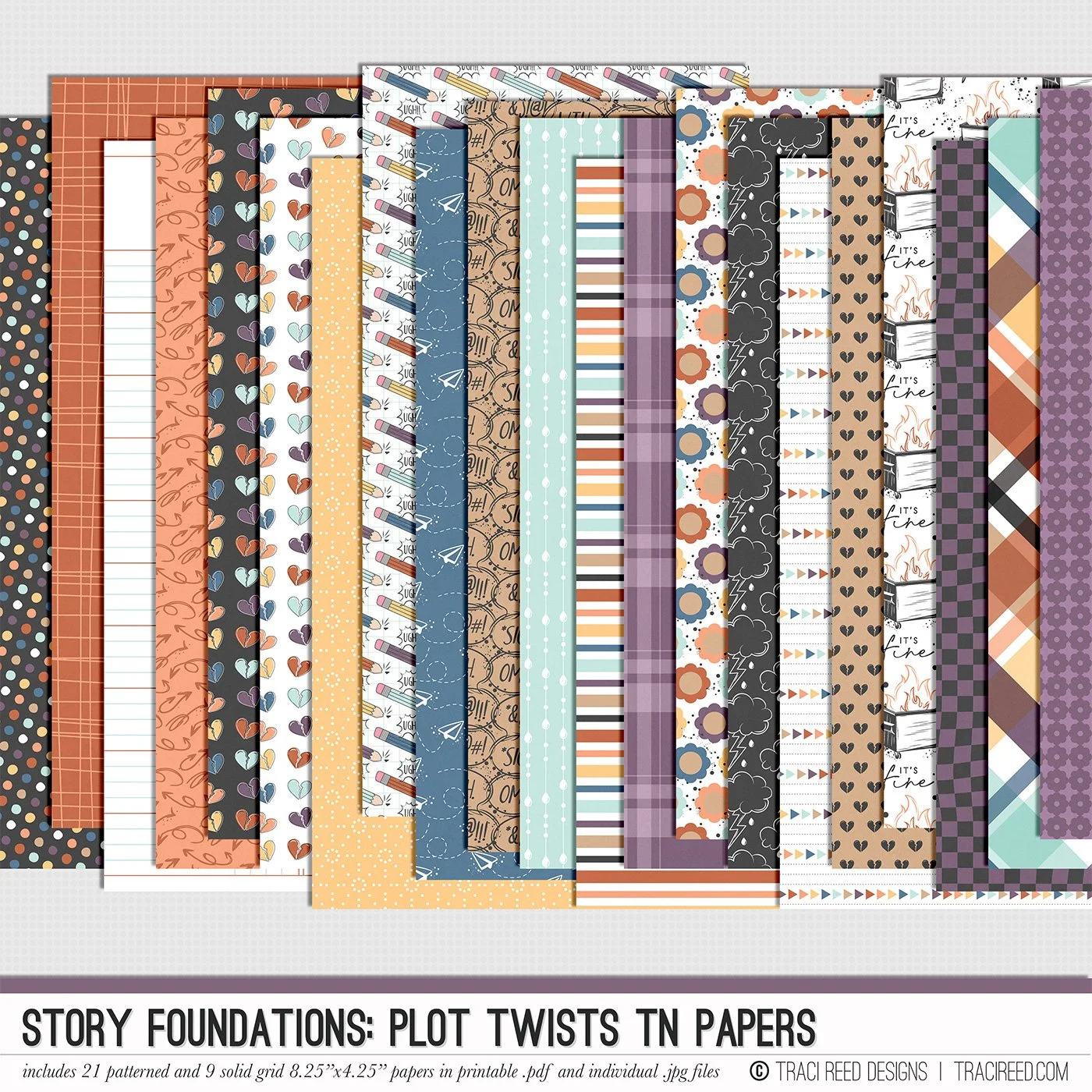
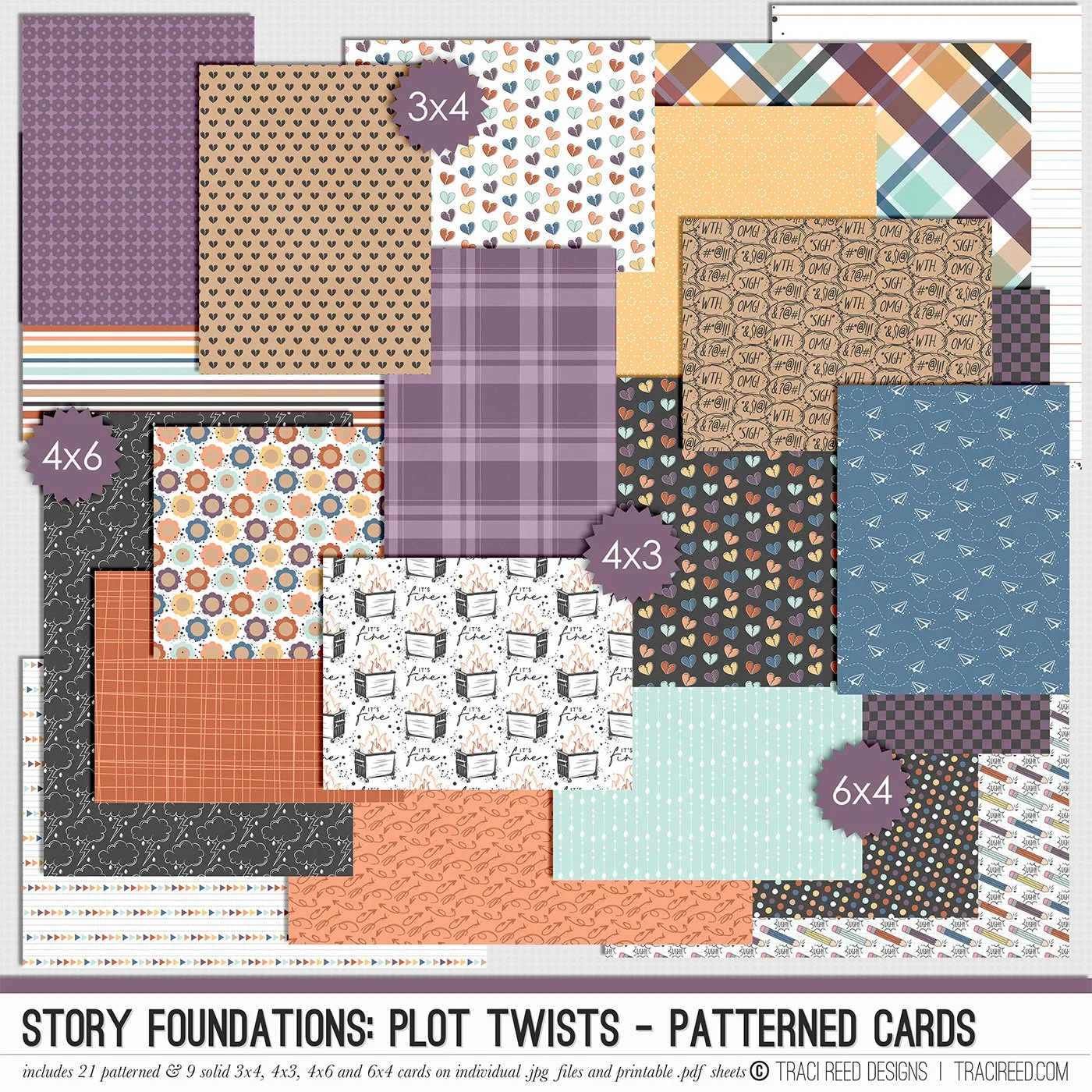
Chapter Three of the Story Foundations collection is all about Plot Twists, because real life rarely sticks to the script. Plans shift. Expectations unravel. Surprises show up unannounced. This collection is designed to help you document the unexpected moments that shape your story in ways you never saw coming.
Plot Twists isn’t just about bad days. It’s about the detours, the rewrites, the second drafts, and the unexpected things that add depth to your narrative. The frustrating moments. The funny ones. The “you won’t believe what happened” stories. The honest pages that make your albums feel real and complete.
Story Foundations: Plot Twists builds naturally on the chapters before it while adding dimension and drama to your year of stories. It gives you permission to document the messy middle, the sharp turns, and the unexpected highs and lows, because those are often the moments that matter most.
See the unboxing and example images for the Story Foundations: Plot Twists collection HERE.
Don’t forget, the entire 2026 Story Foundations Collections are meant to mix and match and pair with each other! You can see all the Story Foundations Chapters HERE.
BUNDLE INCLUDES:
Story Foundations: Plot Twists Digital Kit, Cards 1, 2, &3 + Stickers!
BUNDLE DOES NOT INCLUDE:
Story Foundations: Plot Twists TN Papers or Patterned Cards