Tutorial: Easily Print and Cut Full Titles on your Cricut using Digital Alphas
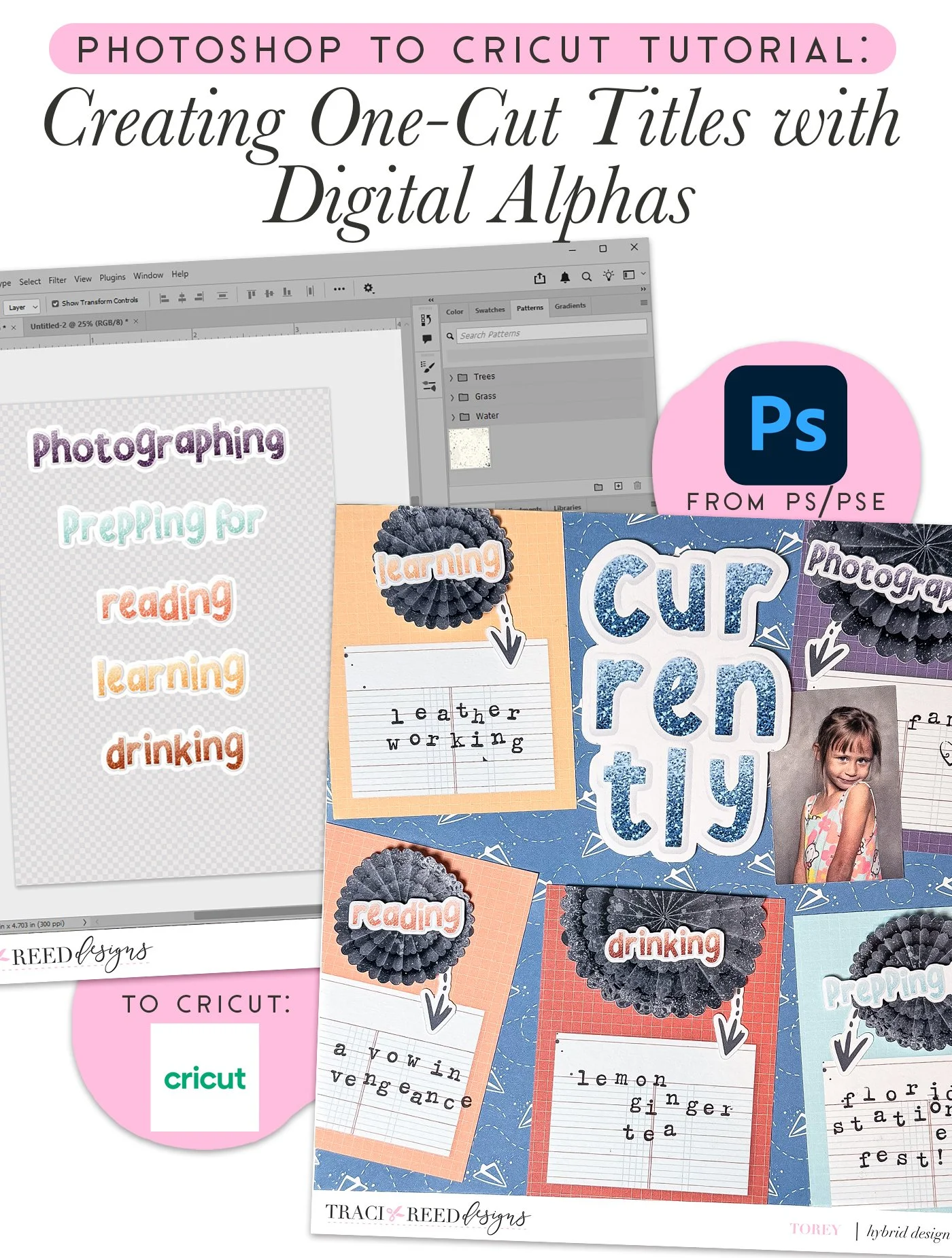
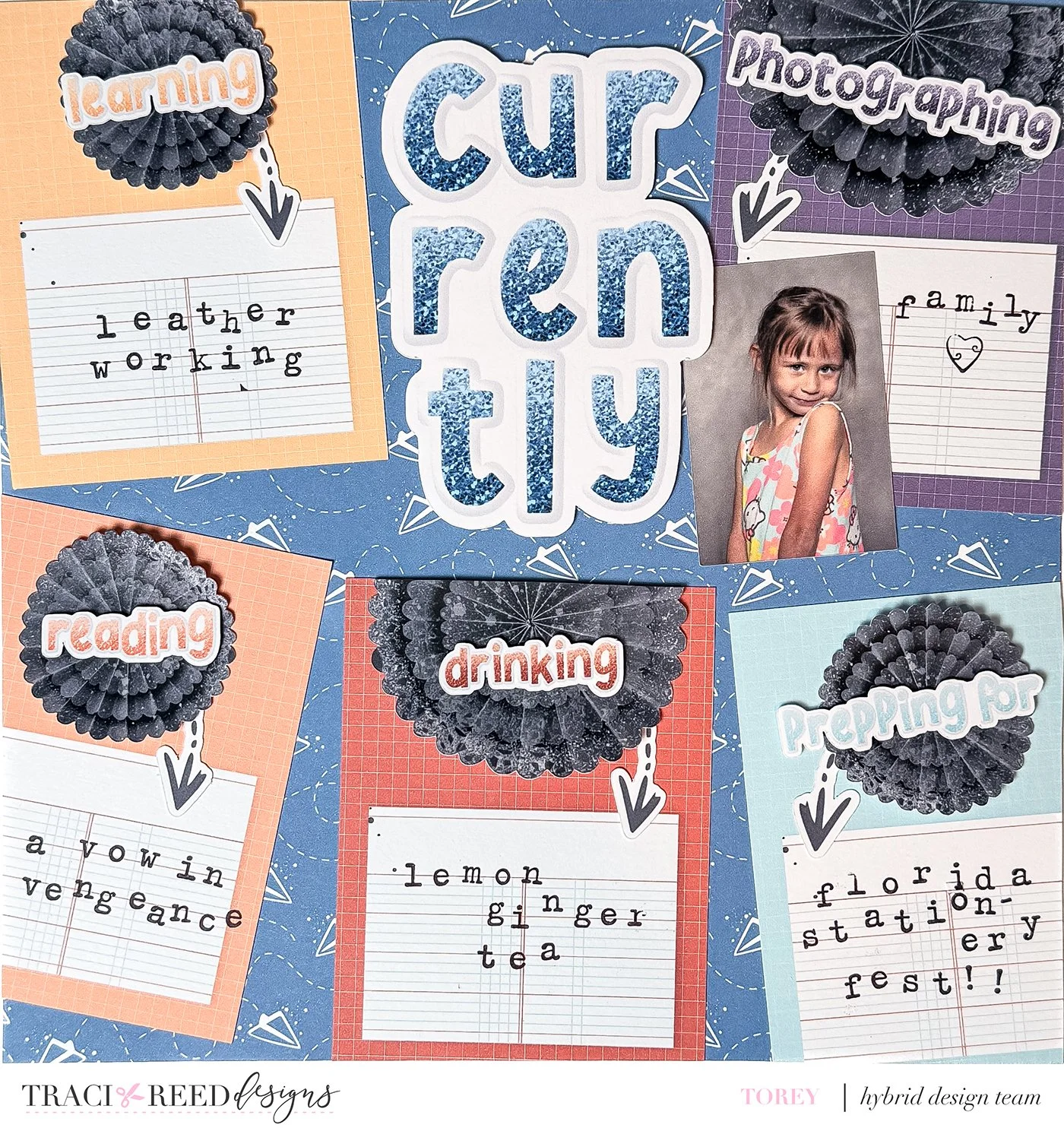
My favorite thing about documenting Currentlies is that it’s such a versatile prompt that can be customized to any person or season of life! For my layout today, I picked the five things that are most prominent in my life at the moment and used the alphas from the Plot Twists collection to create titles for: learning, photographing, reading, drinking, and prepping for prompts.
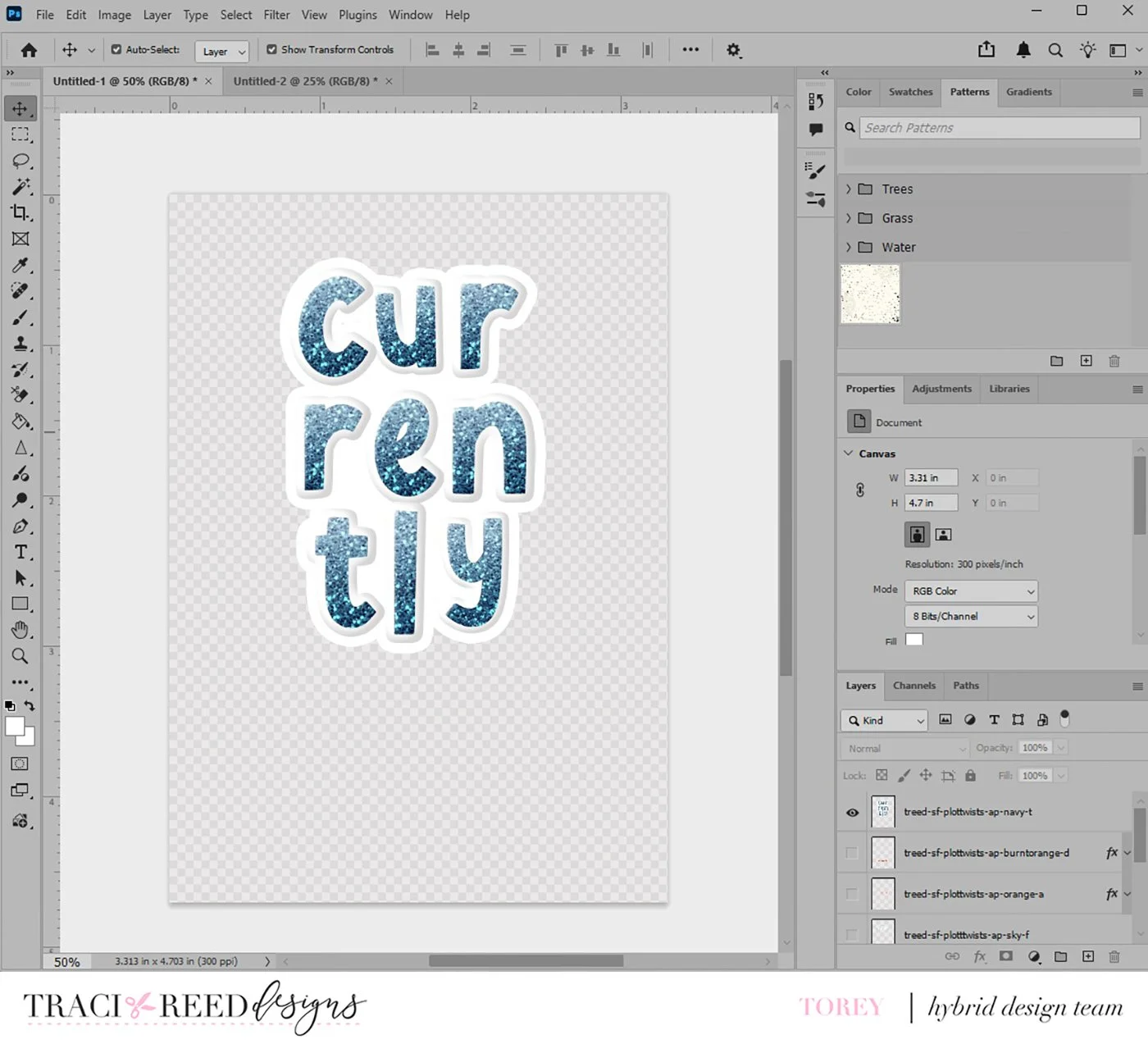
To create these mini titles, I dragged and dropped each letter into Photoshop, merged the individual letter layers for each word together, and then added a stroke to the final word. I repeated this process for each of the mini titles, as well as for my large Currently title.
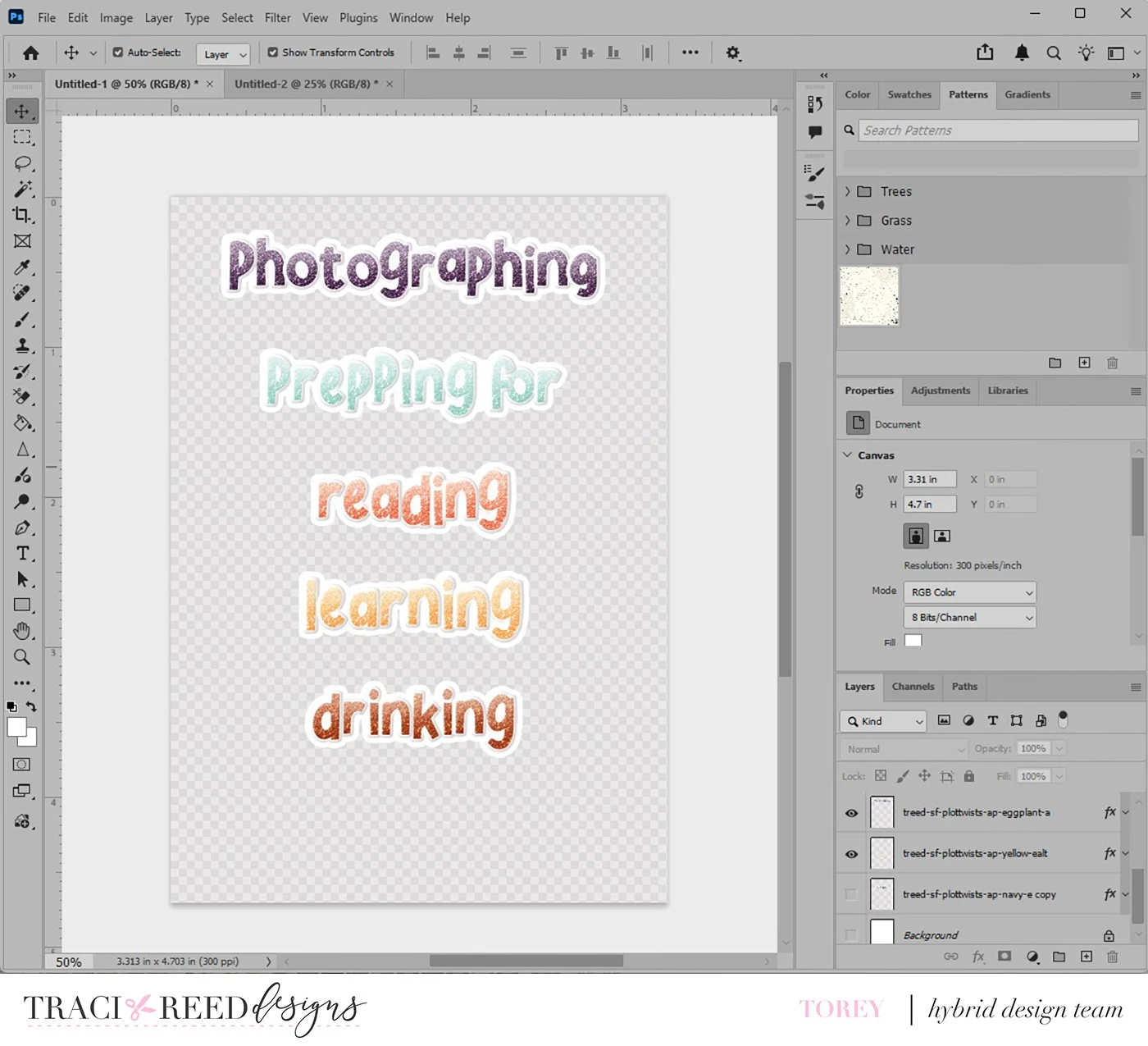
I saved each of these as a .png image with the background turned off so I could import all of the titles into my Cricut software at once to cut out.
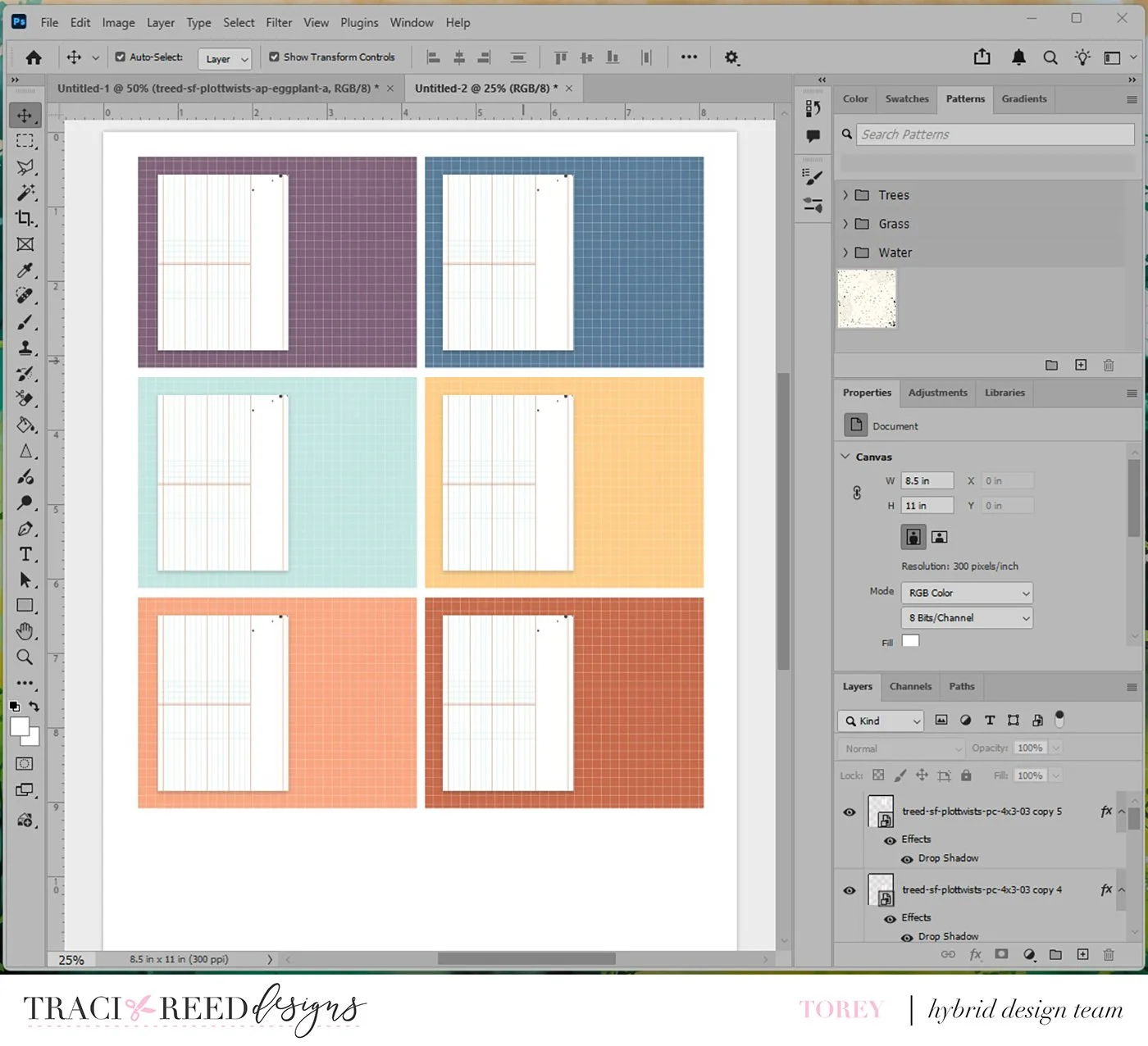
After finishing my titles, I used the pattern cards and resized them (also in Photoshop) to create spaces to stamp out each of my answers. I decided to use the colored grid 3x4 cards and resized them to be around 2.75 inches wide instead of 3 inches. Then I pulled in the 4x3 lined pattern paper, resized it to fit on the bottom half of the grid card, and added a drop shadow. I made six cards in total but only ended up using five of them.
With the main pieces of my project done, I chose two extra accent pieces—one from the Ellies and one from the stickers—to use as additional elements. With everything printed and cut with my Cricut and my background paper chosen (the blue paper airplanes!), I glued everything together to create my final 8x8 layout below!
Story Foundations: Plot Twists
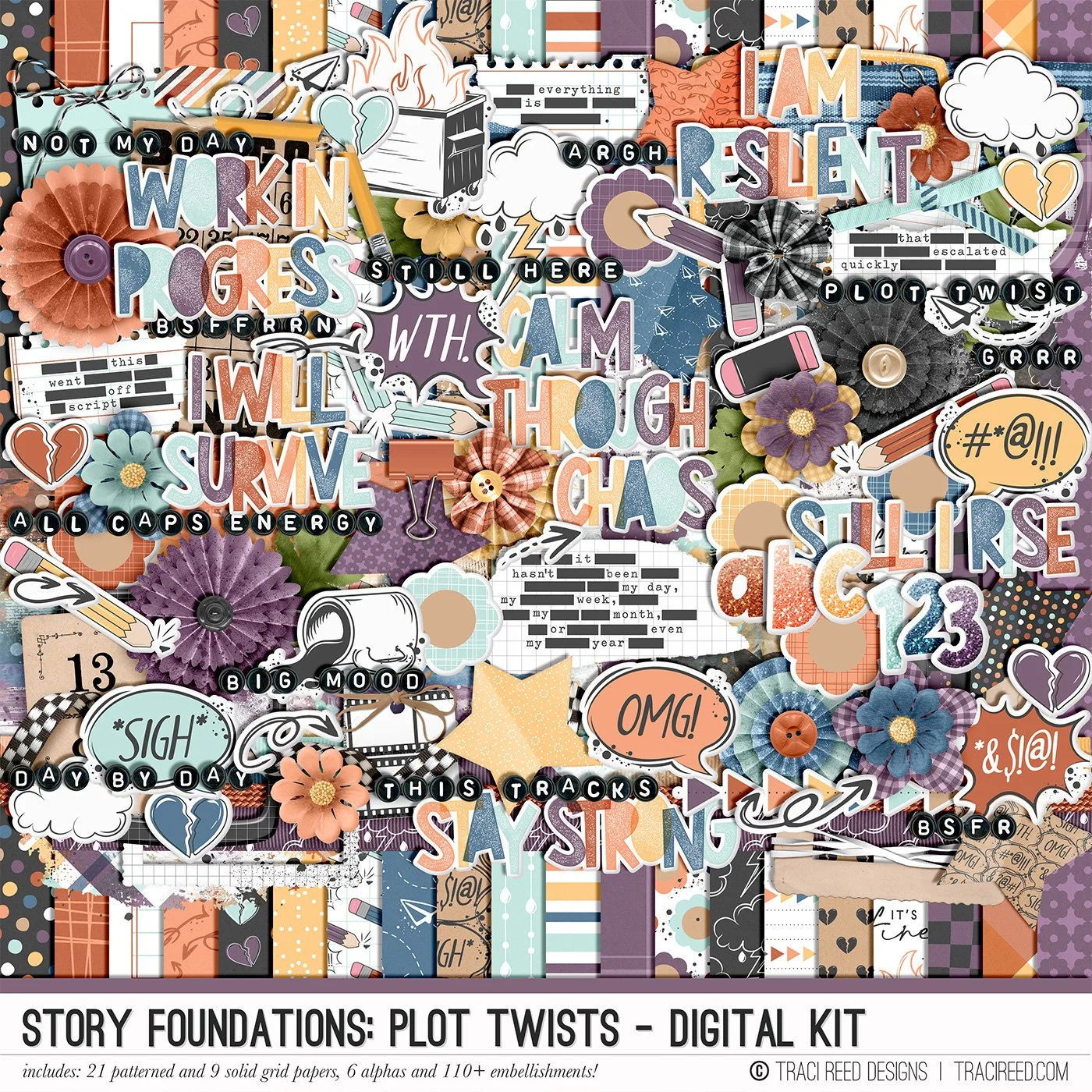
Chapter Three of the Story Foundations collection is all about Plot Twists, because real life rarely sticks to the script. Plans shift. Expectations unravel. Surprises show up unannounced. This collection is designed to help you document the unexpected moments that shape your story in ways you never saw coming.
Plot Twists isn’t just about bad days. It’s about the detours, the rewrites, the second drafts, and the unexpected things that add depth to your narrative. The frustrating moments. The funny ones. The “you won’t believe what happened” stories. The honest pages that make your albums feel real and complete.
Story Foundations: Plot Twists builds naturally on the chapters before it while adding dimension and drama to your year of stories. It gives you permission to document the messy middle, the sharp turns, and the unexpected highs and lows, because those are often the moments that matter most.
See the unboxing and example images for the Story Foundations: Plot Twists collection HERE.
Don’t forget, the entire 2026 Story Foundations Collections are meant to mix and match and pair with each other! You can see all the Story Foundations Chapters HERE.
DIGITAL KIT INCLUDES:
21 Patterned and 9 solid grid 12×12 papers, 5 complete puffy sticker alphas and 110+ digital embellishments!
Chapter Three of the Story Foundations collection is all about Plot Twists, because real life rarely sticks to the script. Plans shift. Expectations unravel. Surprises show up unannounced. This collection is designed to help you document the unexpected moments that shape your story in ways you never saw coming.
Plot Twists isn’t just about bad days. It’s about the detours, the rewrites, the second drafts, and the unexpected things that add depth to your narrative. The frustrating moments. The funny ones. The “you won’t believe what happened” stories. The honest pages that make your albums feel real and complete.
Story Foundations: Plot Twists builds naturally on the chapters before it while adding dimension and drama to your year of stories. It gives you permission to document the messy middle, the sharp turns, and the unexpected highs and lows, because those are often the moments that matter most.
See the unboxing and example images for the Story Foundations: Plot Twists collection HERE.
Don’t forget, the entire 2026 Story Foundations Collections are meant to mix and match and pair with each other! You can see all the Story Foundations Chapters HERE.
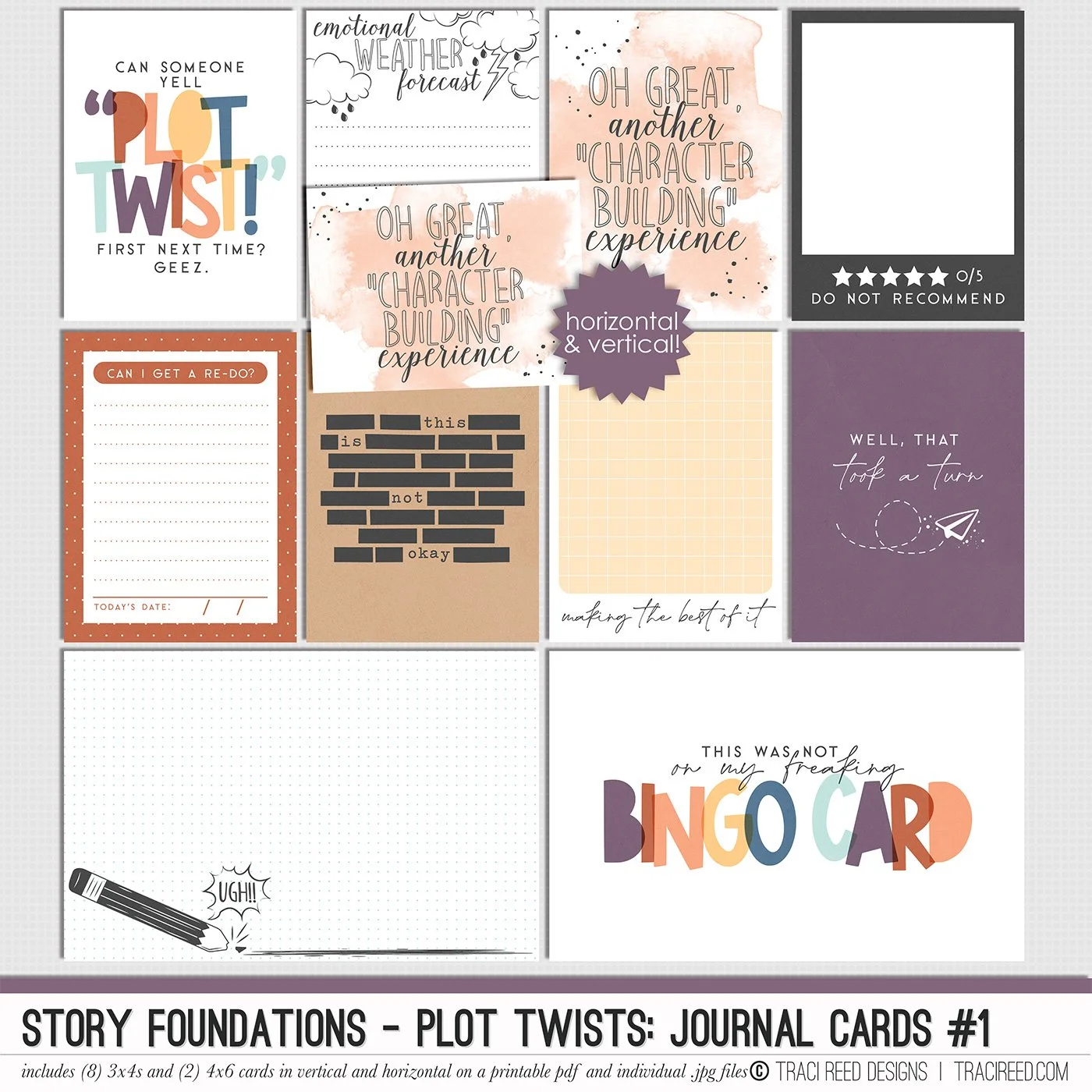
JOURNAL CARDS INCLUDE:
8 3x4 and 2 4x6 Journal Cards in both horizontal and vertical on individual .jpg and printable .pdf sheets!
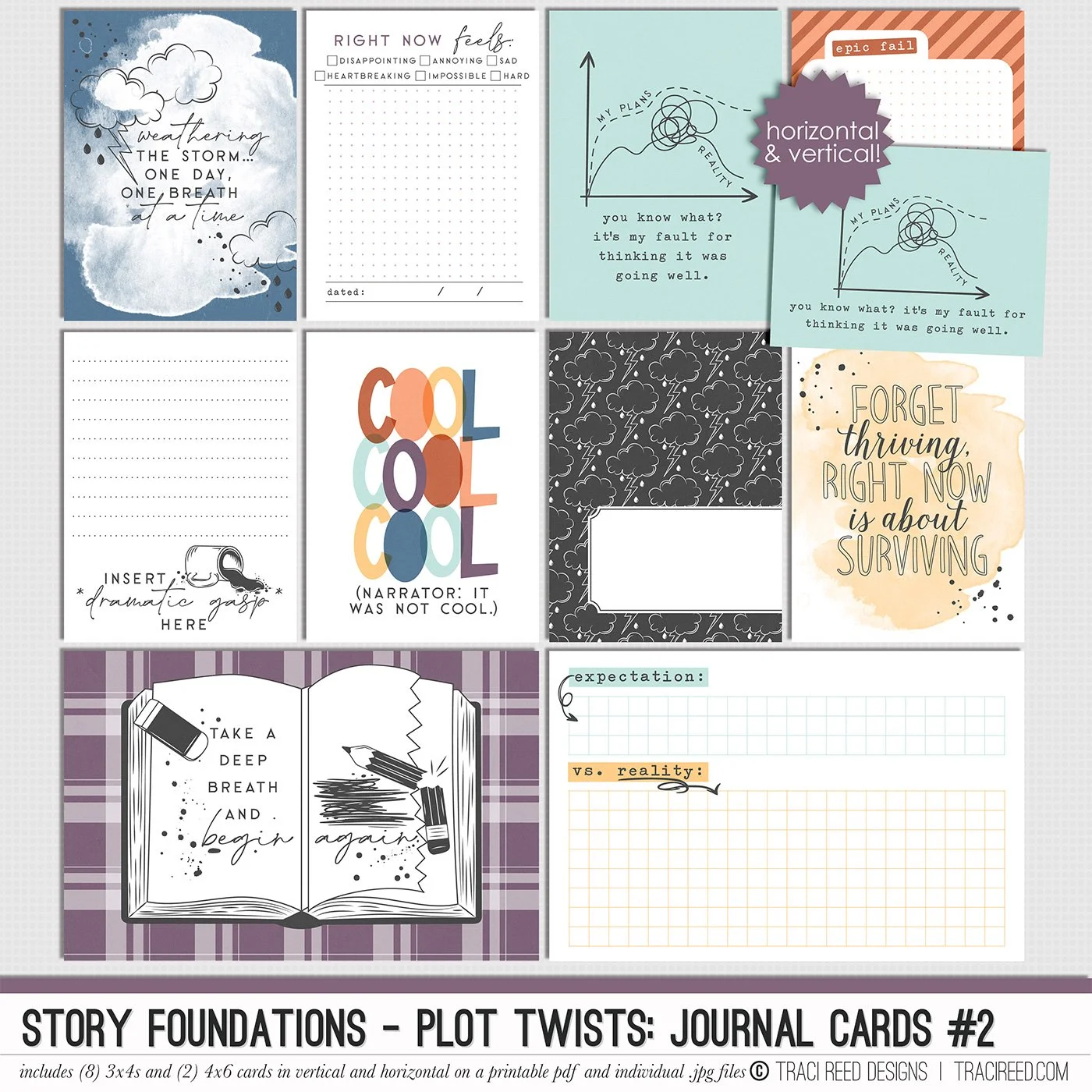
Chapter Three of the Story Foundations collection is all about Plot Twists, because real life rarely sticks to the script. Plans shift. Expectations unravel. Surprises show up unannounced. This collection is designed to help you document the unexpected moments that shape your story in ways you never saw coming.
Plot Twists isn’t just about bad days. It’s about the detours, the rewrites, the second drafts, and the unexpected things that add depth to your narrative. The frustrating moments. The funny ones. The “you won’t believe what happened” stories. The honest pages that make your albums feel real and complete.
Story Foundations: Plot Twists builds naturally on the chapters before it while adding dimension and drama to your year of stories. It gives you permission to document the messy middle, the sharp turns, and the unexpected highs and lows, because those are often the moments that matter most.
See the unboxing and example images for the Story Foundations: Plot Twists collection HERE.
Don’t forget, the entire 2026 Story Foundations Collections are meant to mix and match and pair with each other! You can see all the Story Foundations Chapters HERE.
JOURNAL CARDS INCLUDE:
8 3x4 and 2 4x6 Journal Cards in both horizontal and vertical on individual .jpg and printable .pdf sheets!
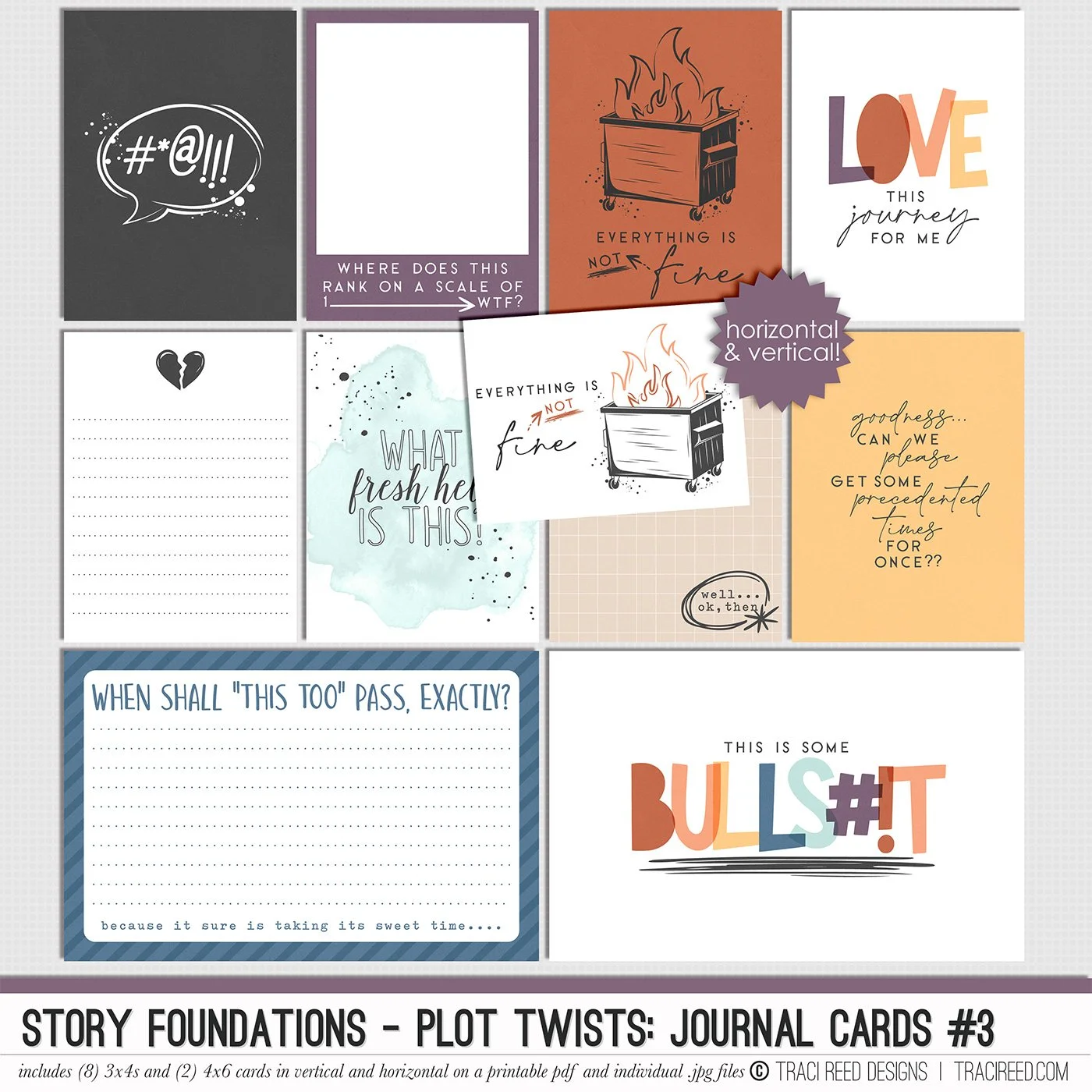
Chapter Three of the Story Foundations collection is all about Plot Twists, because real life rarely sticks to the script. Plans shift. Expectations unravel. Surprises show up unannounced. This collection is designed to help you document the unexpected moments that shape your story in ways you never saw coming.
Plot Twists isn’t just about bad days. It’s about the detours, the rewrites, the second drafts, and the unexpected things that add depth to your narrative. The frustrating moments. The funny ones. The “you won’t believe what happened” stories. The honest pages that make your albums feel real and complete.
Story Foundations: Plot Twists builds naturally on the chapters before it while adding dimension and drama to your year of stories. It gives you permission to document the messy middle, the sharp turns, and the unexpected highs and lows, because those are often the moments that matter most.
See the unboxing and example images for the Story Foundations: Plot Twists collection HERE.
Don’t forget, the entire 2026 Story Foundations Collections are meant to mix and match and pair with each other! You can see all the Story Foundations Chapters HERE.
JOURNAL CARDS INCLUDE:
8 3x4 and 2 4x6 Journal Cards in both horizontal and vertical on individual .jpg and printable .pdf sheets!
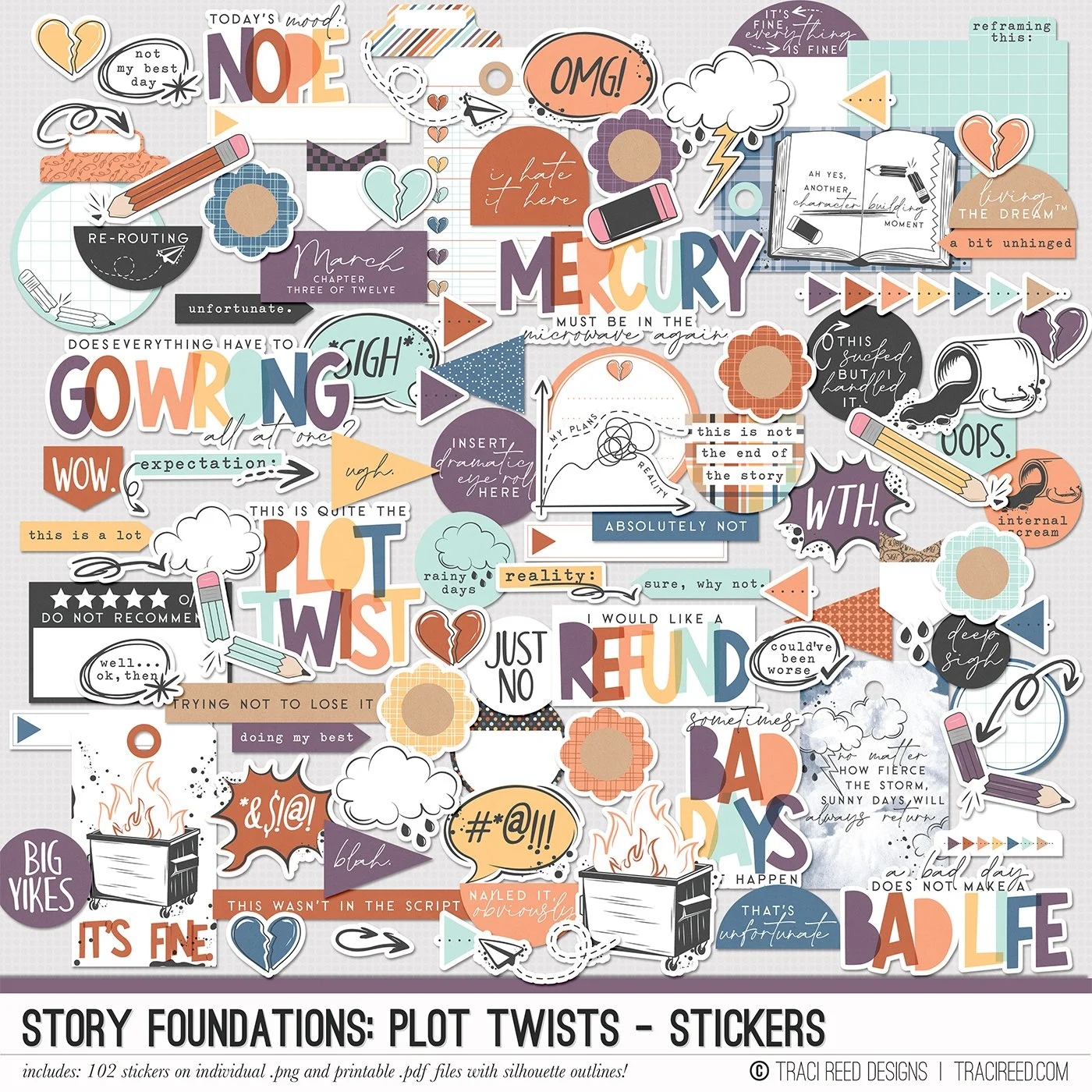
Chapter Three of the Story Foundations collection is all about Plot Twists, because real life rarely sticks to the script. Plans shift. Expectations unravel. Surprises show up unannounced. This collection is designed to help you document the unexpected moments that shape your story in ways you never saw coming.
Plot Twists isn’t just about bad days. It’s about the detours, the rewrites, the second drafts, and the unexpected things that add depth to your narrative. The frustrating moments. The funny ones. The “you won’t believe what happened” stories. The honest pages that make your albums feel real and complete.
Story Foundations: Plot Twists builds naturally on the chapters before it while adding dimension and drama to your year of stories. It gives you permission to document the messy middle, the sharp turns, and the unexpected highs and lows, because those are often the moments that matter most.
See the unboxing and example images for the Story Foundations: Plot Twists collection HERE.
Don’t forget, the entire 2026 Story Foundations Collections are meant to mix and match and pair with each other! You can see all the Story Foundations Chapters HERE.
STICKERS INCLUDE:
102 digital/printable stickers on individual .png and printable sheets with and without fussycutting ines and silhouette outlines!
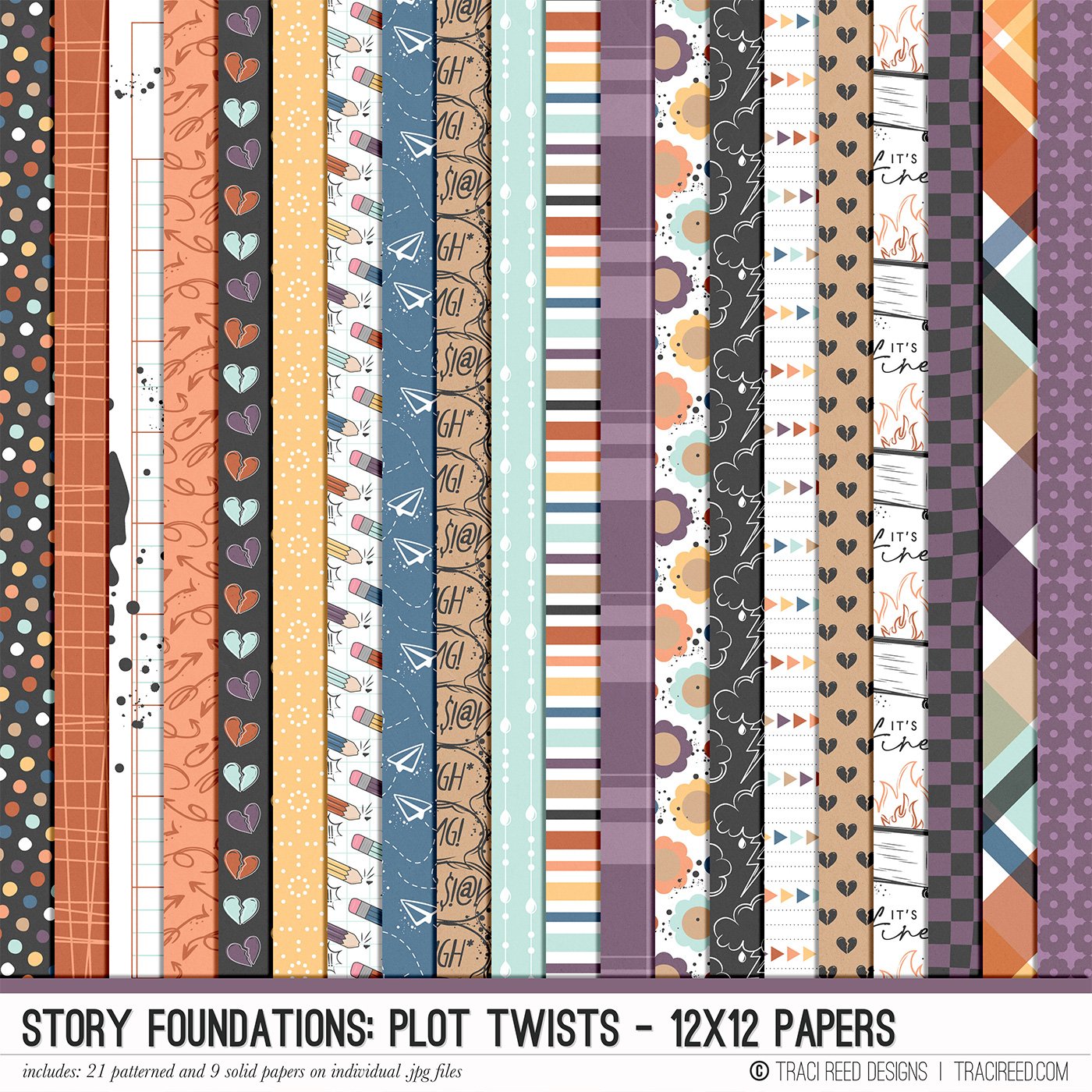
Chapter Three of the Story Foundations collection is all about Plot Twists, because real life rarely sticks to the script. Plans shift. Expectations unravel. Surprises show up unannounced. This collection is designed to help you document the unexpected moments that shape your story in ways you never saw coming.
Plot Twists isn’t just about bad days. It’s about the detours, the rewrites, the second drafts, and the unexpected things that add depth to your narrative. The frustrating moments. The funny ones. The “you won’t believe what happened” stories. The honest pages that make your albums feel real and complete.
Story Foundations: Plot Twists builds naturally on the chapters before it while adding dimension and drama to your year of stories. It gives you permission to document the messy middle, the sharp turns, and the unexpected highs and lows, because those are often the moments that matter most.
See the unboxing and example images for the Story Foundations: Plot Twists collection HERE.
Don’t forget, the entire 2026 Story Foundations Collections are meant to mix and match and pair with each other! You can see all the Story Foundations Chapters HERE.
PAPERS INCLUDE:
21 patterned and 9 solid grid 12x12 papers on individual .jpg files!
Chapter Three of the Story Foundations collection is all about Plot Twists, because real life rarely sticks to the script. Plans shift. Expectations unravel. Surprises show up unannounced. This collection is designed to help you document the unexpected moments that shape your story in ways you never saw coming.
Plot Twists isn’t just about bad days. It’s about the detours, the rewrites, the second drafts, and the unexpected things that add depth to your narrative. The frustrating moments. The funny ones. The “you won’t believe what happened” stories. The honest pages that make your albums feel real and complete.
Story Foundations: Plot Twists builds naturally on the chapters before it while adding dimension and drama to your year of stories. It gives you permission to document the messy middle, the sharp turns, and the unexpected highs and lows, because those are often the moments that matter most.
See the unboxing and example images for the Story Foundations: Plot Twists collection HERE.
Don’t forget, the entire 2026 Story Foundations Collections are meant to mix and match and pair with each other! You can see all the Story Foundations Chapters HERE.
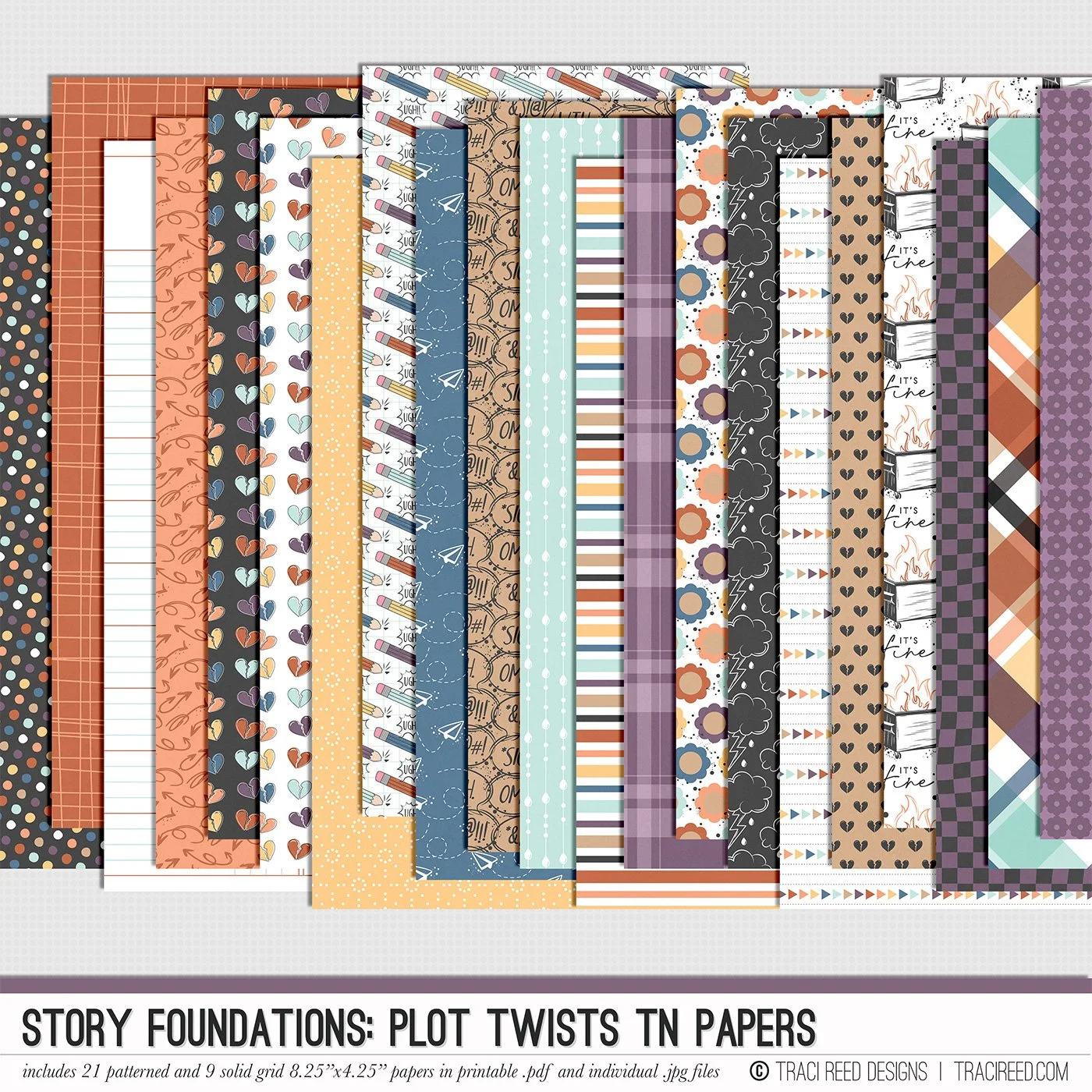
PAPERS INCLUDE:
21 patterned and 9 solid grid TN Sized (4×25×8.25”) papers on individual .jpgs and printable .pdf files!
Chapter Three of the Story Foundations collection is all about Plot Twists, because real life rarely sticks to the script. Plans shift. Expectations unravel. Surprises show up unannounced. This collection is designed to help you document the unexpected moments that shape your story in ways you never saw coming.
Plot Twists isn’t just about bad days. It’s about the detours, the rewrites, the second drafts, and the unexpected things that add depth to your narrative. The frustrating moments. The funny ones. The “you won’t believe what happened” stories. The honest pages that make your albums feel real and complete.
Story Foundations: Plot Twists builds naturally on the chapters before it while adding dimension and drama to your year of stories. It gives you permission to document the messy middle, the sharp turns, and the unexpected highs and lows, because those are often the moments that matter most.
See the unboxing and example images for the Story Foundations: Plot Twists collection HERE.
Don’t forget, the entire 2026 Story Foundations Collections are meant to mix and match and pair with each other! You can see all the Story Foundations Chapters HERE.
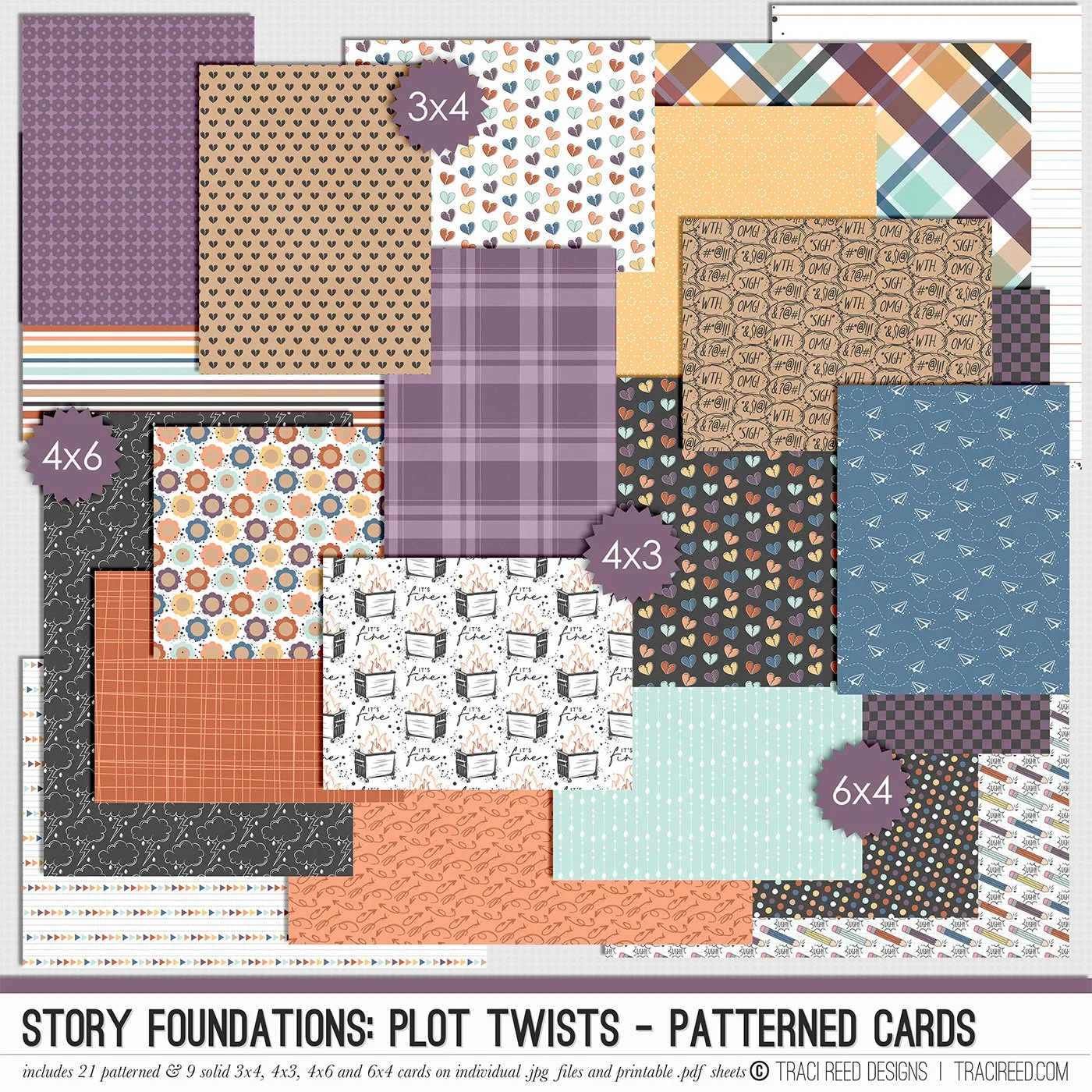
PATTERNED CARDS INCLUDE:
21 patterns and 9 solid grids in 3x4, 4x3, 4x6, and 6x4 sizes on individual .jpgs and printable .pdf sheets!
Chapter Three of the Story Foundations collection is all about Plot Twists, because real life rarely sticks to the script. Plans shift. Expectations unravel. Surprises show up unannounced. This collection is designed to help you document the unexpected moments that shape your story in ways you never saw coming.
Plot Twists isn’t just about bad days. It’s about the detours, the rewrites, the second drafts, and the unexpected things that add depth to your narrative. The frustrating moments. The funny ones. The “you won’t believe what happened” stories. The honest pages that make your albums feel real and complete.
Story Foundations: Plot Twists builds naturally on the chapters before it while adding dimension and drama to your year of stories. It gives you permission to document the messy middle, the sharp turns, and the unexpected highs and lows, because those are often the moments that matter most.
See the unboxing and example images for the Story Foundations: Plot Twists collection HERE.
Don’t forget, the entire 2026 Story Foundations Collections are meant to mix and match and pair with each other! You can see all the Story Foundations Chapters HERE.
BUNDLE INCLUDES:
Story Foundations: Plot Twists Digital Kit, Cards 1, 2, &3 + Stickers!
BUNDLE DOES NOT INCLUDE:
Story Foundations: Plot Twists TN Papers or Patterned Cards