
To Shadow or Not to Shadow? with Hanna
If you are like me, you’ll have a loooooooooooooooong to do list with (travel) photo albums yet to be made. I’m quite far behind BUT today I’d like to show you how to efficiently scrap those photos for your albums. Starting in 2D, and how to then tweak them to use as scrapped layouts to post in galleries or your social media, with shadows (so in 3D).
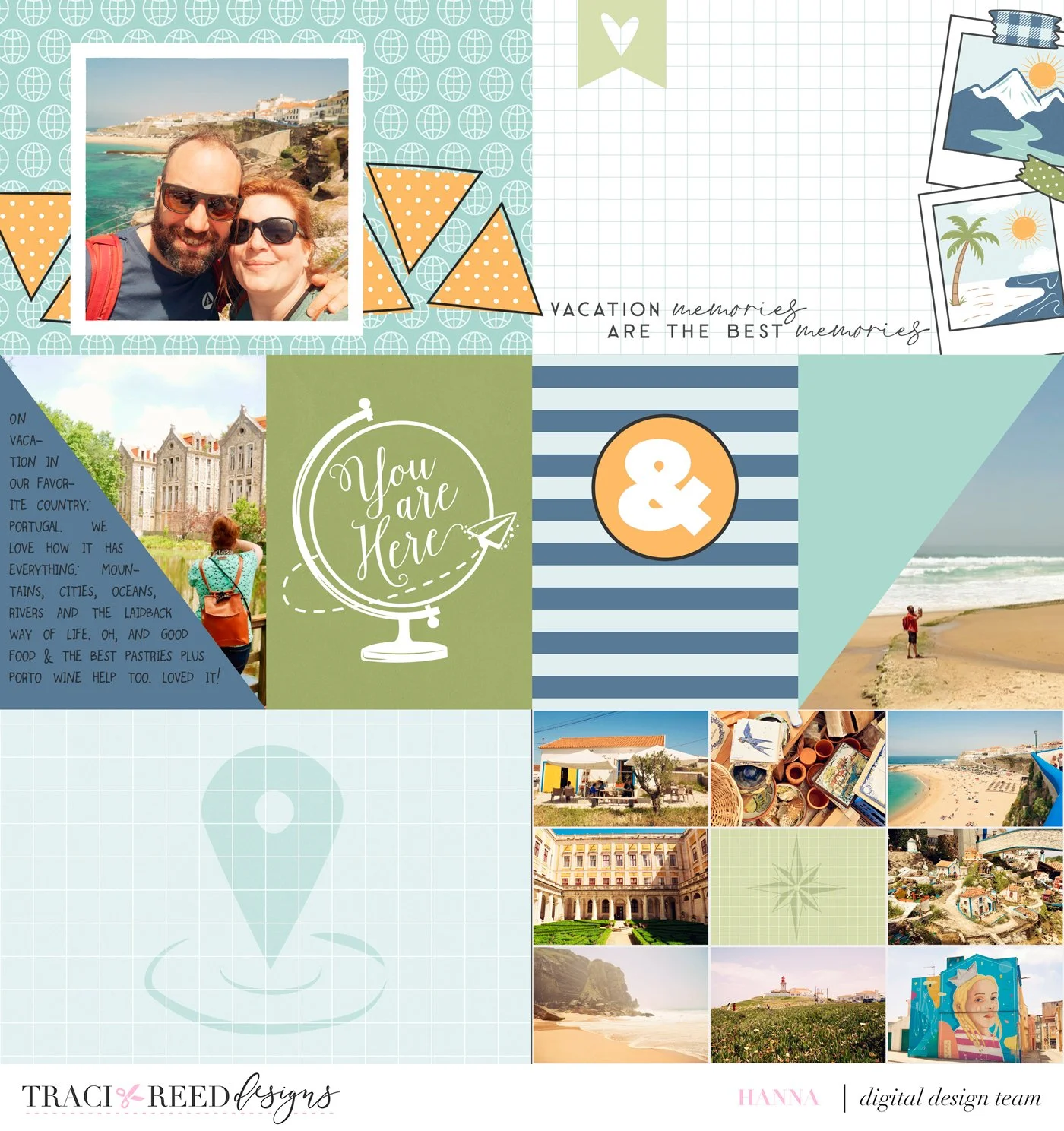
In order to scrap pages fit for an album I always go for a “flat” page. It’s faster and I like magazine style so 2D is perfectly suited for this. And I like all my albums to look alike (OCD, much?). But for this project I went full pocket page as well. Plenty of space for some journaling, lots of photos and a few ellies.
I chose an old template by Traci (not available anymore) for this one, but you can use any pocket page template or make your own.
I love the bottom right spot where you can showcase lots of photos together. Adding a journaling card in the middle breaks it up a little bit. Then I put some photos in the split journal card spots and a bigger square photo as a highlight. This makes for a nice overview page which you could put in either at the beginning or the end of the album.
Adding some shapes (triangles) make it a little more playful. And some journaling in one of the triangles helps too. So much for a nice and quick page scrapped and ready!
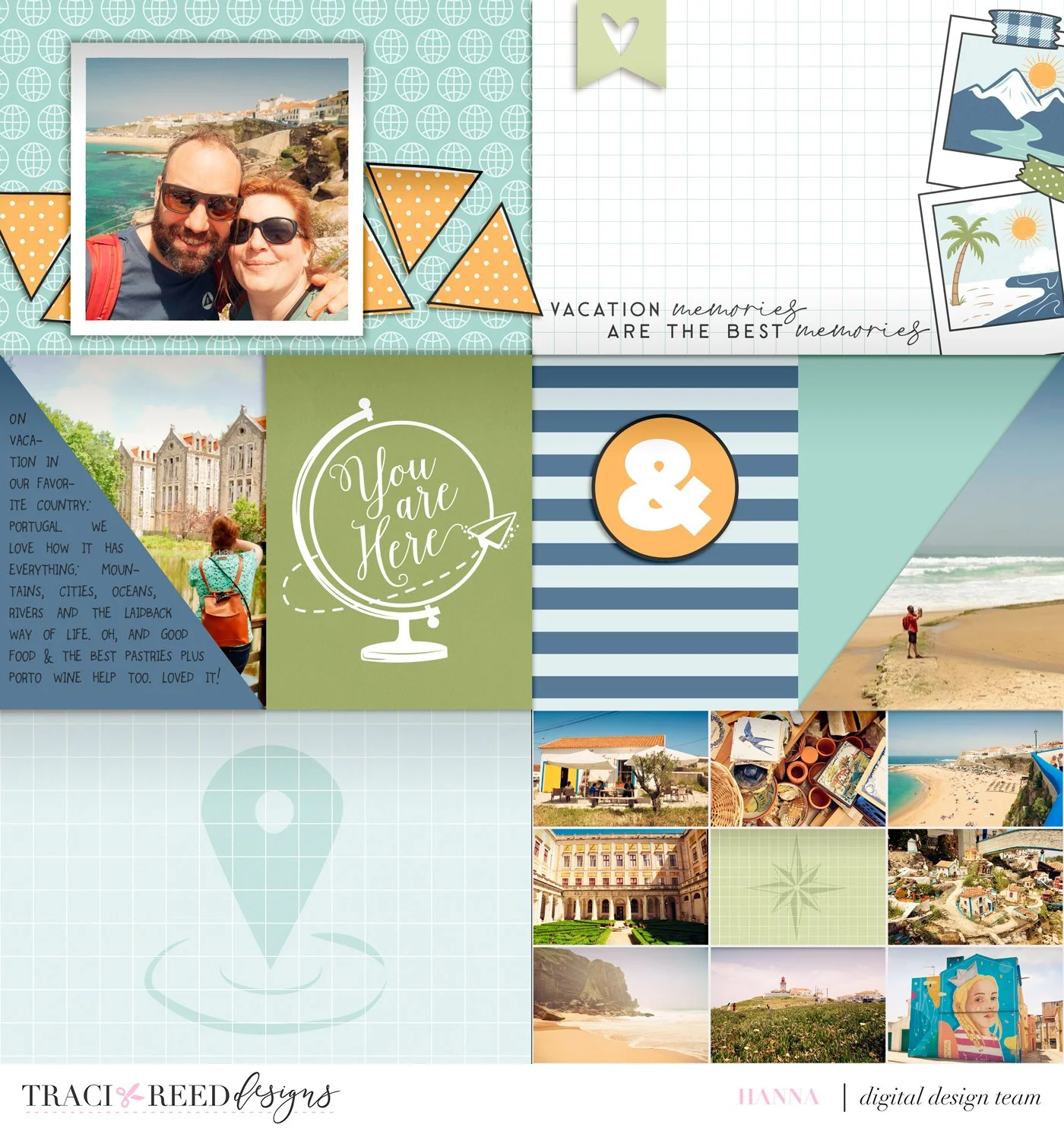
If you’d like to make it 3D, for posting on social media or in galleries. Or just because you like this better, now is the time. I added shadowing, tweaked some of the layers and changed the order of some of the journaling cards to make it feel dimensional in all the right places. You could add some more ellies, I chose not to do this because I like the clean feel. But here is my 3D version of this travel layout:
And as a side-by-side comparison here they are together:
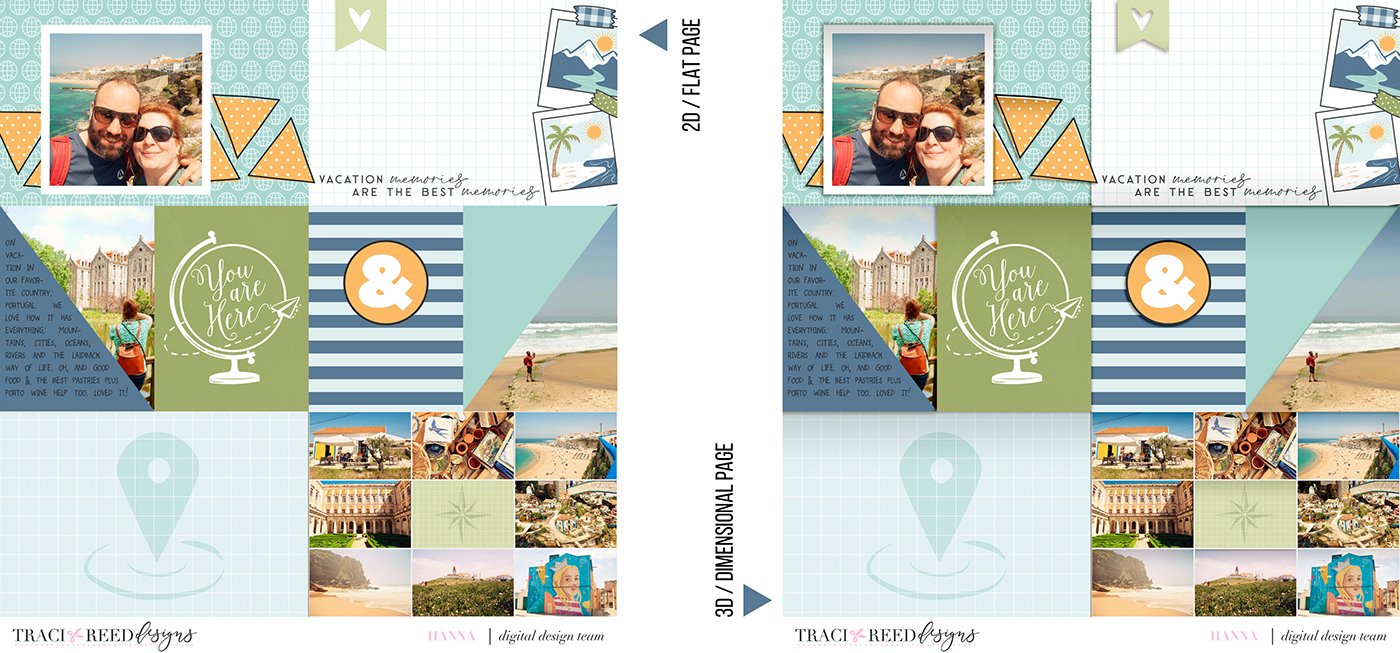
So which one do you like better and what’s your process to scrap for photo albums?
Story Foundations: Destinations Collection:
Story Foundations Chapter Six: Destinations is all about the places that call us to explore, whether they’re across the globe or just beyond our everyday routine. From bucket-list adventures and family vacations to weekend road trips, staycations, cruises, camping trips, and spontaneous day trips, this chapter was designed to help you document the journeys that shape your story and the memories made along the way.
Filled with travel-inspired icons, vintage touches, and colorful storytelling elements, Destinations captures the excitement of setting off for somewhere new. Airplanes, trains, cruise ships, maps, cameras, luggage tags, passports, hot air balloons, and scenic landscapes are paired with versatile title pieces and journaling elements that make it easy to tell the story of your travels in a way that feels personal and authentic.
Like every chapter in the Story Foundations series, Destinations was created with flexibility in mind. The fresh and timeless color palette blends effortlessly with a wide variety of travel photos, from tropical getaways and European adventures to cross-country road trips and everyday explorations close to home. The mix of classic travel motifs and modern designs ensures this collection feels just as relevant years from now as it does today.
See the unboxing and example images for the Story Foundations: Destinations collection HERE.
Don’t forget, the entire 2026 Story Foundations Collections are meant to mix and match and pair with each other! You can see all the Story Foundations Chapters HERE.
DIGITAL KIT INCLUDES:
22 Patterned and 8 Swiss Dot solid papers, 8 complete alphas and 125+ embellishments!
Story Foundations Chapter Six: Destinations is all about the places that call us to explore, whether they’re across the globe or just beyond our everyday routine. From bucket-list adventures and family vacations to weekend road trips, staycations, cruises, camping trips, and spontaneous day trips, this chapter was designed to help you document the journeys that shape your story and the memories made along the way.
Filled with travel-inspired icons, vintage touches, and colorful storytelling elements, Destinations captures the excitement of setting off for somewhere new. Airplanes, trains, cruise ships, maps, cameras, luggage tags, passports, hot air balloons, and scenic landscapes are paired with versatile title pieces and journaling elements that make it easy to tell the story of your travels in a way that feels personal and authentic.
Like every chapter in the Story Foundations series, Destinations was created with flexibility in mind. The fresh and timeless color palette blends effortlessly with a wide variety of travel photos, from tropical getaways and European adventures to cross-country road trips and everyday explorations close to home. The mix of classic travel motifs and modern designs ensures this collection feels just as relevant years from now as it does today.
See the unboxing and example images for the Story Foundations: Destinations collection HERE.
Don’t forget, the entire 2026 Story Foundations Collections are meant to mix and match and pair with each other! You can see all the Story Foundations Chapters HERE.
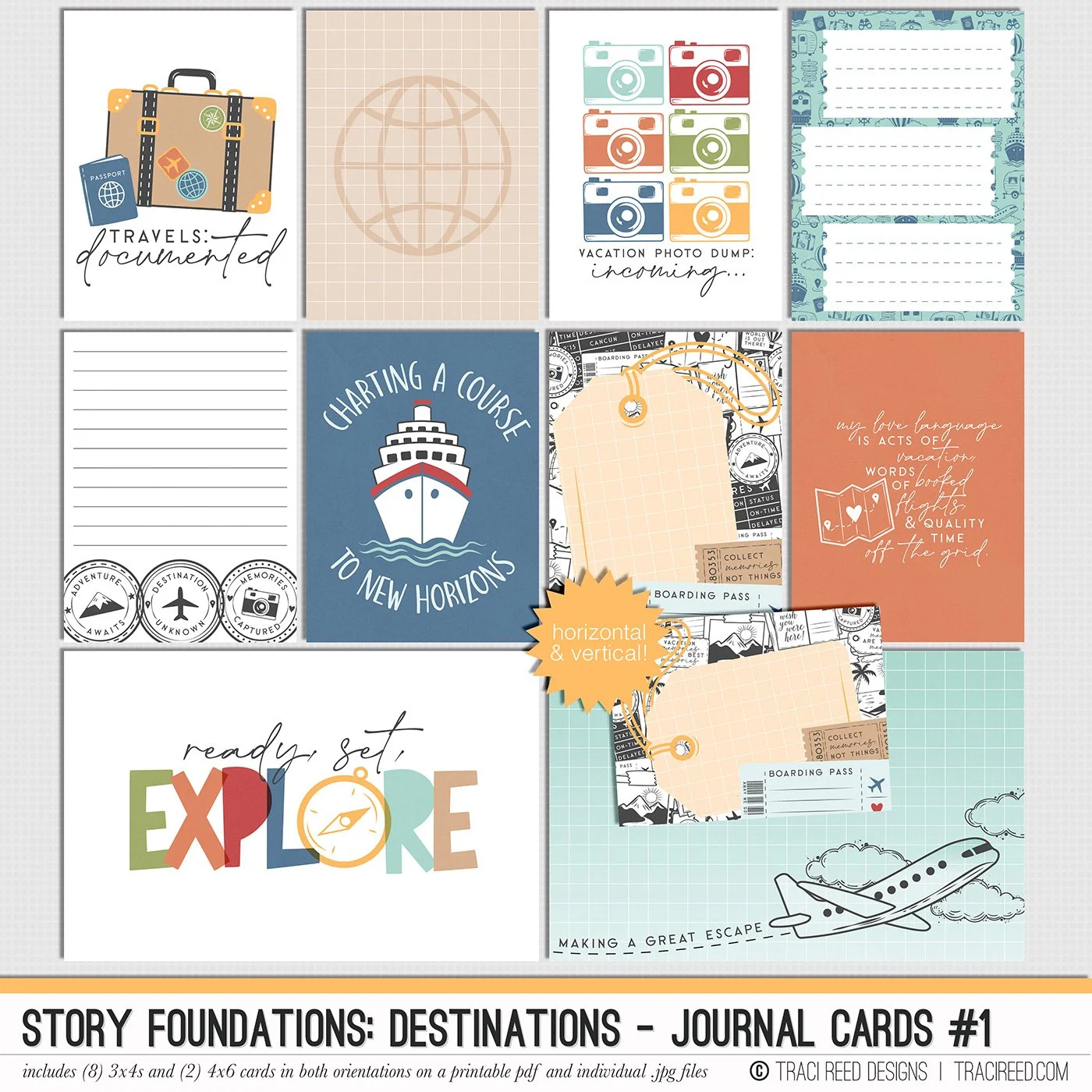
JOURNAL CARDS INCLUDE:
8 3×4 and 2 4×6 cards in both horizontal and vertical orientations on individual .jpg files and printable .pdf sheets!
Story Foundations Chapter Six: Destinations is all about the places that call us to explore, whether they’re across the globe or just beyond our everyday routine. From bucket-list adventures and family vacations to weekend road trips, staycations, cruises, camping trips, and spontaneous day trips, this chapter was designed to help you document the journeys that shape your story and the memories made along the way.
Filled with travel-inspired icons, vintage touches, and colorful storytelling elements, Destinations captures the excitement of setting off for somewhere new. Airplanes, trains, cruise ships, maps, cameras, luggage tags, passports, hot air balloons, and scenic landscapes are paired with versatile title pieces and journaling elements that make it easy to tell the story of your travels in a way that feels personal and authentic.
Like every chapter in the Story Foundations series, Destinations was created with flexibility in mind. The fresh and timeless color palette blends effortlessly with a wide variety of travel photos, from tropical getaways and European adventures to cross-country road trips and everyday explorations close to home. The mix of classic travel motifs and modern designs ensures this collection feels just as relevant years from now as it does today.
See the unboxing and example images for the Story Foundations: Destinations collection HERE.
Don’t forget, the entire 2026 Story Foundations Collections are meant to mix and match and pair with each other! You can see all the Story Foundations Chapters HERE.
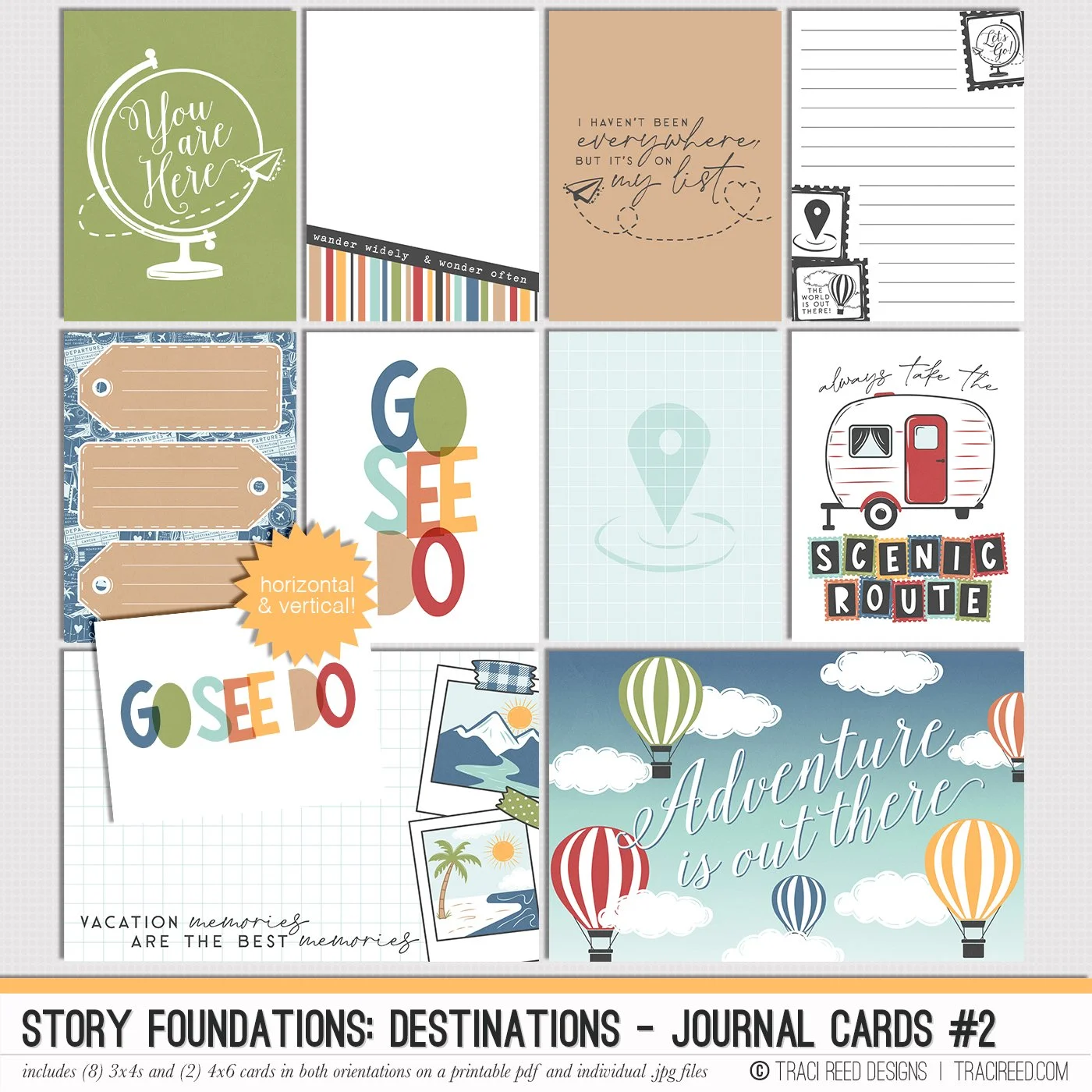
JOURNAL CARDS INCLUDE:
8 3×4 and 2 4×6 cards in both horizontal and vertical orientations on individual .jpg files and printable .pdf sheets!
Story Foundations Chapter Six: Destinations is all about the places that call us to explore, whether they’re across the globe or just beyond our everyday routine. From bucket-list adventures and family vacations to weekend road trips, staycations, cruises, camping trips, and spontaneous day trips, this chapter was designed to help you document the journeys that shape your story and the memories made along the way.
Filled with travel-inspired icons, vintage touches, and colorful storytelling elements, Destinations captures the excitement of setting off for somewhere new. Airplanes, trains, cruise ships, maps, cameras, luggage tags, passports, hot air balloons, and scenic landscapes are paired with versatile title pieces and journaling elements that make it easy to tell the story of your travels in a way that feels personal and authentic.
Like every chapter in the Story Foundations series, Destinations was created with flexibility in mind. The fresh and timeless color palette blends effortlessly with a wide variety of travel photos, from tropical getaways and European adventures to cross-country road trips and everyday explorations close to home. The mix of classic travel motifs and modern designs ensures this collection feels just as relevant years from now as it does today.
See the unboxing and example images for the Story Foundations: Destinations collection HERE.
Don’t forget, the entire 2026 Story Foundations Collections are meant to mix and match and pair with each other! You can see all the Story Foundations Chapters HERE.
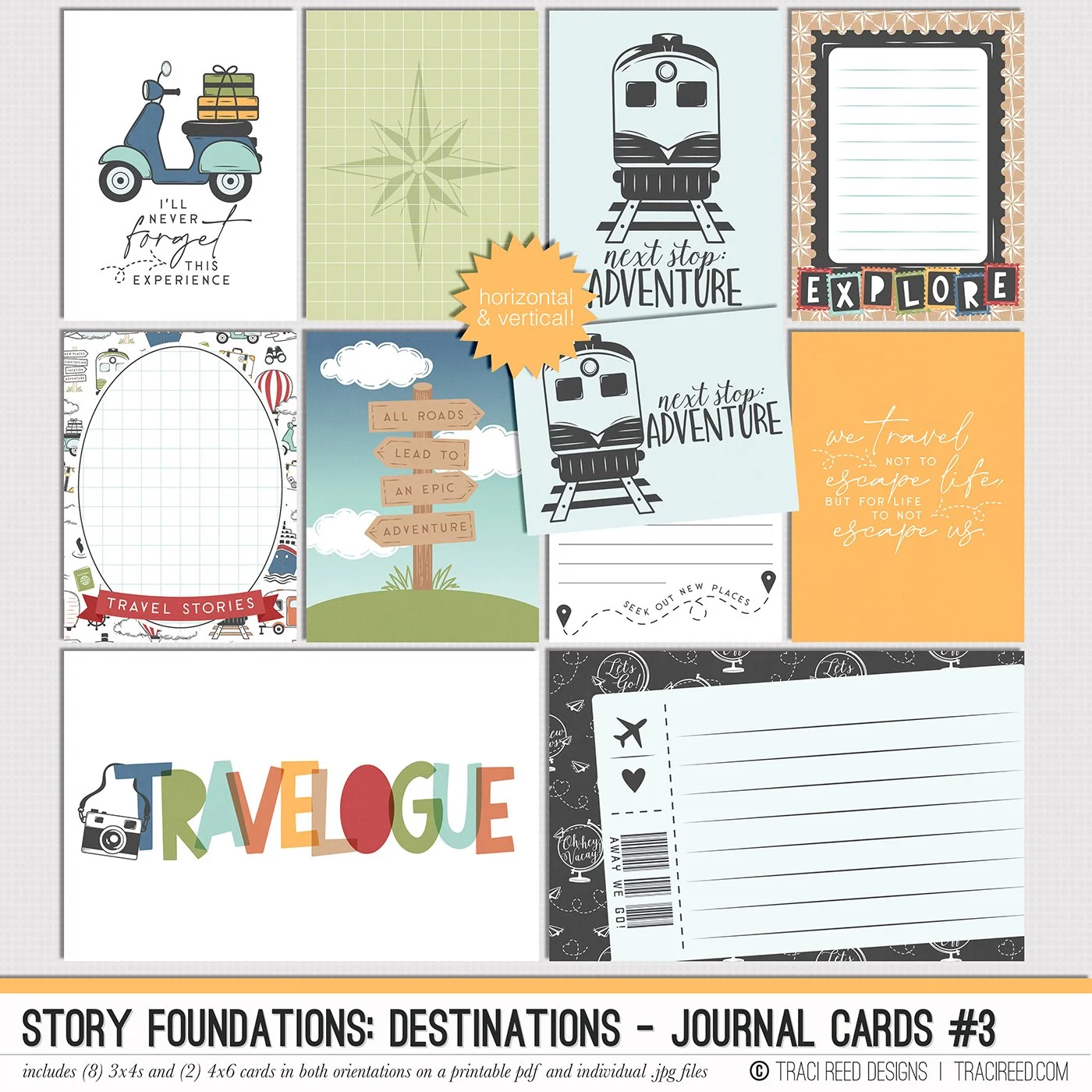
JOURNAL CARDS INCLUDE:
8 3×4 and 2 4×6 cards in both horizontal and vertical orientations on individual .jpg files and printable .pdf sheets!
Story Foundations Chapter Six: Destinations is all about the places that call us to explore, whether they’re across the globe or just beyond our everyday routine. From bucket-list adventures and family vacations to weekend road trips, staycations, cruises, camping trips, and spontaneous day trips, this chapter was designed to help you document the journeys that shape your story and the memories made along the way.
Filled with travel-inspired icons, vintage touches, and colorful storytelling elements, Destinations captures the excitement of setting off for somewhere new. Airplanes, trains, cruise ships, maps, cameras, luggage tags, passports, hot air balloons, and scenic landscapes are paired with versatile title pieces and journaling elements that make it easy to tell the story of your travels in a way that feels personal and authentic.
Like every chapter in the Story Foundations series, Destinations was created with flexibility in mind. The fresh and timeless color palette blends effortlessly with a wide variety of travel photos, from tropical getaways and European adventures to cross-country road trips and everyday explorations close to home. The mix of classic travel motifs and modern designs ensures this collection feels just as relevant years from now as it does today.
See the unboxing and example images for the Story Foundations: Destinations collection HERE.
Don’t forget, the entire 2026 Story Foundations Collections are meant to mix and match and pair with each other! You can see all the Story Foundations Chapters HERE.
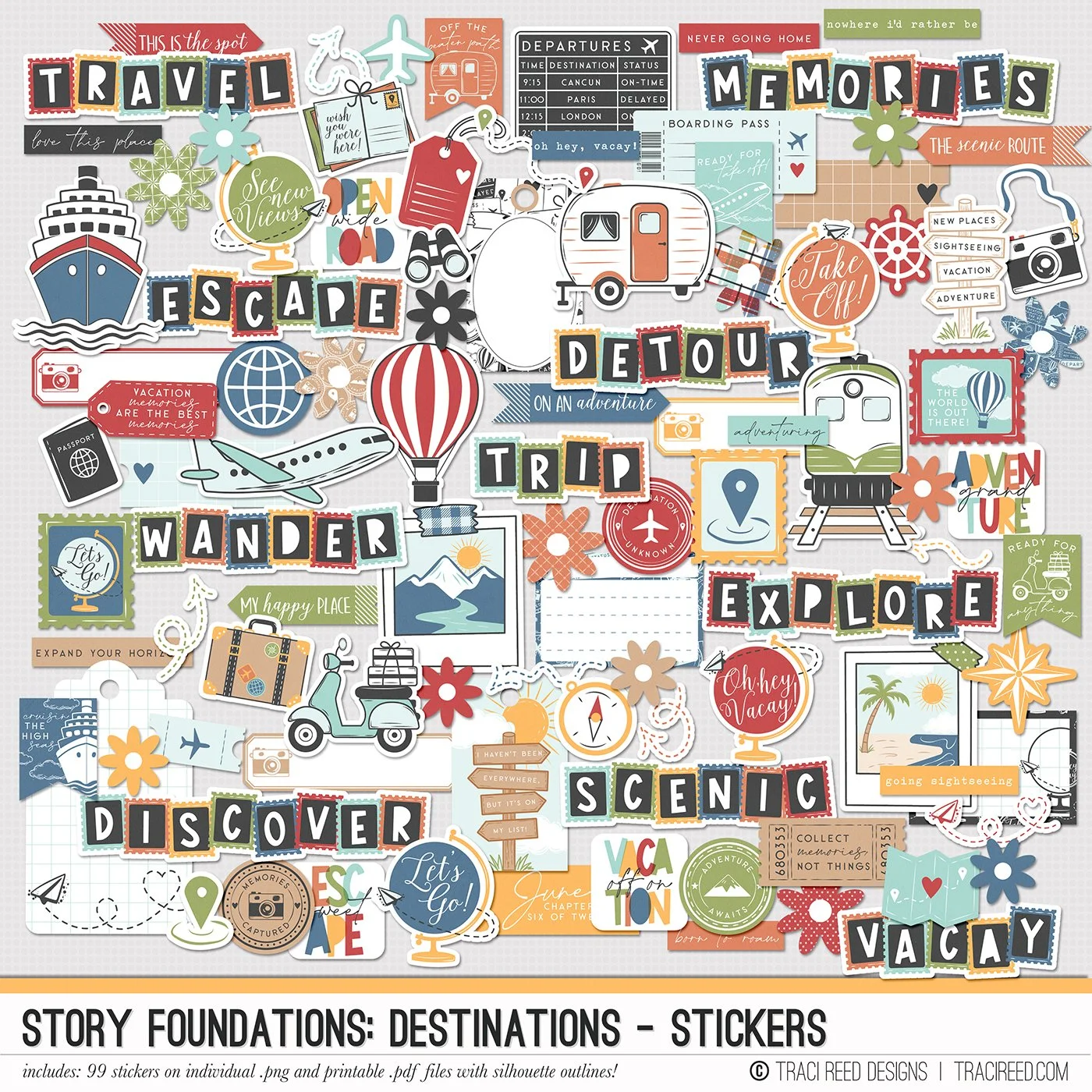
STICKERS INCLUDE:
99 digital/printable stickers on individual .png files and printable .png/.pdf sheets with and without fussy cutting lines and silhouette guides!
Story Foundations Chapter Six: Destinations is all about the places that call us to explore, whether they’re across the globe or just beyond our everyday routine. From bucket-list adventures and family vacations to weekend road trips, staycations, cruises, camping trips, and spontaneous day trips, this chapter was designed to help you document the journeys that shape your story and the memories made along the way.
Filled with travel-inspired icons, vintage touches, and colorful storytelling elements, Destinations captures the excitement of setting off for somewhere new. Airplanes, trains, cruise ships, maps, cameras, luggage tags, passports, hot air balloons, and scenic landscapes are paired with versatile title pieces and journaling elements that make it easy to tell the story of your travels in a way that feels personal and authentic.
Like every chapter in the Story Foundations series, Destinations was created with flexibility in mind. The fresh and timeless color palette blends effortlessly with a wide variety of travel photos, from tropical getaways and European adventures to cross-country road trips and everyday explorations close to home. The mix of classic travel motifs and modern designs ensures this collection feels just as relevant years from now as it does today.
See the unboxing and example images for the Story Foundations: Destinations collection HERE.
Don’t forget, the entire 2026 Story Foundations Collections are meant to mix and match and pair with each other! You can see all the Story Foundations Chapters HERE.
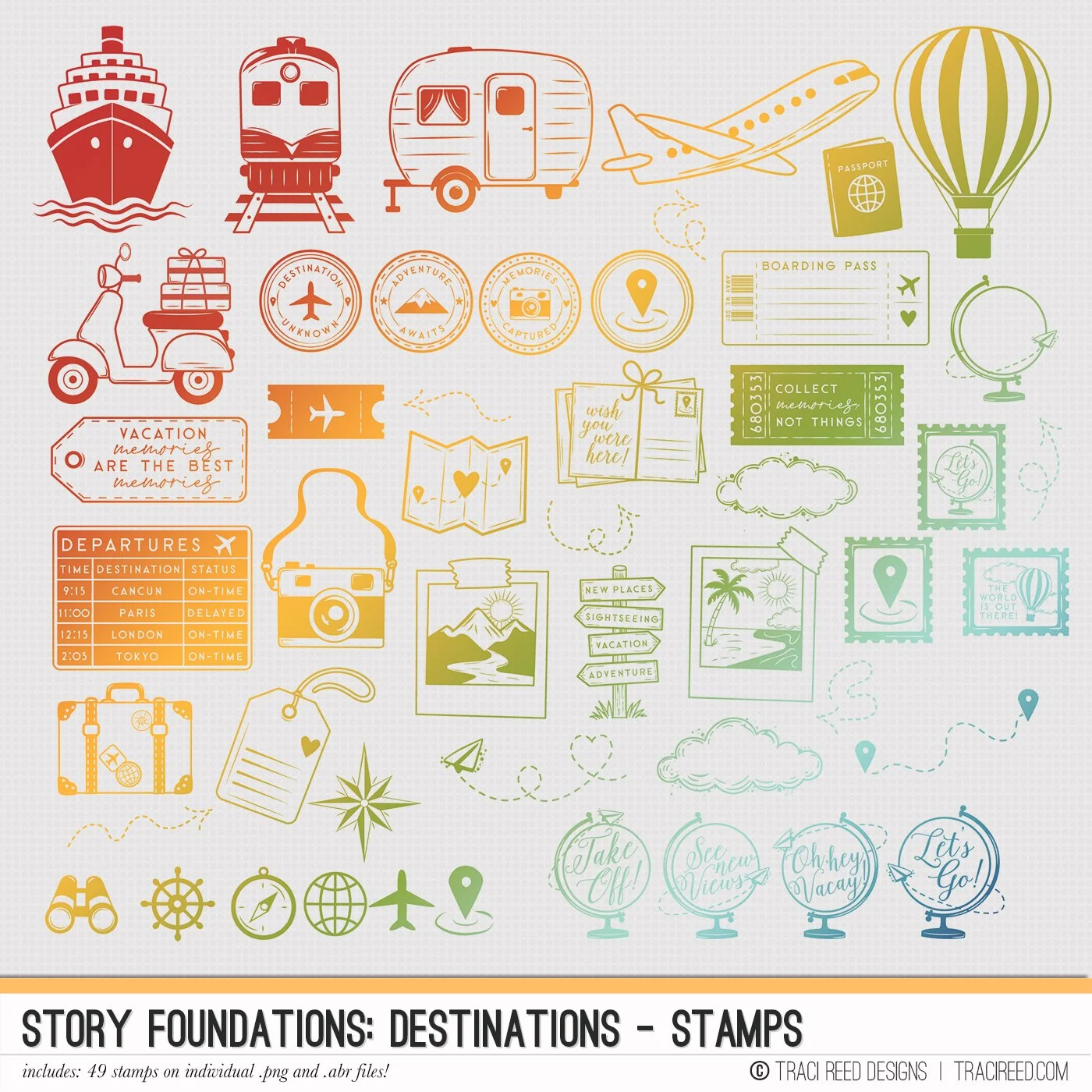
STAMPS INCLUDE:
49 digital stamps on individual .png and .abr files!
Story Foundations Chapter Six: Destinations is all about the places that call us to explore, whether they’re across the globe or just beyond our everyday routine. From bucket-list adventures and family vacations to weekend road trips, staycations, cruises, camping trips, and spontaneous day trips, this chapter was designed to help you document the journeys that shape your story and the memories made along the way.
Filled with travel-inspired icons, vintage touches, and colorful storytelling elements, Destinations captures the excitement of setting off for somewhere new. Airplanes, trains, cruise ships, maps, cameras, luggage tags, passports, hot air balloons, and scenic landscapes are paired with versatile title pieces and journaling elements that make it easy to tell the story of your travels in a way that feels personal and authentic.
Like every chapter in the Story Foundations series, Destinations was created with flexibility in mind. The fresh and timeless color palette blends effortlessly with a wide variety of travel photos, from tropical getaways and European adventures to cross-country road trips and everyday explorations close to home. The mix of classic travel motifs and modern designs ensures this collection feels just as relevant years from now as it does today.
See the unboxing and example images for the Story Foundations: Destinations collection HERE.
Don’t forget, the entire 2026 Story Foundations Collections are meant to mix and match and pair with each other! You can see all the Story Foundations Chapters HERE.
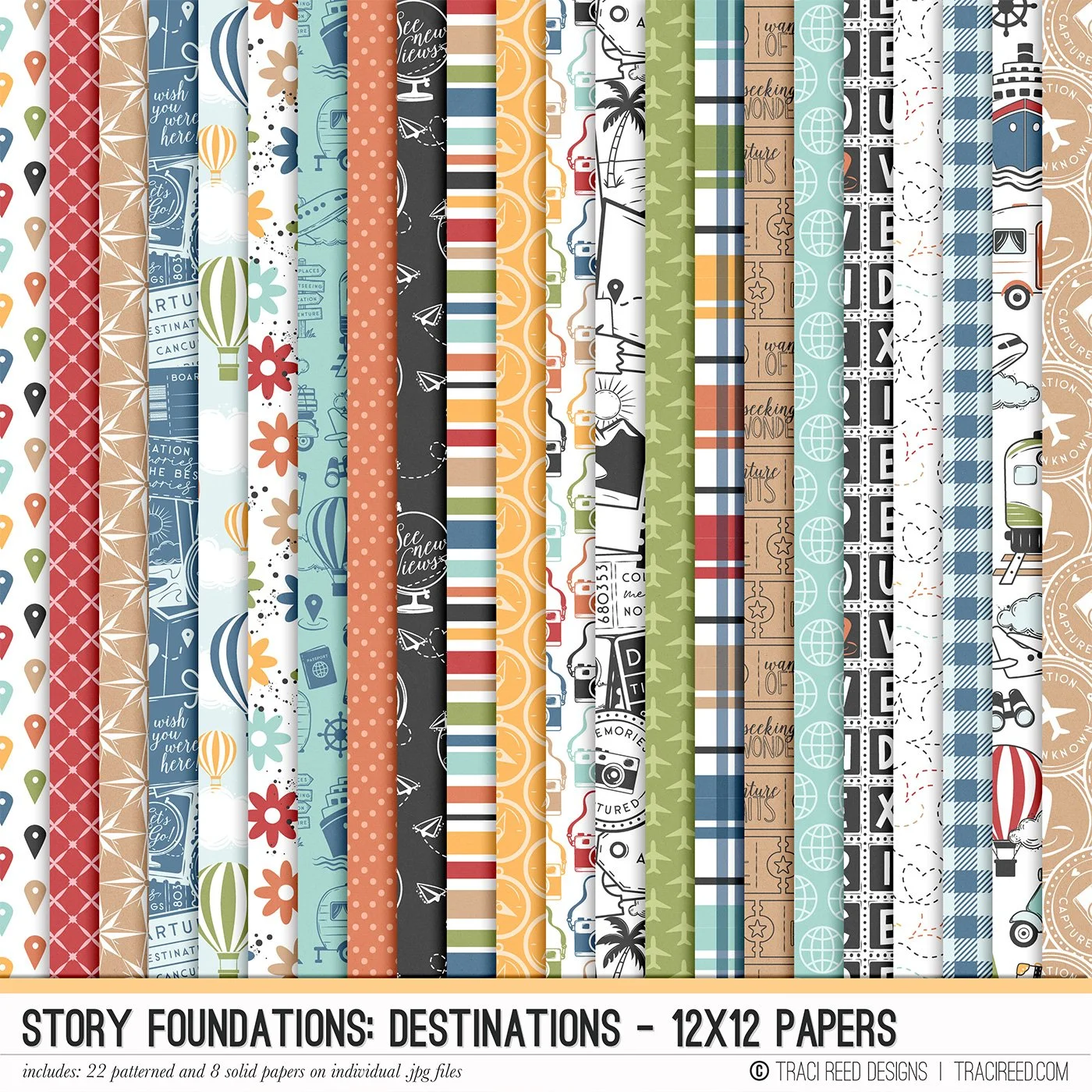
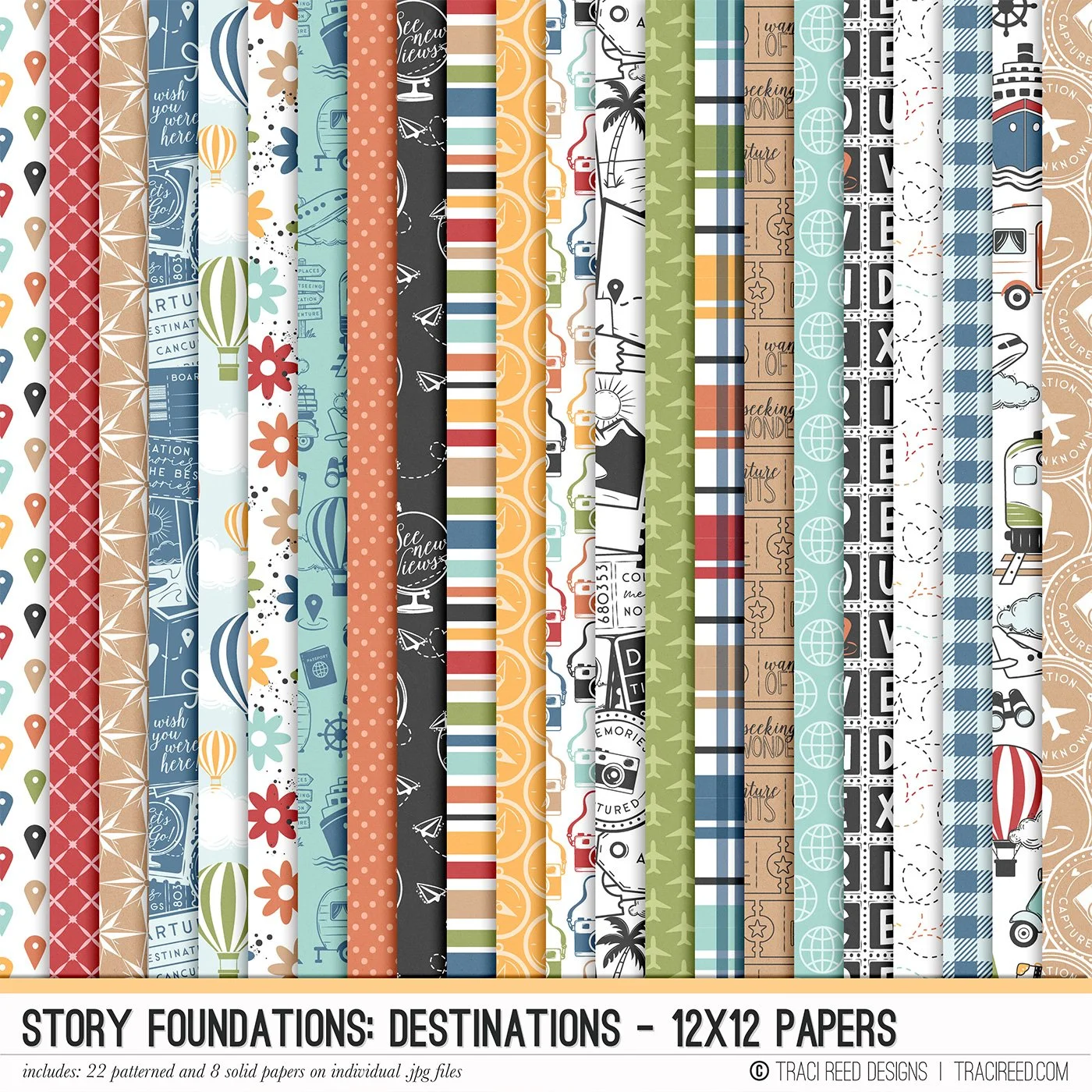
12×12 PAPERS INCLUDE:
22 Patterned and 8 Swiss Dot Solid 12×12 Papers on individual .jpg files!
Story Foundations Chapter Six: Destinations is all about the places that call us to explore, whether they’re across the globe or just beyond our everyday routine. From bucket-list adventures and family vacations to weekend road trips, staycations, cruises, camping trips, and spontaneous day trips, this chapter was designed to help you document the journeys that shape your story and the memories made along the way.
Filled with travel-inspired icons, vintage touches, and colorful storytelling elements, Destinations captures the excitement of setting off for somewhere new. Airplanes, trains, cruise ships, maps, cameras, luggage tags, passports, hot air balloons, and scenic landscapes are paired with versatile title pieces and journaling elements that make it easy to tell the story of your travels in a way that feels personal and authentic.
Like every chapter in the Story Foundations series, Destinations was created with flexibility in mind. The fresh and timeless color palette blends effortlessly with a wide variety of travel photos, from tropical getaways and European adventures to cross-country road trips and everyday explorations close to home. The mix of classic travel motifs and modern designs ensures this collection feels just as relevant years from now as it does today.
See the unboxing and example images for the Story Foundations: Destinations collection HERE.
Don’t forget, the entire 2026 Story Foundations Collections are meant to mix and match and pair with each other! You can see all the Story Foundations Chapters HERE.
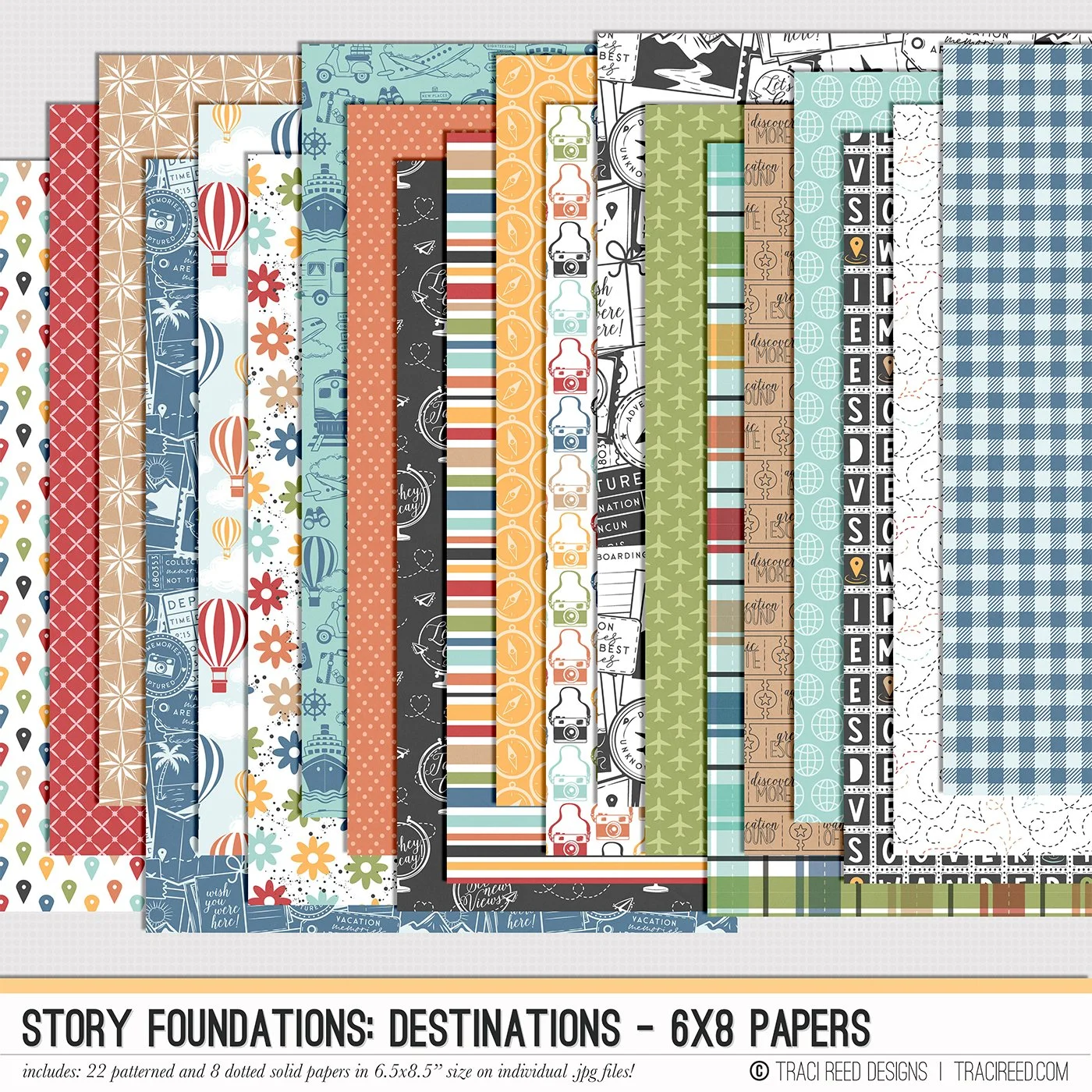
6×8 PAPERS INCLUDE:
22 Patterned and 8 Swiss Dot Solid 6.5×8.5” Papers on individual .jpg files!
Story Foundations Chapter Six: Destinations is all about the places that call us to explore, whether they’re across the globe or just beyond our everyday routine. From bucket-list adventures and family vacations to weekend road trips, staycations, cruises, camping trips, and spontaneous day trips, this chapter was designed to help you document the journeys that shape your story and the memories made along the way.
Filled with travel-inspired icons, vintage touches, and colorful storytelling elements, Destinations captures the excitement of setting off for somewhere new. Airplanes, trains, cruise ships, maps, cameras, luggage tags, passports, hot air balloons, and scenic landscapes are paired with versatile title pieces and journaling elements that make it easy to tell the story of your travels in a way that feels personal and authentic.
Like every chapter in the Story Foundations series, Destinations was created with flexibility in mind. The fresh and timeless color palette blends effortlessly with a wide variety of travel photos, from tropical getaways and European adventures to cross-country road trips and everyday explorations close to home. The mix of classic travel motifs and modern designs ensures this collection feels just as relevant years from now as it does today.
See the unboxing and example images for the Story Foundations: Destinations collection HERE.
Don’t forget, the entire 2026 Story Foundations Collections are meant to mix and match and pair with each other! You can see all the Story Foundations Chapters HERE.
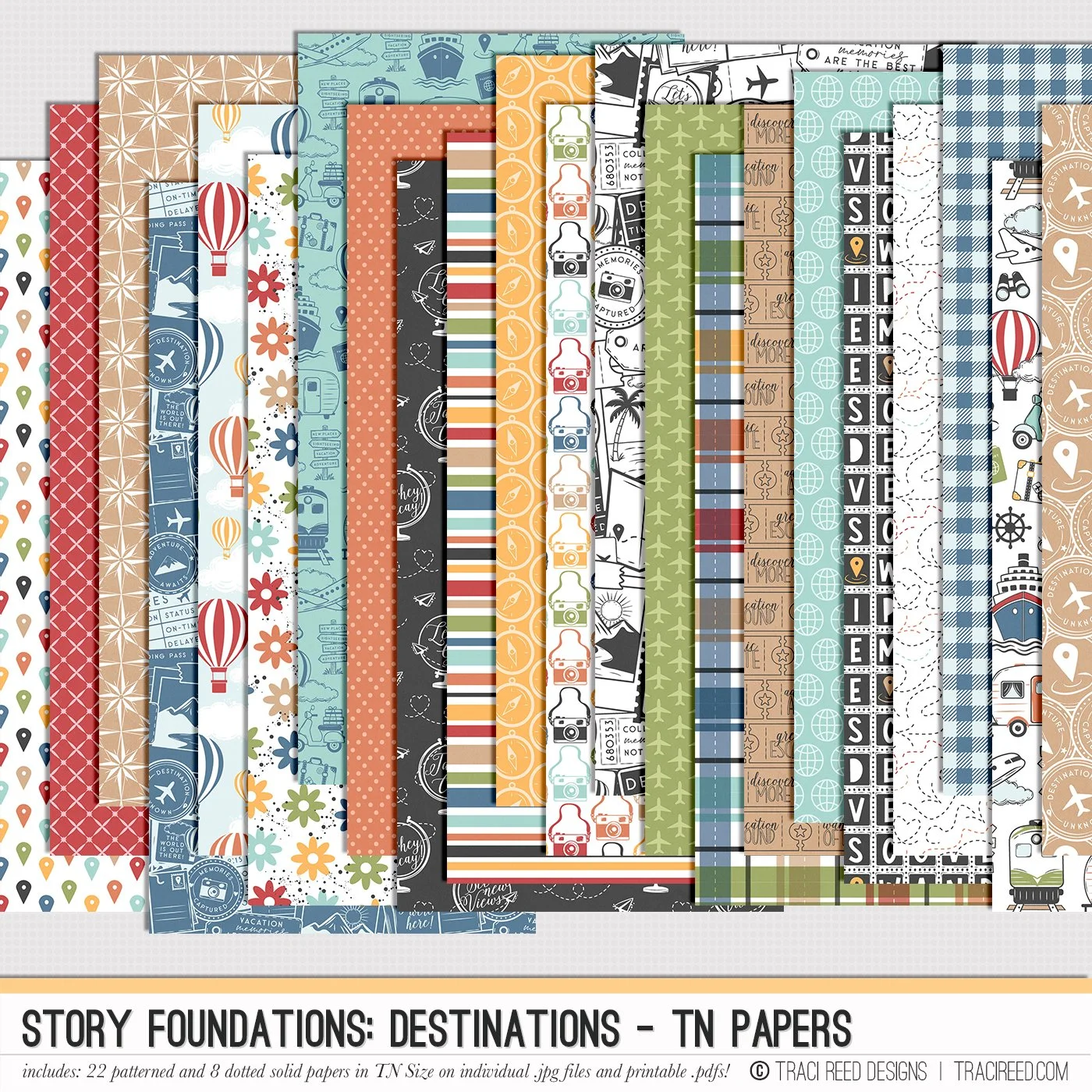
TN PAPERS INCLUDE:
22 Patterned and 8 Swiss Dot Solid TN-sized 4.25×8.25” Papers on individual .jpg and printable .pdf files!
Story Foundations Chapter Six: Destinations is all about the places that call us to explore, whether they’re across the globe or just beyond our everyday routine. From bucket-list adventures and family vacations to weekend road trips, staycations, cruises, camping trips, and spontaneous day trips, this chapter was designed to help you document the journeys that shape your story and the memories made along the way.
Filled with travel-inspired icons, vintage touches, and colorful storytelling elements, Destinations captures the excitement of setting off for somewhere new. Airplanes, trains, cruise ships, maps, cameras, luggage tags, passports, hot air balloons, and scenic landscapes are paired with versatile title pieces and journaling elements that make it easy to tell the story of your travels in a way that feels personal and authentic.
Like every chapter in the Story Foundations series, Destinations was created with flexibility in mind. The fresh and timeless color palette blends effortlessly with a wide variety of travel photos, from tropical getaways and European adventures to cross-country road trips and everyday explorations close to home. The mix of classic travel motifs and modern designs ensures this collection feels just as relevant years from now as it does today.
See the unboxing and example images for the Story Foundations: Destinations collection HERE.
Don’t forget, the entire 2026 Story Foundations Collections are meant to mix and match and pair with each other! You can see all the Story Foundations Chapters HERE.
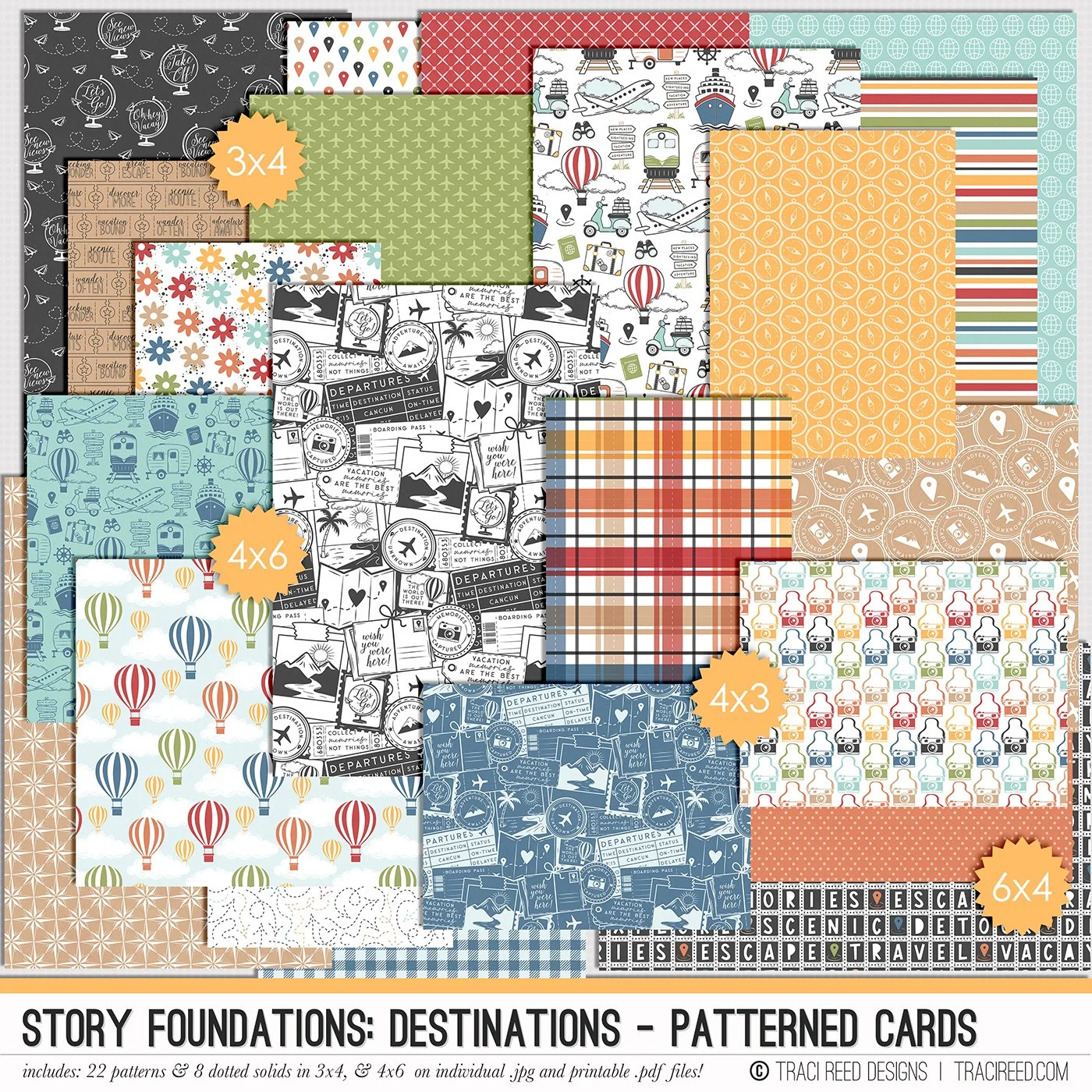
PATTERNED CARDS INCLUDE:
22 Patterned and 8 Swiss Dot cards in 3×4, 4×3, 4×6 and 6×4 sizes on individual .jpg and printable .pdf files!
Story Foundations Chapter Six: Destinations is all about the places that call us to explore, whether they’re across the globe or just beyond our everyday routine. From bucket-list adventures and family vacations to weekend road trips, staycations, cruises, camping trips, and spontaneous day trips, this chapter was designed to help you document the journeys that shape your story and the memories made along the way.
Filled with travel-inspired icons, vintage touches, and colorful storytelling elements, Destinations captures the excitement of setting off for somewhere new. Airplanes, trains, cruise ships, maps, cameras, luggage tags, passports, hot air balloons, and scenic landscapes are paired with versatile title pieces and journaling elements that make it easy to tell the story of your travels in a way that feels personal and authentic.
Like every chapter in the Story Foundations series, Destinations was created with flexibility in mind. The fresh and timeless color palette blends effortlessly with a wide variety of travel photos, from tropical getaways and European adventures to cross-country road trips and everyday explorations close to home. The mix of classic travel motifs and modern designs ensures this collection feels just as relevant years from now as it does today.
See the unboxing and example images for the Story Foundations: Destinations collection HERE.
Don’t forget, the entire 2026 Story Foundations Collections are meant to mix and match and pair with each other! You can see all the Story Foundations Chapters HERE.
BUNDLE INCLUDES:
Story Foundations: Destinations Digital Kit, Cards 1, 2, &3 + Stickers!
BUNDLE DOES NOT INCLUDE:
Story Foundations: Destinations Stamps, TN Papers, 6×8 Papers, or Patterned Cards