Tutorial: Create a Title Cut Out Effect in PSE with Danica!
Creative team member Danica here. Today I’m going to show you how to stretch your digi stash by creating a dynamic cut out title using a sticker. This technique can also be modified and be used to create other custom cut outs on your layouts including fun frames! Let’s go!
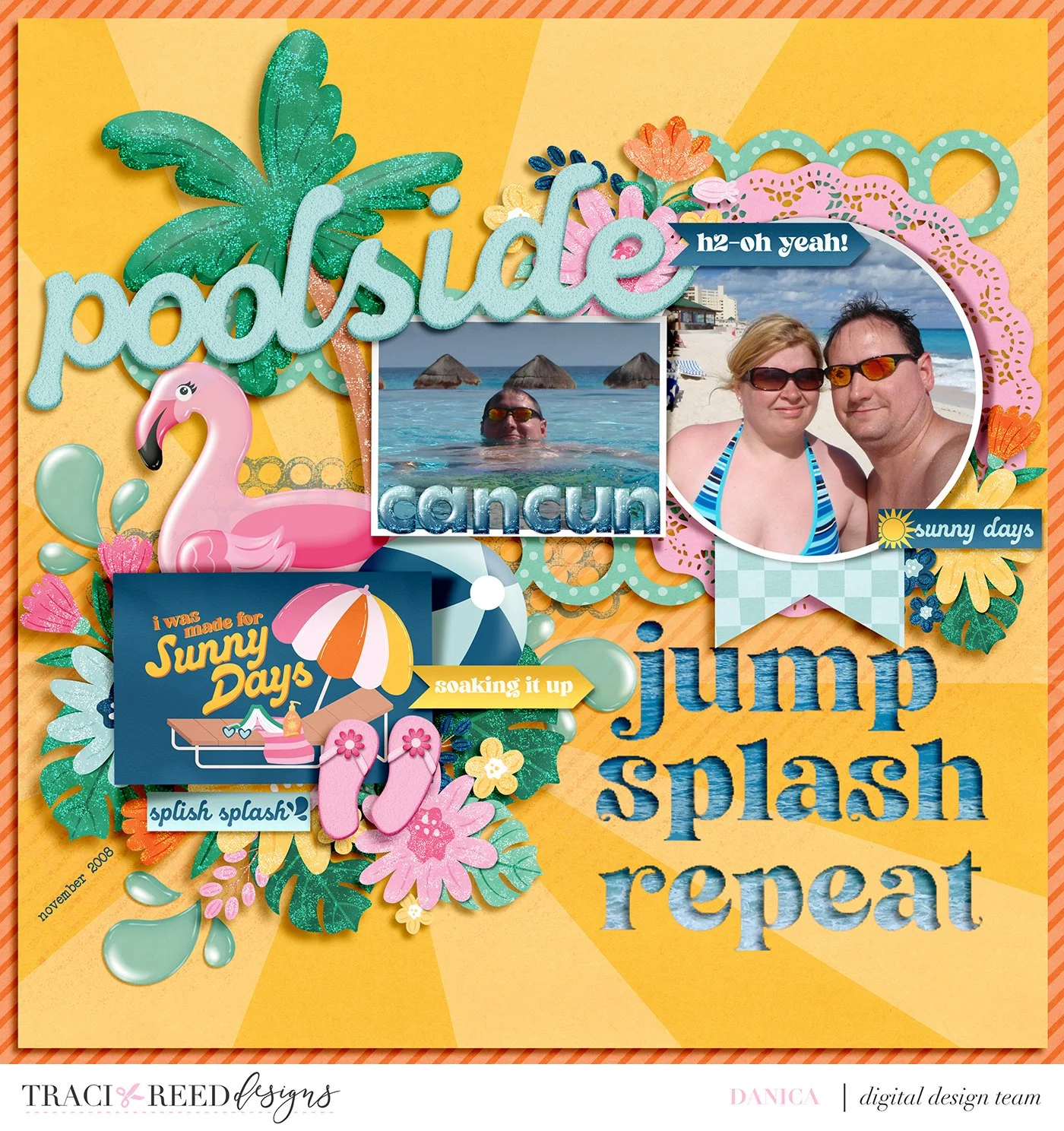
Here is my original layout that I made quite awhile back using Traci’s collection Poolside along with a template from Fiddle Dee Dee named Paper Things.
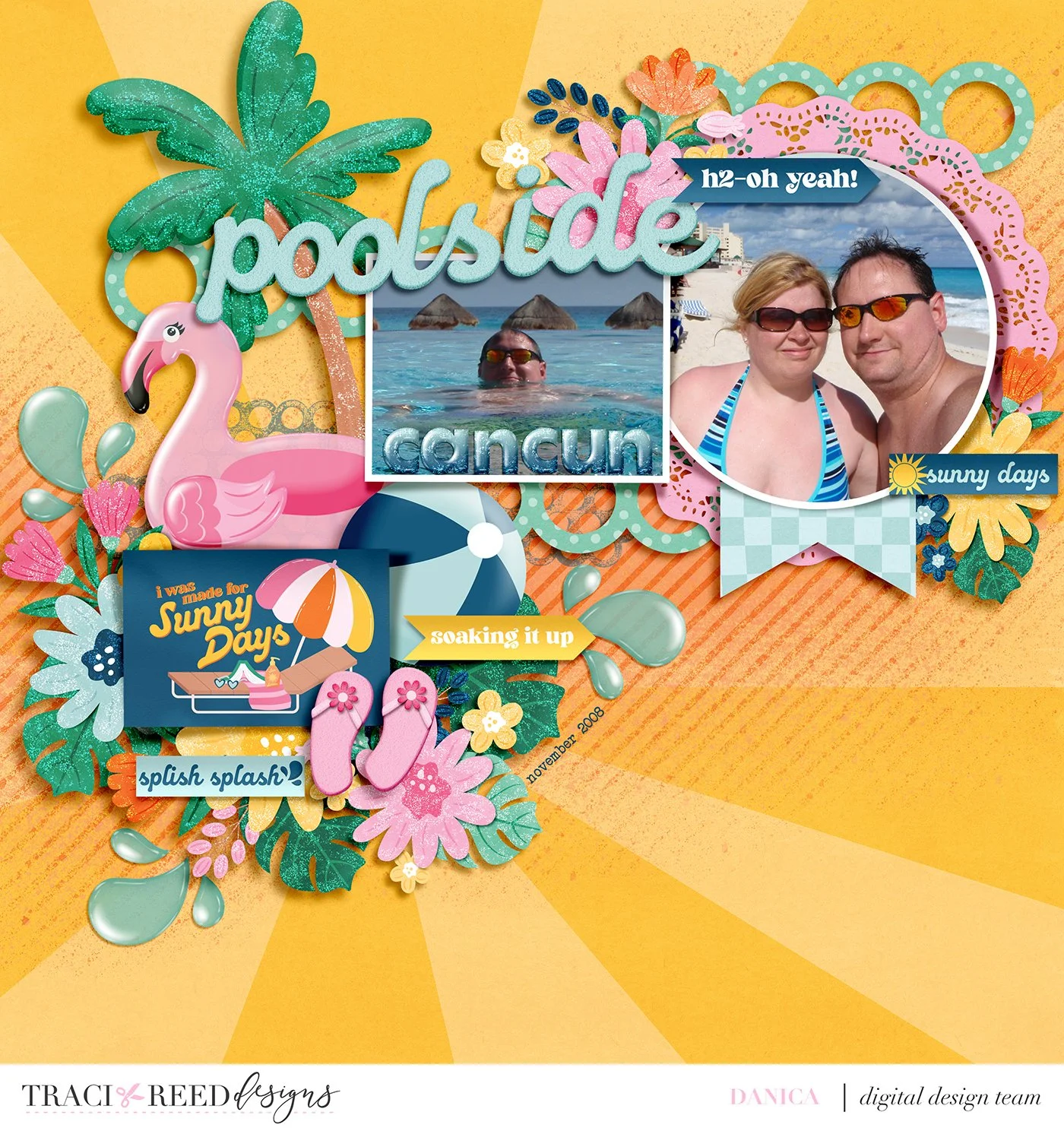
Looking at it now, i feel that it was missing something from the bottom right quadrant. Traci includes so many word art stickers and elements in her collections, so I found the perfect sticker to use as my subtitle in that empty space.
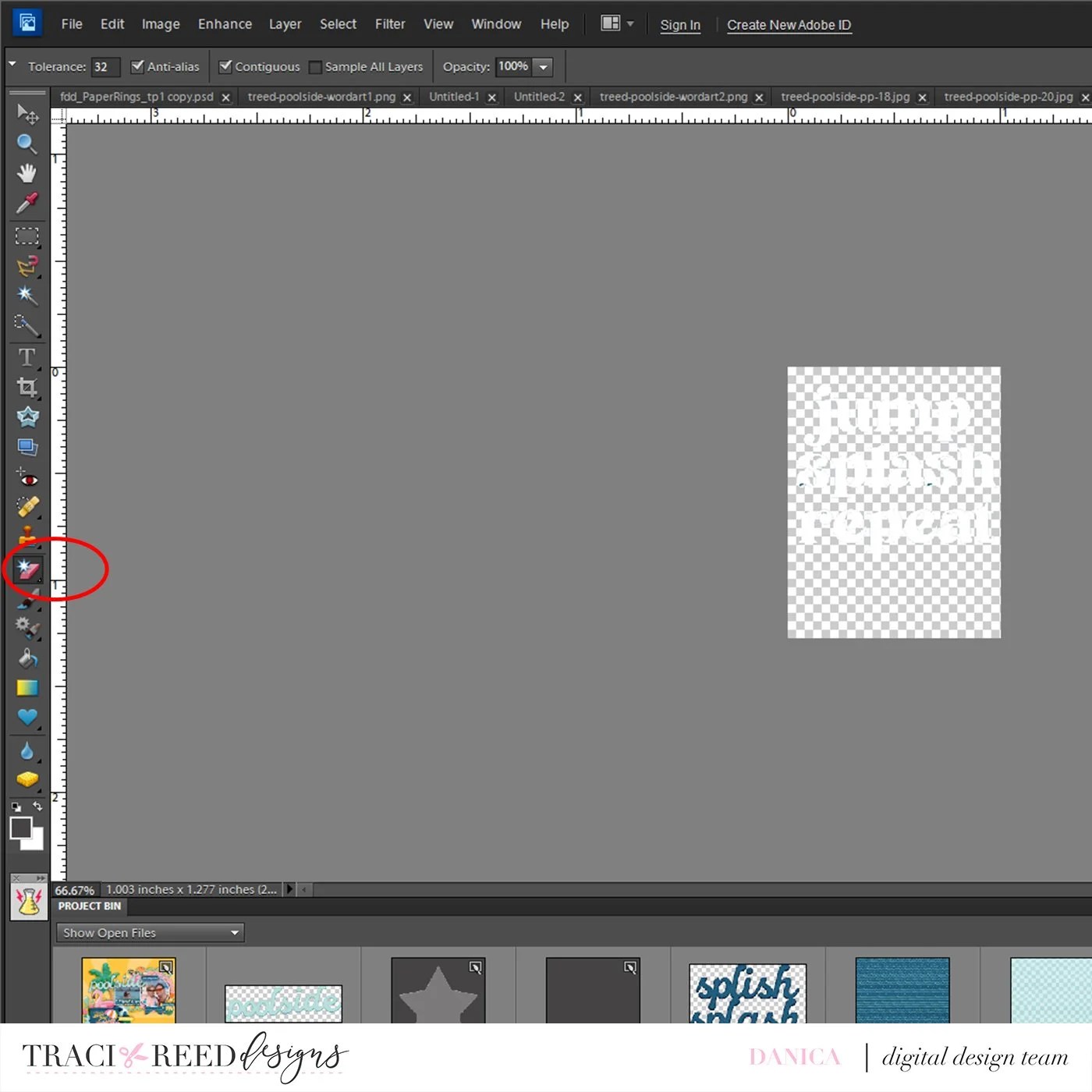
I extracted the phrase from this tag in the kit using the magic eraser tool in Photoshop Elements. It’s super easy to remove the blue background using it. I also had to “erase” the blue from the inside of the letters too.
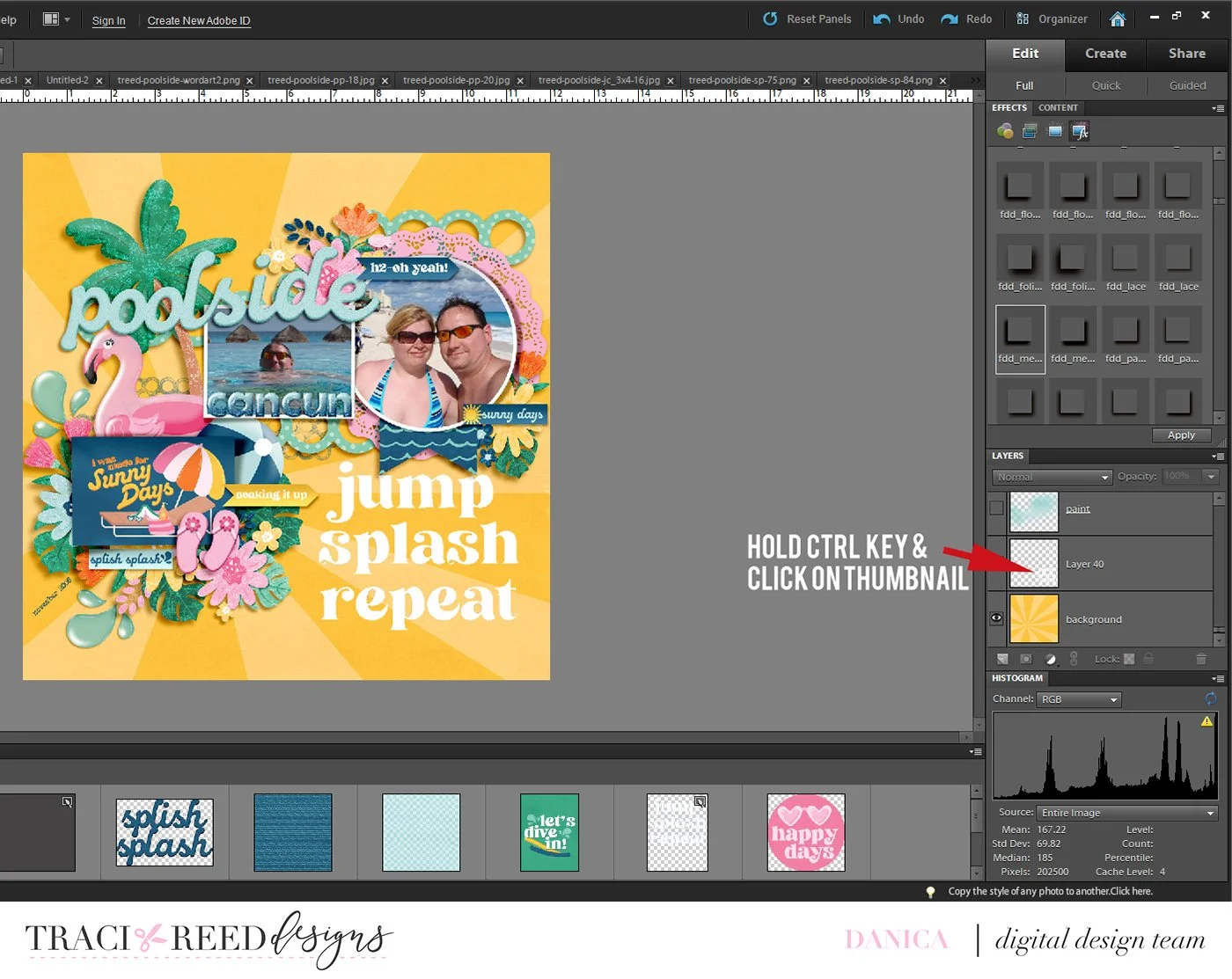
I enlarged the phrase and added it to my layout. Hold down the CTRL key and click on the thumbnail of the word art in the layers panel. This will give you “marching ants” around the word art.
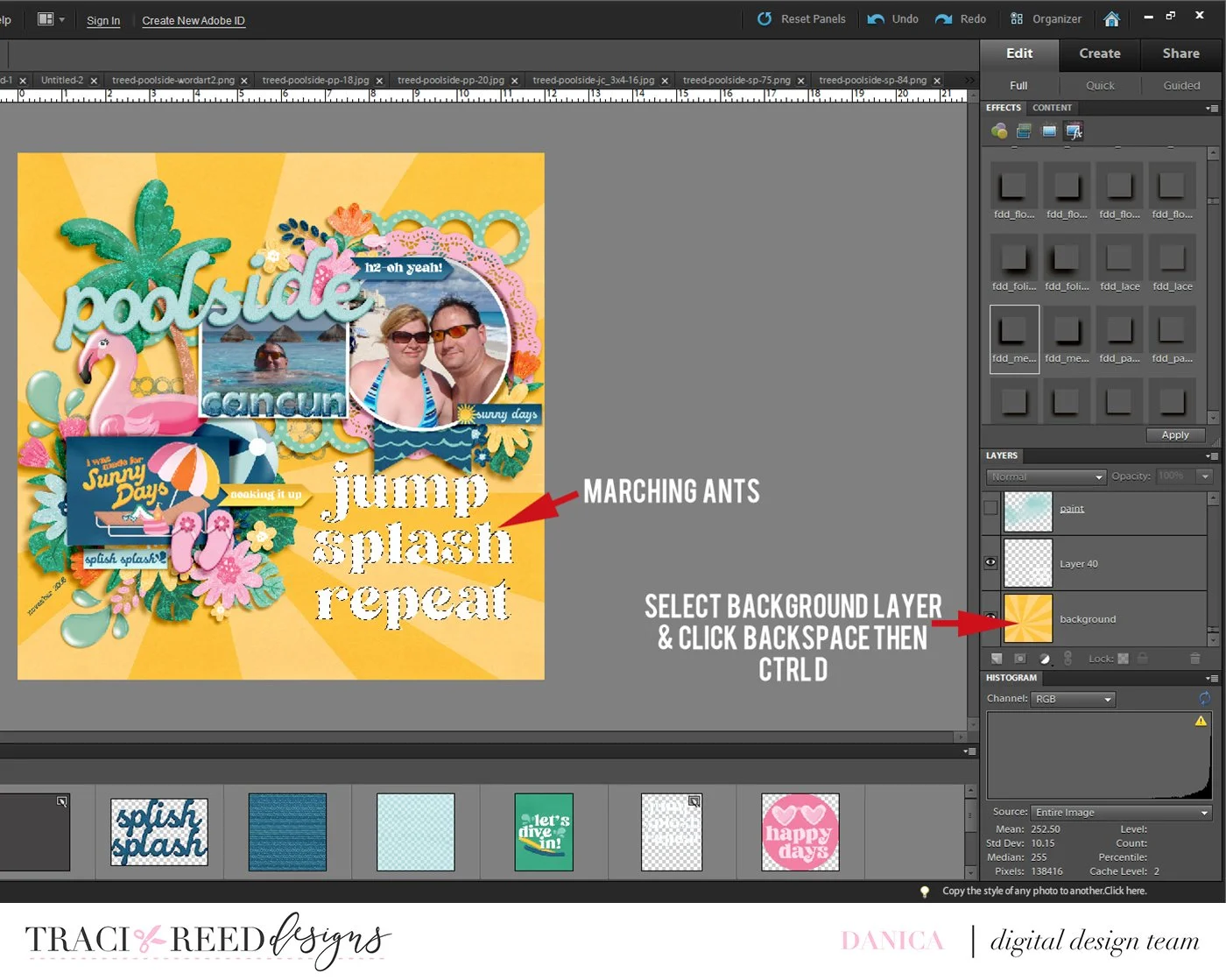
The layer directly below the marching ants layer will be the “cut out” layer. It cannot be a locked background layer. If it is, right click on the lock symbol in layers panel and select “layer from background”. This will unlock it. Next select this layer (in my layout it’s the yellow ray paper) by clicking it in the layers panel. Click backspace and then CTRL D to deselect.
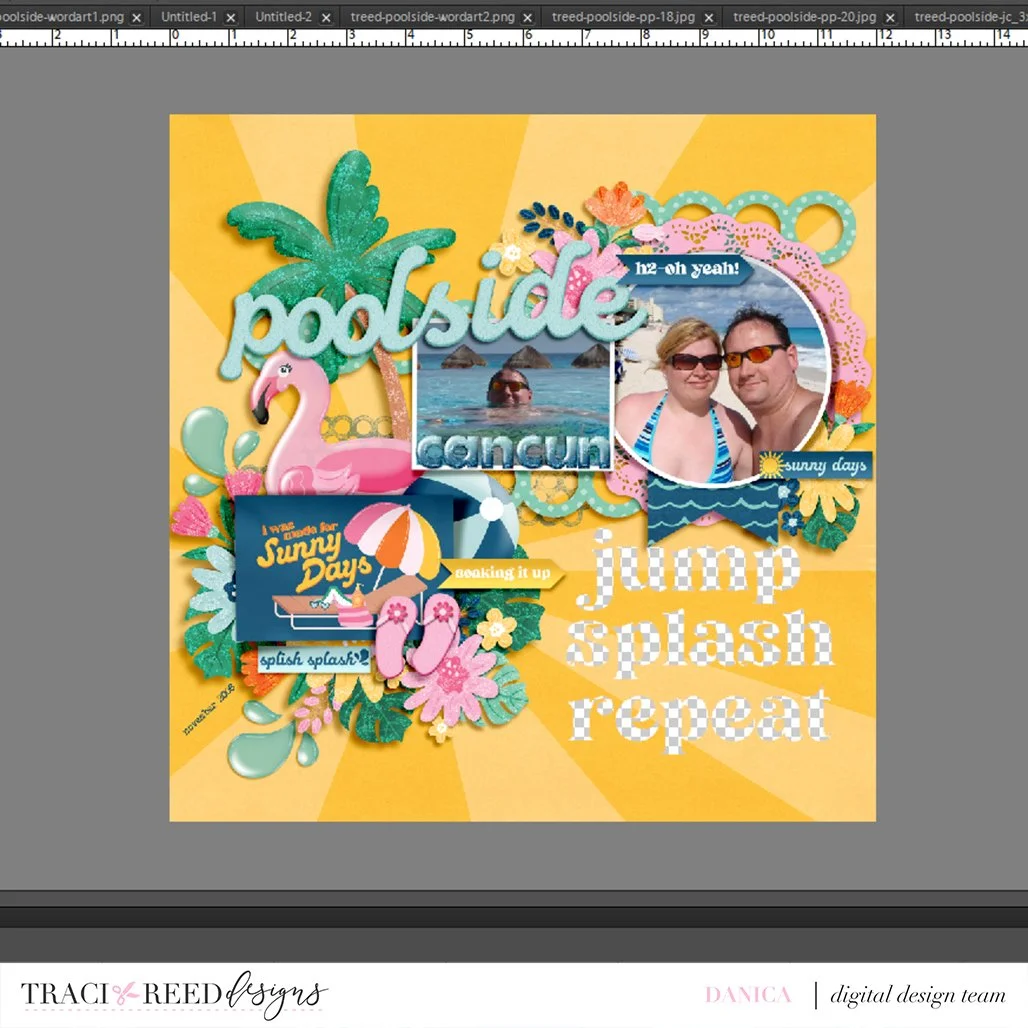
The background layer now has the cut out of the word art from the layer above it. Move the original word art layer below the cut out layer to use it as a clipping mask. Add a shadow to the cut out layer.
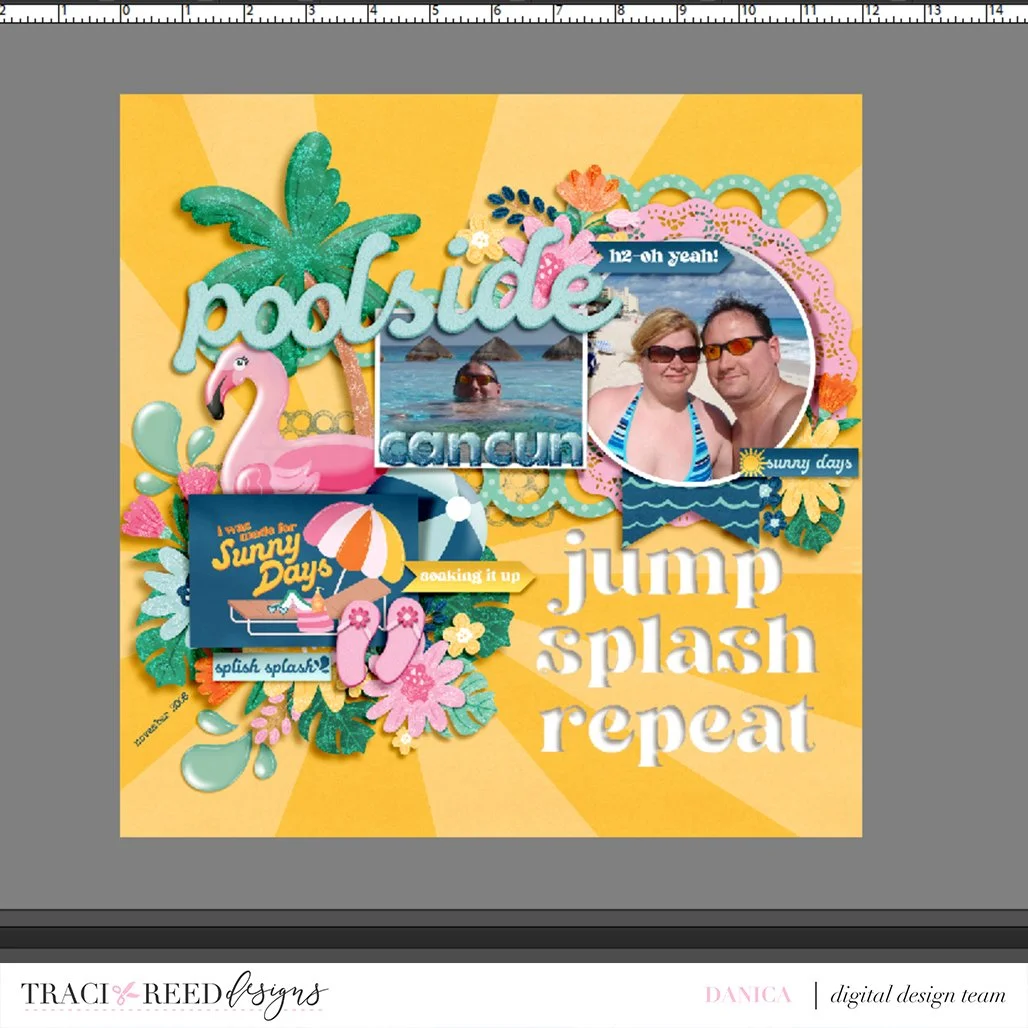
I clipped a photo of water to my clipping mask. I could have also clipped a patterned paper to it as well. To finish my layout I added a border to my entire page.
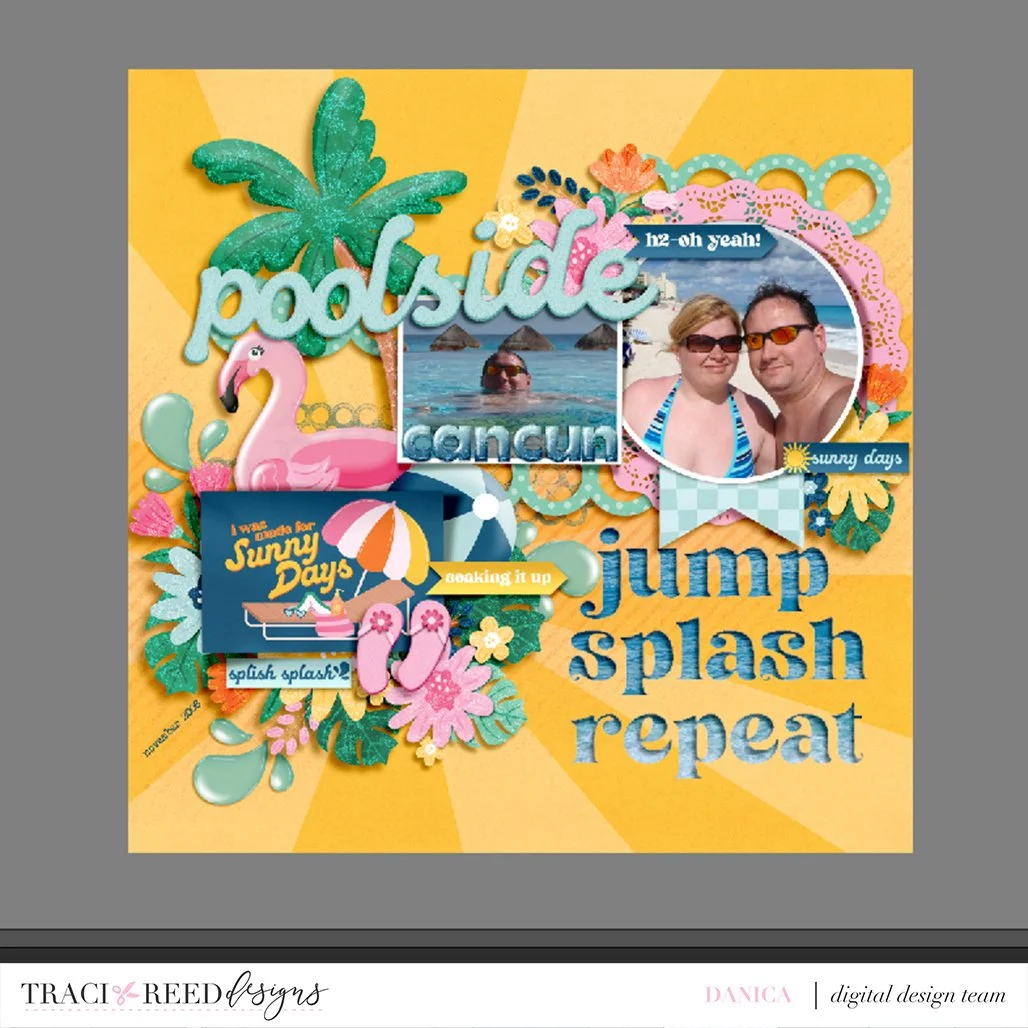
That’s how you add a cut out title to your layout! It is super easy to achieve this look and it can be easily adapted to also includes shapes and/or frames. Hope you try this technique out soon!

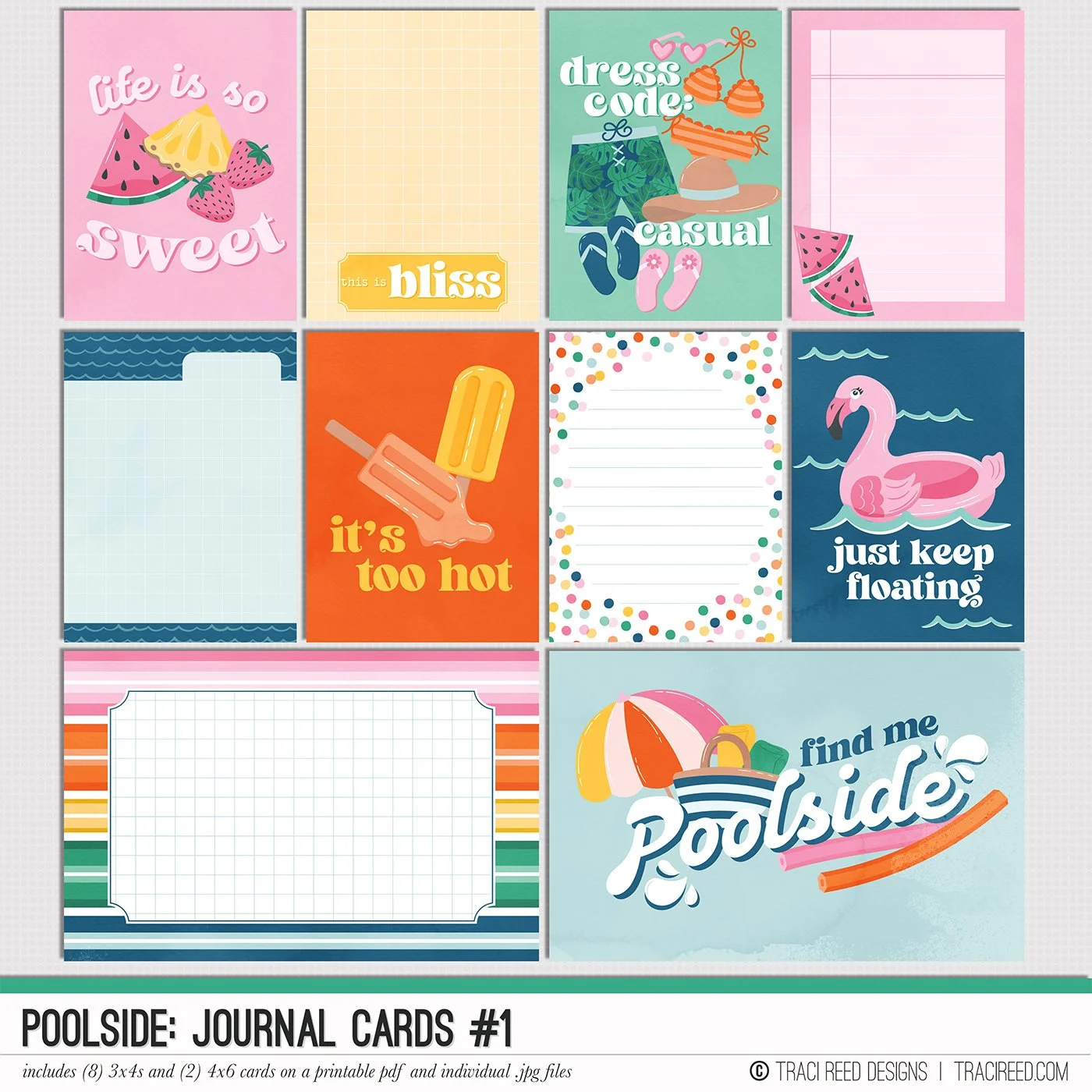
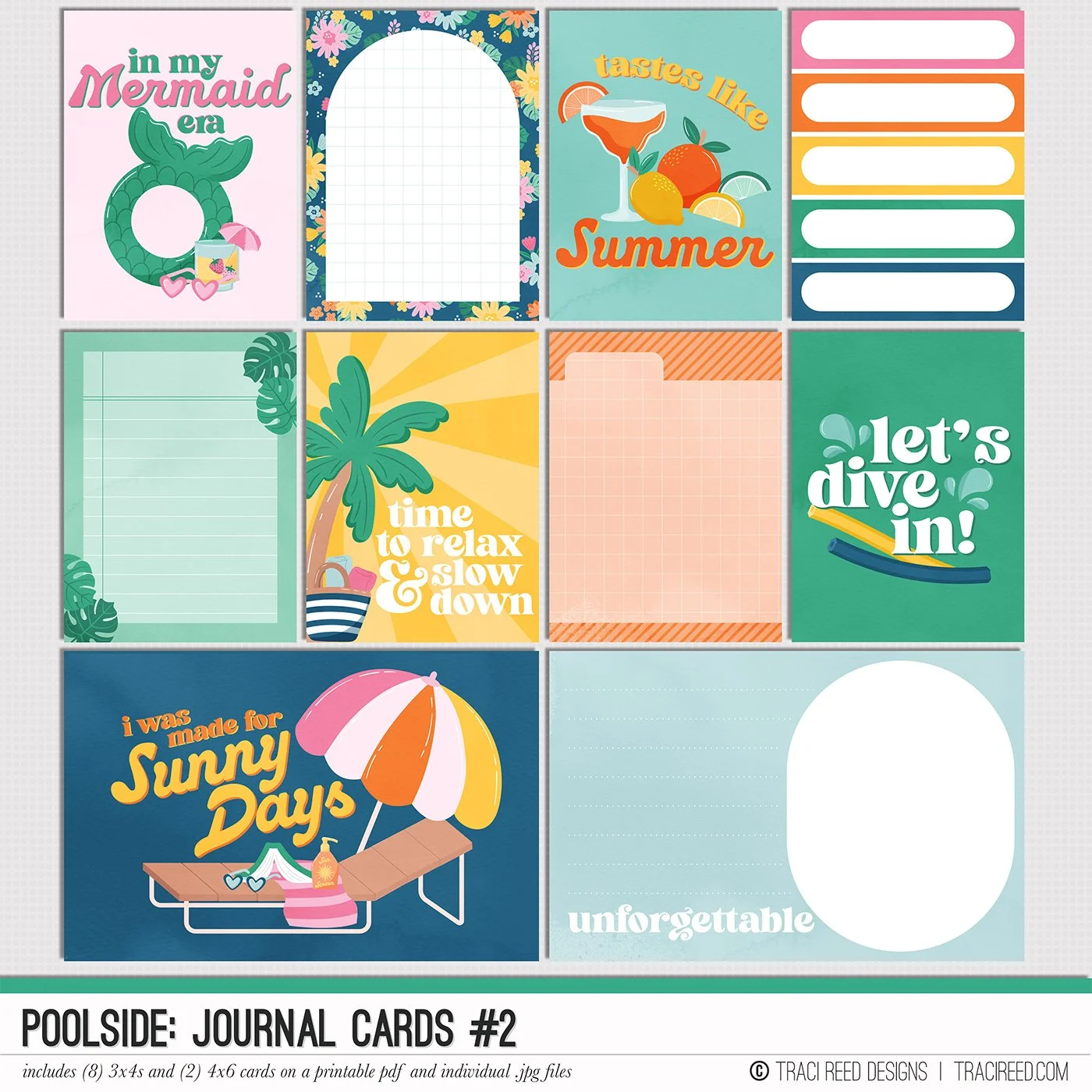
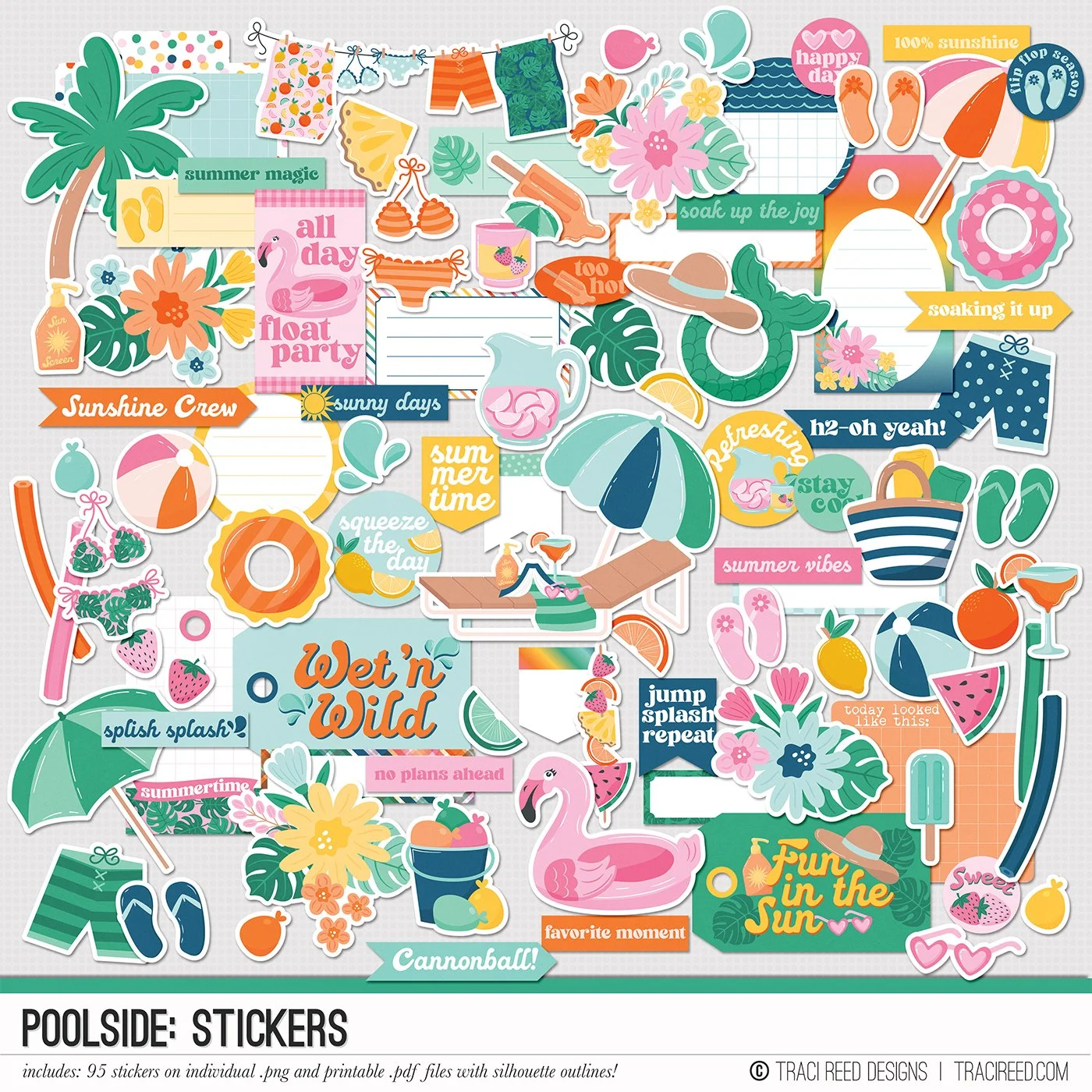
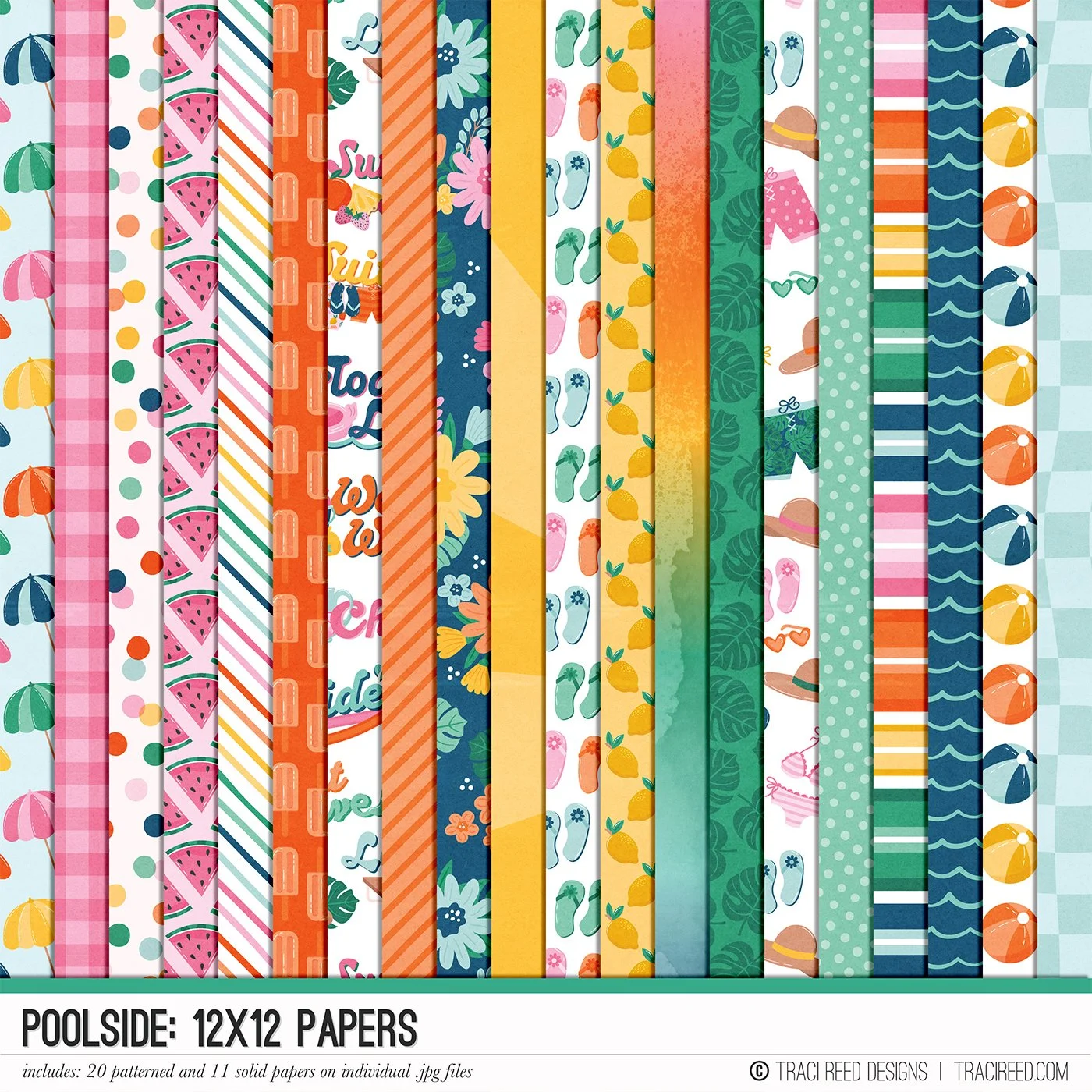
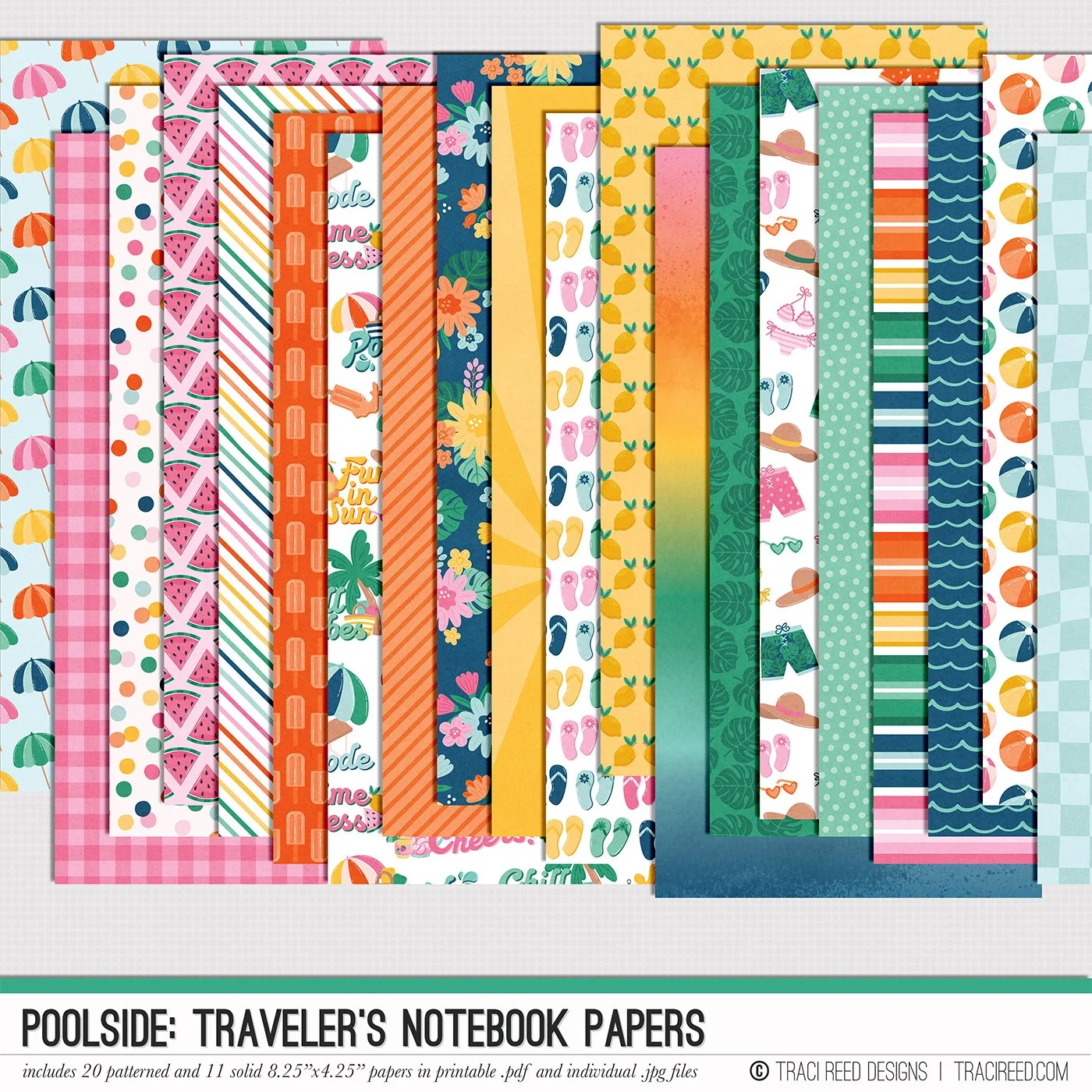
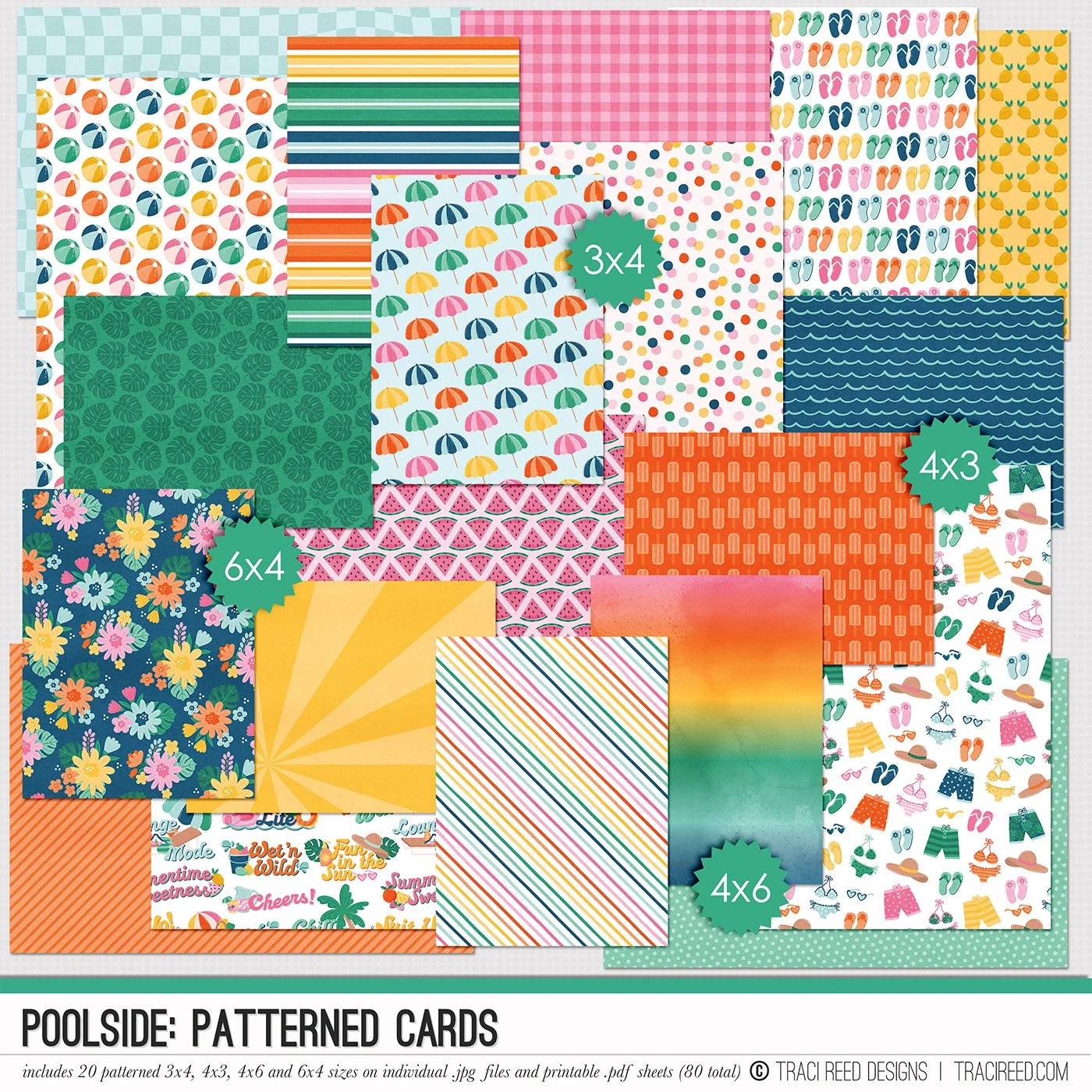
Make a splash in your summer memory keeping with the Poolside digital scrapbooking collection! Packed with playful icons, vibrant papers, and journaling-ready elements, this collection captures all the sunshine, snacks, and splashy fun of your favorite poolside moments.
Whether you’re documenting lazy days by the water, spontaneous water balloon fights, or just soaking up the sun, Poolside brings bold color and lighthearted energy to your pages!
Want to see the unboxing + example layouts? Check out the Poolside blog post HERE!
POOLSIDE BUNDLE INCLUDES
Poolside Digital Kit, Cards #1 & #2, Stickers + Bonus Titles!
POOLSIDE BUNDLE DOES NOT INCLUDE
Poolside Patterned Cards or TN Papers