
6 Tips for Adding A Dozen (or more!) Photos to one 6x8 Mini Album Spread with Luly!
One of the things I like to document every year in my December Daily (DD) is all the sparkly lights and decorations that happen in big public spaces in addition to documenting the ones at my own home. This year I was very fortunate to visit the largest home in the world - Biltmore Mansion in Asheville, North Carolina. With over 250 rooms there are lots of areas to decorate - and they do an amazing job! I am sharing a few tips as you creating your own December Daily and documenting all your lights & decor!
I am using Traci’s Make Merry Collection to document this “day” in my DD. I love all the fun vintage ornaments and the bright colors.
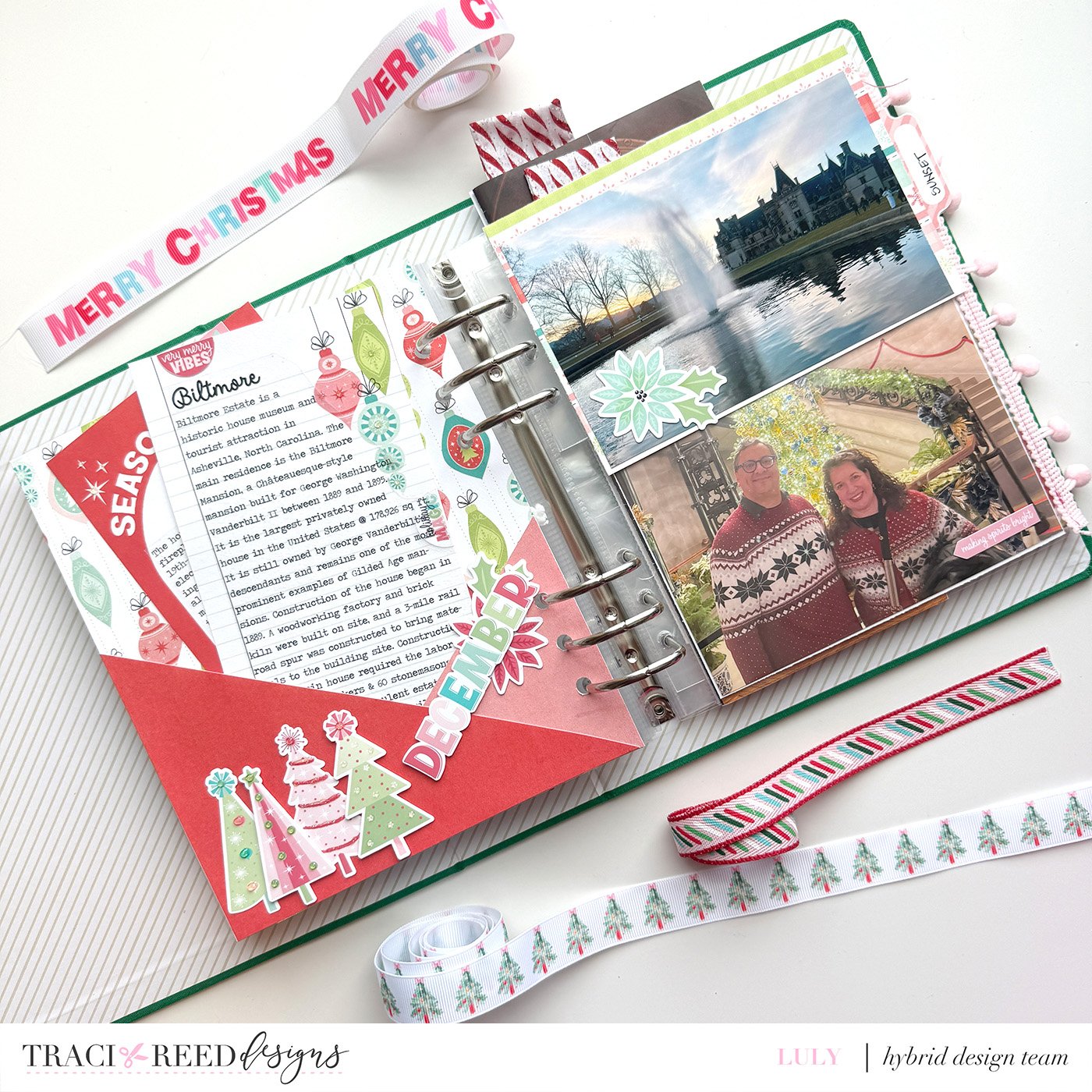
A quick side tip: Take your photos from far away (so the whole tree) but also get closer so that you can see the individual ornaments too. There were so many amazing trees in each room - I could have spent lots of time looking at every single one.
Since I had so many pics I wanted to be able to create a big pocket to house some of the many pictures I took on our visit or to document the history of the house. So Space-Expanding Tip #1 is to create a pocket to hold additional photos or journaling. Here, I have created my pocket using 2 triangles to add visual interest ( also a way to use 2 patterns or solids).
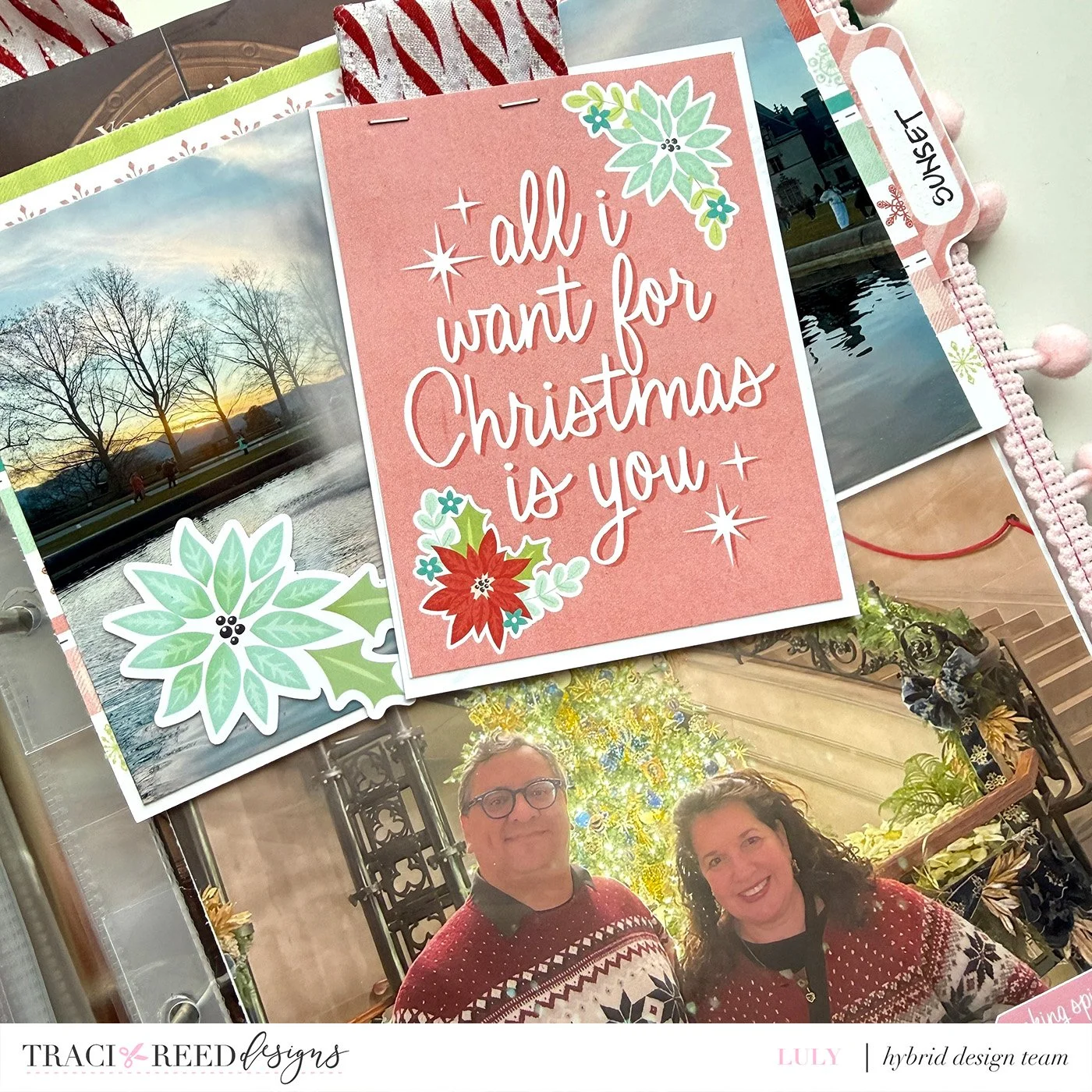
Space-Expanding Tip #2: Use an adhesive ring insert to put two 4x6 photos in between pockets or full pages photos - here I’ve included photos of the front of the Mansion at dusk and all lit up at night.
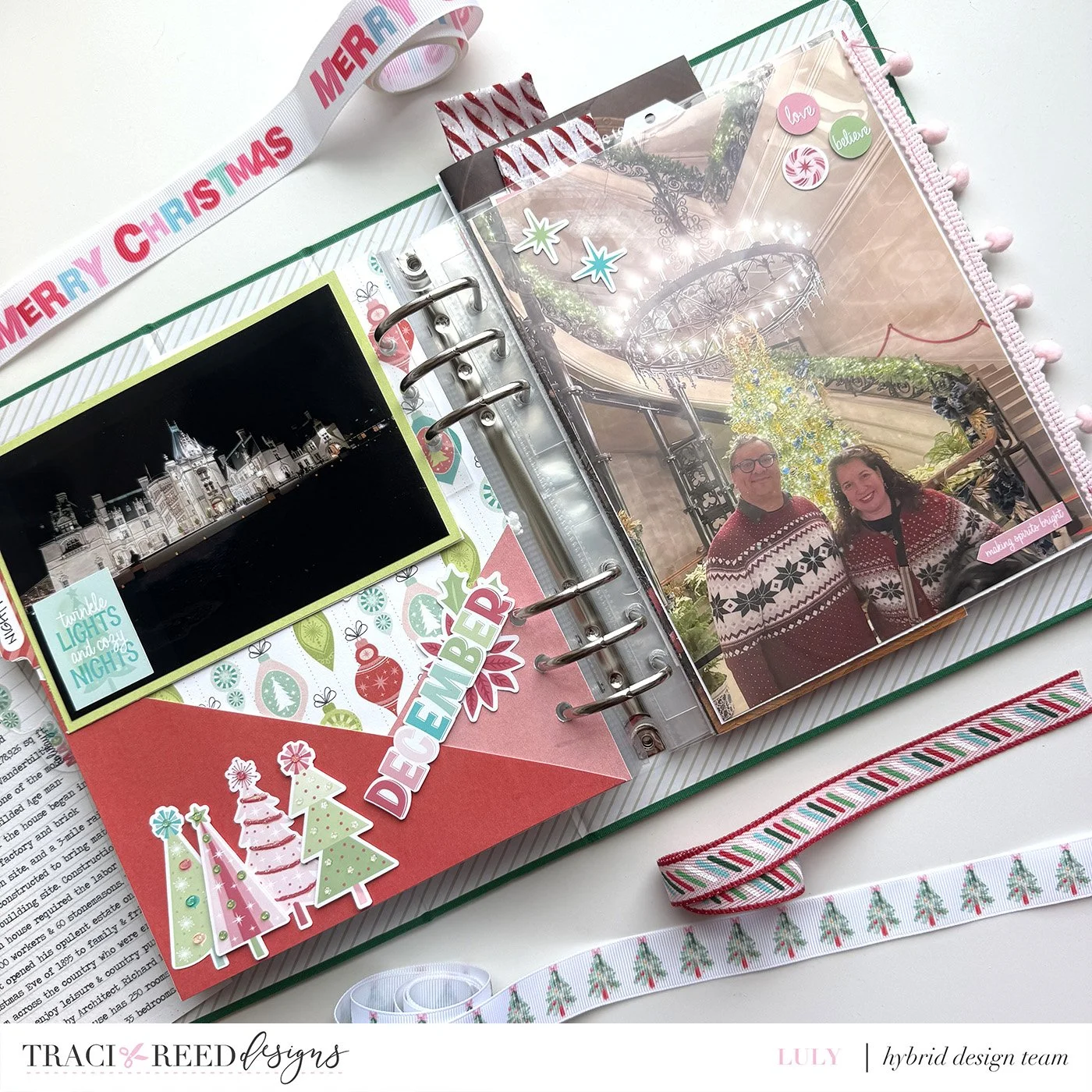
Space-Expanding Tip #3: Choose your favorite photo to print full-size. I paired that with a large photo to which I added ephemera to the outside of the page protector. This gives you room for tip number 4:
Space-Expanding Tip #4: On the back of my large photo, I created a full-page photo collage to showcase even more photos! A collage is truly an underrated way to include many photos!
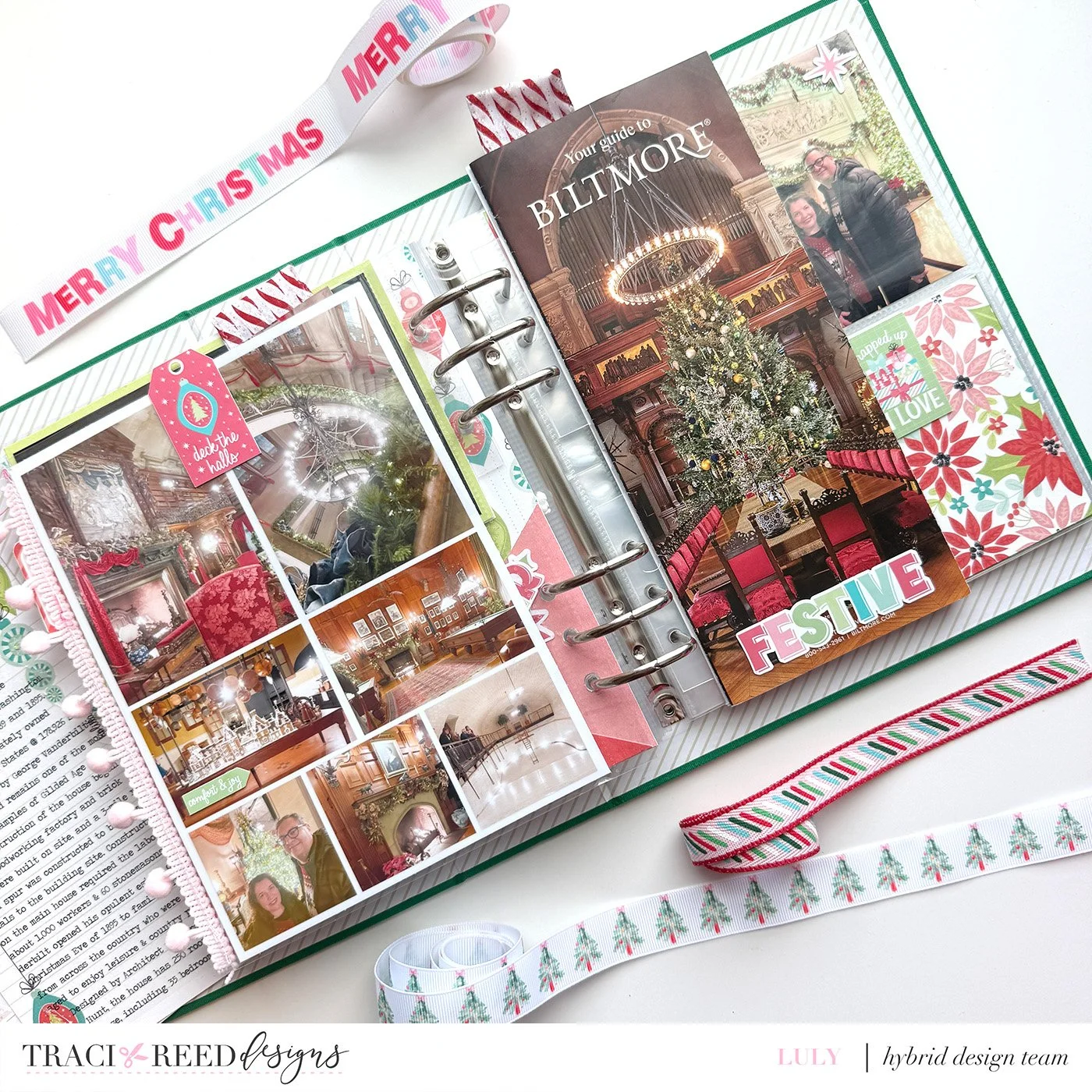
Space-Expanding Tip #5: Add large ephemera! I added a brochure from the Biltmore, which is a great way to add context and even more spots for small photos!
Space-Expanding Tip #6: Now that you have a ready-made page divider with the brochure, use that back! you could easily add even more photos (or even one tall, skinny one!) to the back of the brochure (which is almost always ugly anyway!)
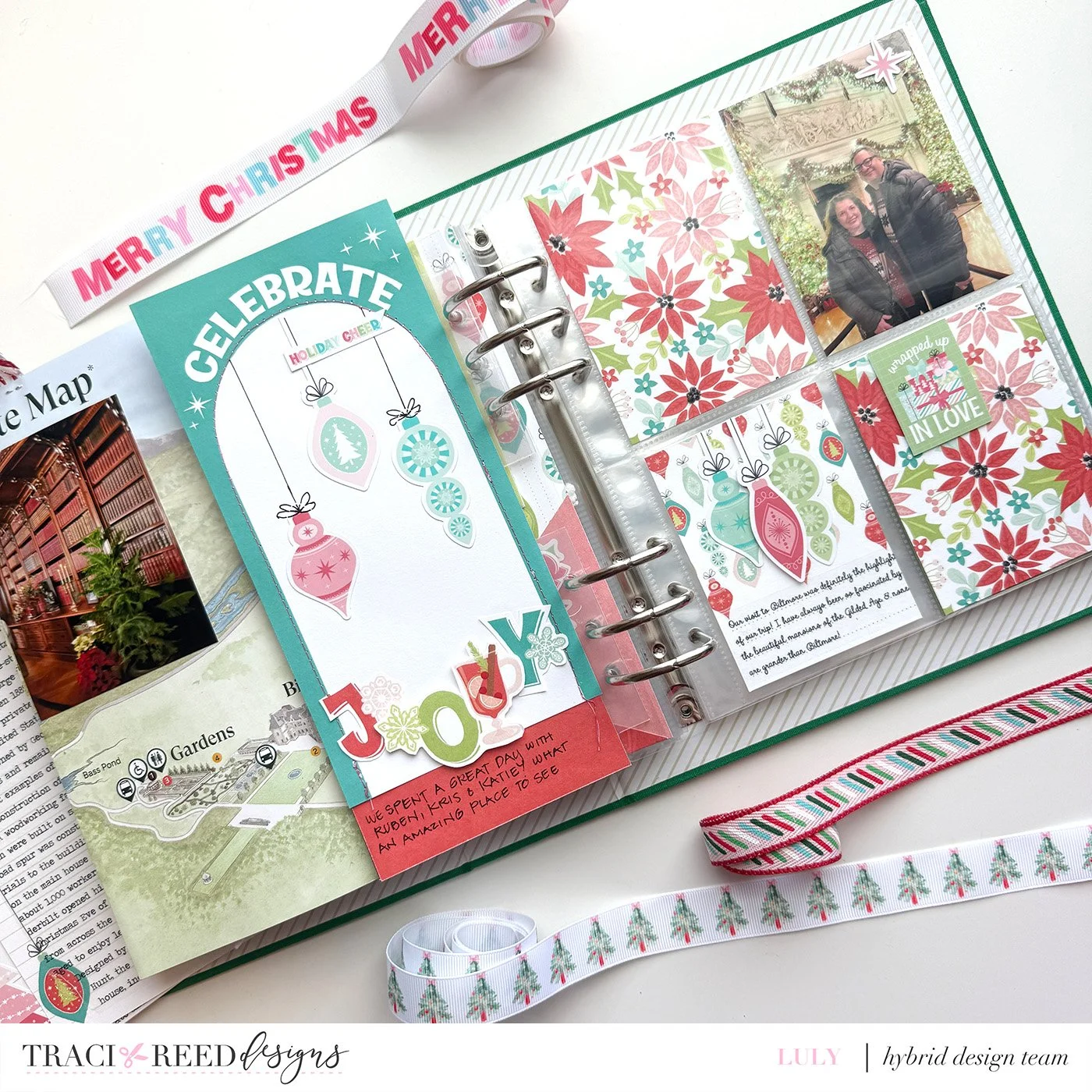
I used a TN Journaler to the back of mine and it served as a great place to decorate with some of the huge amount of ephemera that Traci included in this kit.
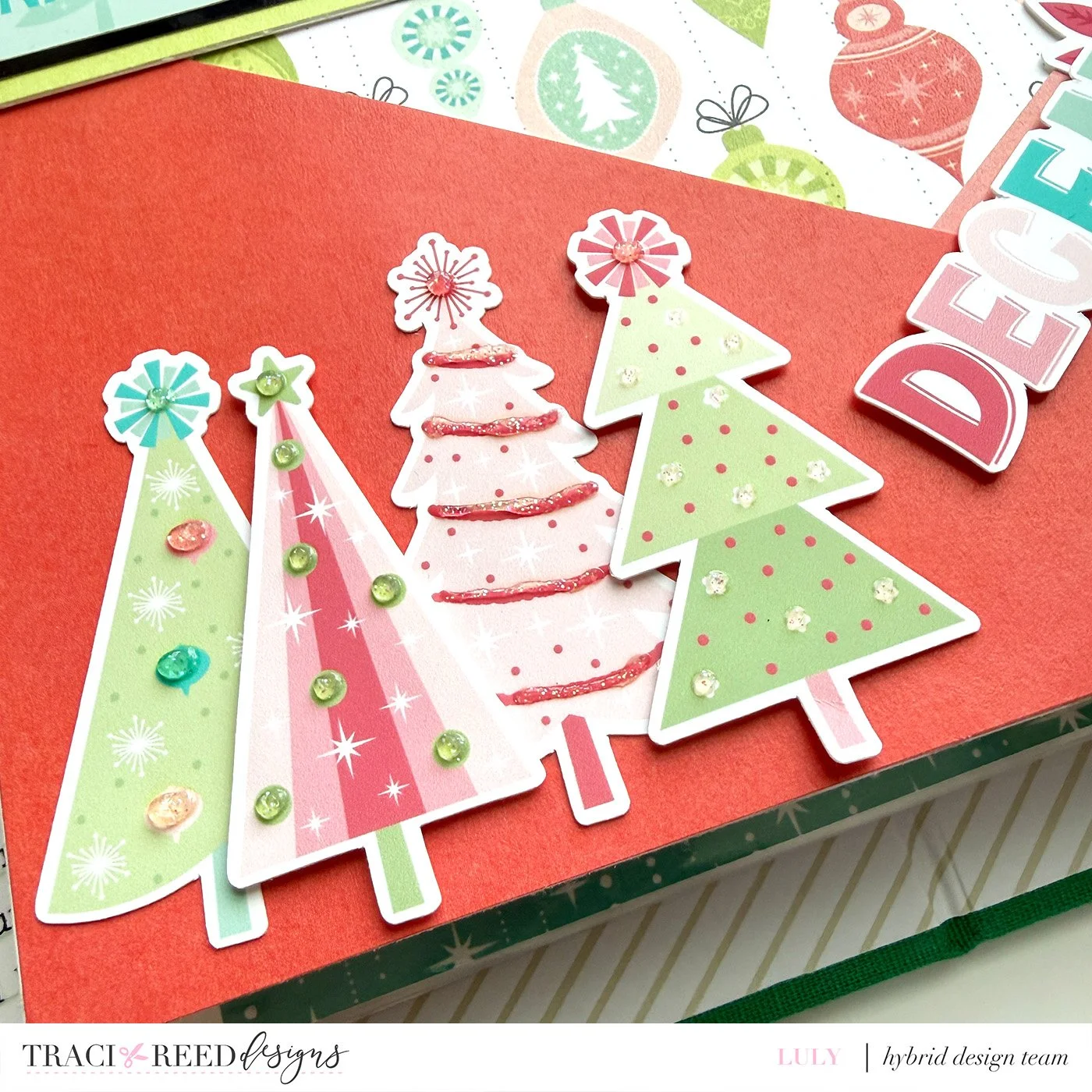
I added sparkly Stickles ( or Pops of Color) to bring extra dimension to the printed ephemera and 3x4 cards!
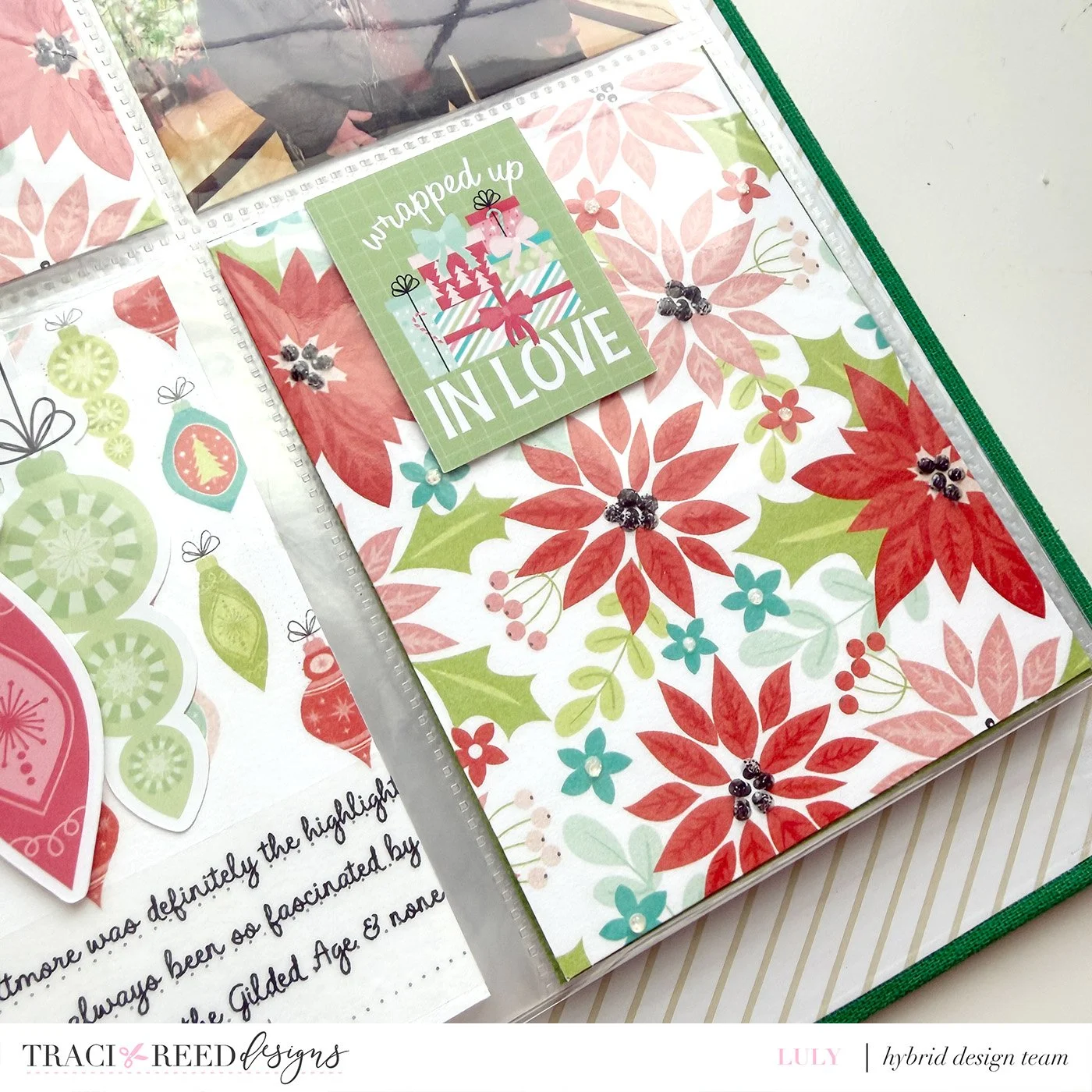
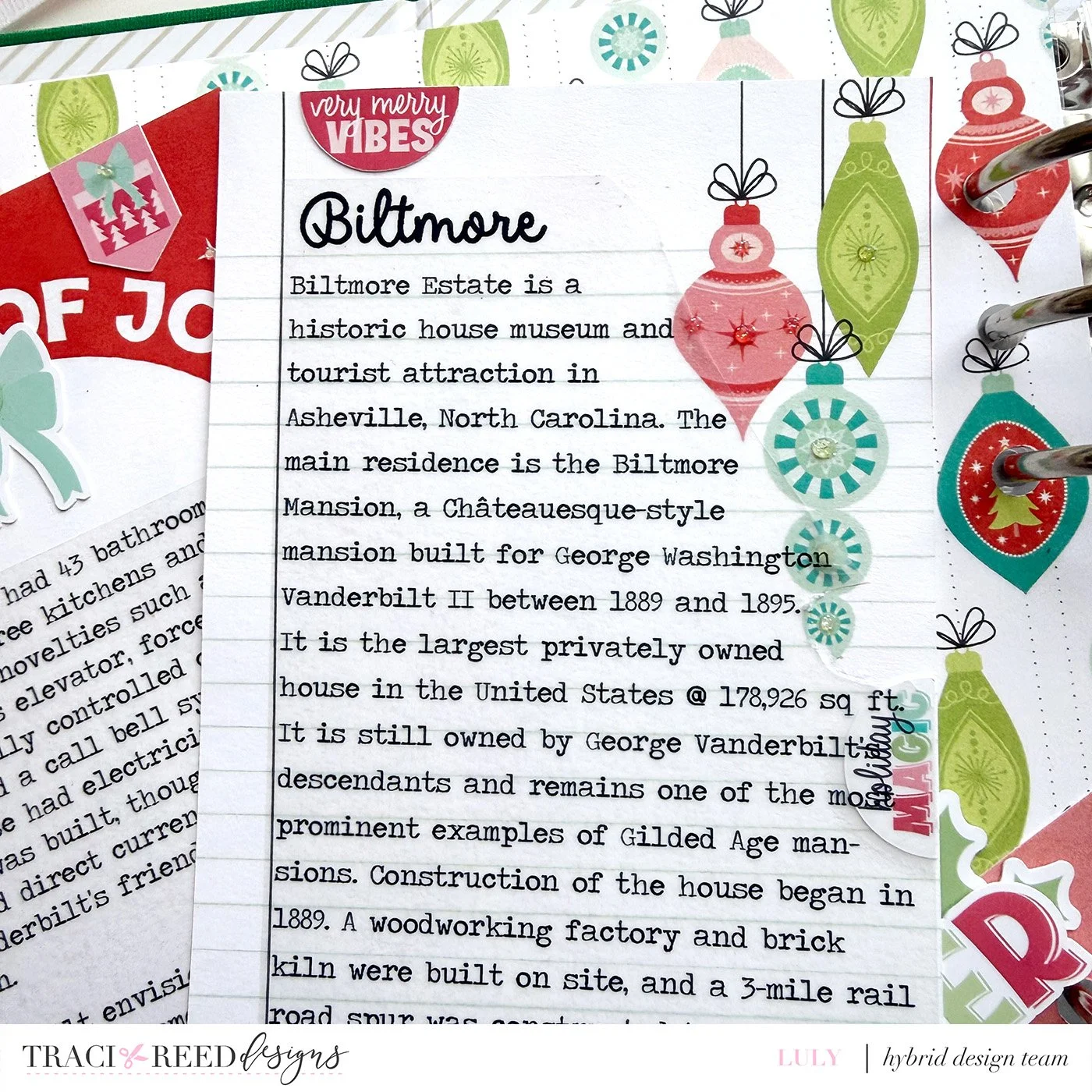
Finally I like to use clear sticker paper for journaling - while you can dd the journaling directly on the journalers - I already had printed mine and wanted to re-use them.
Hope this helps you add tons of photos to your album in a reasonable way!
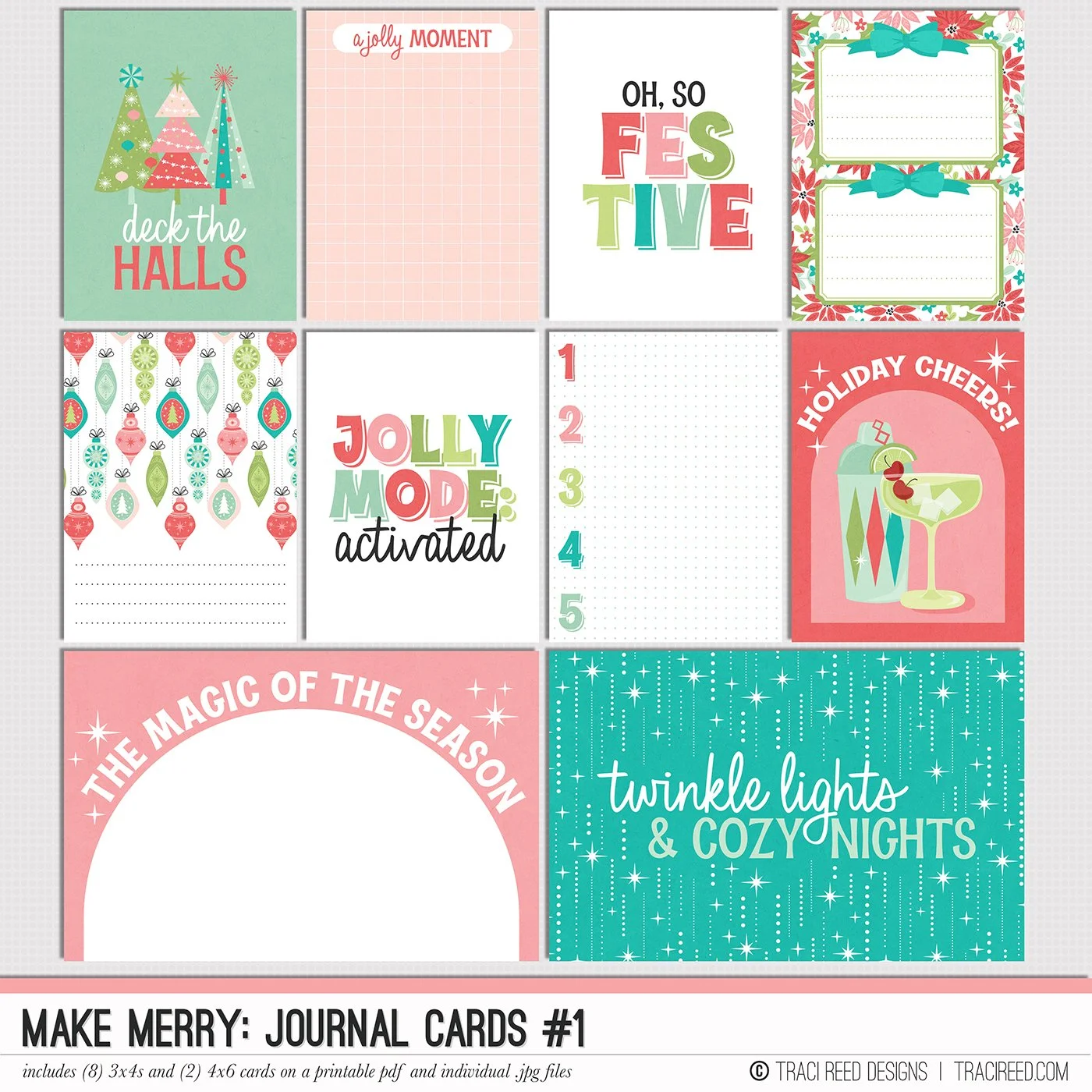
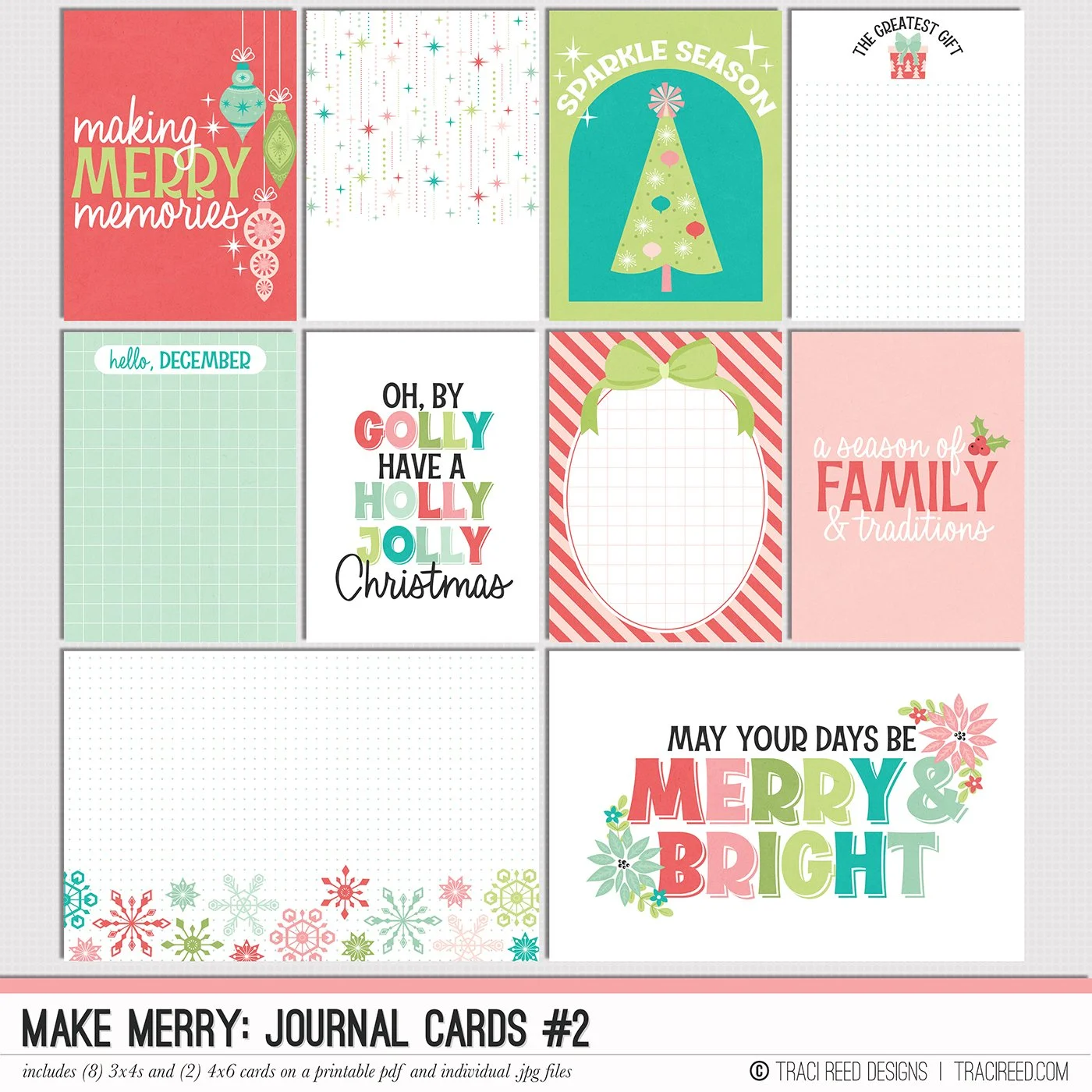
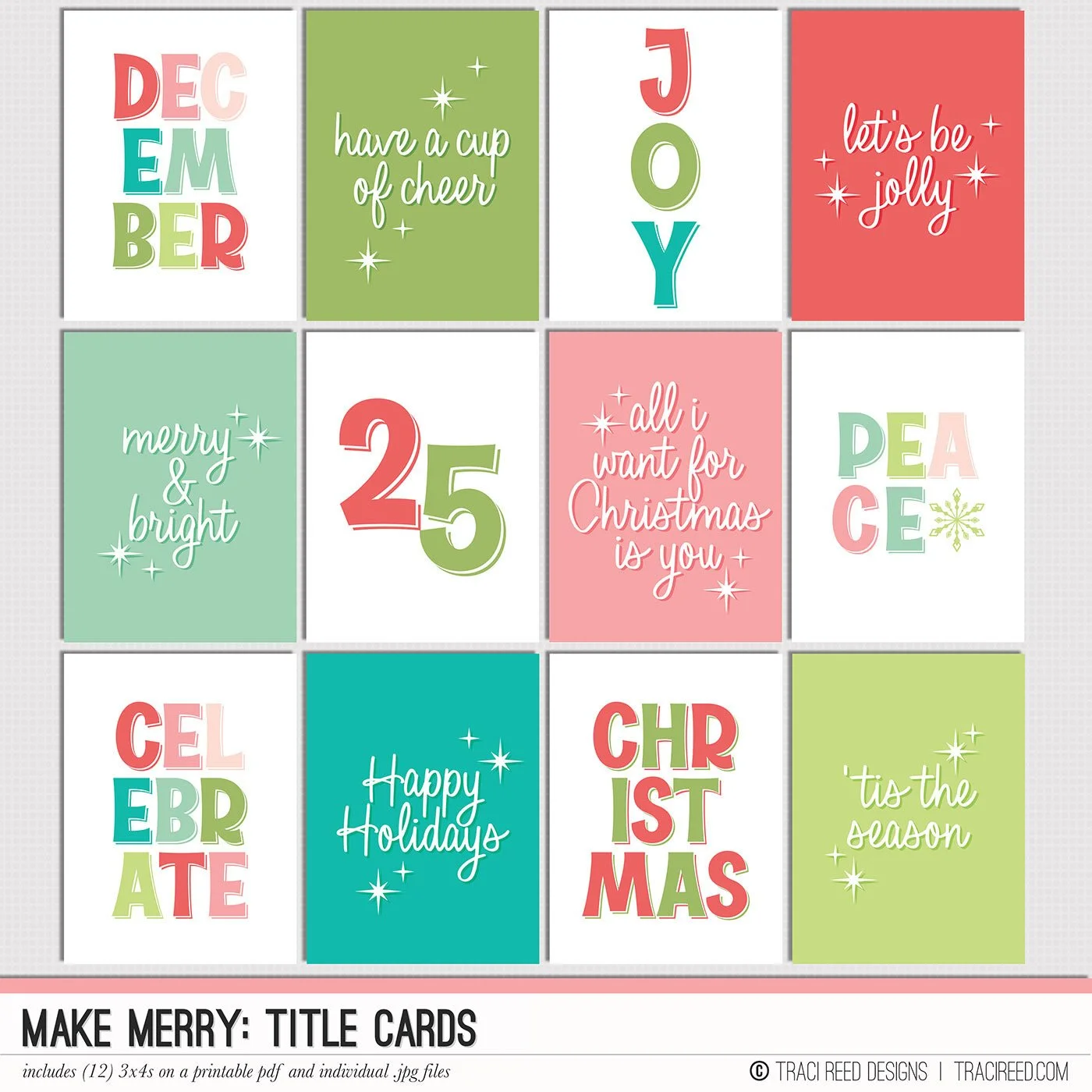
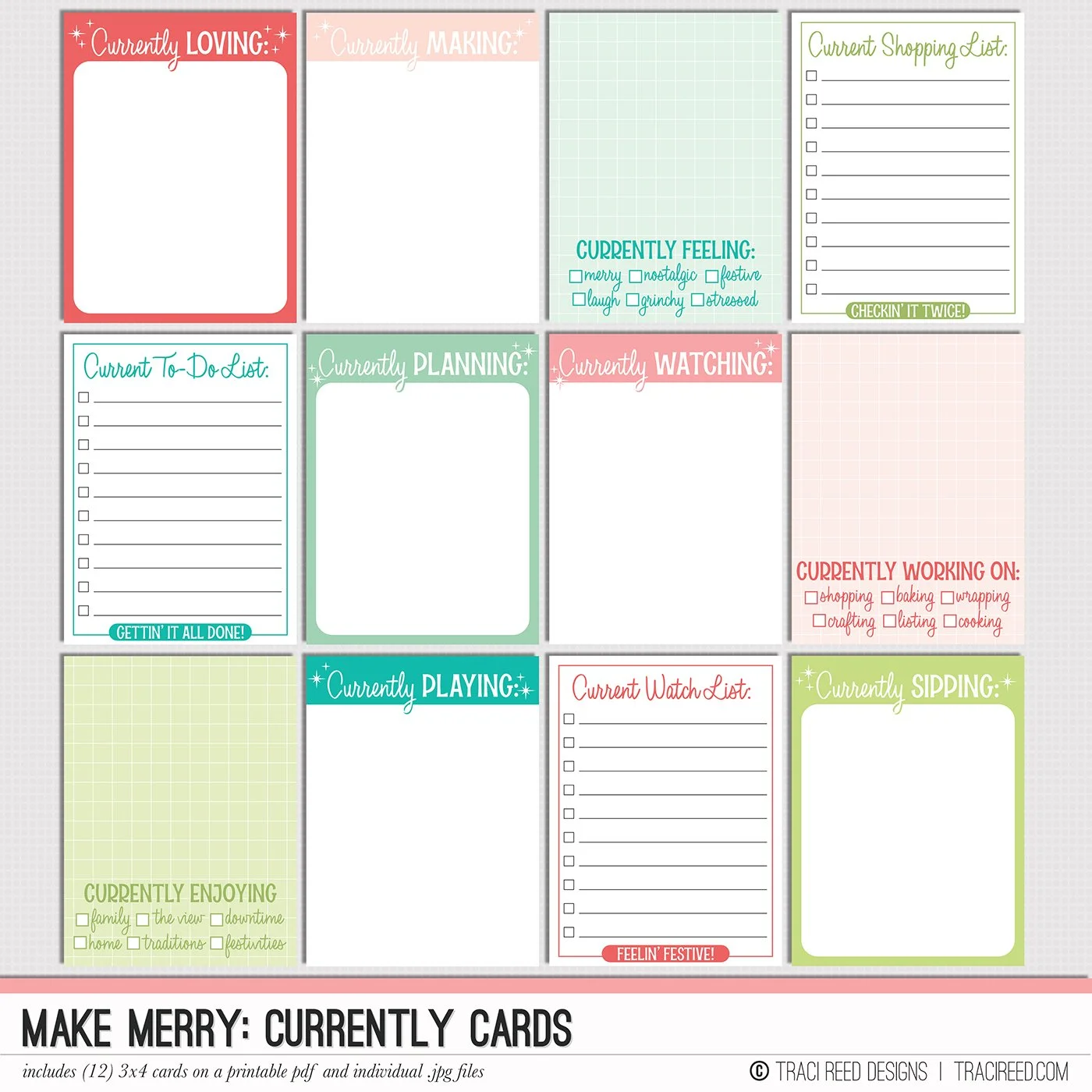
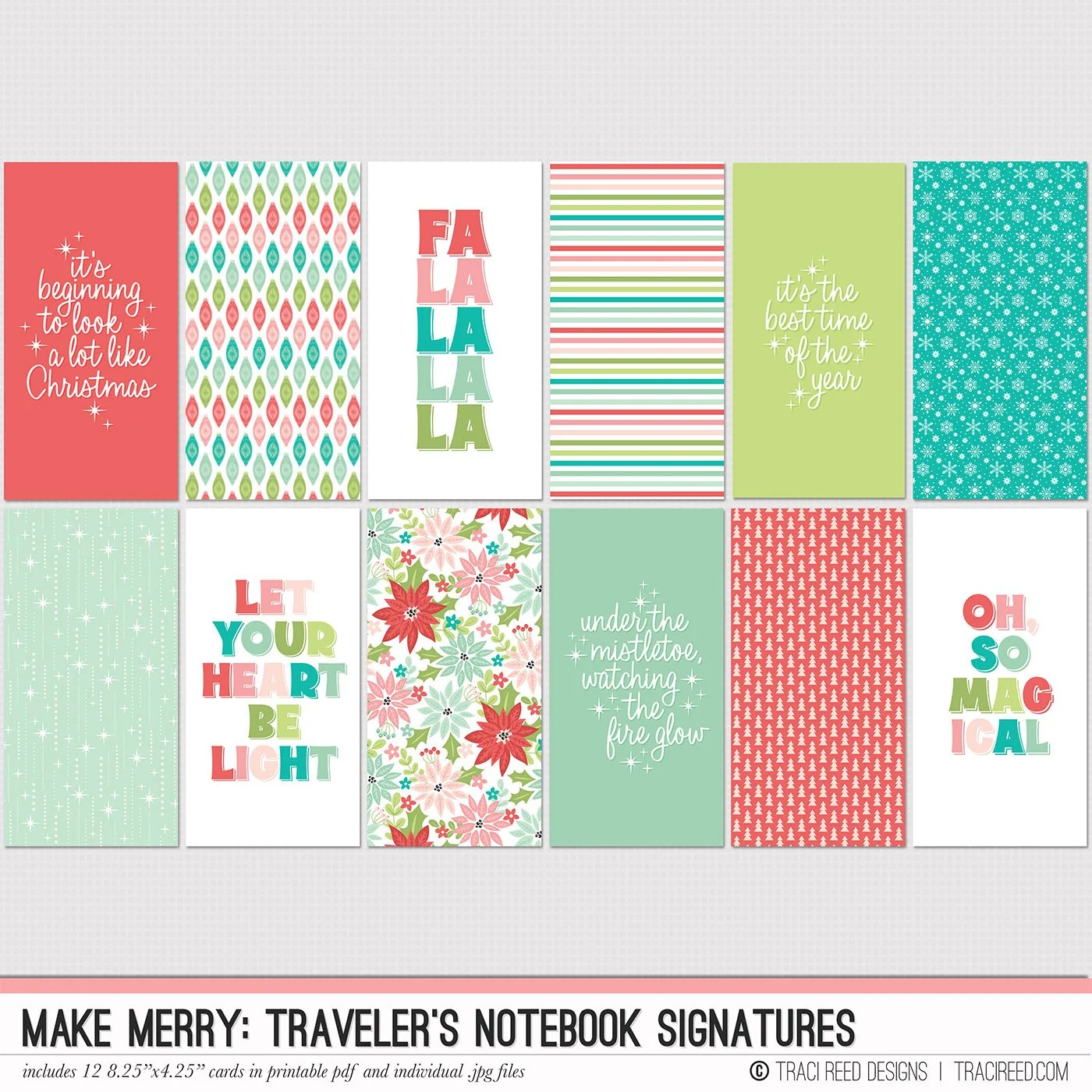
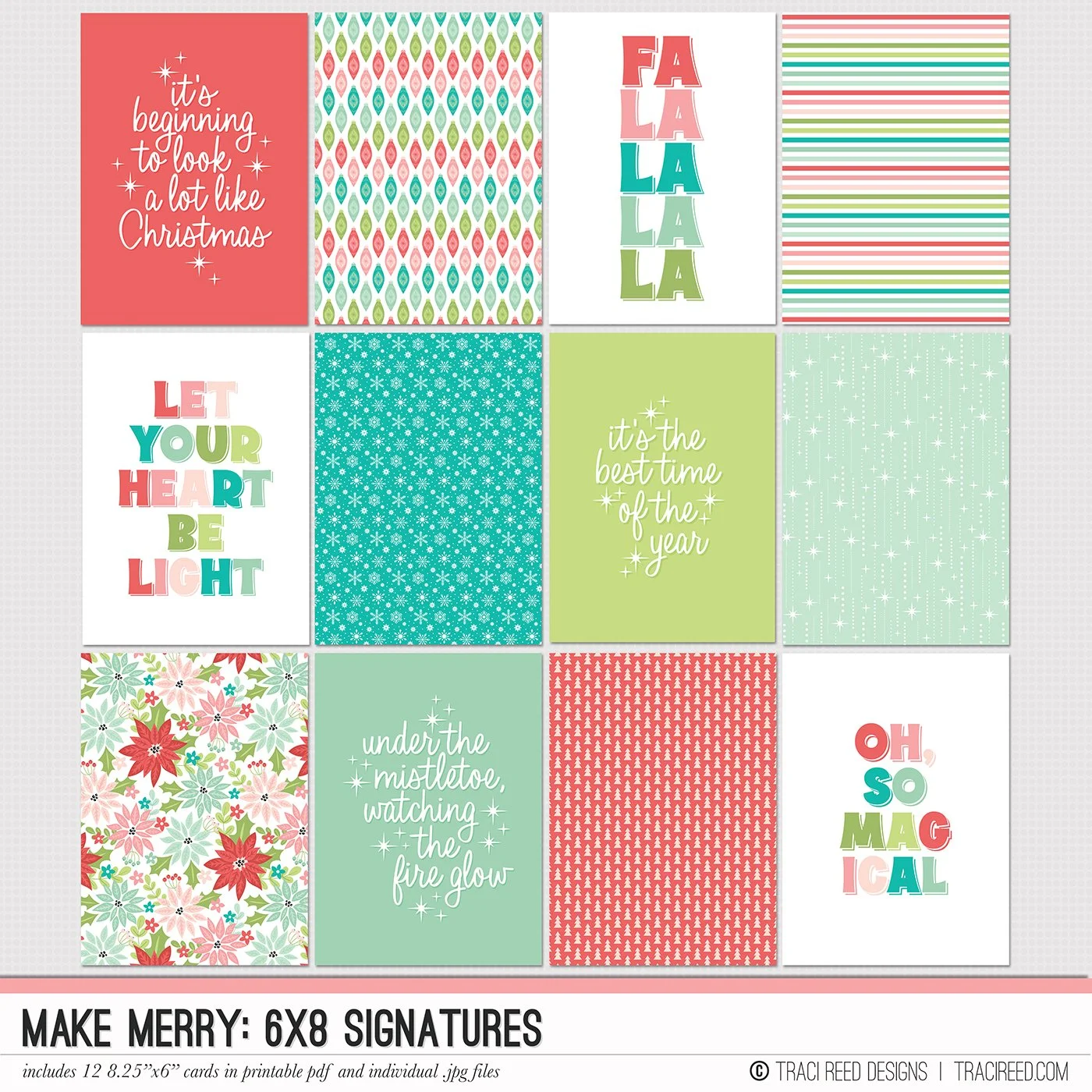
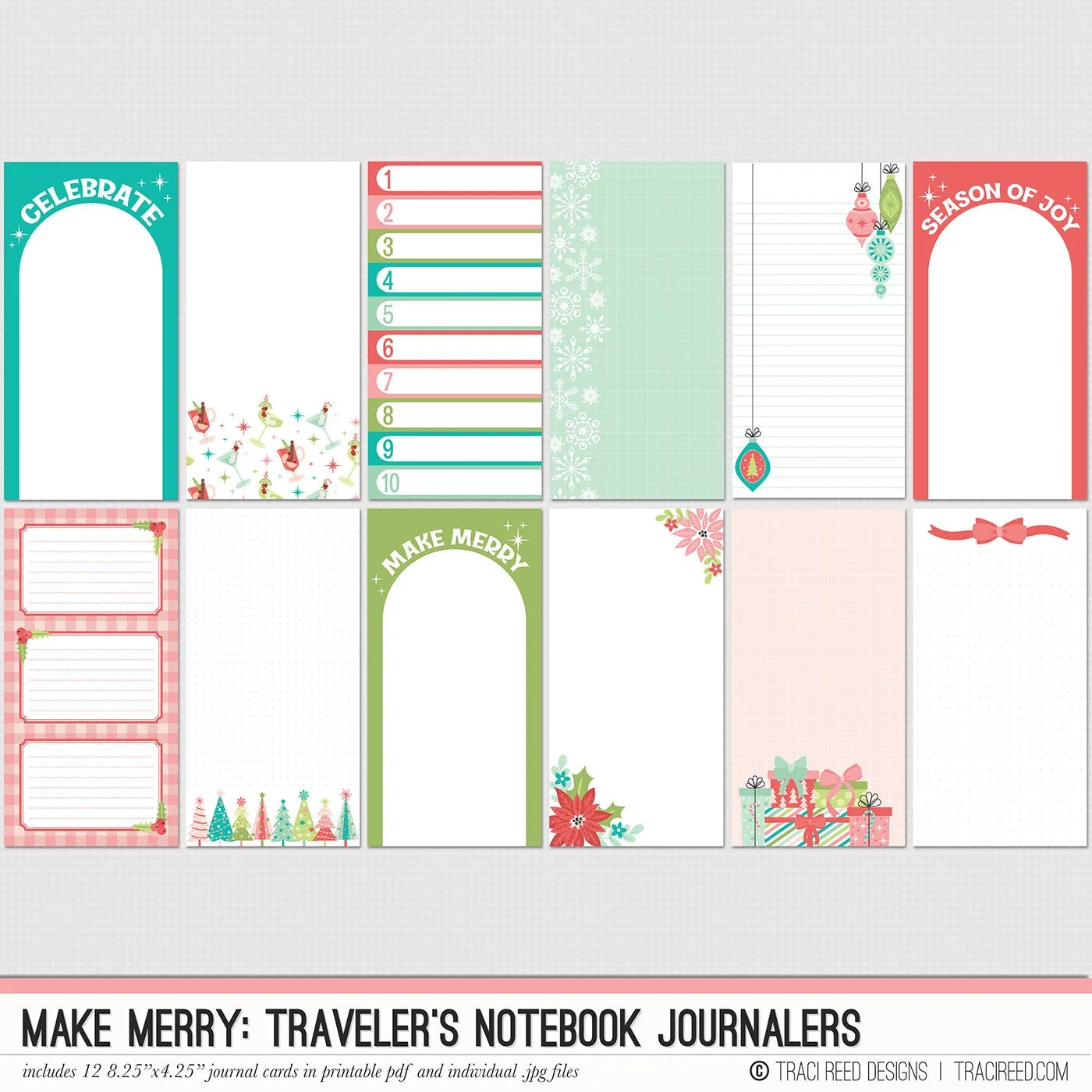
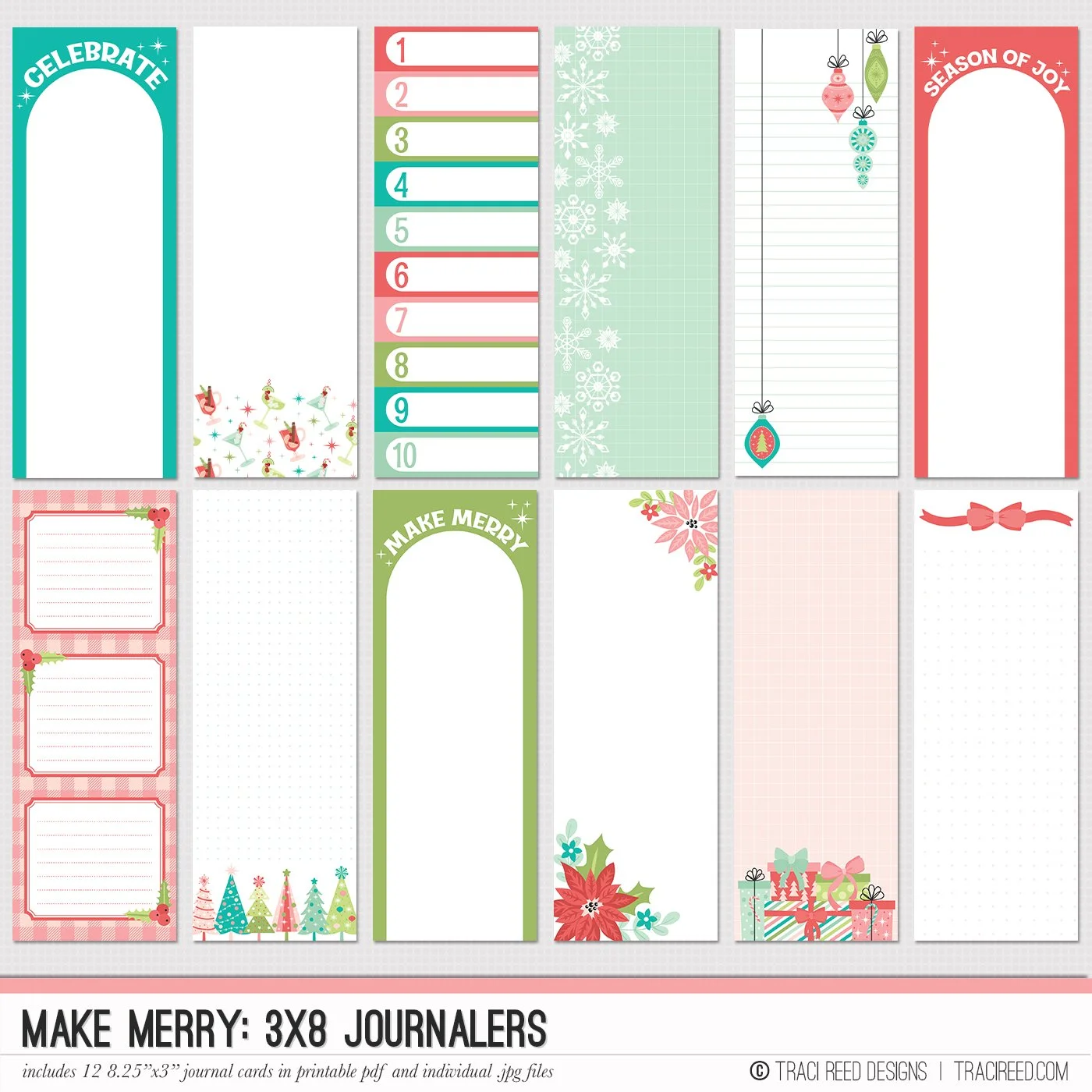
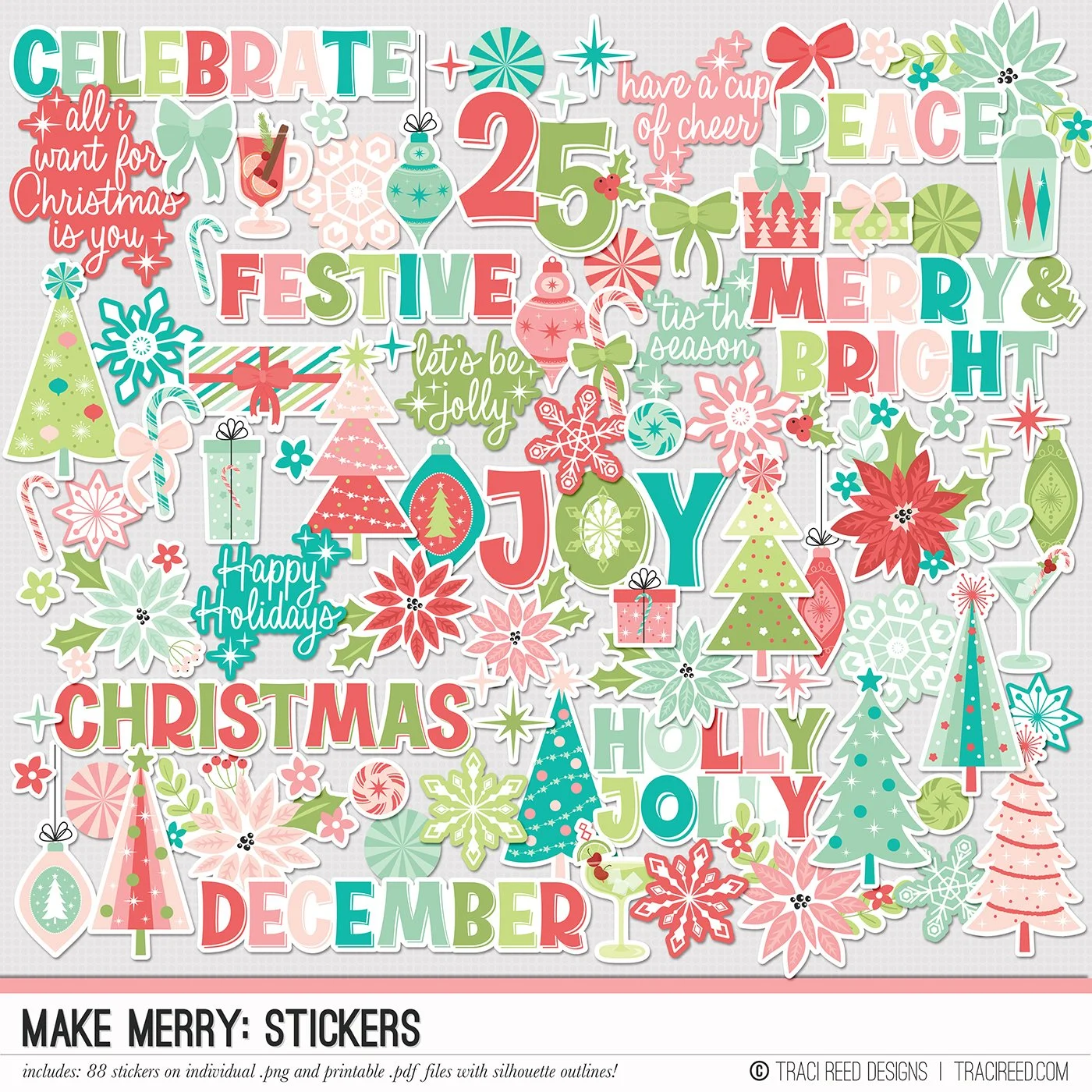
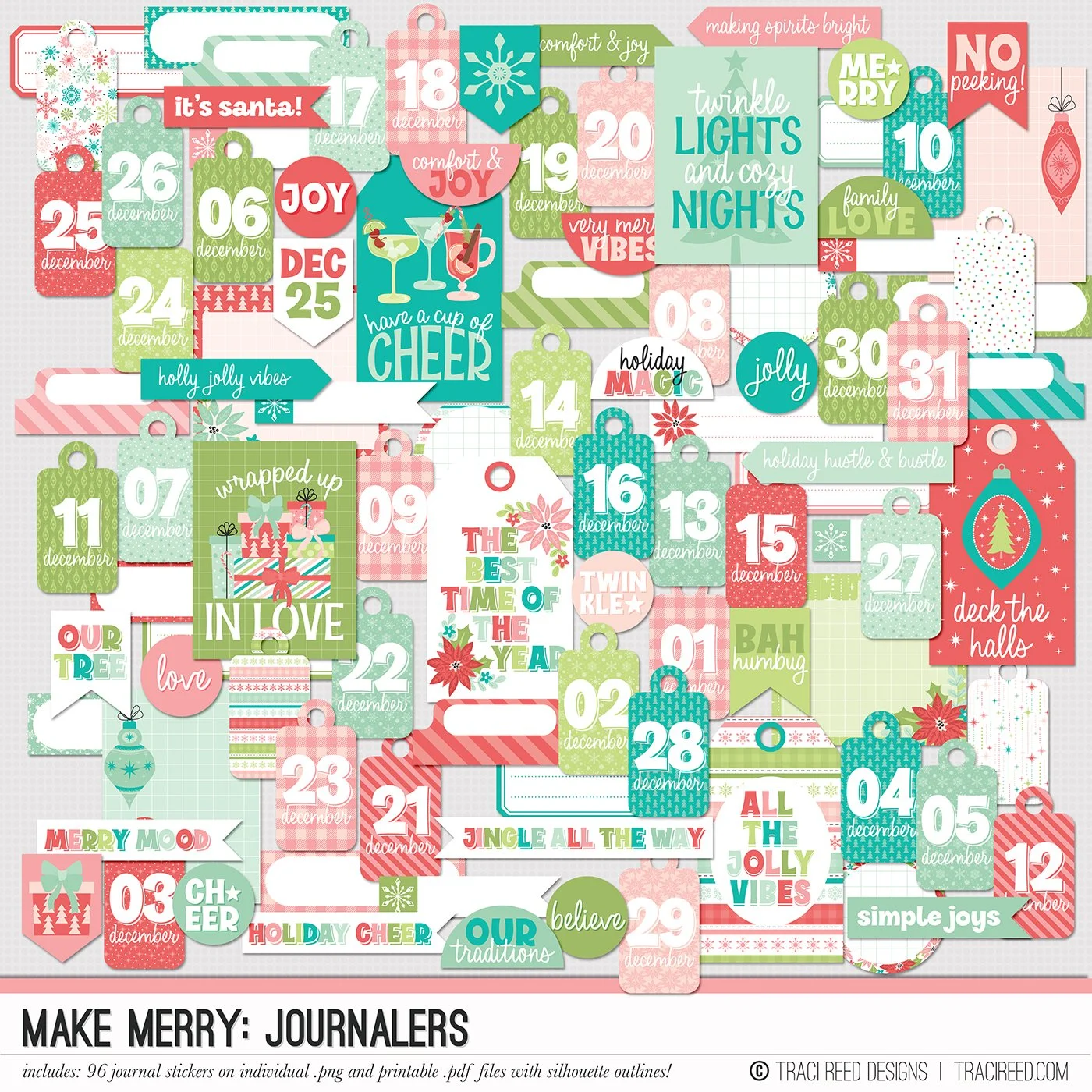
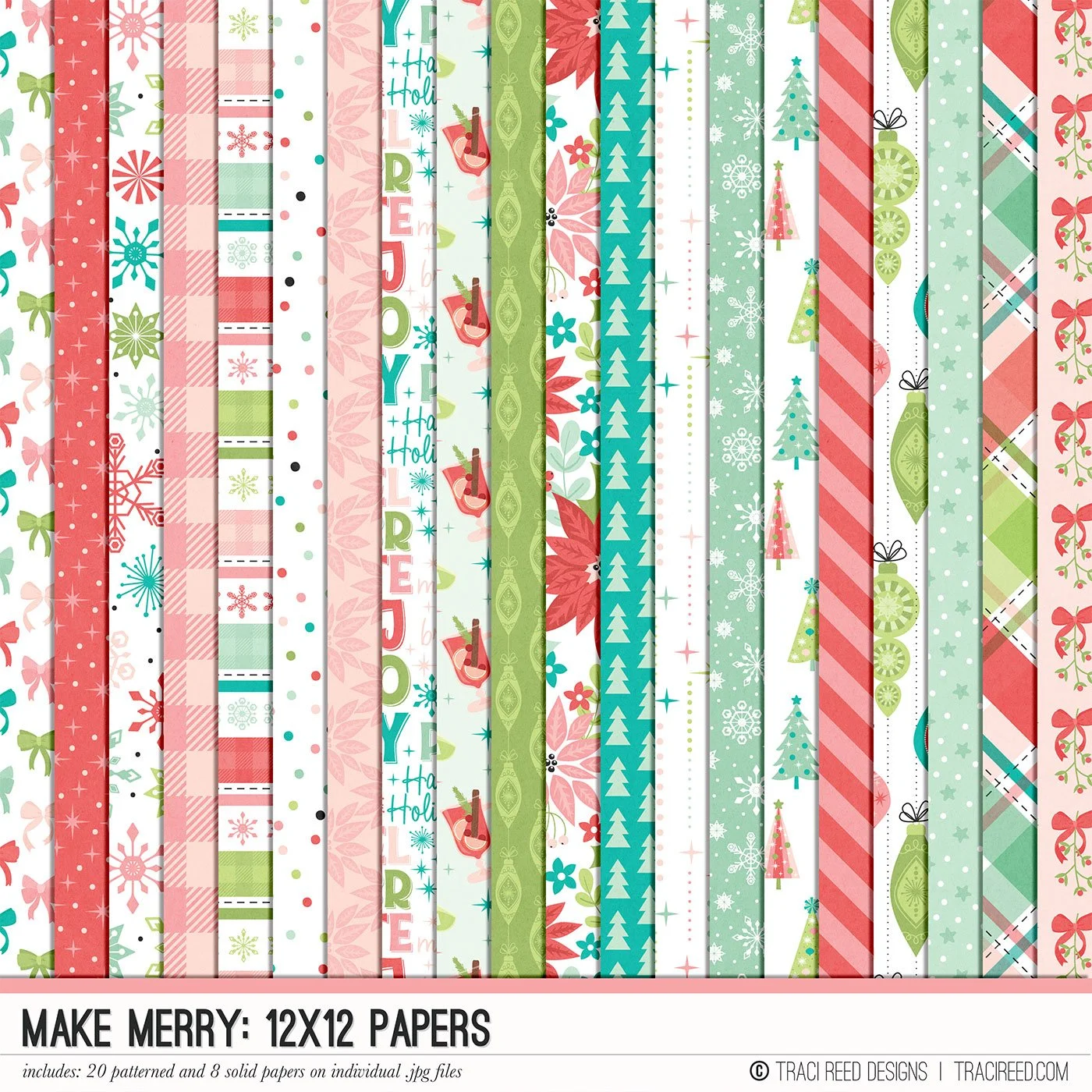
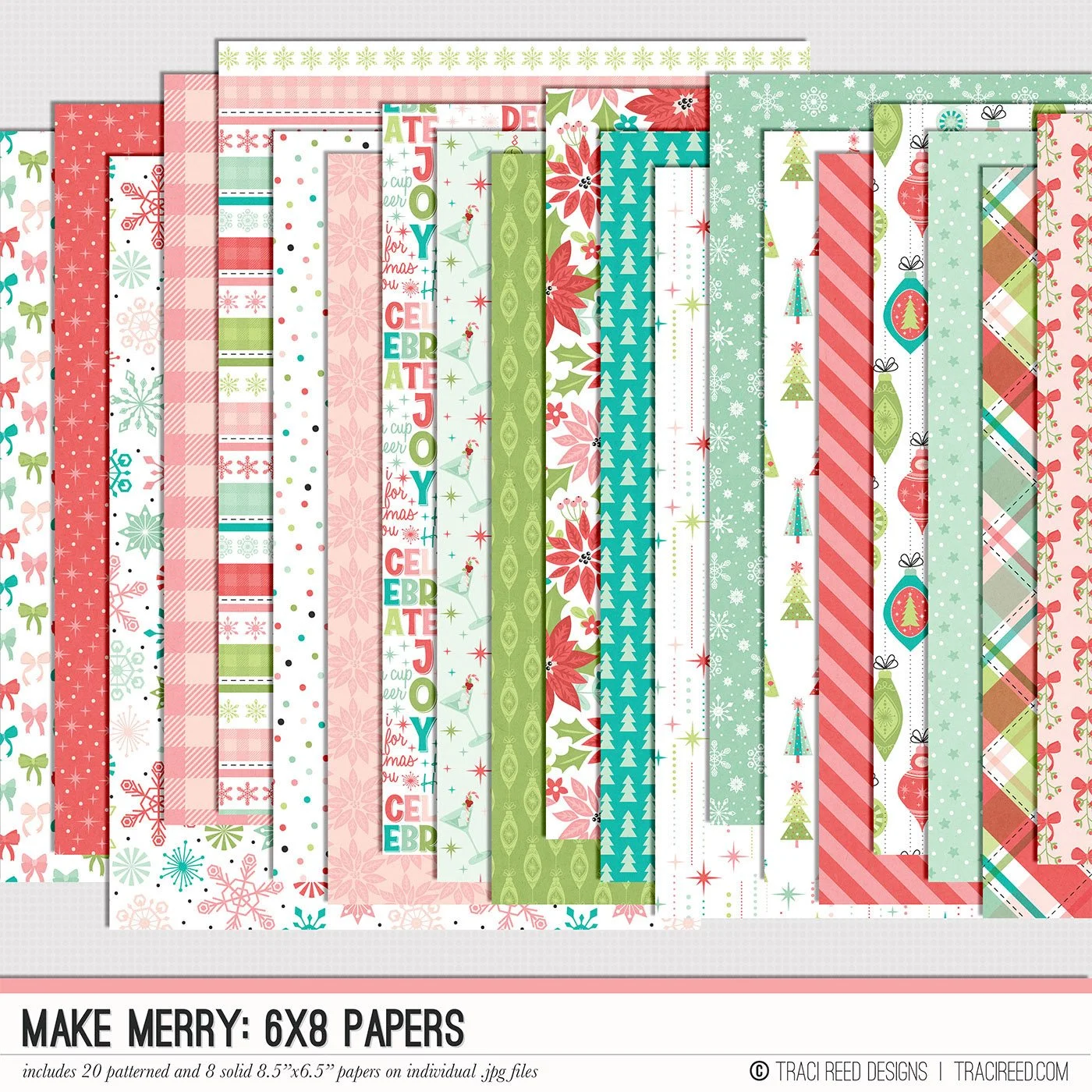
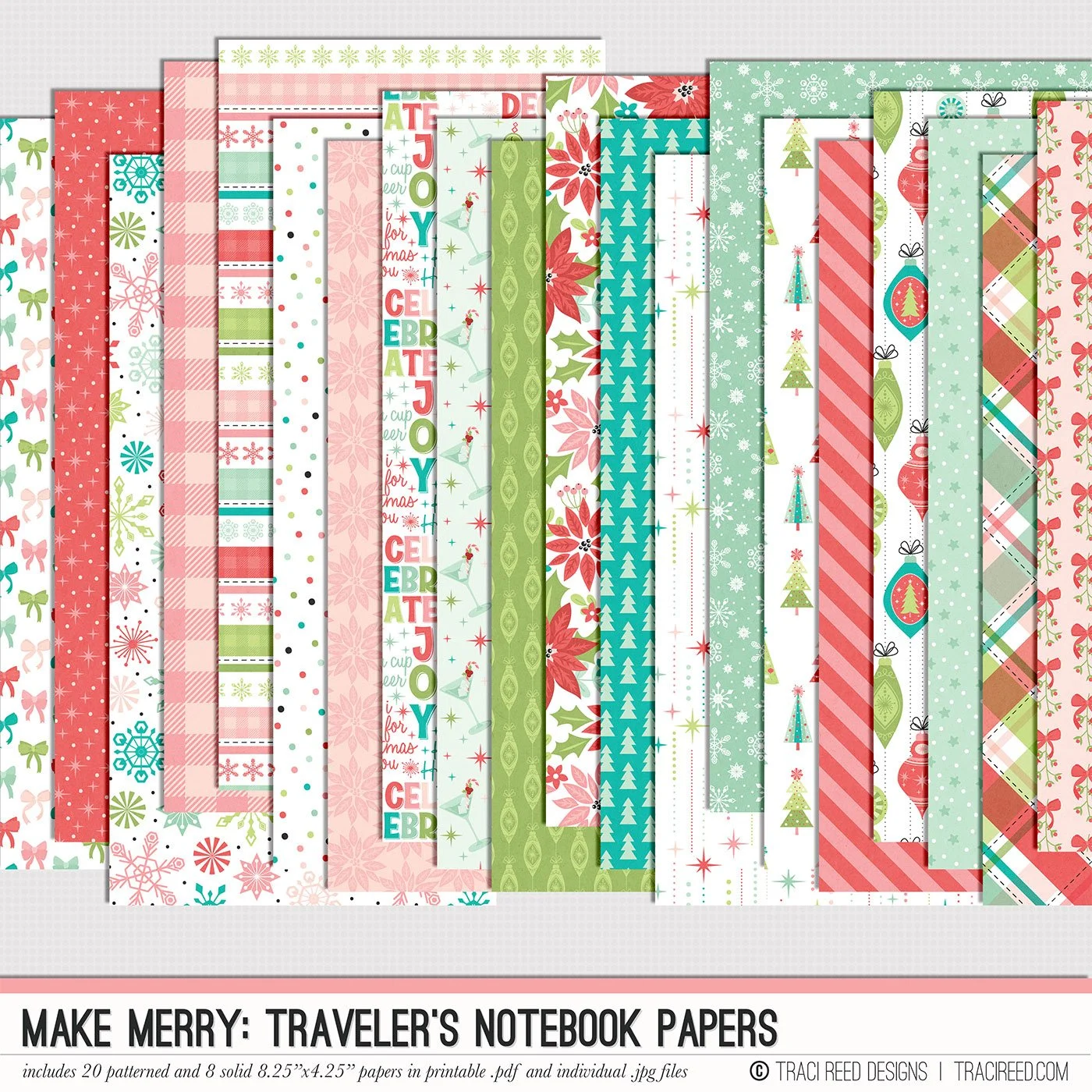
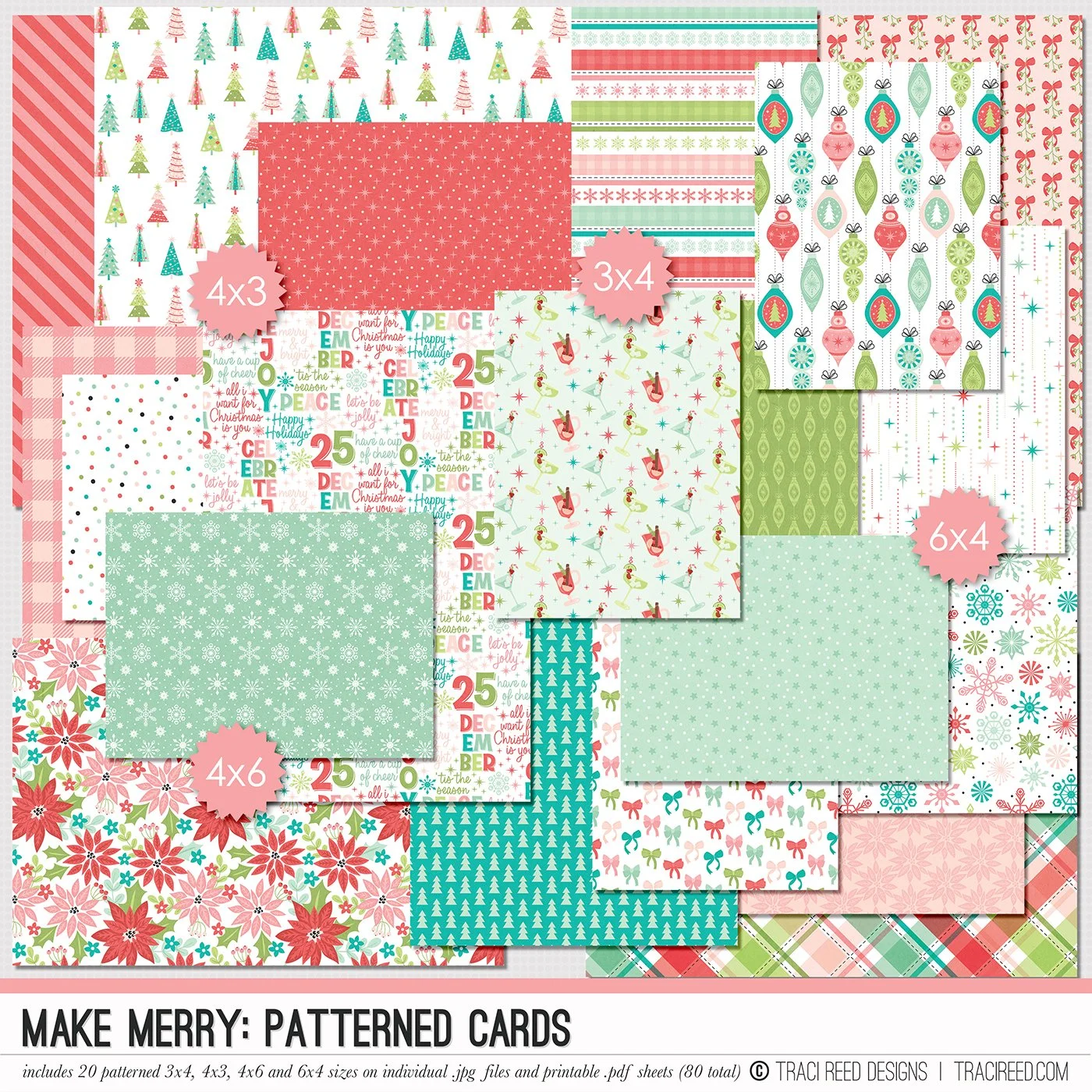
Celebrate the magic of the season with the Make Merry digital & printable scrapbooking collection! Packed with festive icons, preppy patterns, and journaling-ready elements, this collection captures all the joy, sparkle, and seasonal cheer of your holiday memories. Whether you’re documenting holiday traditions, December daily projects, or festive nights by the tree, Make Merry brings warmth, whimsy, and bold color to your pages.
Inside the Make Merry collection, you’ll find hand-illustrated Christmas staples like ornaments, presents, trees and snowflakes plus versatile patterned papers and journaling cards that make storytelling effortless. It’s perfect for hybrid and digital scrapbookers alike, with coordinating stickers, phrase strips, titles, and embellishments to help you create pages that feel merry, bright, and full of personality.
Want to see project Images and the unboxing? Check out the Make Merry blog post!
DIGITAL KIT INCLUDES:
20 patterned and 8 solid papers, 5 complete alphas on individual .png files and 125+ digital embellishments!