Tutorial: Creating Your Own Layered Flowers in Photoshop Elements or Canva with Amy!
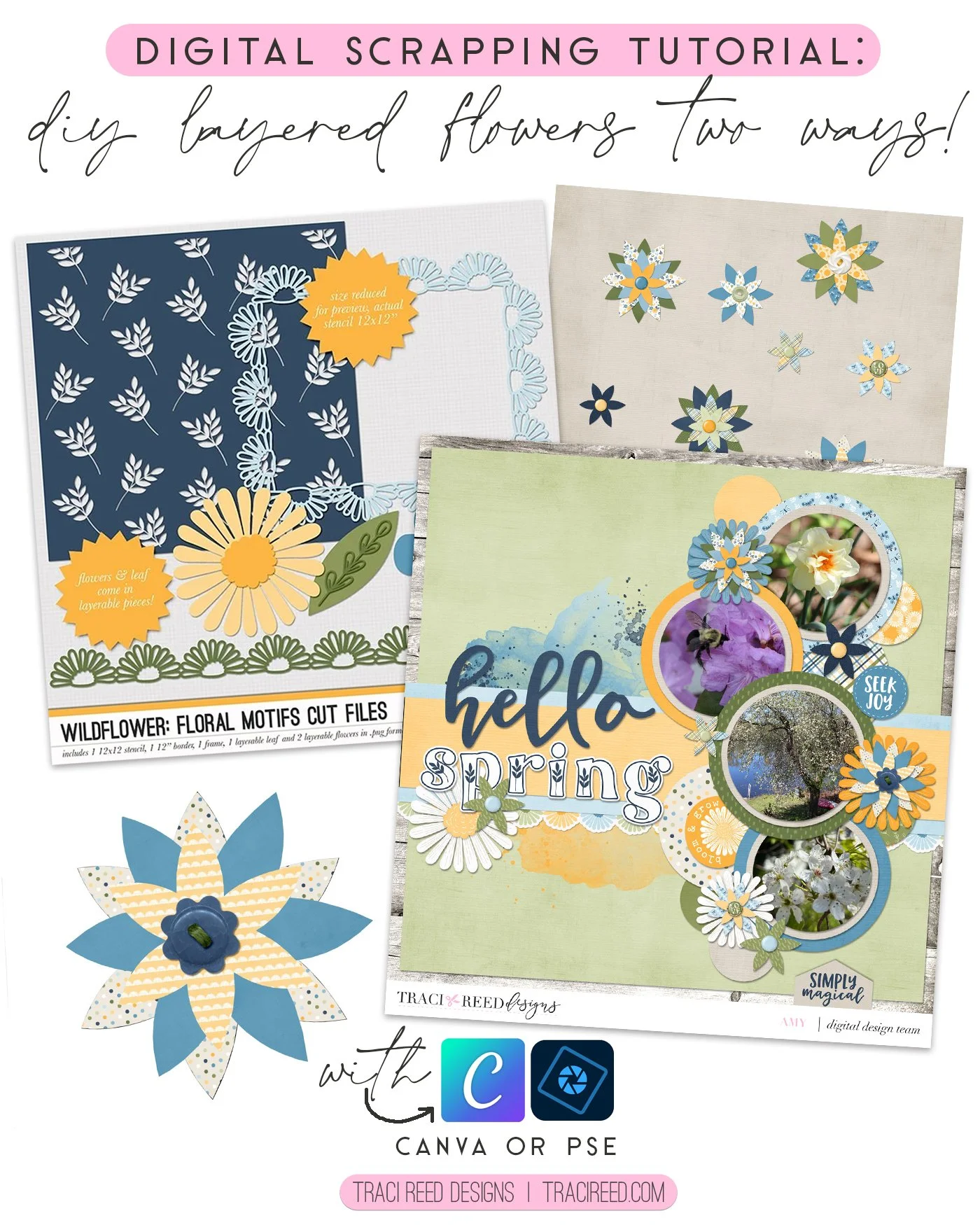
As I write this, we are still digging out from last week’s blizzard that dropped two feet of snow on our area. The world outside is cold and white and very much still winter. This layout is my attempt to bring some lovely, bright flowers into existence. The Traci Reed Designs Wildflower kit is your go to for all things SPRING!! This adorable kit inspired me to create a tutorial to use digital paper in a different way. I created these fun flowers using the beautiful papers in Traci’s kit.
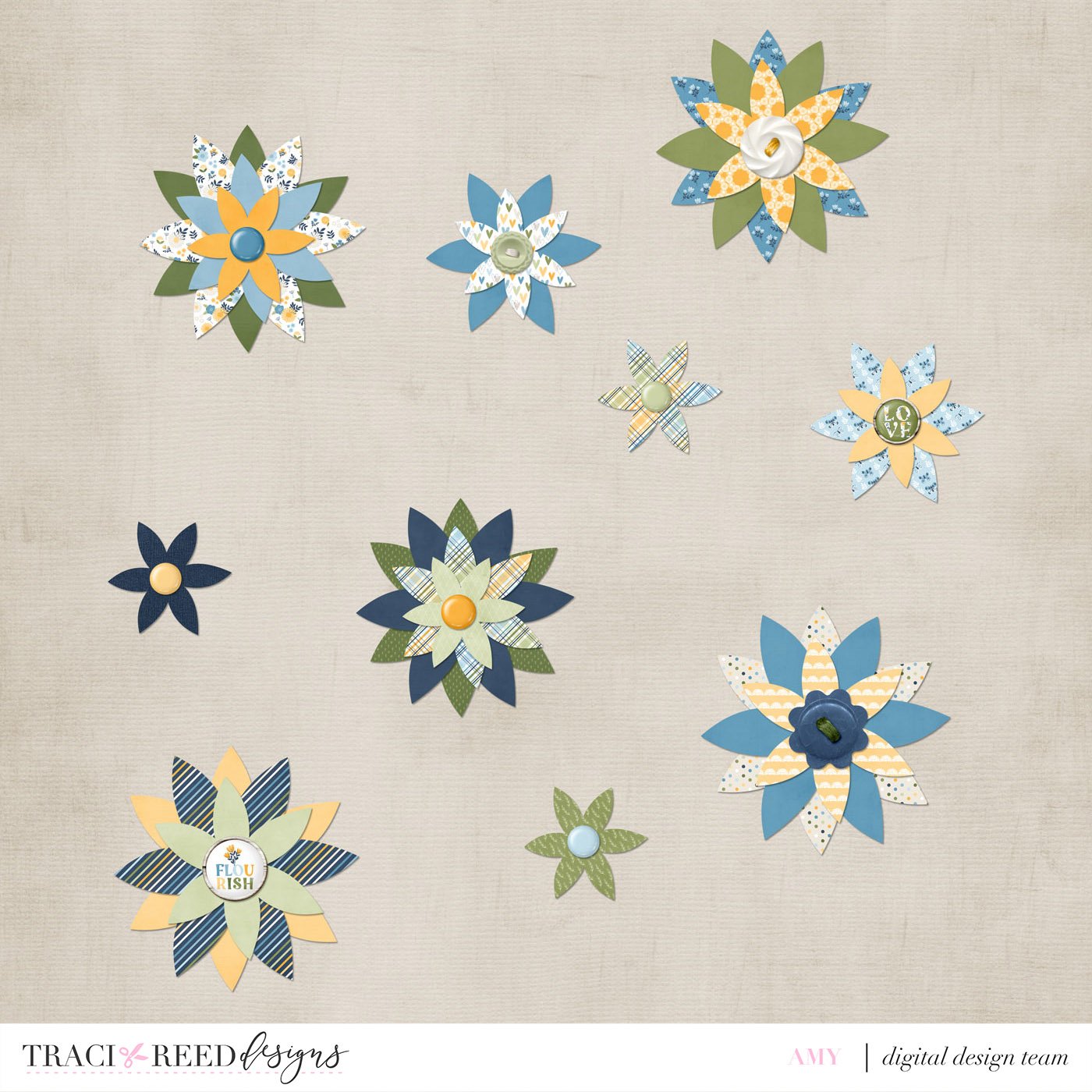
In Photoshop Elements
To create these fun flowers in Photoshop Elements, I used the leaf cut file from the Wildflower Floral Motif Cut Files:

"She's a princess in jeans and high tops, a wildflower growing free from expectations."
Wildflower by Traci Reed celebrates all those who are a little wild and free, who spin in circles in fields of wildflowers, with grassy knees and unlaced sneakers.
In beautiful shades of yellow, green and blue, with not a pink in sight, Wildflower is perfect for all those not-so-girly girls and boys alike!
See more example layouts and the collection unboxing HERE!
CUT FILES INCLUDE:
1 12x12 paper stencil, 2 layered flowers, 1 layered leaf, 1 daisy border and 1 daisy frame cut files/clipping masks on individual .png files!
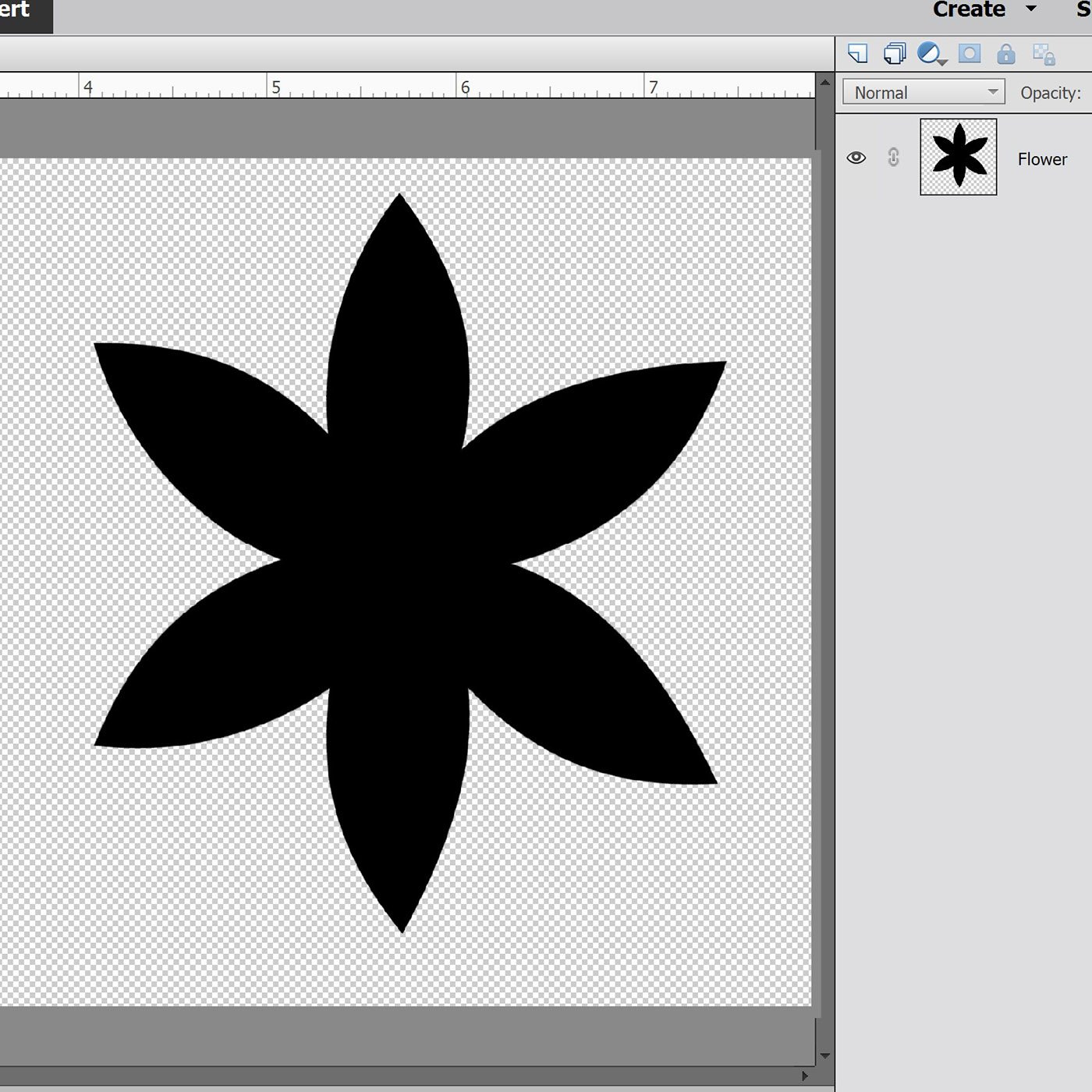
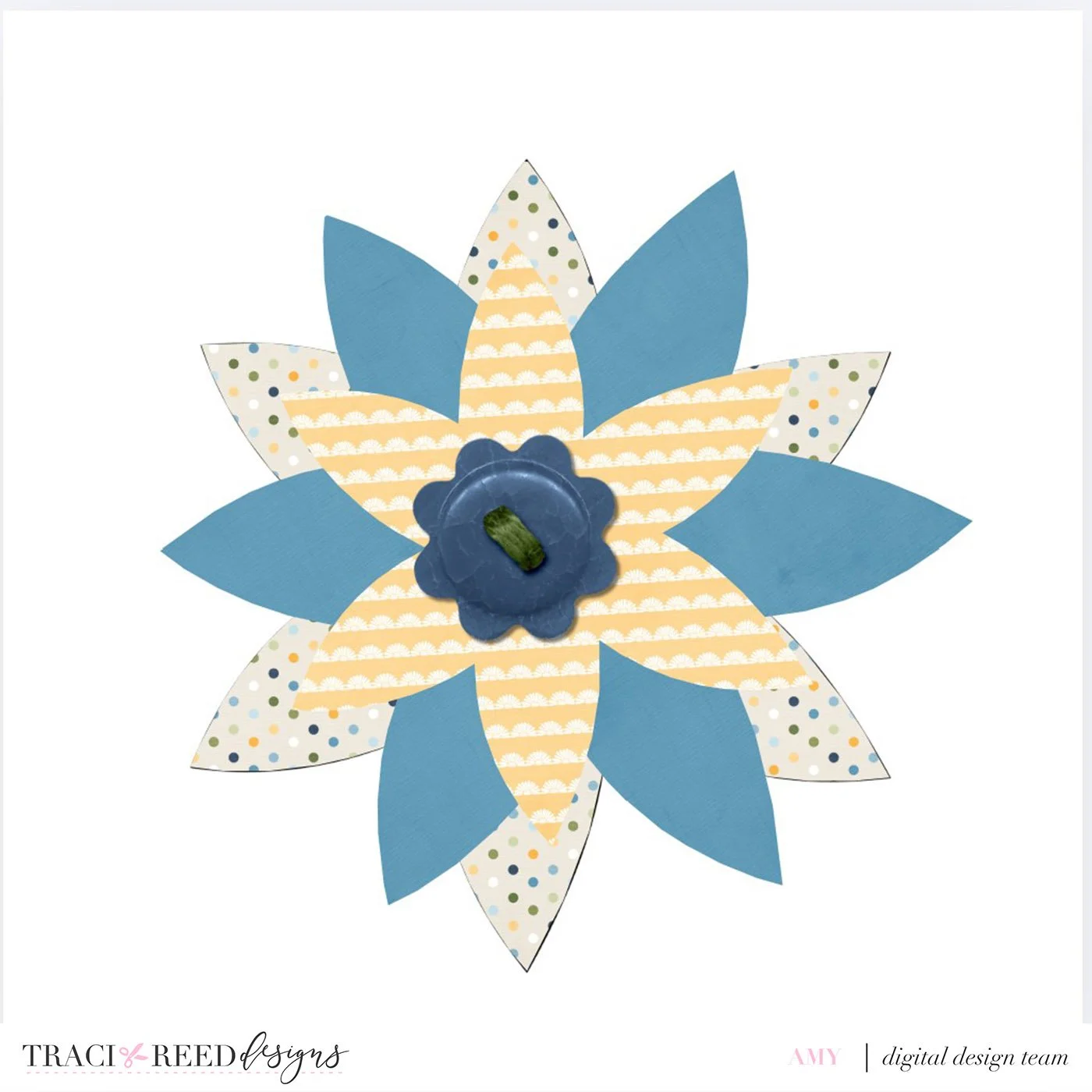
On a 4.5 x 4.5 size canvas, I duplicated the leaf 5 times to create a flower shape with 6 petals.
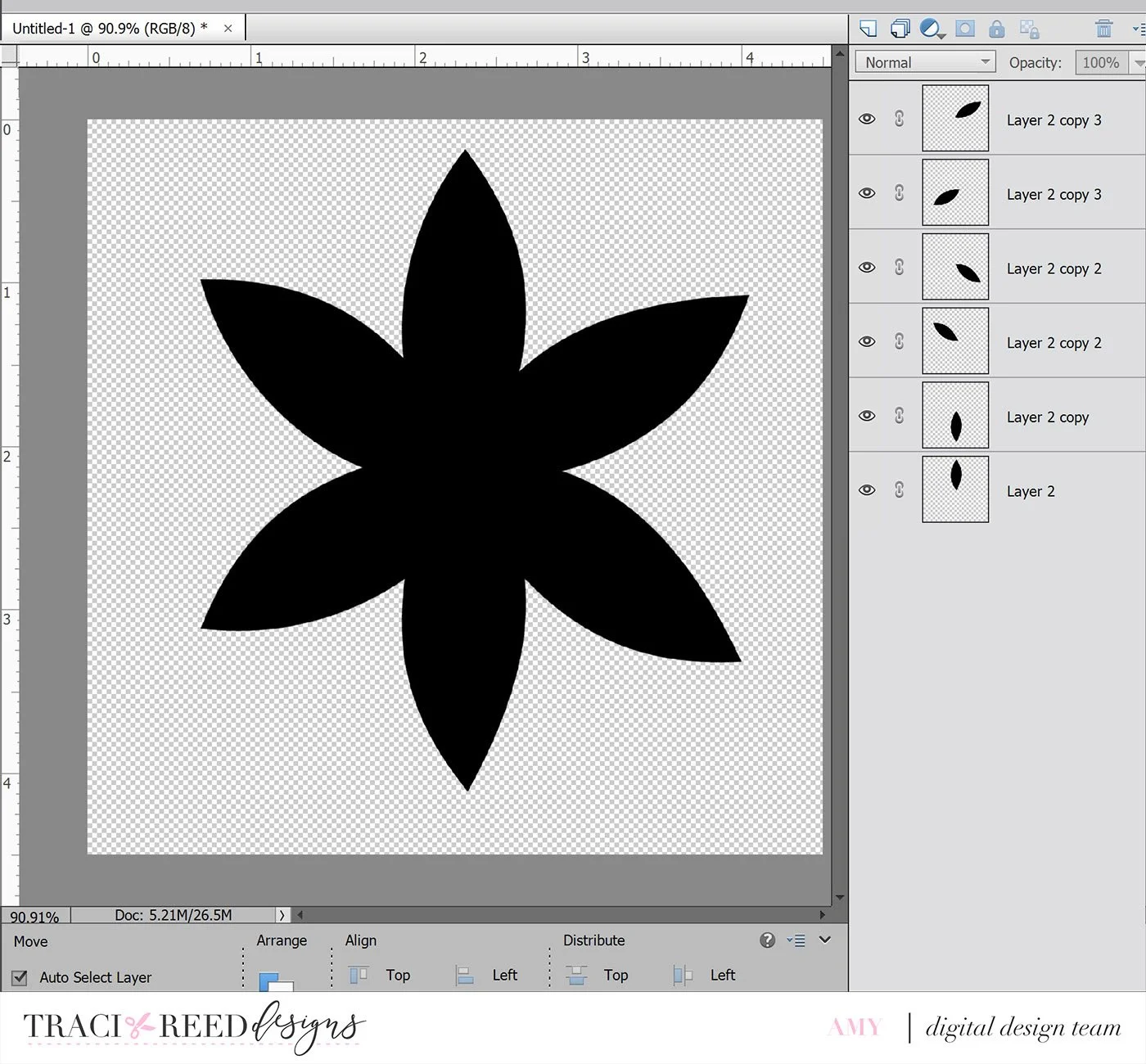
Then merged the layers to create one flower shape.
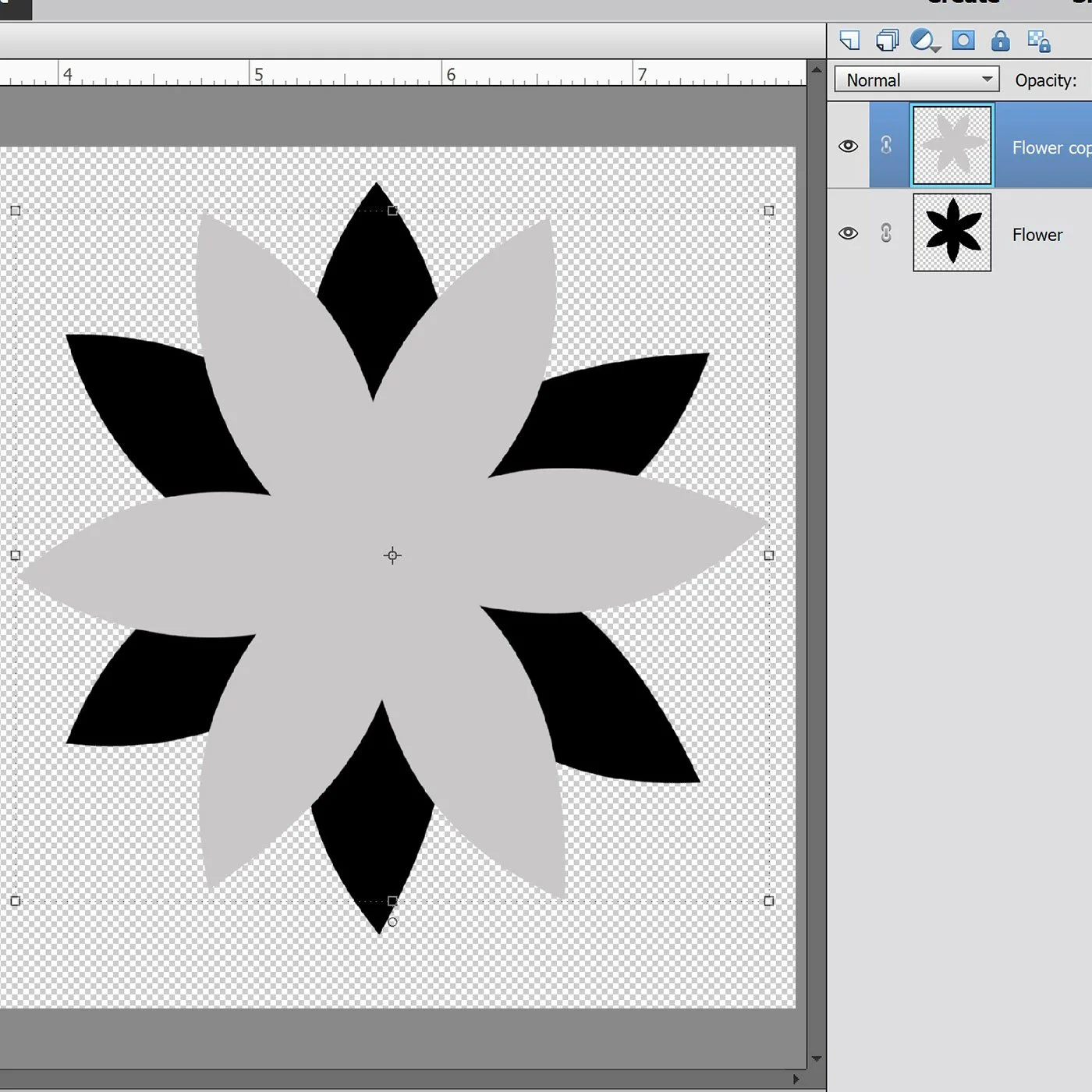
Duplicate the layer and rotate the image to build the second layer.
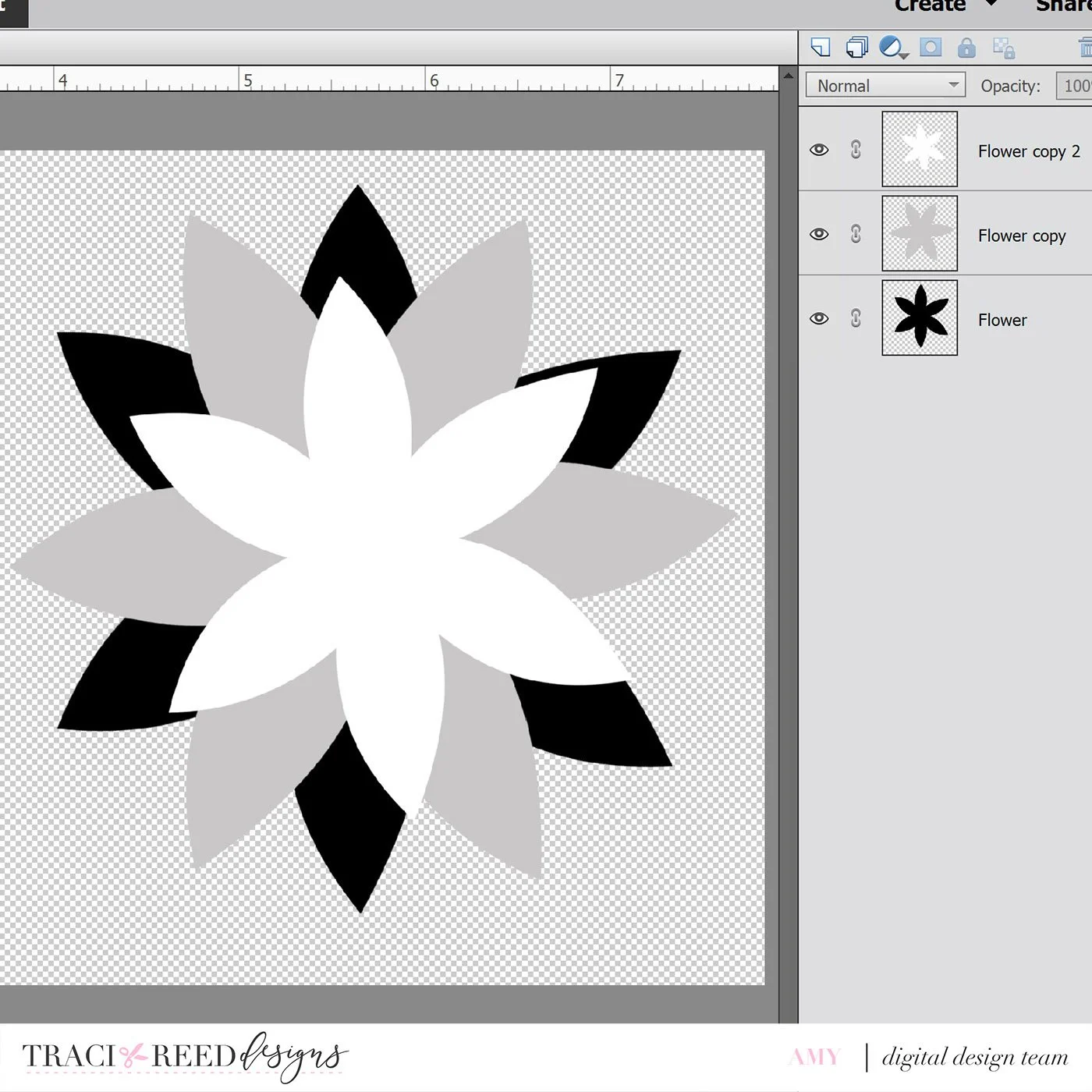
Duplicate the layer again, rotate and reduce the size.
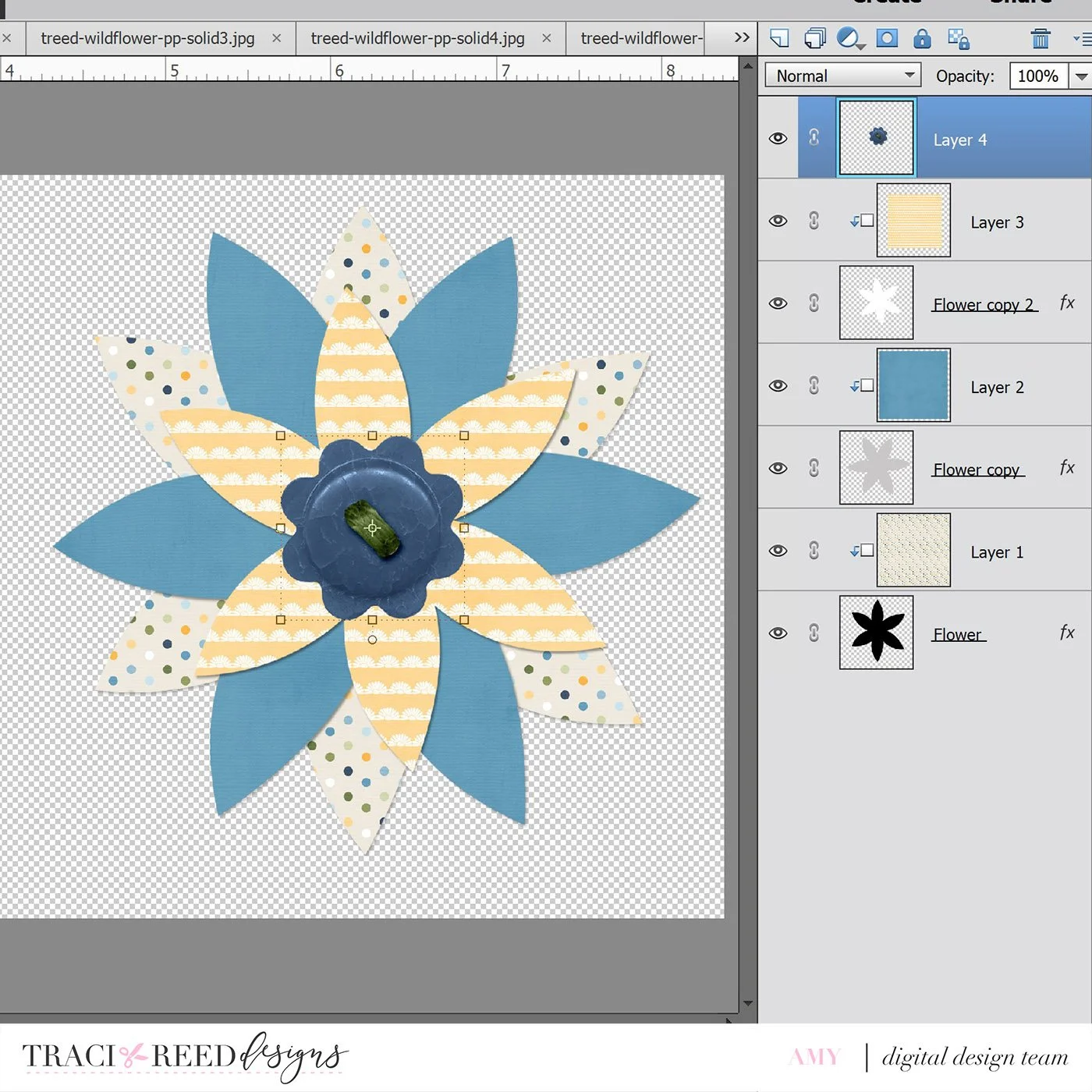
Now, you can start building your flower using the papers and embellishments of your choice. Use each flower layer as a clipping mask and resize the paper to get the suitable design.Add a button or brad to the top of the flower to add another dimension.
In Canva
To create these fun flowers in Canva, I used a similar process. Create a 4.5 x 4.5 and start with the leaf cut file from the Wildflower Floral Motif Cut Files -
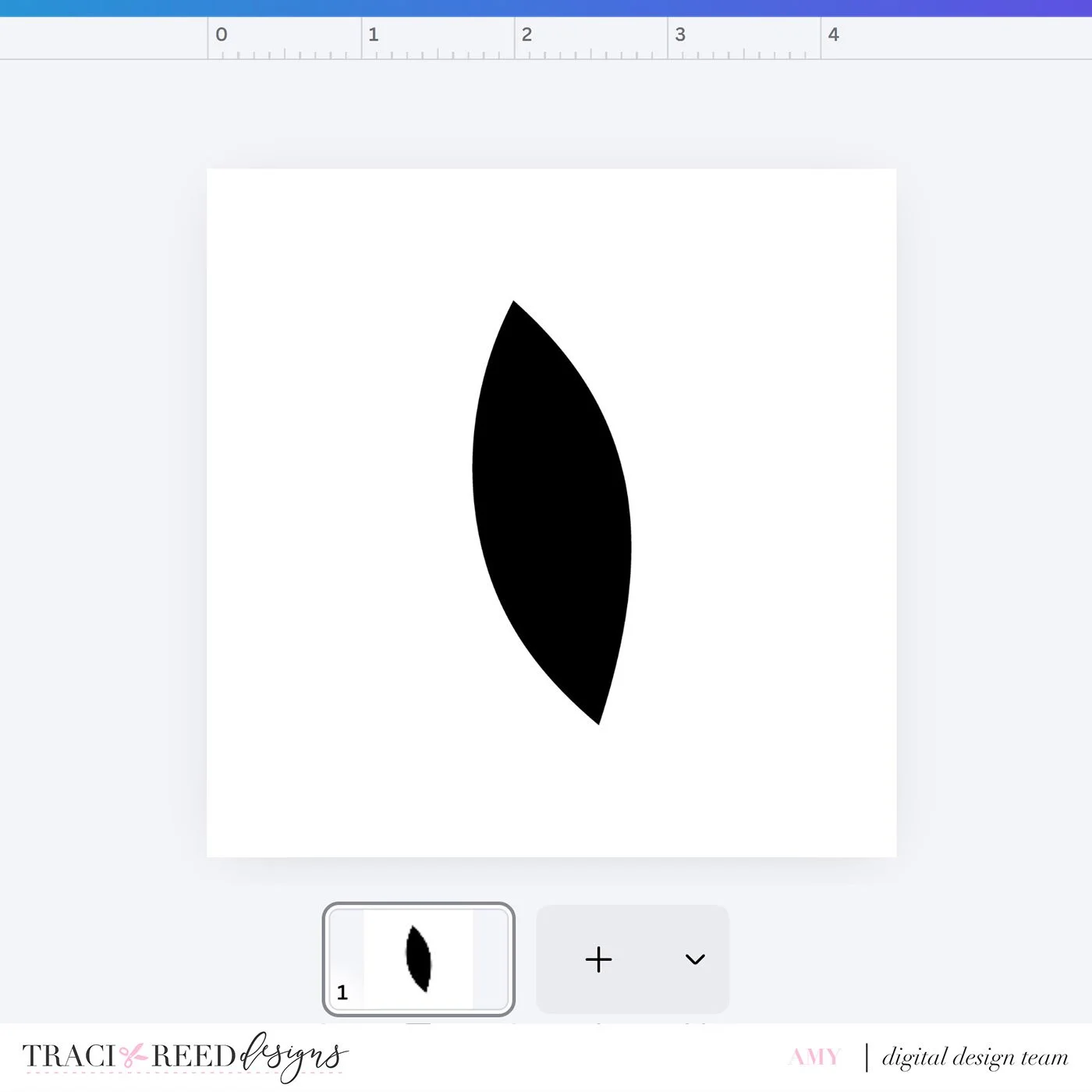
I duplicated the leaf 5 times to create a flower shape with 6 petals.
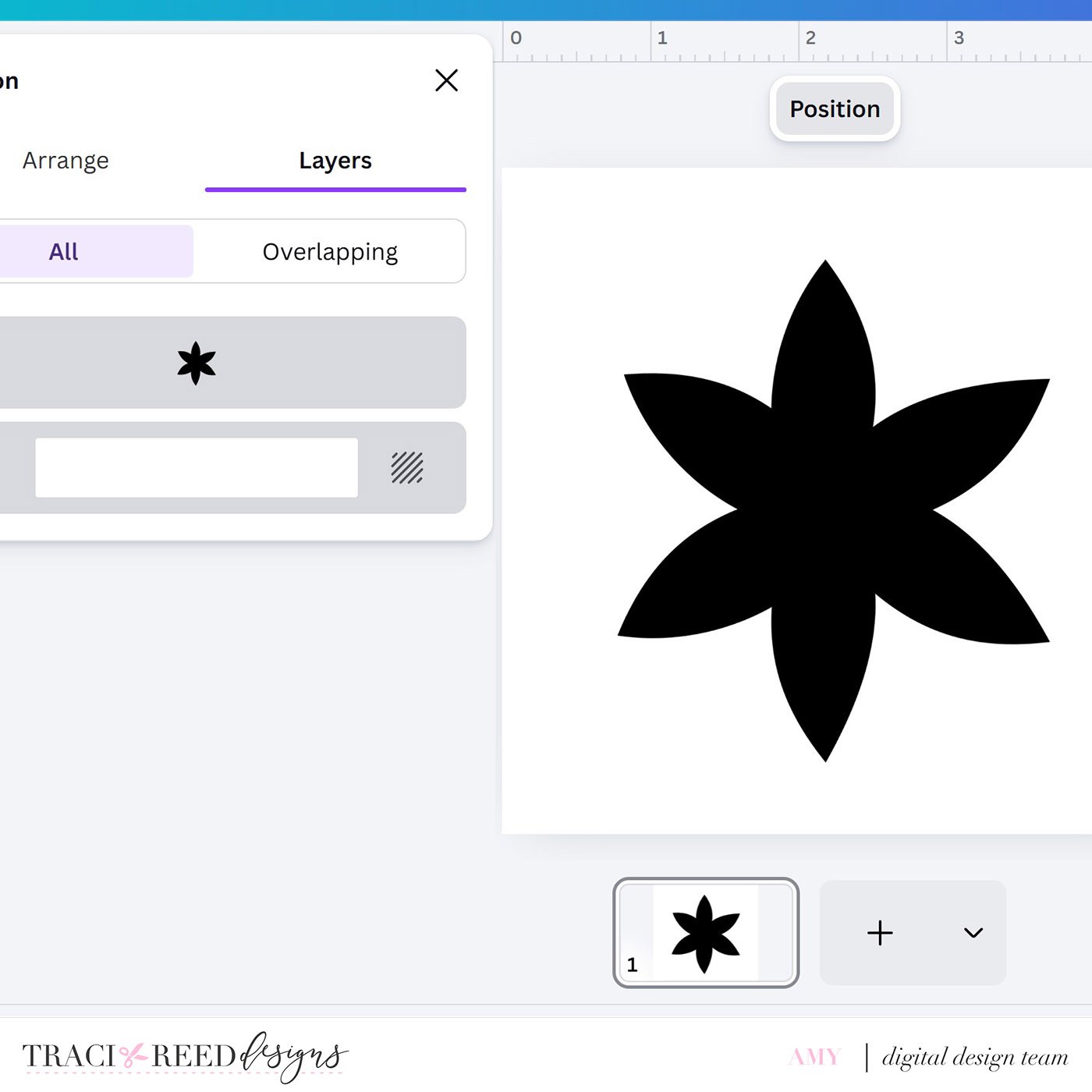
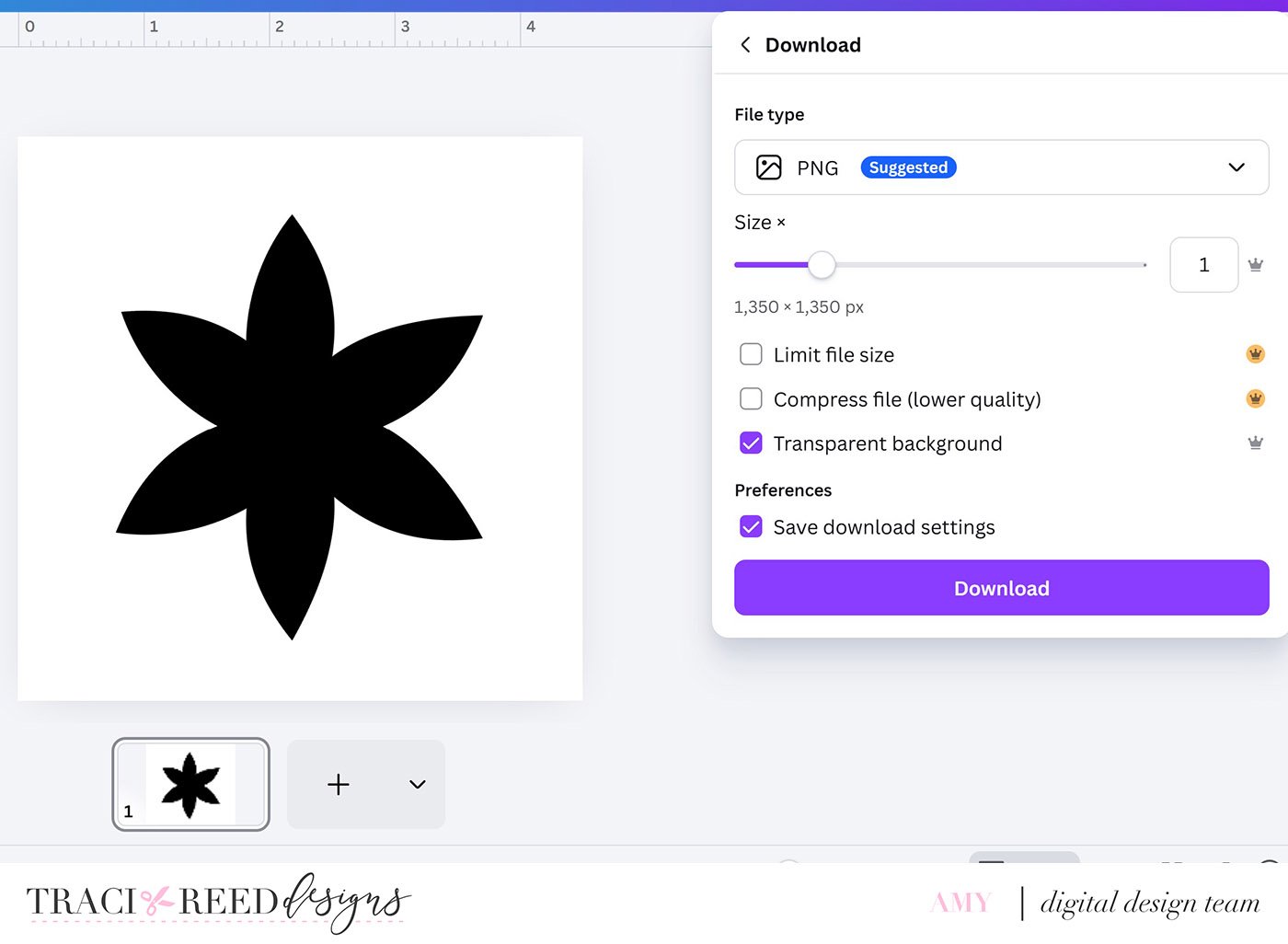
Download the design as PNG with transparent background ON.
Use the ‘Frame Maker’ app within Canva to create a frame from your PNG.
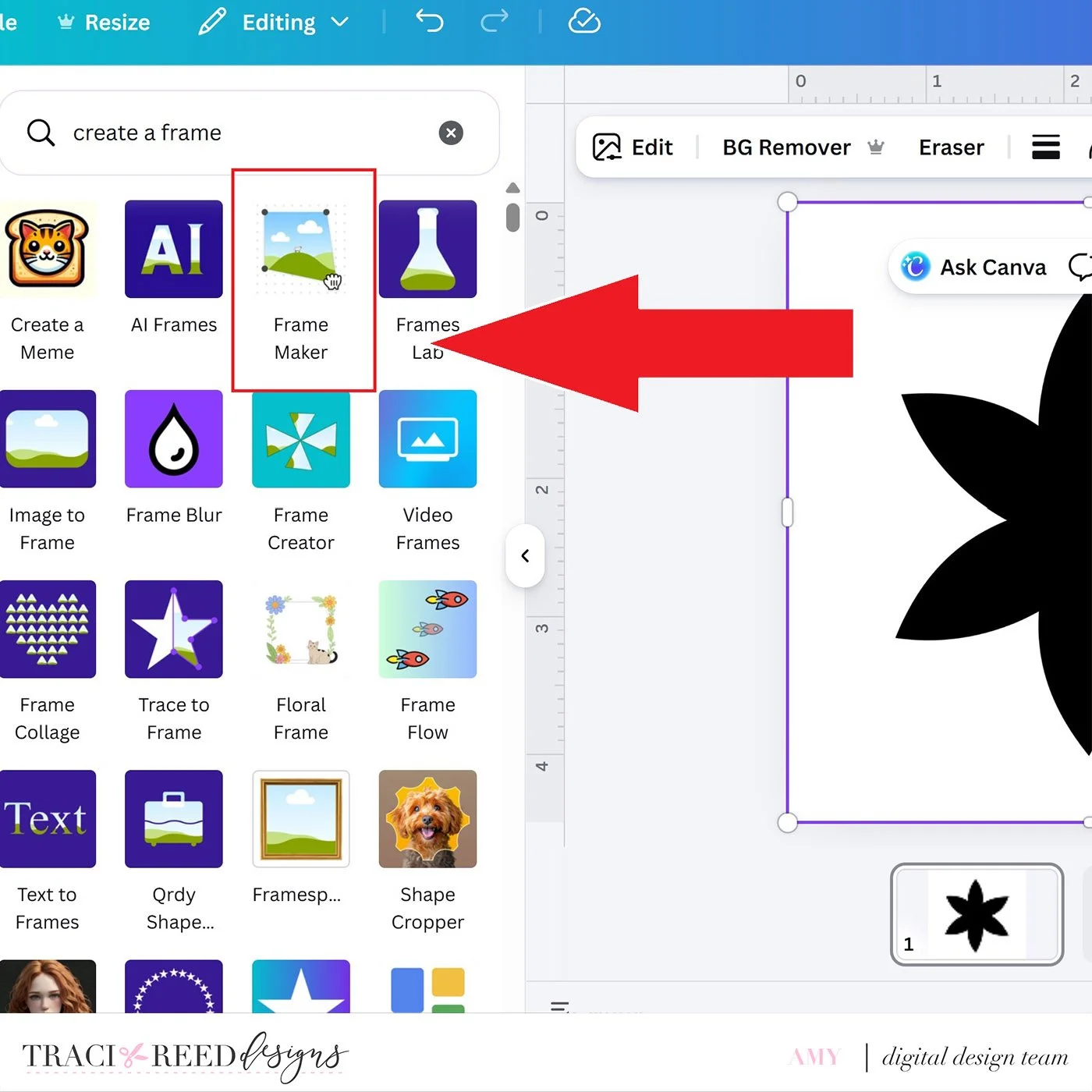
Open the app and choose Frame area detection - Entire design and select ‘Convert design to frame’.
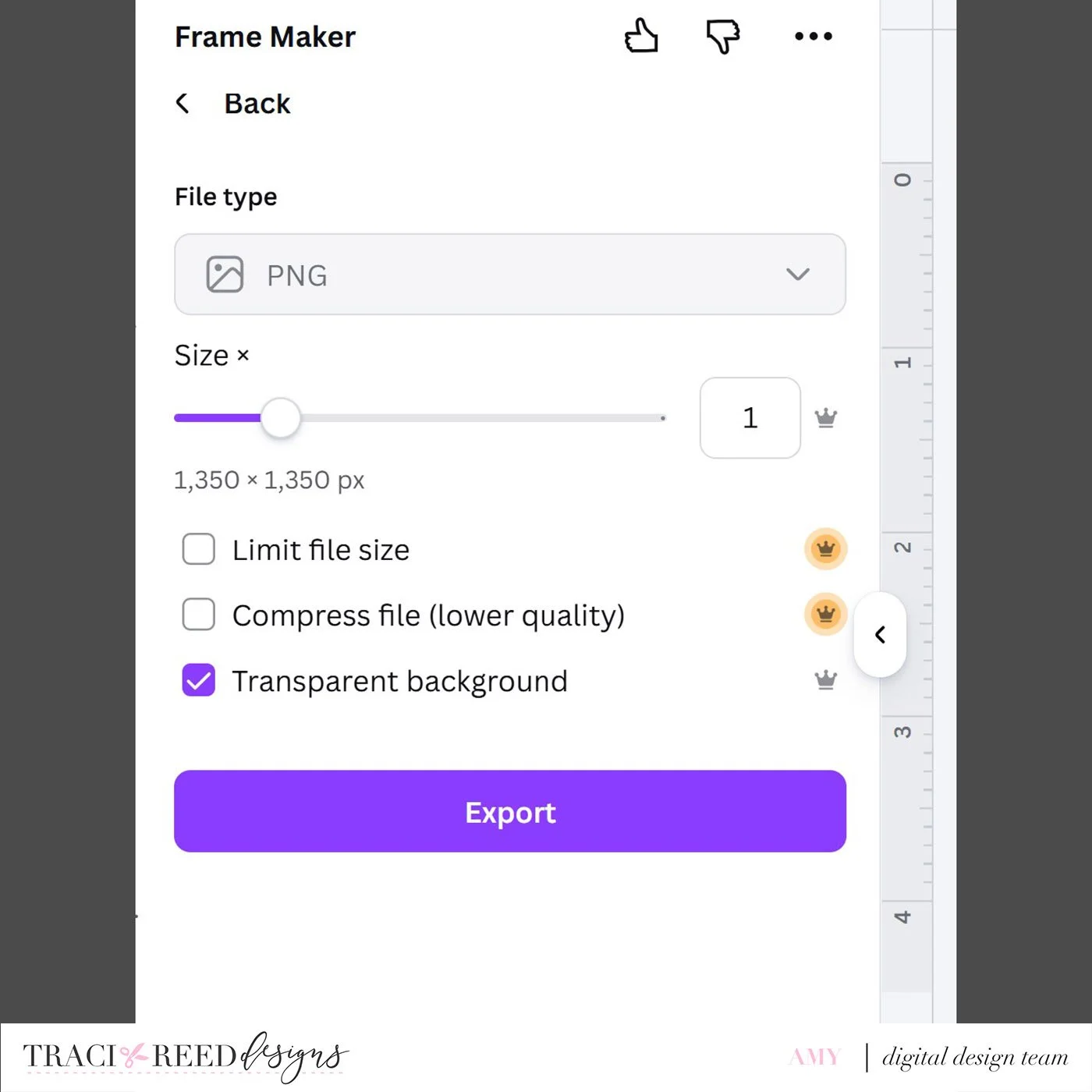
Choose Transparent background and click Export. This will create a frame for you to drop your digital paper into.
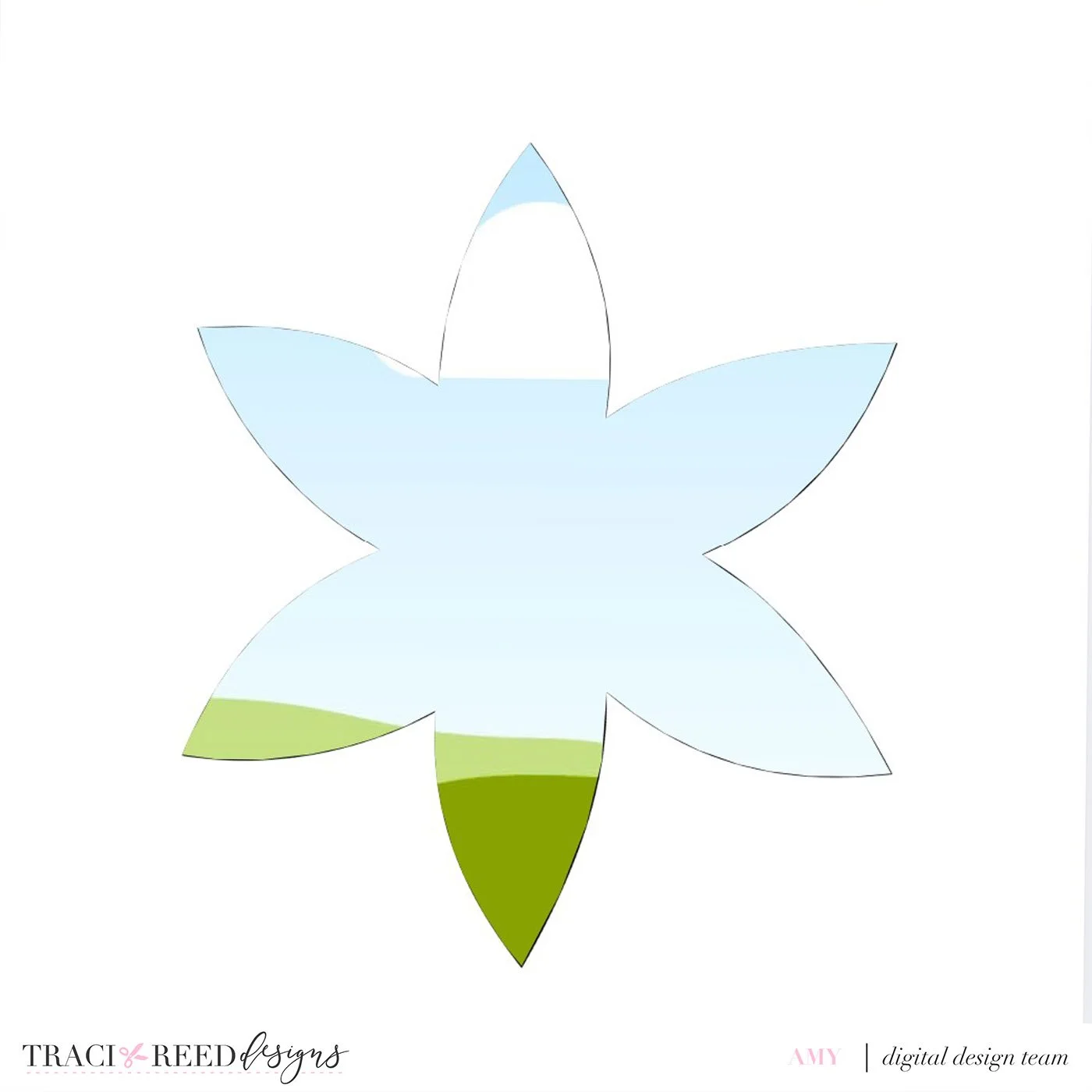
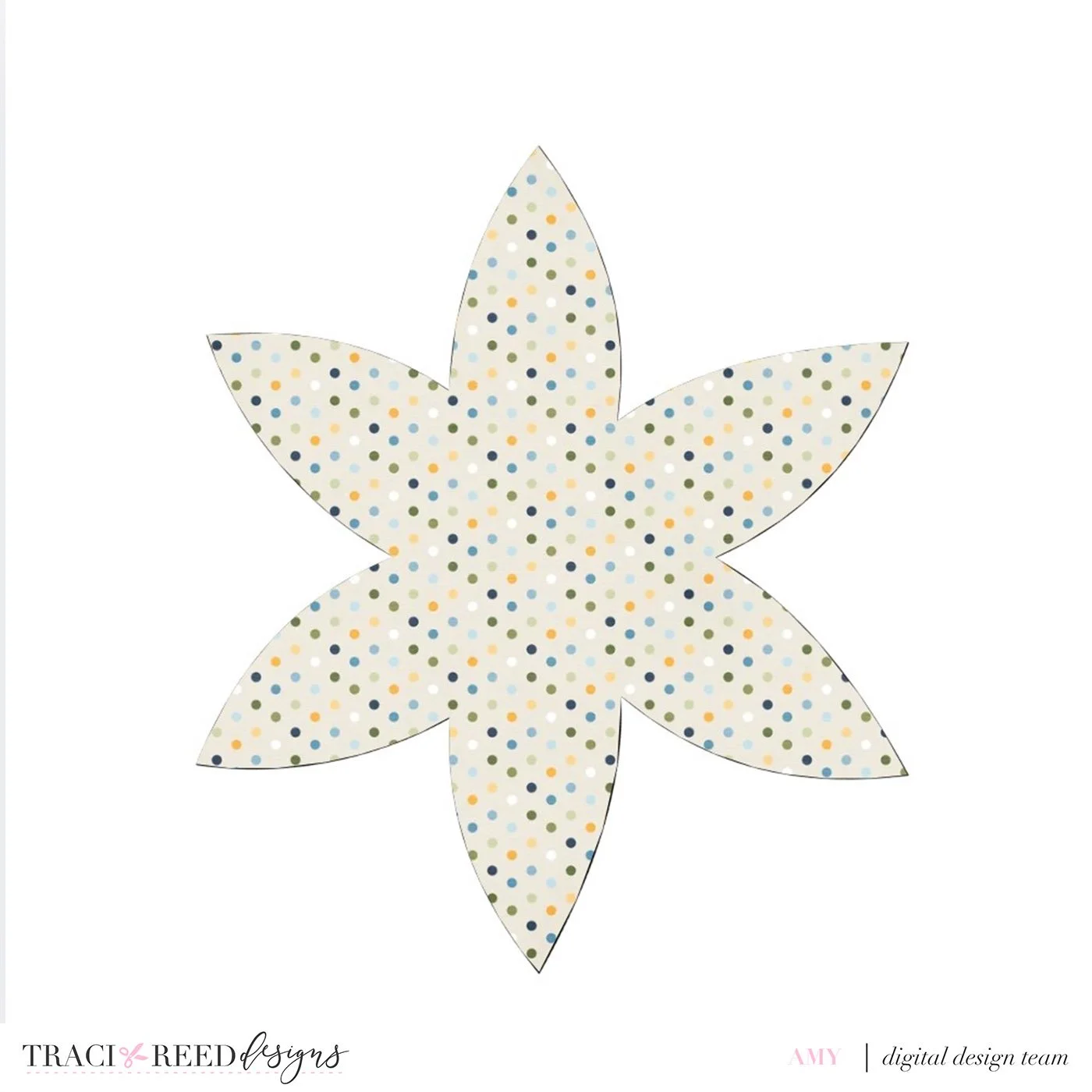
Select your paper and drop it into the frame.
Duplicate the frame layer and rotate the image to build the next layer.
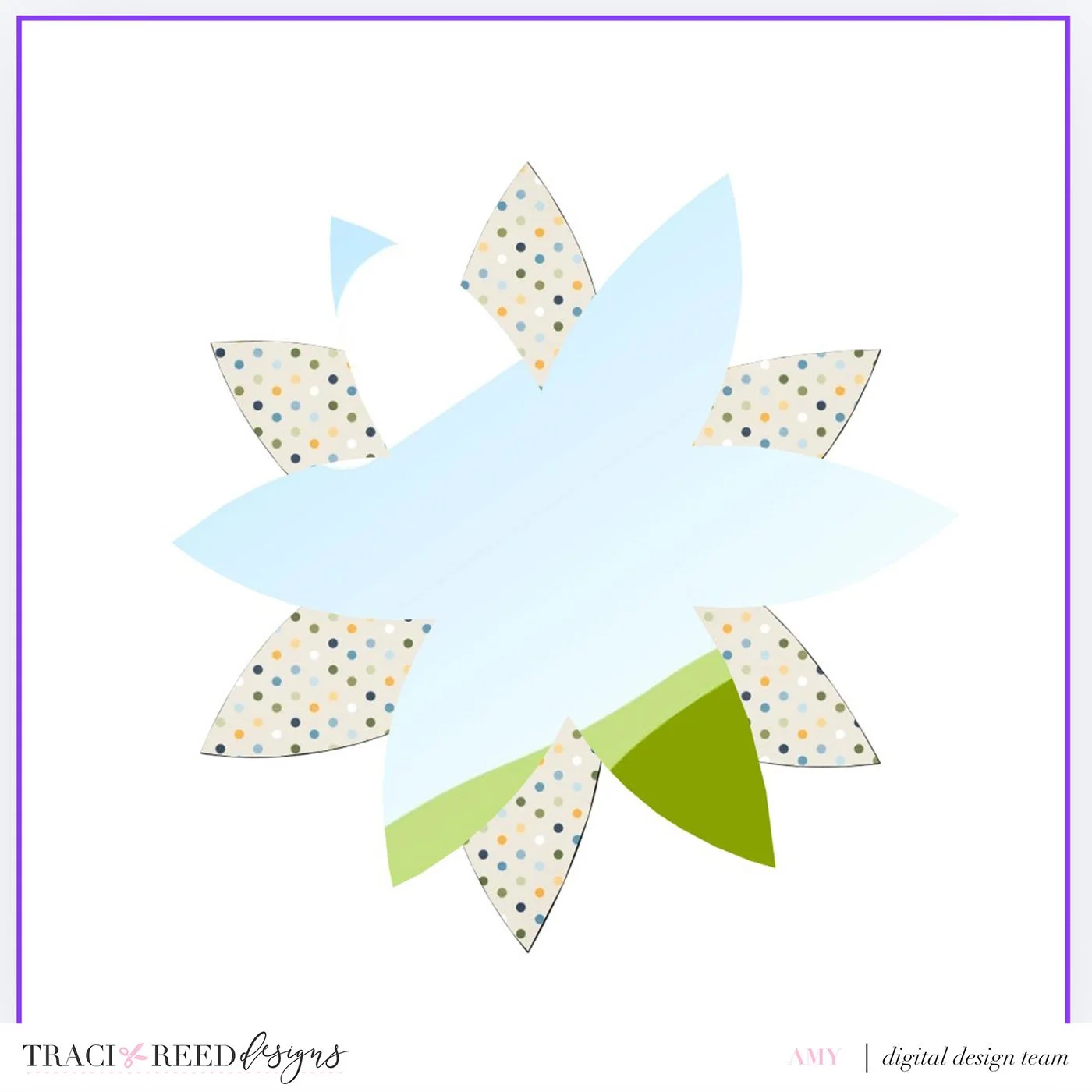
Add the next digital paper and so on until you like how your flower looks.
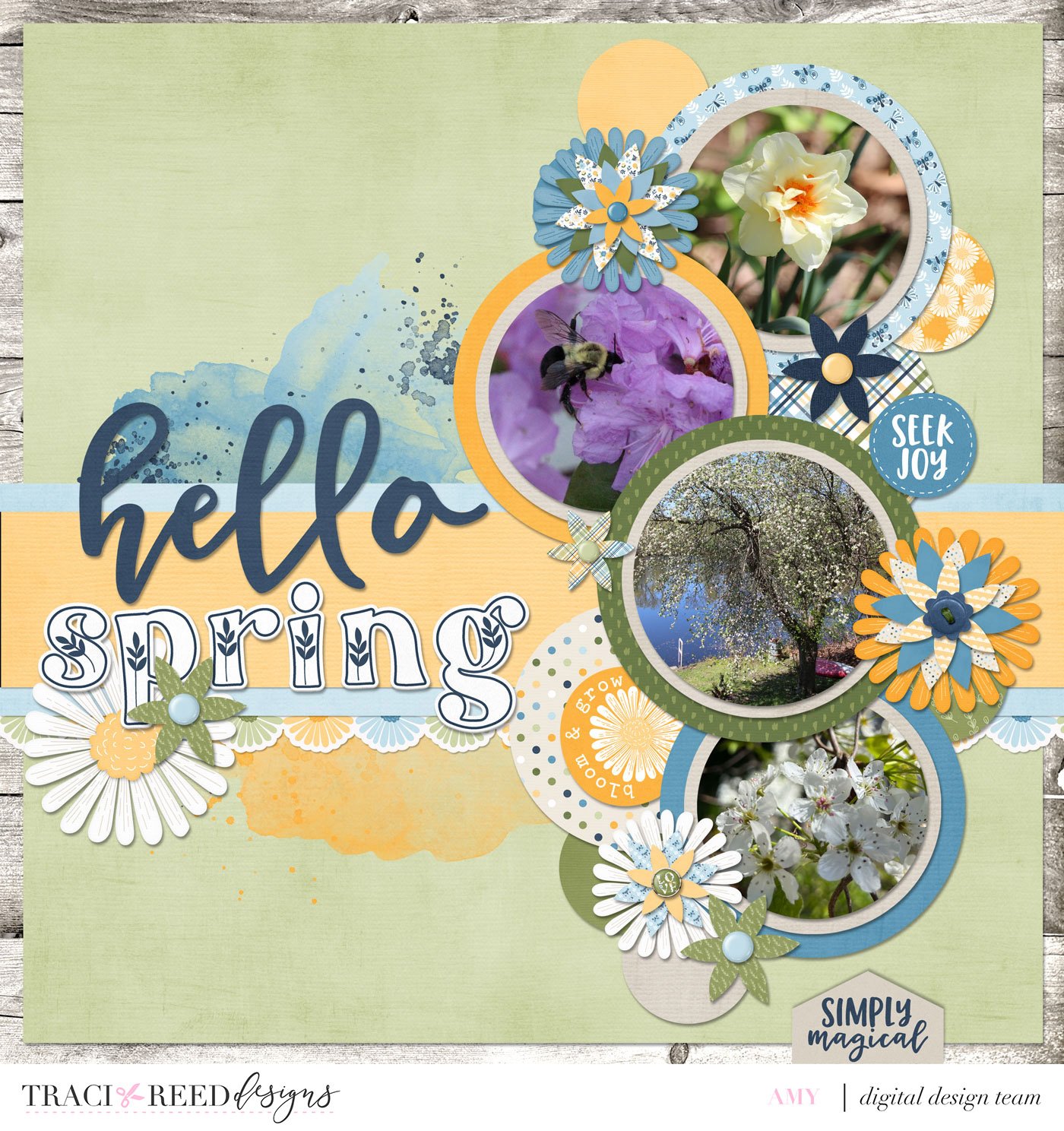
This page was inspired by a module in Ali Edwards’s Start Here class about using repeated circles!
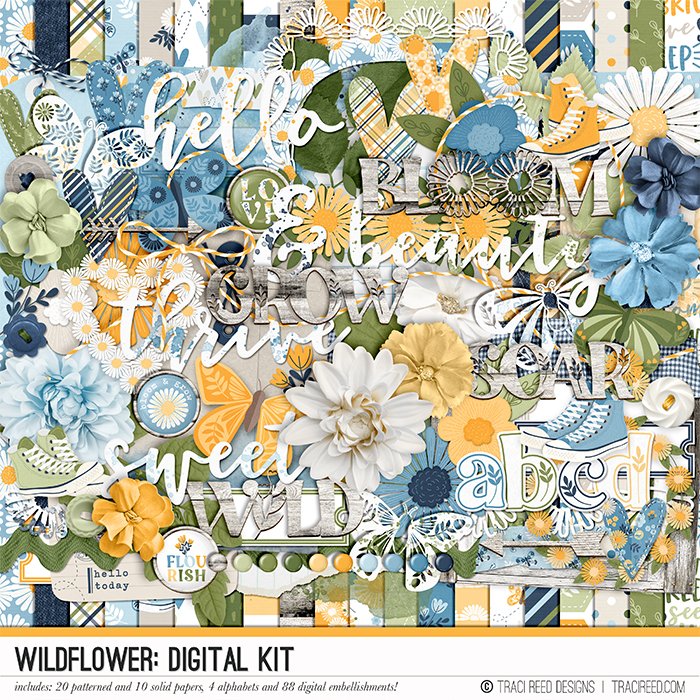


"She's a princess in jeans and high tops, a wildflower growing free from expectations."
Wildflower by Traci Reed celebrates all those who are a little wild and free, who spin in circles in fields of wildflowers, with grassy knees and unlaced sneakers.
In beautiful shades of yellow, green and blue, with not a pink in sight, Wildflower is perfect for all those not-so-girly girls and boys alike!
See more example layouts and the collection unboxing HERE!
BUNDLE INCLUDES
Wildflower Digital Kit, Cards #1 & #2, TN Signatures and Stickers!
BUNDLE DOES NOT INCLUDE:
Patterned Cards, TN Papers, Stamps, or Cut Files!