
3 Tips for Refreshing your App Scrapping Process with Shayla
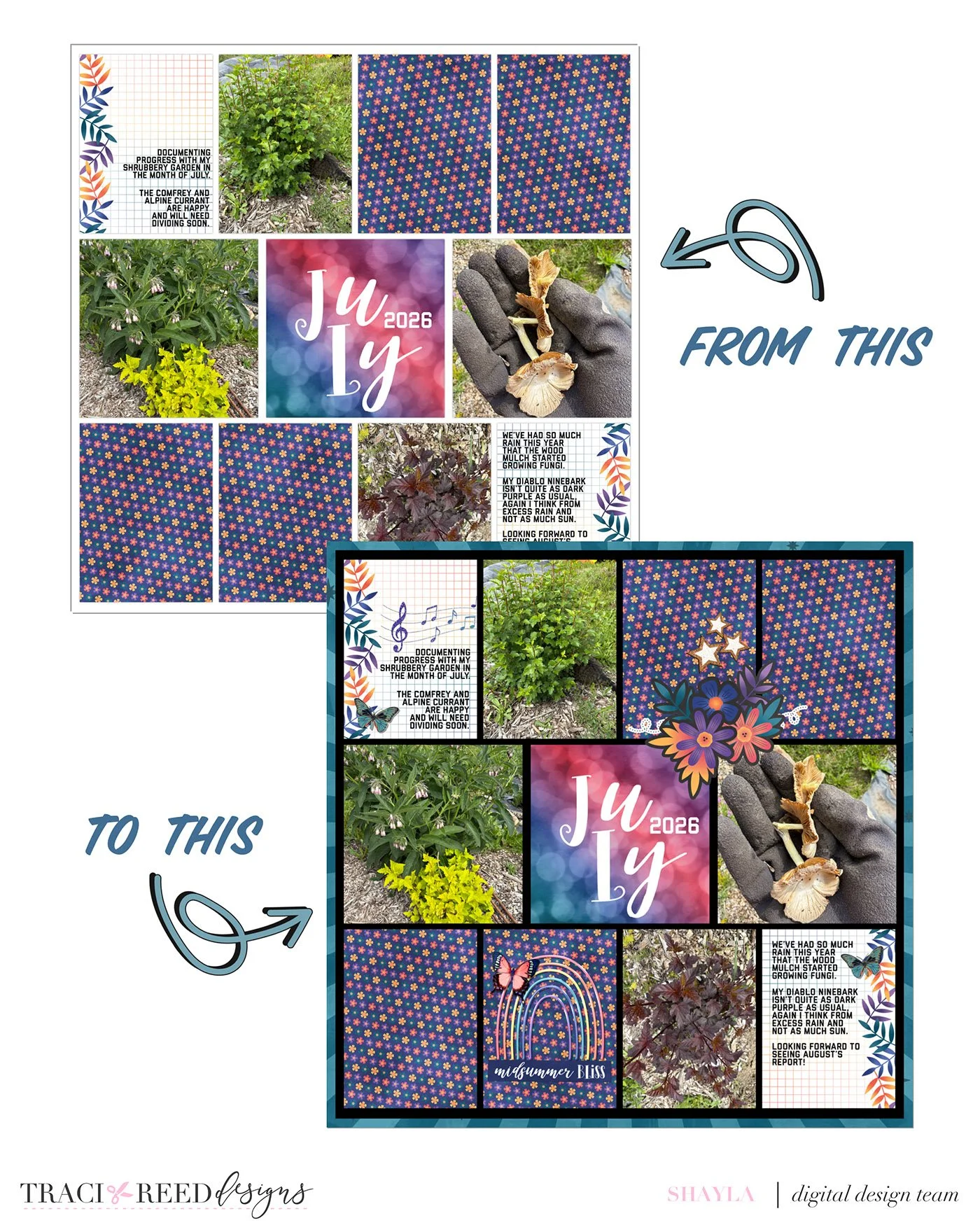
In busy seasons of life, memory keeping can feel hard to keep up with. Many times I’ve switched to the Project Life App to get my photos onto a page with minimal creative effort. The results are simple, but effective at getting photos off of camera rolls and into a shareable format.
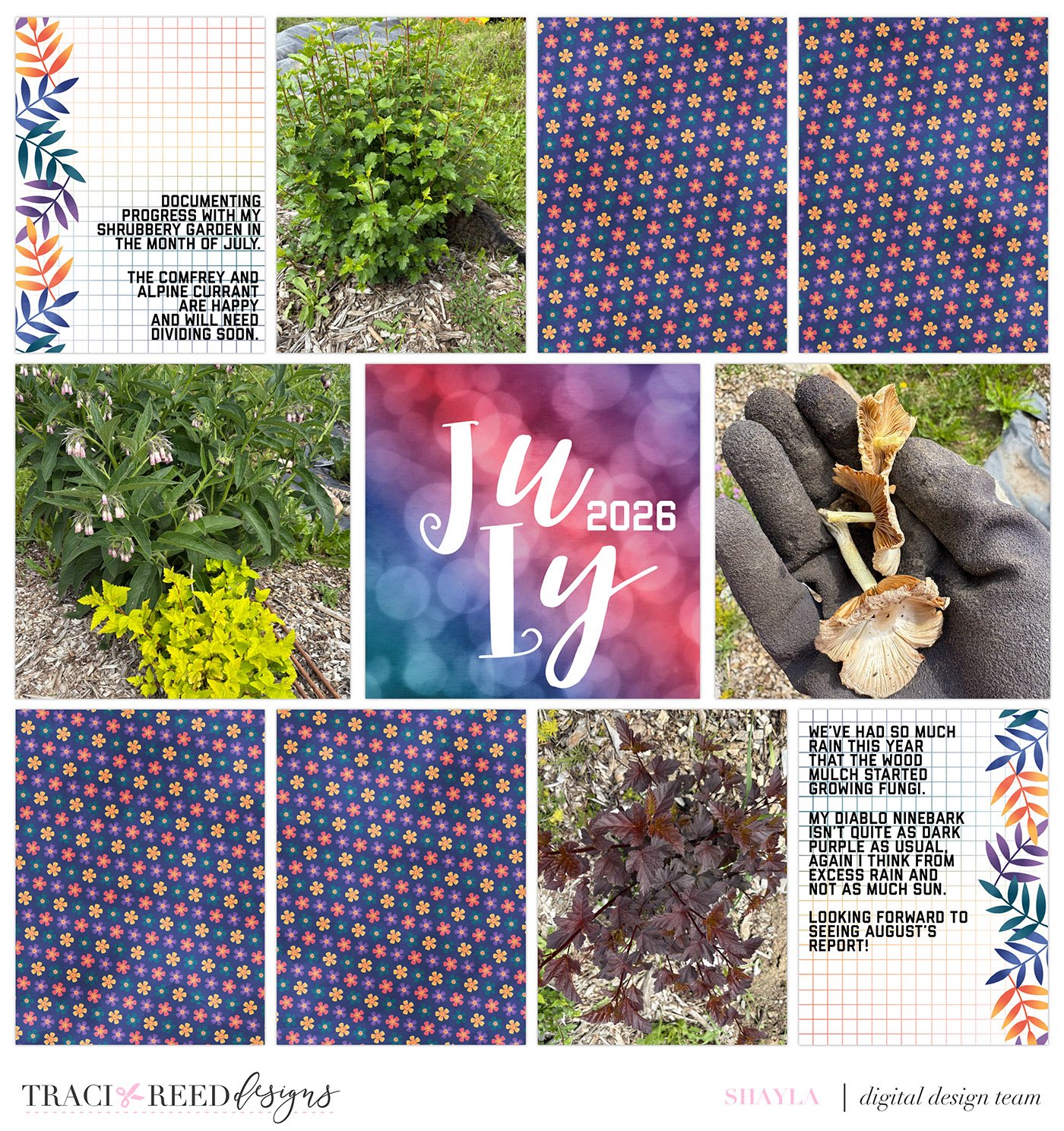
But what if you’re looking for a halfway point? A memory keeping strategy that’s low-effort but has a bit more room for creative placement than just dropping in journal cards but doesn’t require your laptop and Photoshop?
Keep scrolling for 3 tips you can use today to amp up your Project Life App pages.
#1: Change The Background Colour
This is the easiest tip to start with because you don’t even need to leave the Project Life App. Many of you probably already know you can change the background colour of a collage page from white but sometimes we forget how much of an impact it can have.
Tap the ‘Layout’ button > Tap on the kit listed to the right of ‘Colour Palette’ > choose from your available kits for different colours.
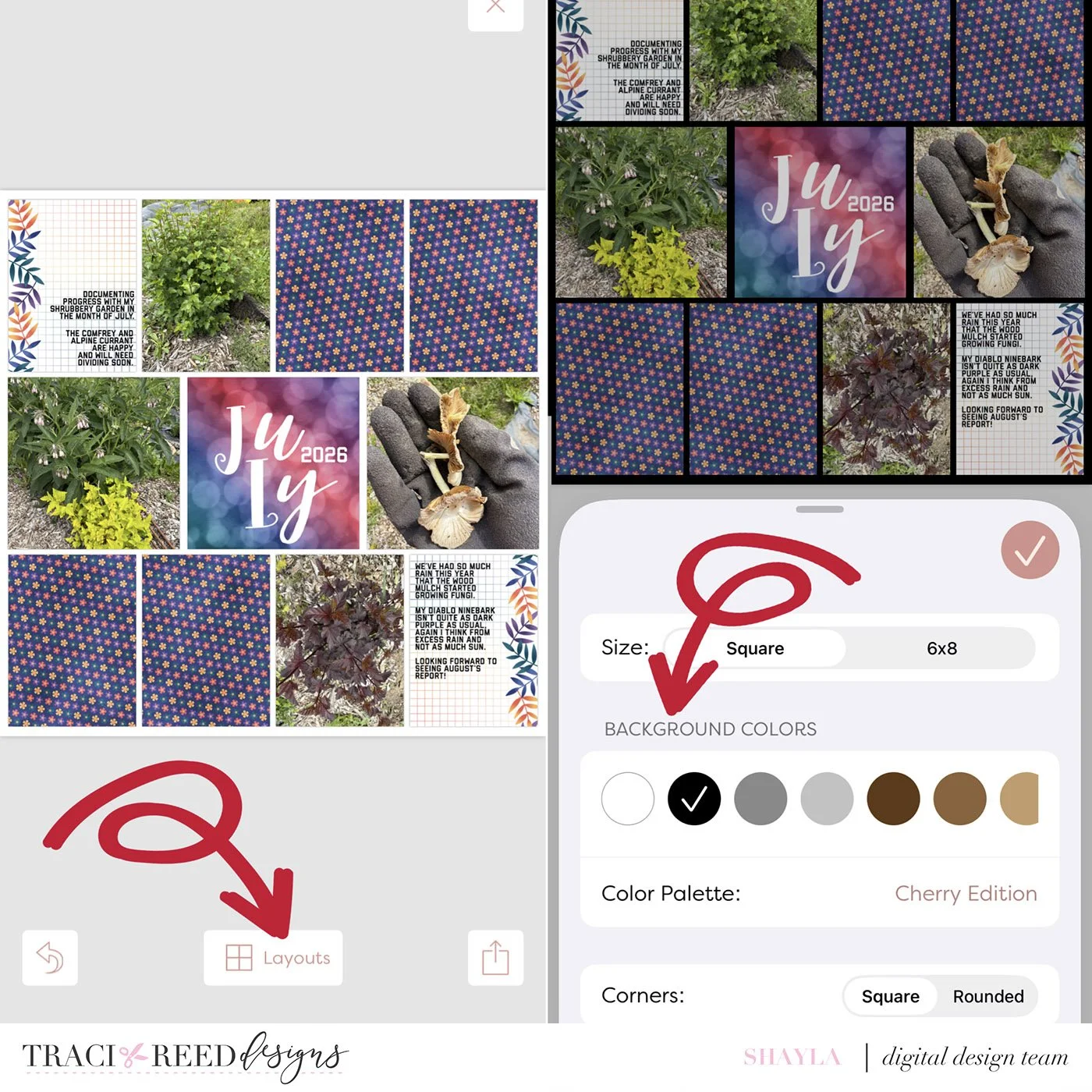
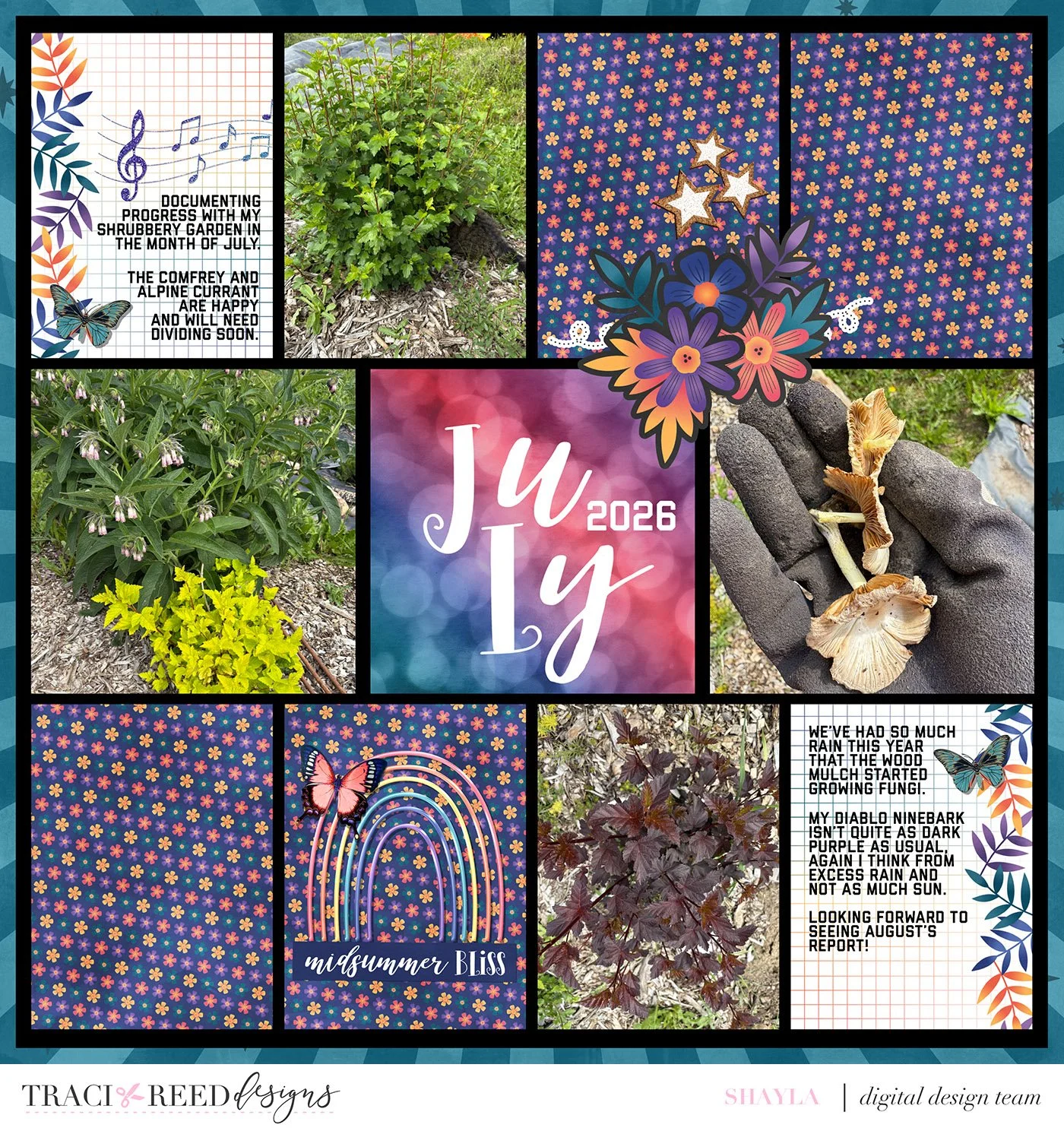
For this layout using the Moonlit collection, I chose to use a black background to make the rich colours of the journal cards pop!
#2: Add A Patterned Background Paper
To implement this suggestion you’ll need to export your page to an app that’s capable of layers. There are many apps and website to use, my preference to use on my phone is GoDaddy (formerly known as GoDaddy Studio).
Open your page in the app and then tap add an image to add in your patterned paper. Move the pattern paper to your bottom layer. Then select your page and change the size until you see a desired amount of the patterned paper showing from underneath.
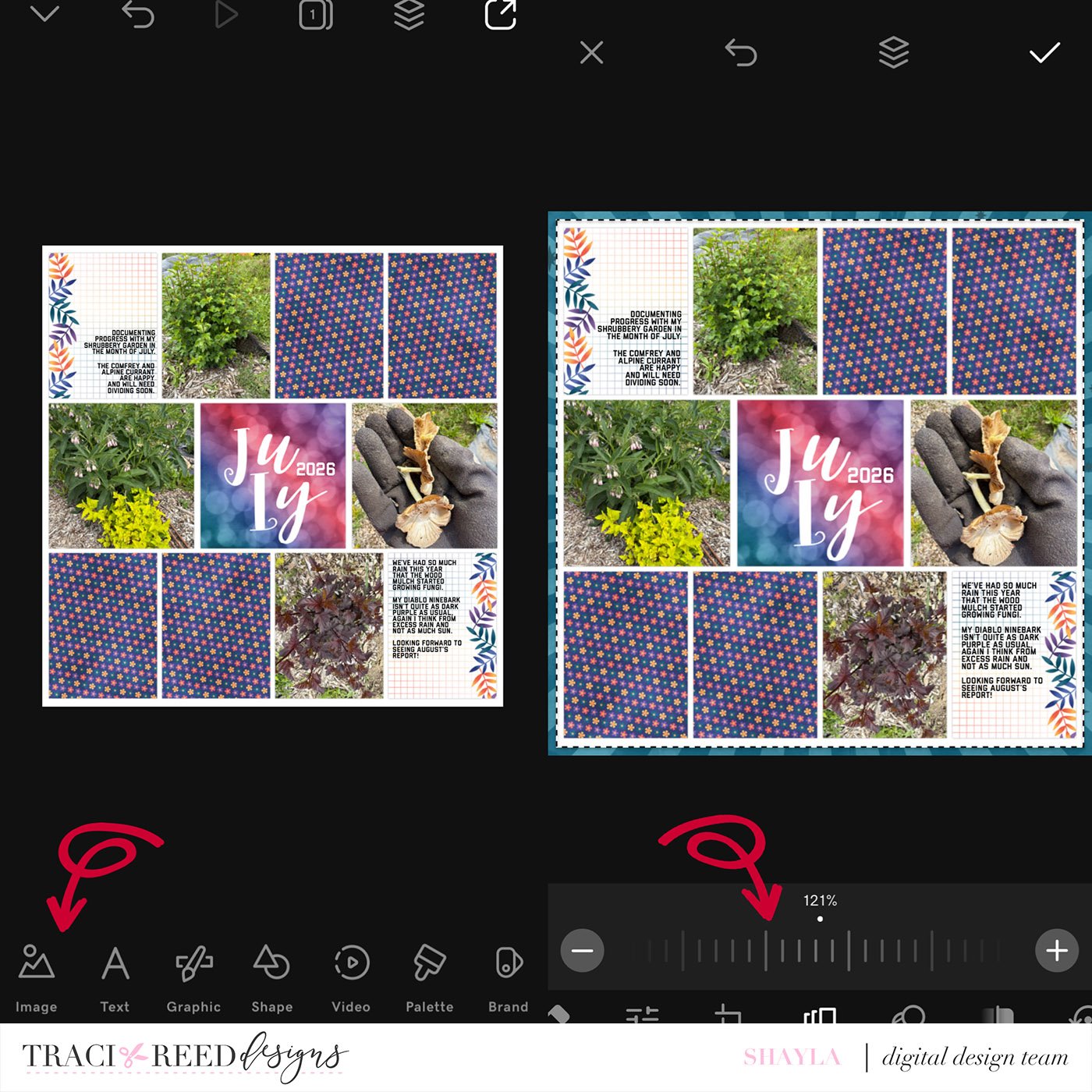
I really liked how the teal sunburst patterned paper looks underneath my photo collage. It really ties together the green tones in my garden photos.
#3: Add Embellishment Clusters
Adding embellishments to your digital Project Life Pages is the best way to completely customize the same journal and filler cards that everyone else is using. It can also add interest in a travel scrapbook that otherwise uses the same cards over and over.
I used GoDaddy to open my project and then added embellishment clusters across my page, sometimes overlapping pockets to help draw the eye over my layout.
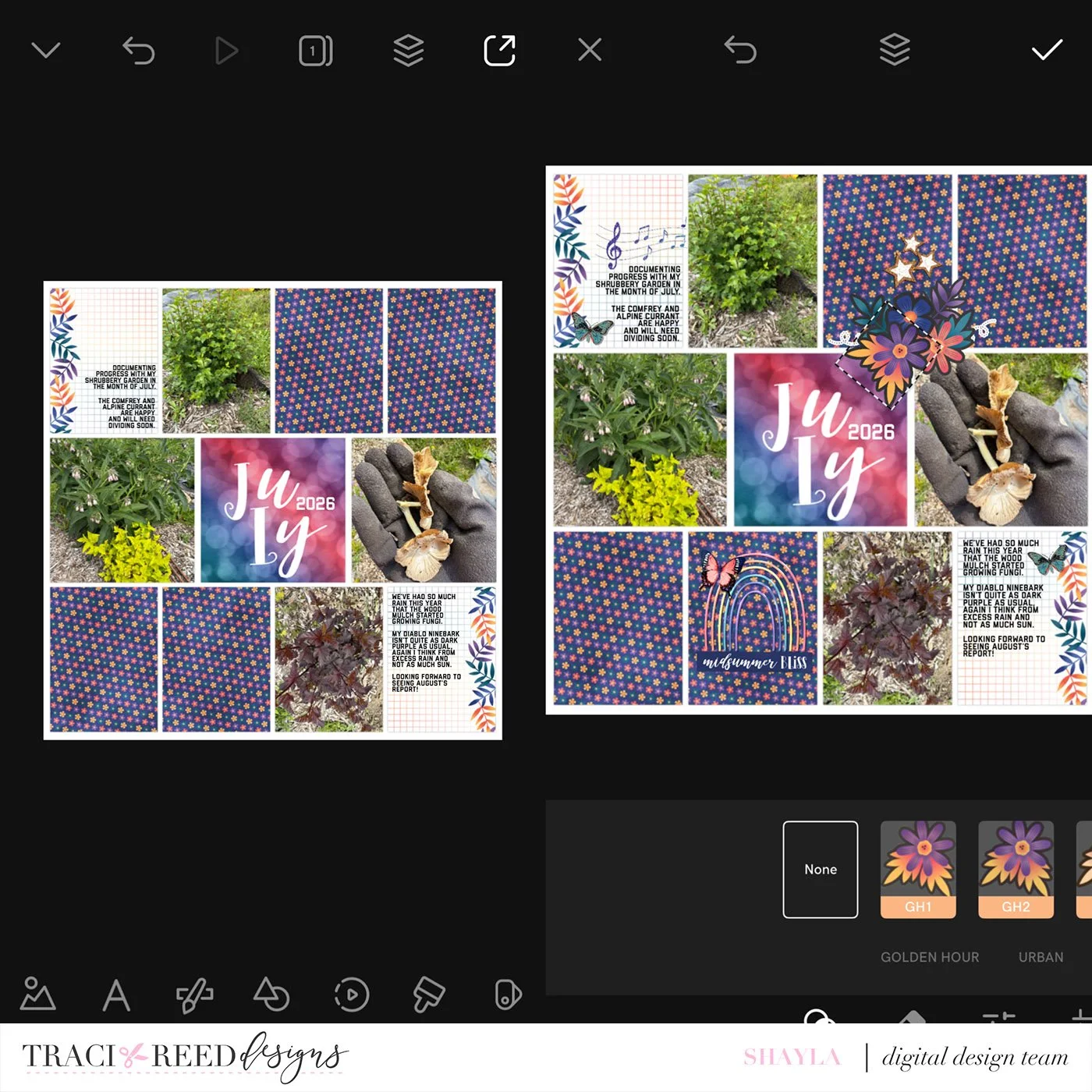
You can choose to implement all, some, or even just one of these suggestions to completely refresh your creative process with your digital pocket pages. In my final version of this layout I combined all three tips together for this result.
If you do choose to try one of these tips, we’d love to see it posted in either the Traci Reed Designs - Let’s Print, Cut, Craft Together! Facebook group or by tagging @tracimreed on Instagram. Happy memory keeping!
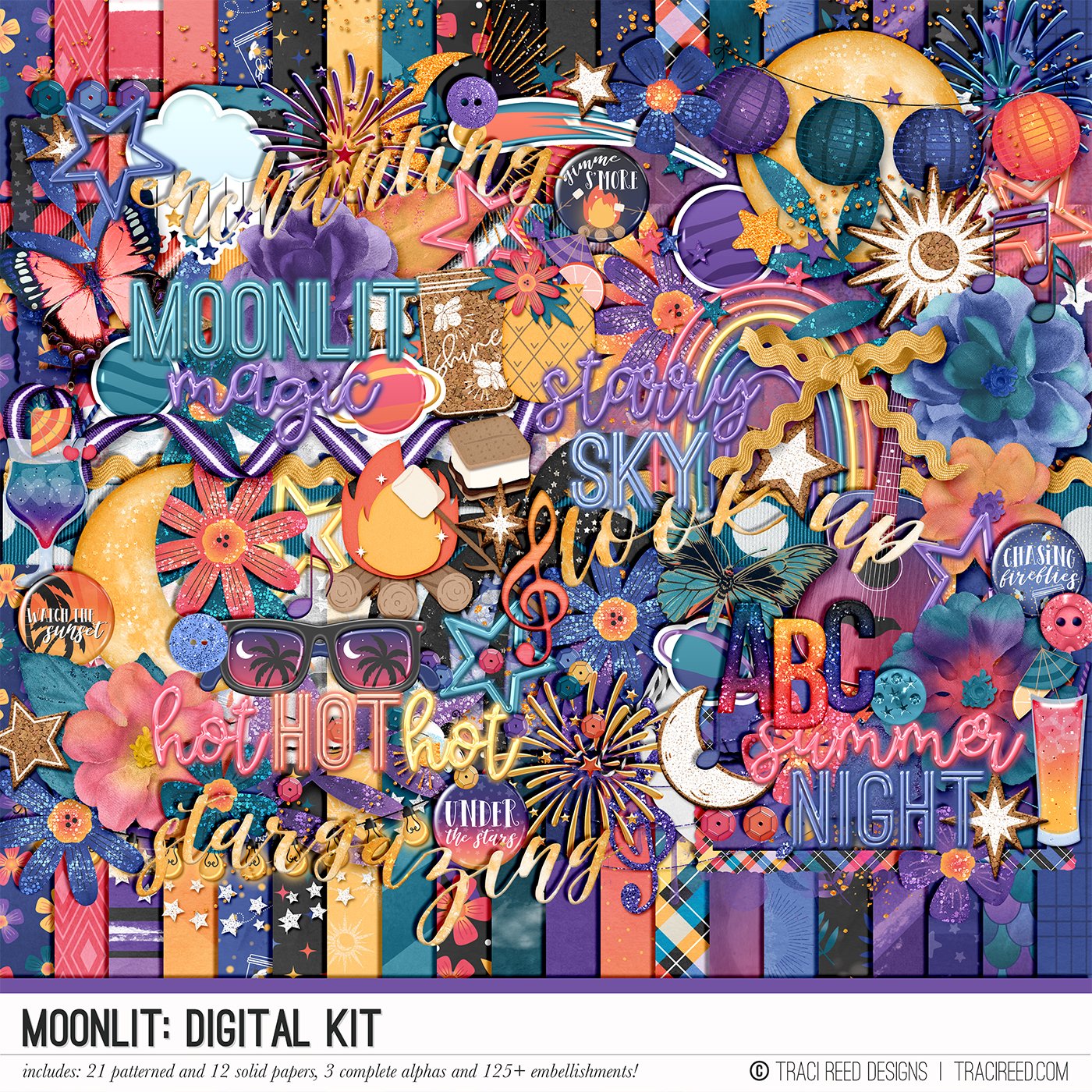




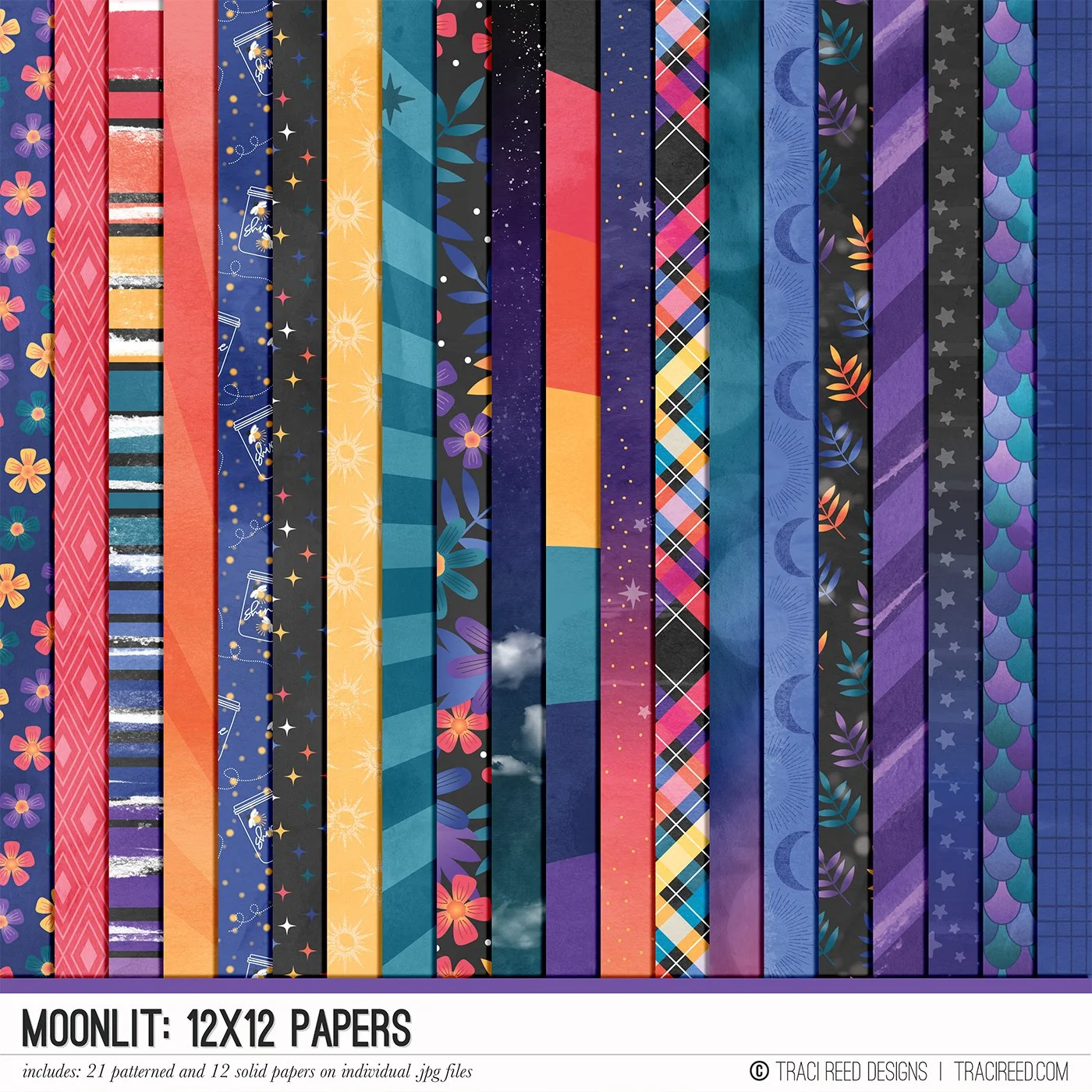

Last summer, I brought you Sunkissed, a gorgeous ode to the summer sun. This year, I bring you its counterpart, Moonlit!
Moonlit is an homage to late nights under the stars, festivals and fireworks, and summer nights that feel like they could last forever.
In an absolutely stunning sunset-inspired color palette, Moonlit is the answer you've been looking for when it comes to scrapbooking what happens in the summer AFTER the sun goes down!
Check out the Moonlit Blog Post to see the full product line up, unboxing and layout examples!
BUNDLE INCLUDES:
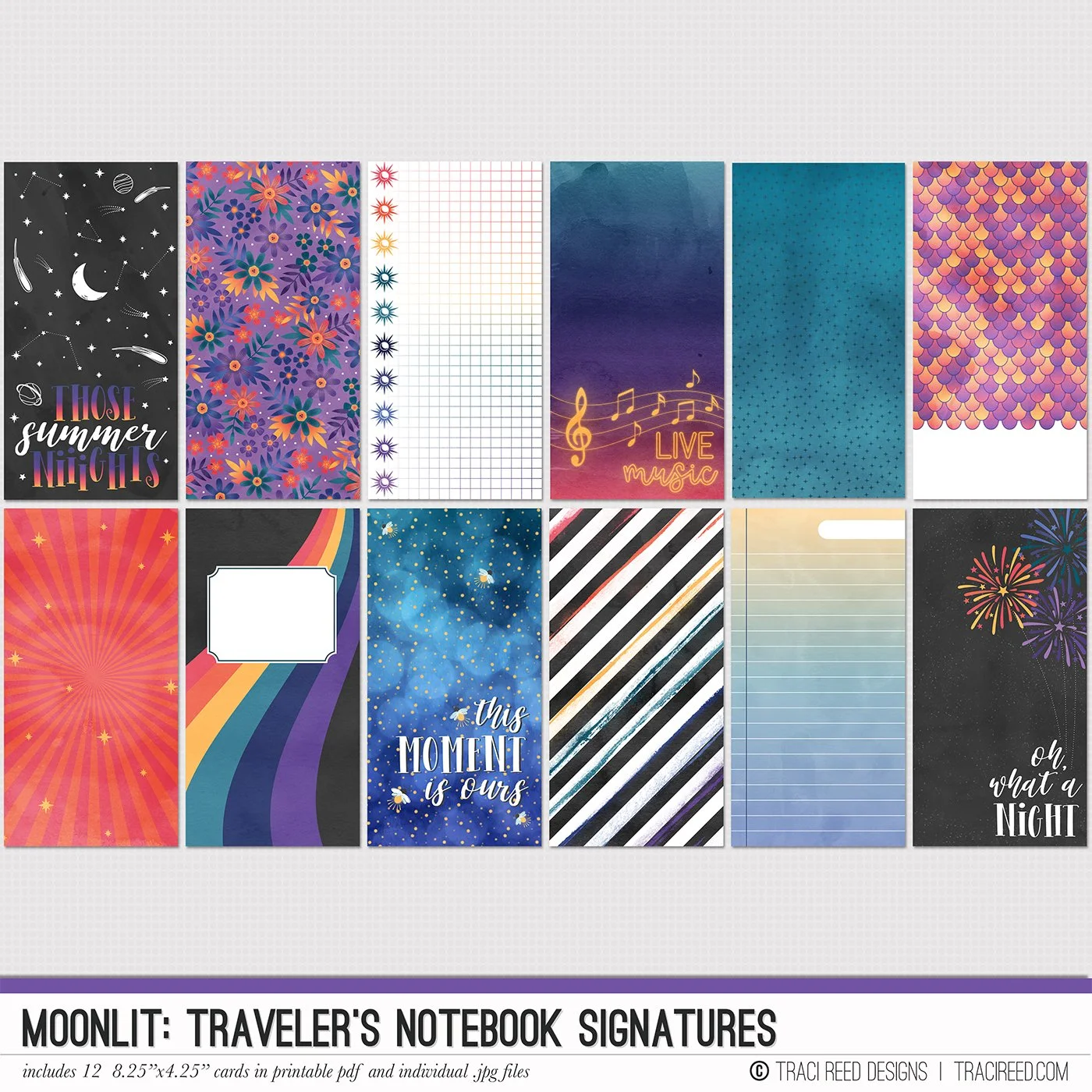
Moonlit Digital Kit, Cards #1 & #2, Stickers & TN Signatures!
BUNDLE DOES NOT INCLUDE:
Moonlit Patterned Cards or TN Papers!