Going in Circles with Danica
Today I’m going to show you an easy way to create fun backgrounds using circles. These circles can then be filled with different patterned papers or can be used as placeholders for embellishments. Traci‘s newest collection was perfect for this look because many of her embellishments and stickers are round.
I used Photoshop Elements for my layout, but you should be able to create this look easily in other programs as well as for hybrid pages.
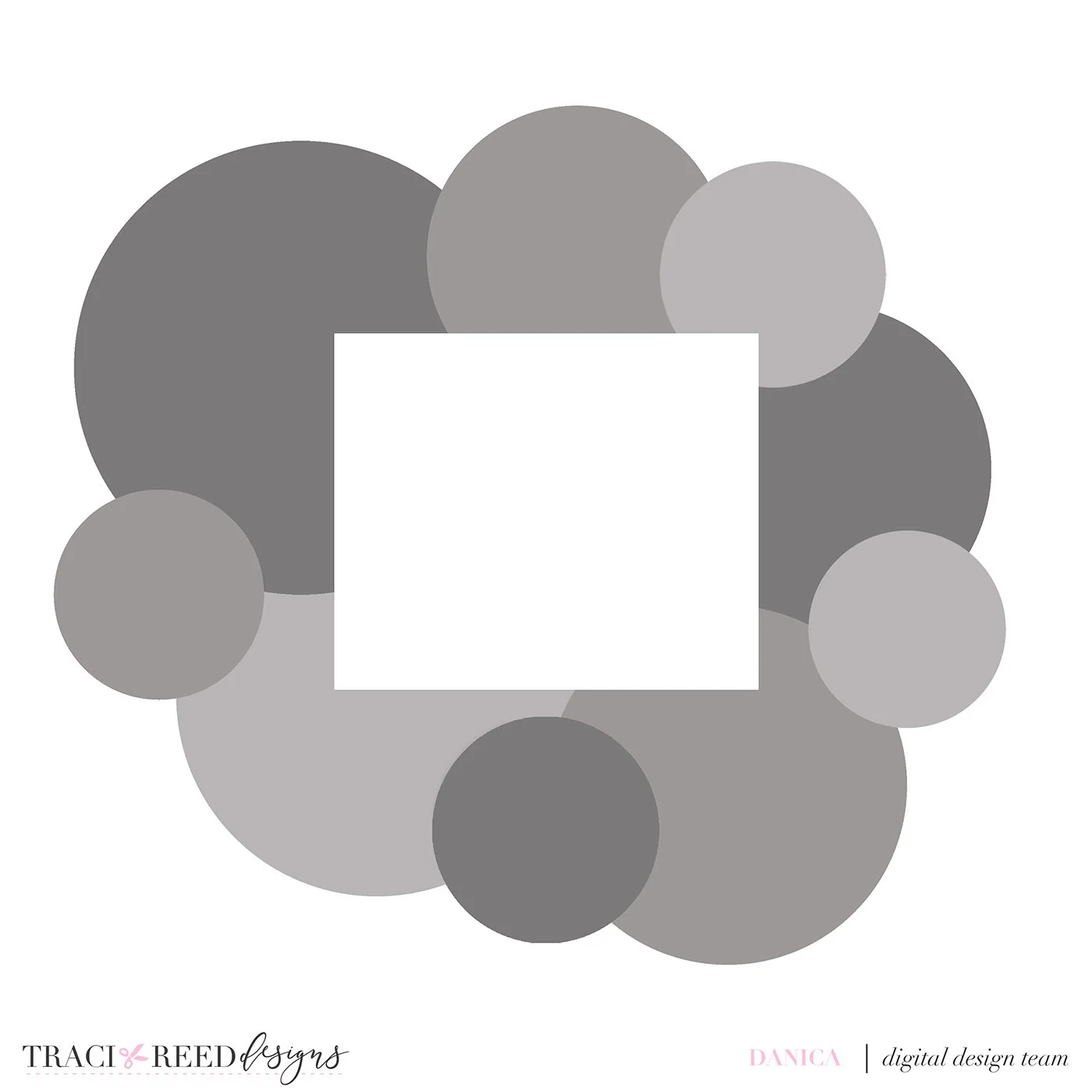
I started out with a 12 x 12 background layer. I added a rectangle photo clipping mask. Next I used the ellipse tool to create different sized circles on the background layer behind the photo mask.
This is what it looked like.
Then I clipped papers to some of the circles and added round embellishments to the other circles like the yo-yos and embroidery hoop.
Here is my finished layout!
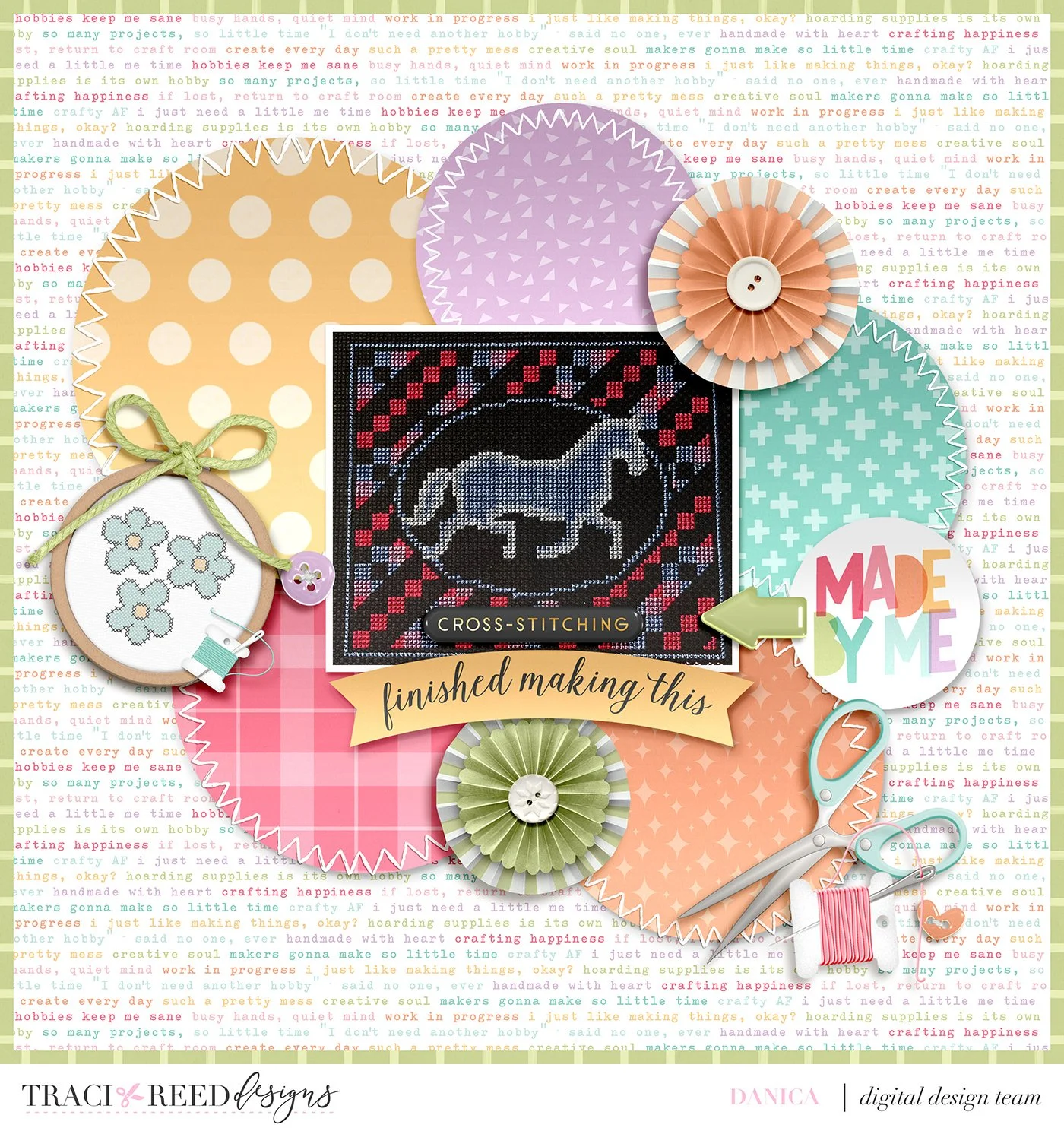
This technique would also look good with squares too. I hope that you try this technique in your memory keeping! Until next time, happy scrapping!
Story Foundations: Me Time Collection
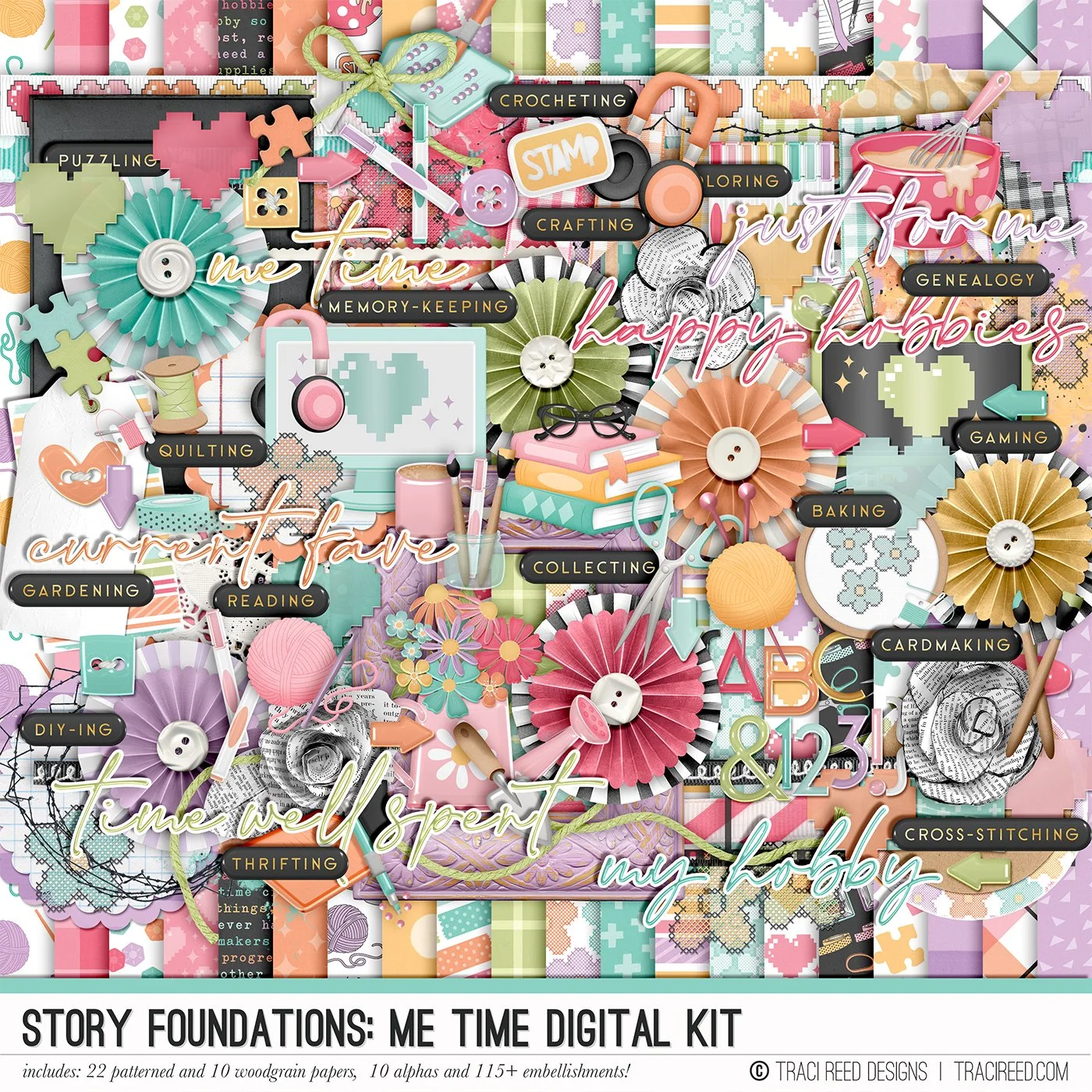
Story Foundations: Me Time is all about making space for the things you love and celebrating the hobbies that make your time your own. Inspired by quiet afternoons with a good book, creative projects at the table, time in the garden, baking something from scratch, or settling in with a favorite pastime, this chapter is designed to help you tell the stories of the things you do simply because they bring you joy.
Filled with dozens of hand-drawn icons and playful embellishments, you'll find everything from books, yarn, embroidery hoops, paint brushes, gardening tools, mixing bowls, puzzles, gaming, and journals to all the little details that make your favorite hobbies uniquely yours. The colorful palette coordinates beautifully with the rest of the Story Foundations series while remaining versatile enough to pair with your favorite hobby and everyday collections.
Whether you're documenting a longtime passion, a new hobby, a creative project, or simply how you love to spend a quiet afternoon, Me Time gives you a fun foundation for capturing the activities that make you happiest.
With patterned papers, journal cards, stickers, and embellishments designed to mix, match, and layer effortlessly, Story Foundations: Me Time makes it easy to celebrate your interests and creative pursuits...because the things we love to do just for fun are stories worth remembering, too.
See the unboxing and example images for the Story Foundations: Me Time collection HERE.
Don’t forget, the entire 2026 Story Foundations Collections are meant to mix and match and pair with each other! You can see all the Story Foundations Chapters HERE.
DIGITAL KIT INCLUDES:
22 patterned and 10 solid woodgrain 12×12 papers, 10 alphas and 120+ embellishments!
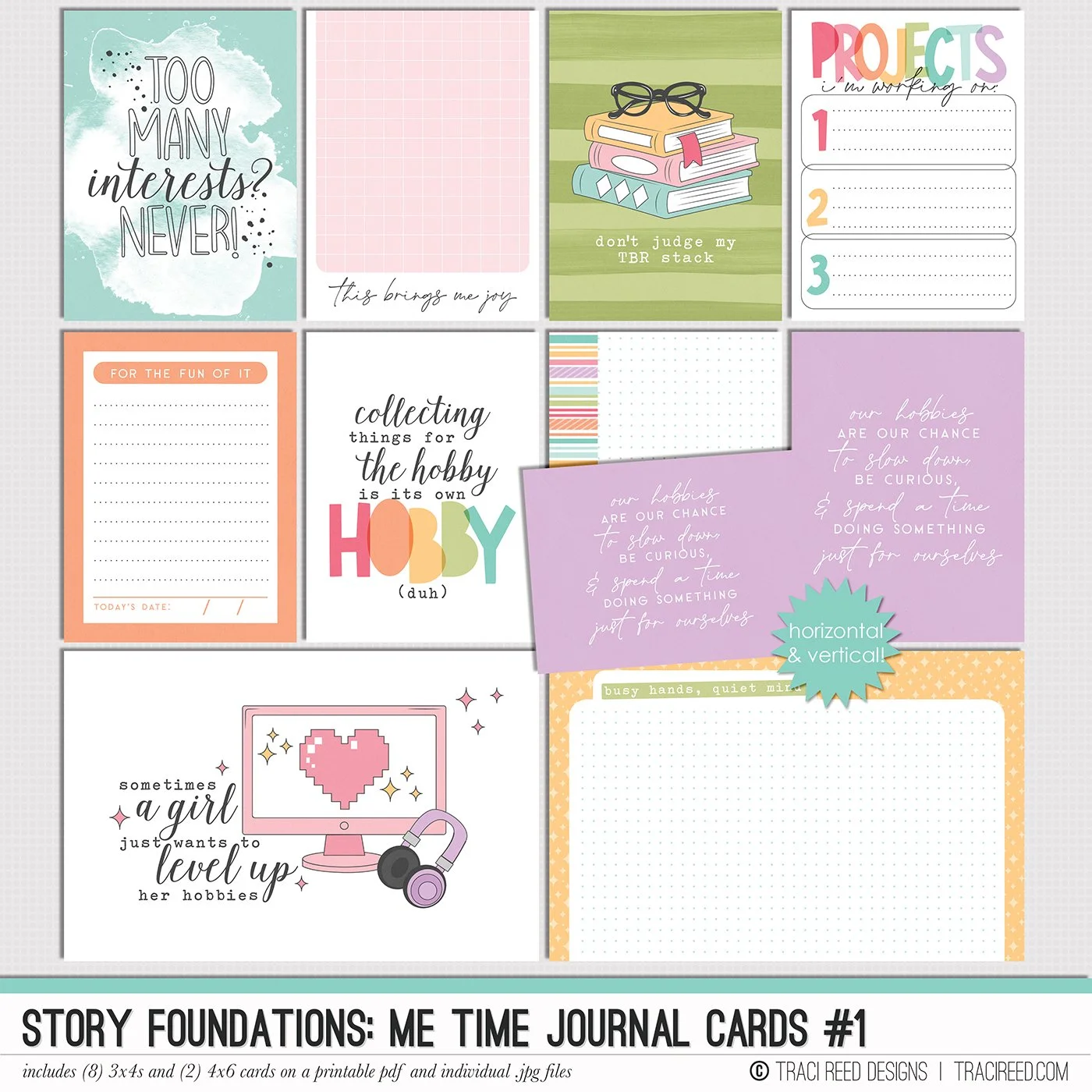
Story Foundations: Me Time is all about making space for the things you love and celebrating the hobbies that make your time your own. Inspired by quiet afternoons with a good book, creative projects at the table, time in the garden, baking something from scratch, or settling in with a favorite pastime, this chapter is designed to help you tell the stories of the things you do simply because they bring you joy.
Filled with dozens of hand-drawn icons and playful embellishments, you'll find everything from books, yarn, embroidery hoops, paint brushes, gardening tools, mixing bowls, puzzles, gaming, and journals to all the little details that make your favorite hobbies uniquely yours. The colorful palette coordinates beautifully with the rest of the Story Foundations series while remaining versatile enough to pair with your favorite hobby and everyday collections.
Whether you're documenting a longtime passion, a new hobby, a creative project, or simply how you love to spend a quiet afternoon, Me Time gives you a fun foundation for capturing the activities that make you happiest.
With patterned papers, journal cards, stickers, and embellishments designed to mix, match, and layer effortlessly, Story Foundations: Me Time makes it easy to celebrate your interests and creative pursuits...because the things we love to do just for fun are stories worth remembering, too.
See the unboxing and example images for the Story Foundations: Me Time collection HERE.
Don’t forget, the entire 2026 Story Foundations Collections are meant to mix and match and pair with each other! You can see all the Story Foundations Chapters HERE.
JOURNAL CARDS INCLUDE:
8 3×4 and 2 4×6 cards in vertical AND horizontal on individual .jpg and printable .pdf files!
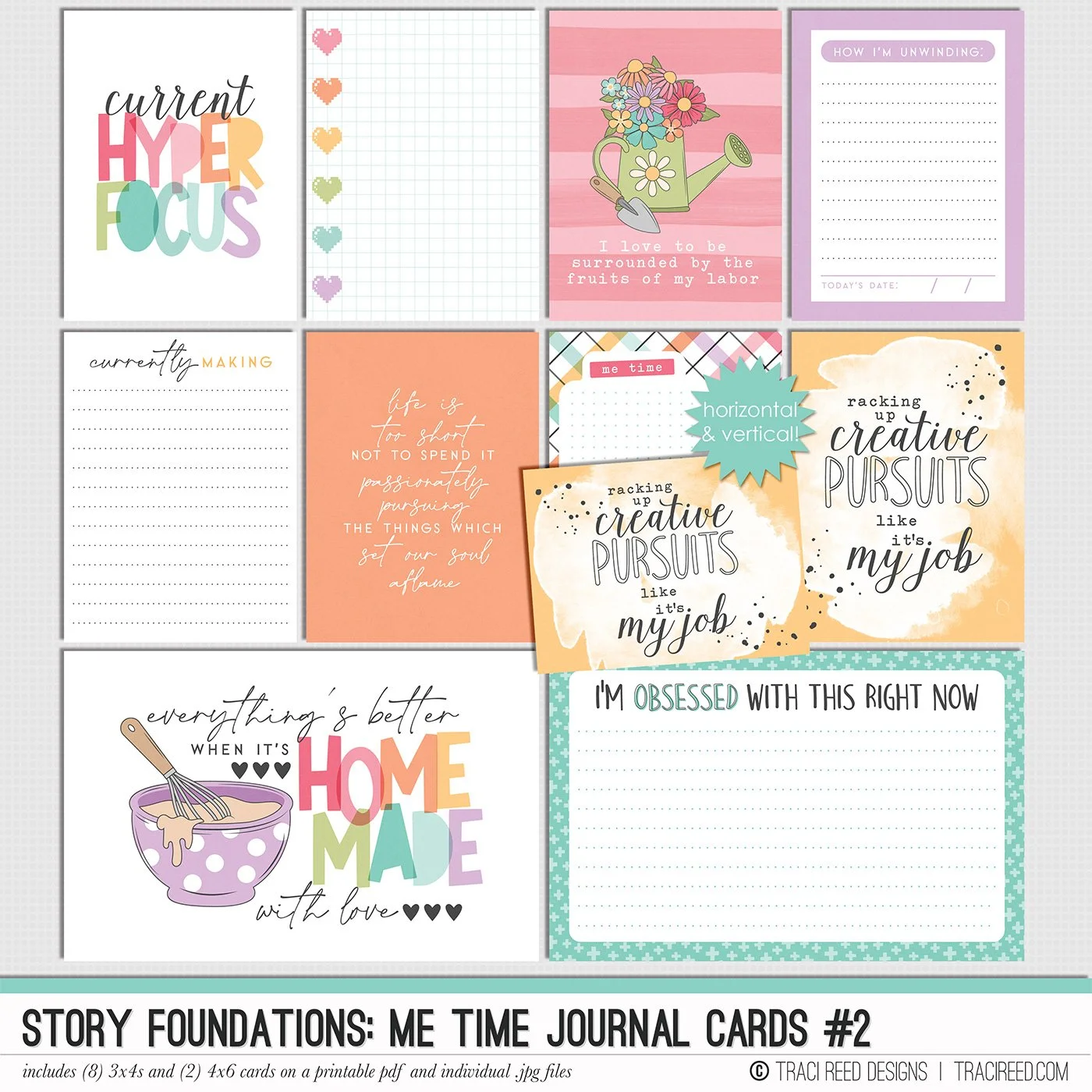
Story Foundations: Me Time is all about making space for the things you love and celebrating the hobbies that make your time your own. Inspired by quiet afternoons with a good book, creative projects at the table, time in the garden, baking something from scratch, or settling in with a favorite pastime, this chapter is designed to help you tell the stories of the things you do simply because they bring you joy.
Filled with dozens of hand-drawn icons and playful embellishments, you'll find everything from books, yarn, embroidery hoops, paint brushes, gardening tools, mixing bowls, puzzles, gaming, and journals to all the little details that make your favorite hobbies uniquely yours. The colorful palette coordinates beautifully with the rest of the Story Foundations series while remaining versatile enough to pair with your favorite hobby and everyday collections.
Whether you're documenting a longtime passion, a new hobby, a creative project, or simply how you love to spend a quiet afternoon, Me Time gives you a fun foundation for capturing the activities that make you happiest.
With patterned papers, journal cards, stickers, and embellishments designed to mix, match, and layer effortlessly, Story Foundations: Me Time makes it easy to celebrate your interests and creative pursuits...because the things we love to do just for fun are stories worth remembering, too.
See the unboxing and example images for the Story Foundations: Me Time collection HERE.
Don’t forget, the entire 2026 Story Foundations Collections are meant to mix and match and pair with each other! You can see all the Story Foundations Chapters HERE.
JOURNAL CARDS INCLUDE:
8 3×4 and 2 4×6 cards in vertical AND horizontal on individual .jpg and printable .pdf files!
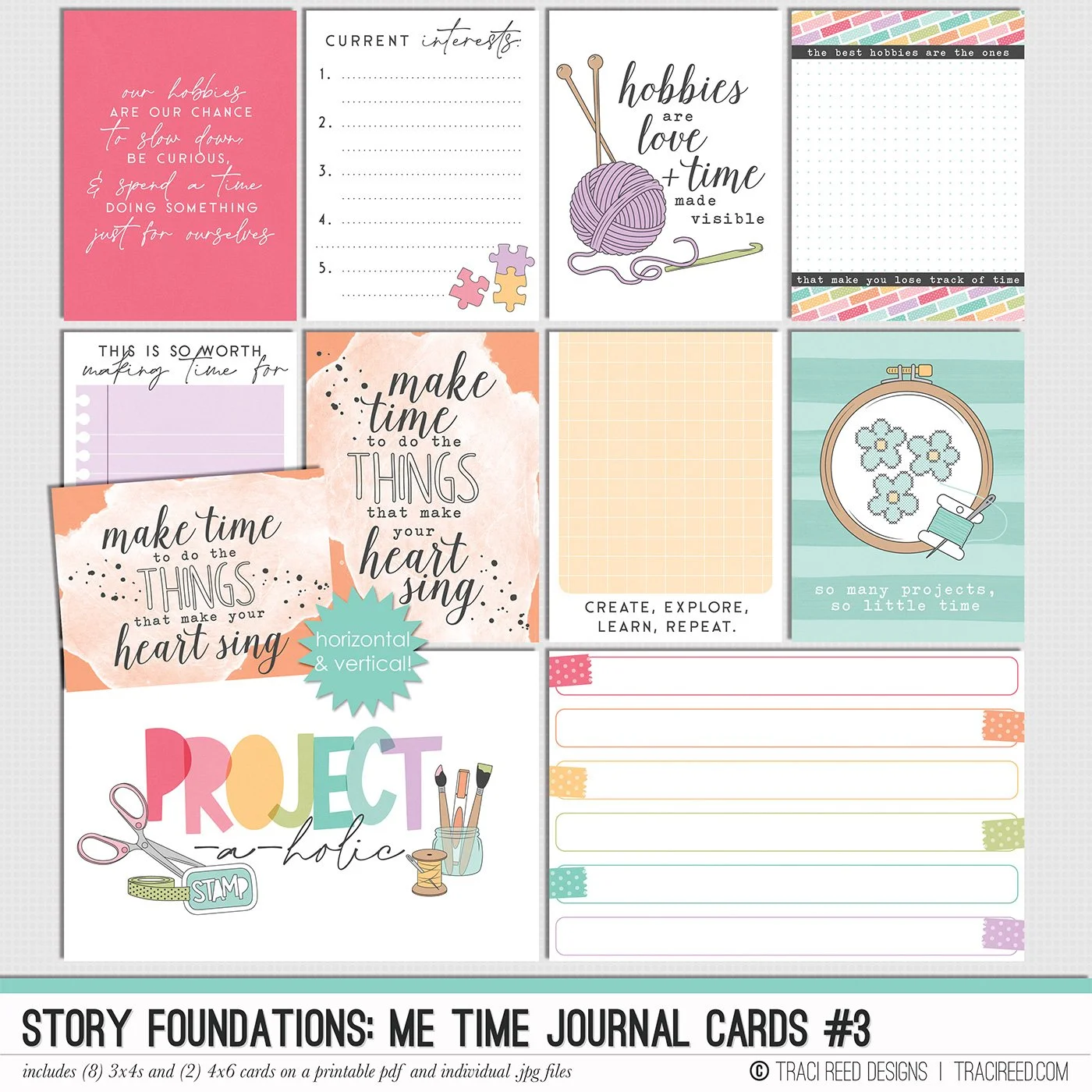
Story Foundations: Me Time is all about making space for the things you love and celebrating the hobbies that make your time your own. Inspired by quiet afternoons with a good book, creative projects at the table, time in the garden, baking something from scratch, or settling in with a favorite pastime, this chapter is designed to help you tell the stories of the things you do simply because they bring you joy.
Filled with dozens of hand-drawn icons and playful embellishments, you'll find everything from books, yarn, embroidery hoops, paint brushes, gardening tools, mixing bowls, puzzles, gaming, and journals to all the little details that make your favorite hobbies uniquely yours. The colorful palette coordinates beautifully with the rest of the Story Foundations series while remaining versatile enough to pair with your favorite hobby and everyday collections.
Whether you're documenting a longtime passion, a new hobby, a creative project, or simply how you love to spend a quiet afternoon, Me Time gives you a fun foundation for capturing the activities that make you happiest.
With patterned papers, journal cards, stickers, and embellishments designed to mix, match, and layer effortlessly, Story Foundations: Me Time makes it easy to celebrate your interests and creative pursuits...because the things we love to do just for fun are stories worth remembering, too.
See the unboxing and example images for the Story Foundations: Me Time collection HERE.
Don’t forget, the entire 2026 Story Foundations Collections are meant to mix and match and pair with each other! You can see all the Story Foundations Chapters HERE.
JOURNAL CARDS INCLUDE:
8 3×4 and 2 4×6 cards in vertical AND horizontal on individual .jpg and printable .pdf files!
Story Foundations: Me Time is all about making space for the things you love and celebrating the hobbies that make your time your own. Inspired by quiet afternoons with a good book, creative projects at the table, time in the garden, baking something from scratch, or settling in with a favorite pastime, this chapter is designed to help you tell the stories of the things you do simply because they bring you joy.
Filled with dozens of hand-drawn icons and playful embellishments, you'll find everything from books, yarn, embroidery hoops, paint brushes, gardening tools, mixing bowls, puzzles, gaming, and journals to all the little details that make your favorite hobbies uniquely yours. The colorful palette coordinates beautifully with the rest of the Story Foundations series while remaining versatile enough to pair with your favorite hobby and everyday collections.
Whether you're documenting a longtime passion, a new hobby, a creative project, or simply how you love to spend a quiet afternoon, Me Time gives you a fun foundation for capturing the activities that make you happiest.
With patterned papers, journal cards, stickers, and embellishments designed to mix, match, and layer effortlessly, Story Foundations: Me Time makes it easy to celebrate your interests and creative pursuits...because the things we love to do just for fun are stories worth remembering, too.
See the unboxing and example images for the Story Foundations: Me Time collection HERE.
Don’t forget, the entire 2026 Story Foundations Collections are meant to mix and match and pair with each other! You can see all the Story Foundations Chapters HERE.
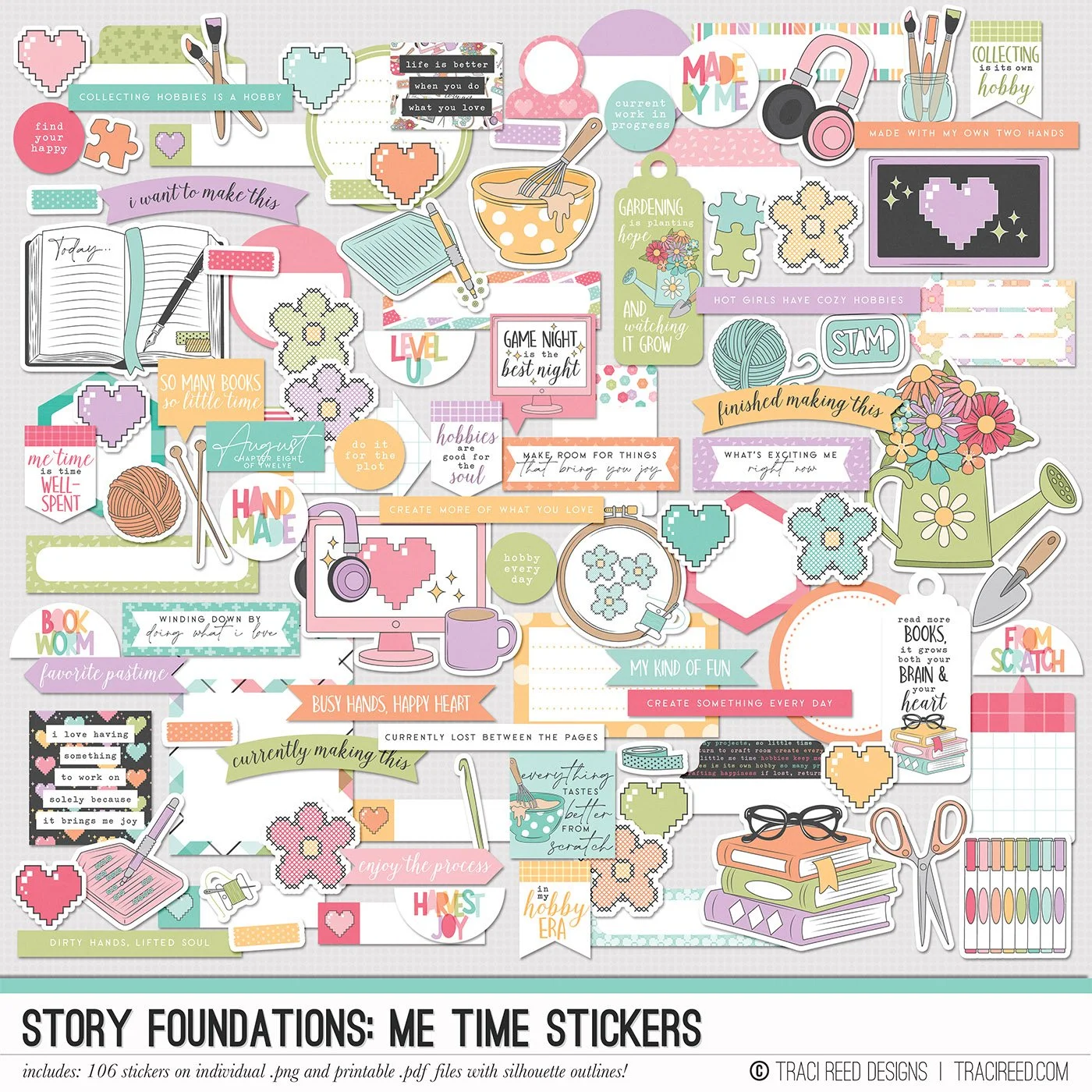
STICKERS INCLUDE:
106 digital/printable stickers on individual .png files and printable .pdf sheets with and without fussy cutting lines and silhouette outlines!
Story Foundations: Me Time is all about making space for the things you love and celebrating the hobbies that make your time your own. Inspired by quiet afternoons with a good book, creative projects at the table, time in the garden, baking something from scratch, or settling in with a favorite pastime, this chapter is designed to help you tell the stories of the things you do simply because they bring you joy.
Filled with dozens of hand-drawn icons and playful embellishments, you'll find everything from books, yarn, embroidery hoops, paint brushes, gardening tools, mixing bowls, puzzles, gaming, and journals to all the little details that make your favorite hobbies uniquely yours. The colorful palette coordinates beautifully with the rest of the Story Foundations series while remaining versatile enough to pair with your favorite hobby and everyday collections.
Whether you're documenting a longtime passion, a new hobby, a creative project, or simply how you love to spend a quiet afternoon, Me Time gives you a fun foundation for capturing the activities that make you happiest.
With patterned papers, journal cards, stickers, and embellishments designed to mix, match, and layer effortlessly, Story Foundations: Me Time makes it easy to celebrate your interests and creative pursuits...because the things we love to do just for fun are stories worth remembering, too.
See the unboxing and example images for the Story Foundations: Me Time collection HERE.
Don’t forget, the entire 2026 Story Foundations Collections are meant to mix and match and pair with each other! You can see all the Story Foundations Chapters HERE.
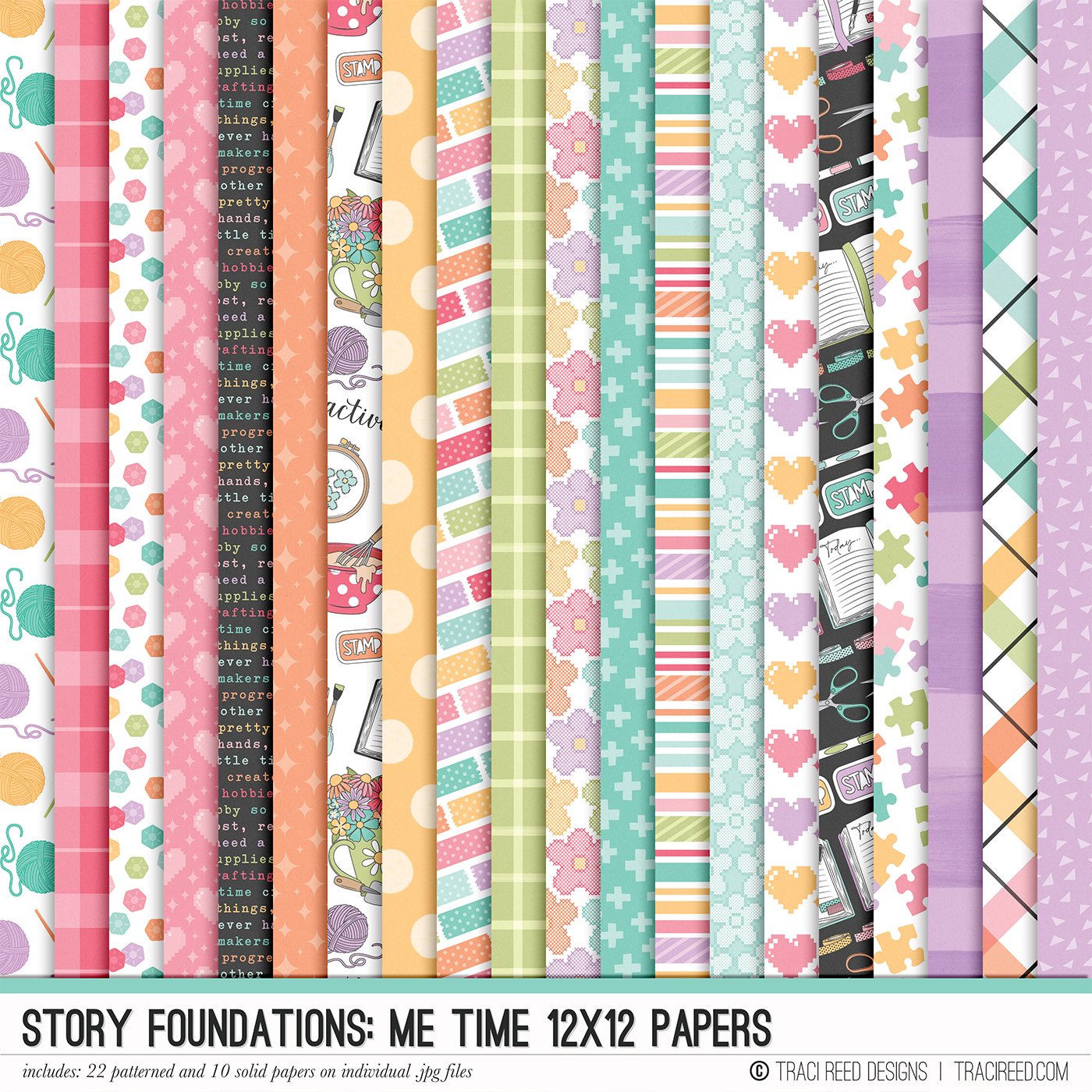
12×12 PAPERS INCLUDE:
22 Patterns and 10 Woodgrain solid 12×12 papers on individual .jpg files!
Story Foundations: Me Time is all about making space for the things you love and celebrating the hobbies that make your time your own. Inspired by quiet afternoons with a good book, creative projects at the table, time in the garden, baking something from scratch, or settling in with a favorite pastime, this chapter is designed to help you tell the stories of the things you do simply because they bring you joy.
Filled with dozens of hand-drawn icons and playful embellishments, you'll find everything from books, yarn, embroidery hoops, paint brushes, gardening tools, mixing bowls, puzzles, gaming, and journals to all the little details that make your favorite hobbies uniquely yours. The colorful palette coordinates beautifully with the rest of the Story Foundations series while remaining versatile enough to pair with your favorite hobby and everyday collections.
Whether you're documenting a longtime passion, a new hobby, a creative project, or simply how you love to spend a quiet afternoon, Me Time gives you a fun foundation for capturing the activities that make you happiest.
With patterned papers, journal cards, stickers, and embellishments designed to mix, match, and layer effortlessly, Story Foundations: Me Time makes it easy to celebrate your interests and creative pursuits...because the things we love to do just for fun are stories worth remembering, too.
See the unboxing and example images for the Story Foundations: Me Time collection HERE.
Don’t forget, the entire 2026 Story Foundations Collections are meant to mix and match and pair with each other! You can see all the Story Foundations Chapters HERE.
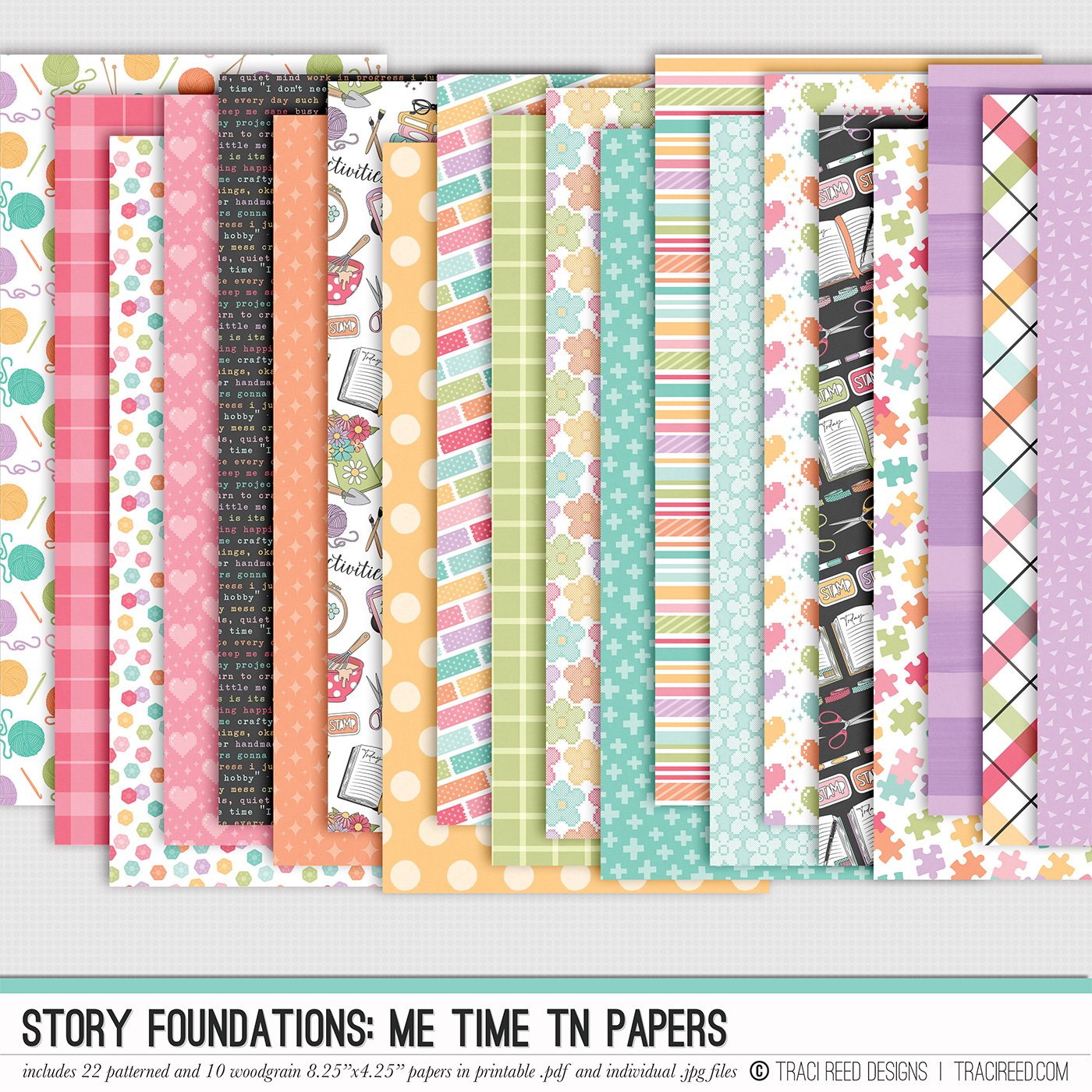
TN PAPERS INCLUDE:
22 Patterns and 10 Woodgrain solid TN-Sized (4.25"x8.25”) papers on individual .jpg and printable .pdf files!
Story Foundations: Me Time is all about making space for the things you love and celebrating the hobbies that make your time your own. Inspired by quiet afternoons with a good book, creative projects at the table, time in the garden, baking something from scratch, or settling in with a favorite pastime, this chapter is designed to help you tell the stories of the things you do simply because they bring you joy.
Filled with dozens of hand-drawn icons and playful embellishments, you'll find everything from books, yarn, embroidery hoops, paint brushes, gardening tools, mixing bowls, puzzles, gaming, and journals to all the little details that make your favorite hobbies uniquely yours. The colorful palette coordinates beautifully with the rest of the Story Foundations series while remaining versatile enough to pair with your favorite hobby and everyday collections.
Whether you're documenting a longtime passion, a new hobby, a creative project, or simply how you love to spend a quiet afternoon, Me Time gives you a fun foundation for capturing the activities that make you happiest.
With patterned papers, journal cards, stickers, and embellishments designed to mix, match, and layer effortlessly, Story Foundations: Me Time makes it easy to celebrate your interests and creative pursuits...because the things we love to do just for fun are stories worth remembering, too.
See the unboxing and example images for the Story Foundations: Me Time collection HERE.
Don’t forget, the entire 2026 Story Foundations Collections are meant to mix and match and pair with each other! You can see all the Story Foundations Chapters HERE.
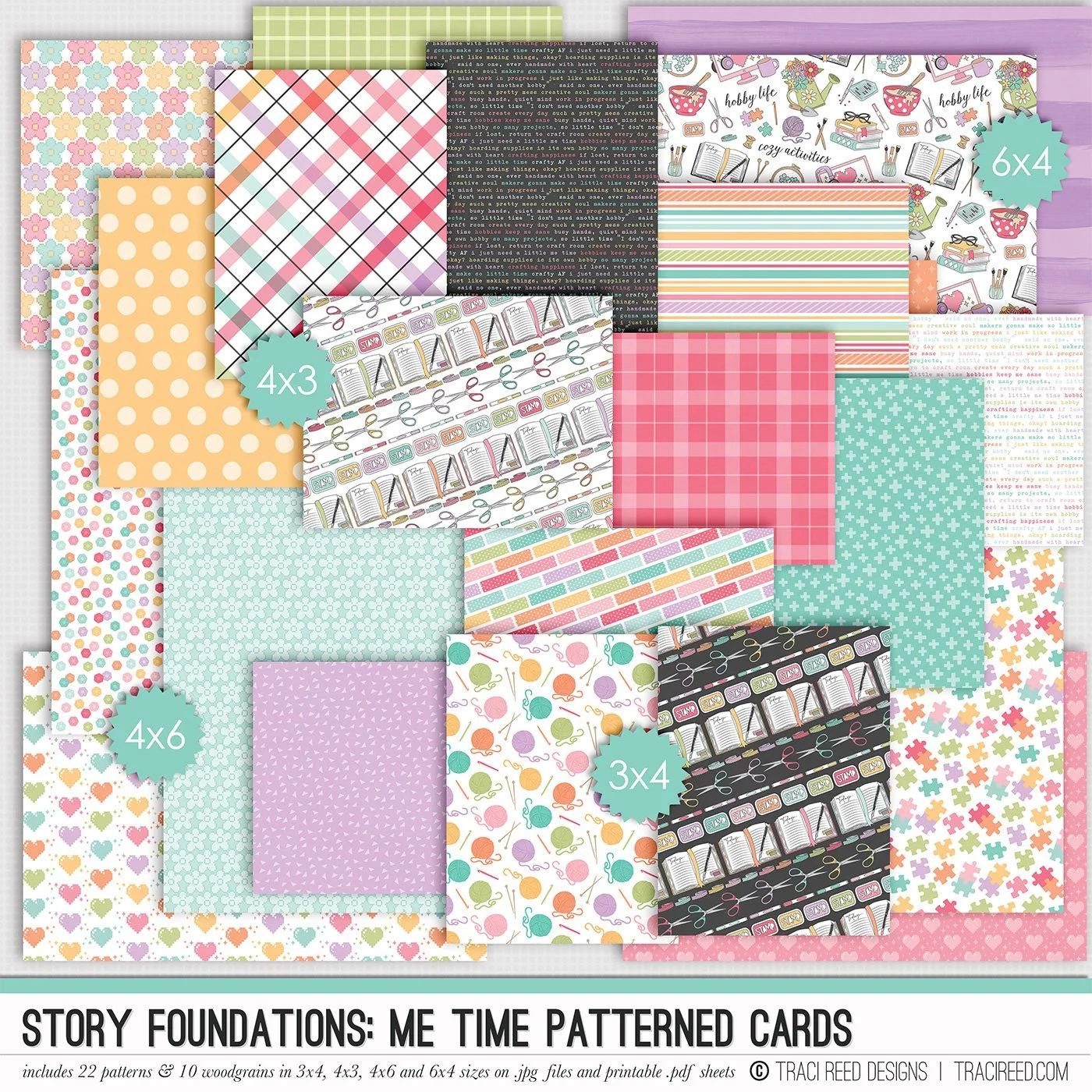
PATTERNED CARDS INCLUDE:
22 Patterns and 10 Woodgrain solid cards in 3×4, 4×3, 4×6, 6×4 sizes on individual .jpg and printable .pdf files!
Story Foundations: Me Time is all about making space for the things you love and celebrating the hobbies that make your time your own. Inspired by quiet afternoons with a good book, creative projects at the table, time in the garden, baking something from scratch, or settling in with a favorite pastime, this chapter is designed to help you tell the stories of the things you do simply because they bring you joy.
Filled with dozens of hand-drawn icons and playful embellishments, you'll find everything from books, yarn, embroidery hoops, paint brushes, gardening tools, mixing bowls, puzzles, gaming, and journals to all the little details that make your favorite hobbies uniquely yours. The colorful palette coordinates beautifully with the rest of the Story Foundations series while remaining versatile enough to pair with your favorite hobby and everyday collections.
Whether you're documenting a longtime passion, a new hobby, a creative project, or simply how you love to spend a quiet afternoon, Me Time gives you a fun foundation for capturing the activities that make you happiest.
With patterned papers, journal cards, stickers, and embellishments designed to mix, match, and layer effortlessly, Story Foundations: Me Time makes it easy to celebrate your interests and creative pursuits...because the things we love to do just for fun are stories worth remembering, too.
See the unboxing and example images for the Story Foundations: Me Time collection HERE.
Don’t forget, the entire 2026 Story Foundations Collections are meant to mix and match and pair with each other! You can see all the Story Foundations Chapters HERE.
BUNDLE INCLUDES:
Story Foundations: Me Time Digital Kit, Cards 1, 2, &3 + Stickers!
BUNDLE DOES NOT INCLUDE:
Story Foundations: Me Time TN Papers or Patterned Cards