3 Tips for Maximizing your Layers with Danica
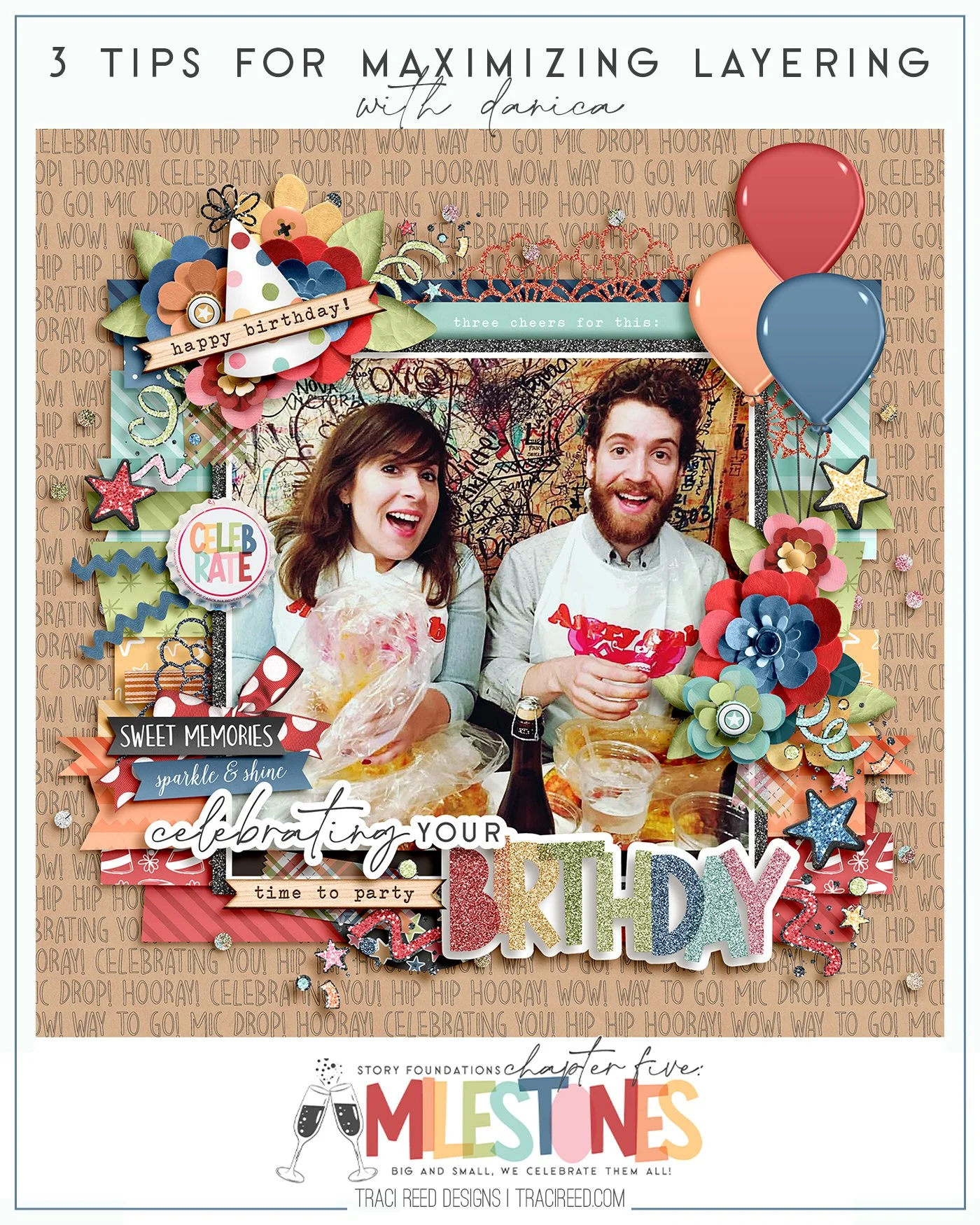
Milestones deserve to be celebrated. Whether it is a graduation, promotion, or a birthday, we all get our cameras or phones out to snap photos of the event. And as scrapbookers and memory keepers we will come home and document that event. But sometimes a simple layout just will not do. In this post I am going to share some tips to create a layout worth celebrating!
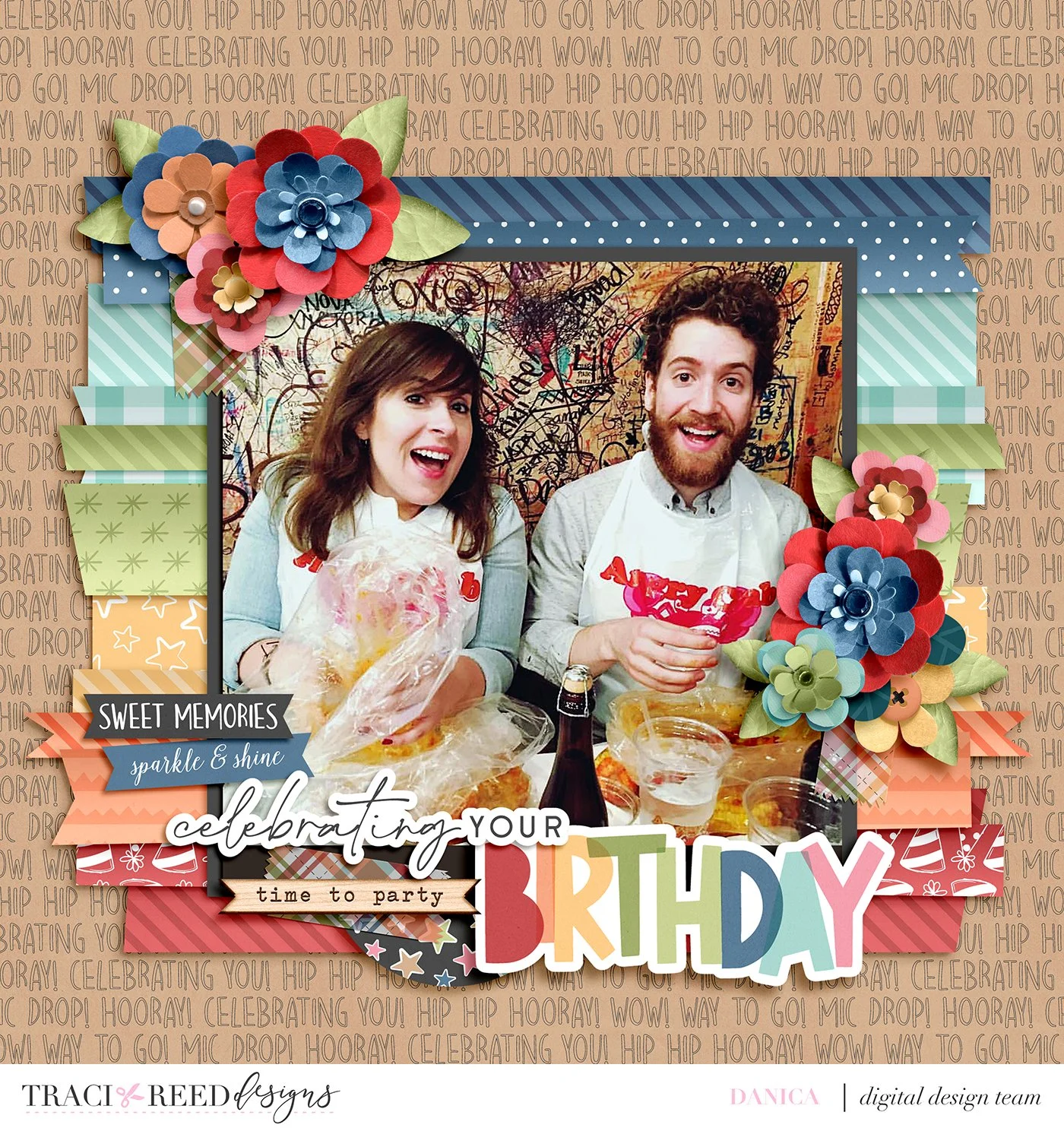
For my layout I used Traci’s newest release Milestones and a template from Brooke Magee. The photo is of my sister Susan’s birthday dinner, and it is one of my favorites of her. The first layout came together quickly by just following the template itself. It looks complete but the energy of that photo needs to be matched, don’t you think?
Layer It Up
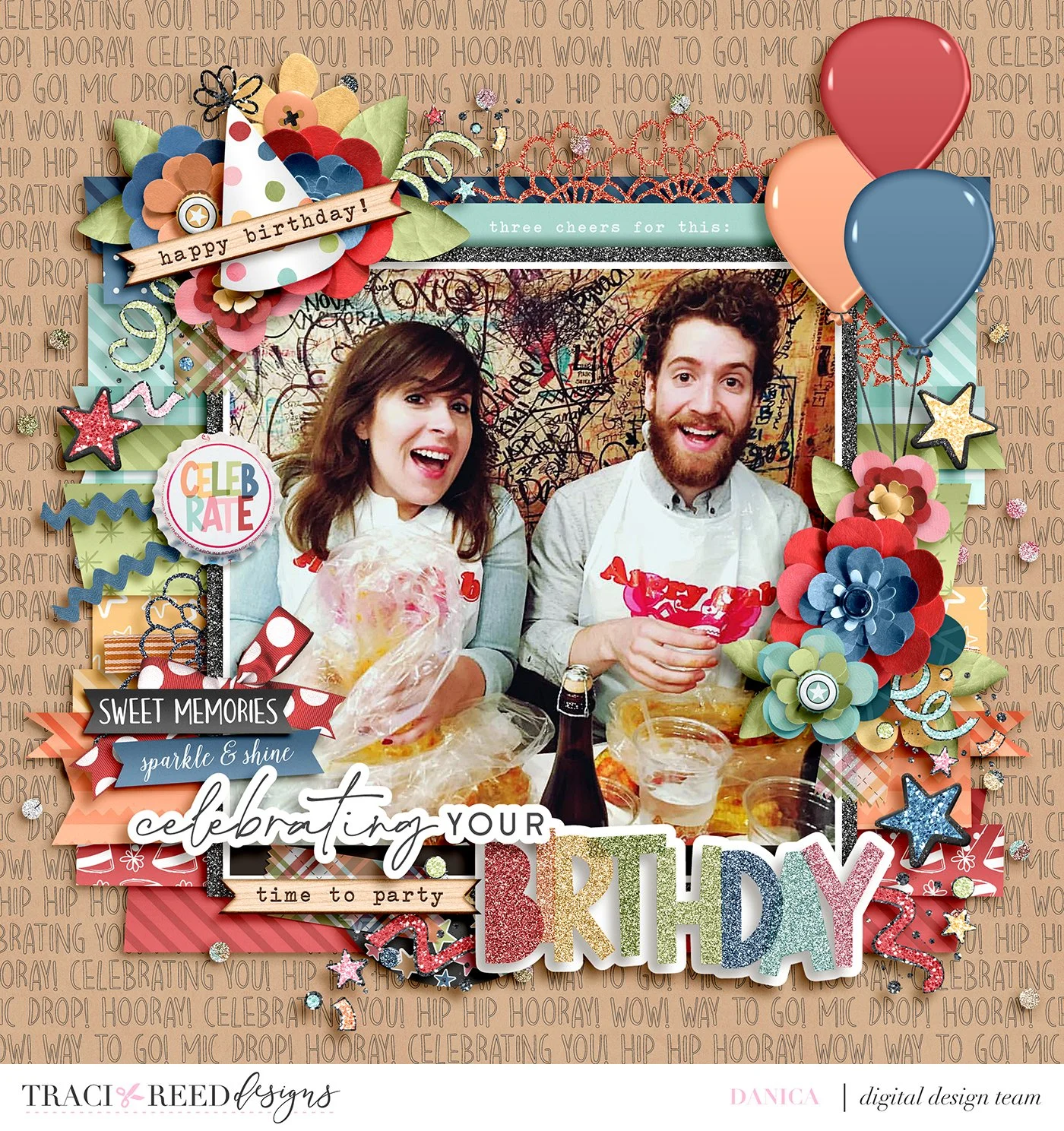
The first way to kick that layout up a notch is to add more dimension. I varied the depth of some of the shadows of the background layers. I also popped the title making the original stroke around it on its own layer. I covered how to do this in depth in my tutorial “Creating Dimensional Elements From Stickers in Photoshop Elements” here on the blog. If you are a hybrid scrapper, these looks can easily be achieved by using pop dots of different dimensions.
Make Pretty Piles
I’m sure you have heard of the saying “Less is More,” well sometimes more is better. In the second layout I added non floral elements to my clusters like the party hat and word arts. Another technique I like to use to dress up my floral clusters is to add buttons (and sometimes bows) to the centers of some of the flowers. It is an amazingly simple and easy thing to do with lots of impact.
Sparkle & Shine
What would a celebration be without some sparkle? In Traci’s Milestones collection, she has many glittered elements included. I was able to add those to my floral clusters. I also scattered some of her glittered stars (which I extracted from the star garland) throughout my layout. If you have Photoshop Elements an easy way to add some sparkle to your page is with actions or styles. Mommyish has some glitter styles that I use regularly on my layouts. In this layout I used glitter styles on my title as well as the photo mat. For hybrid pages, there are commercially available products that you can paint on your elements or papers to add some sparkle to them.
I hope that you will be able to incorporate the tips that I have suggested above to take your layouts to the next level! Until next time, happy scrapping!
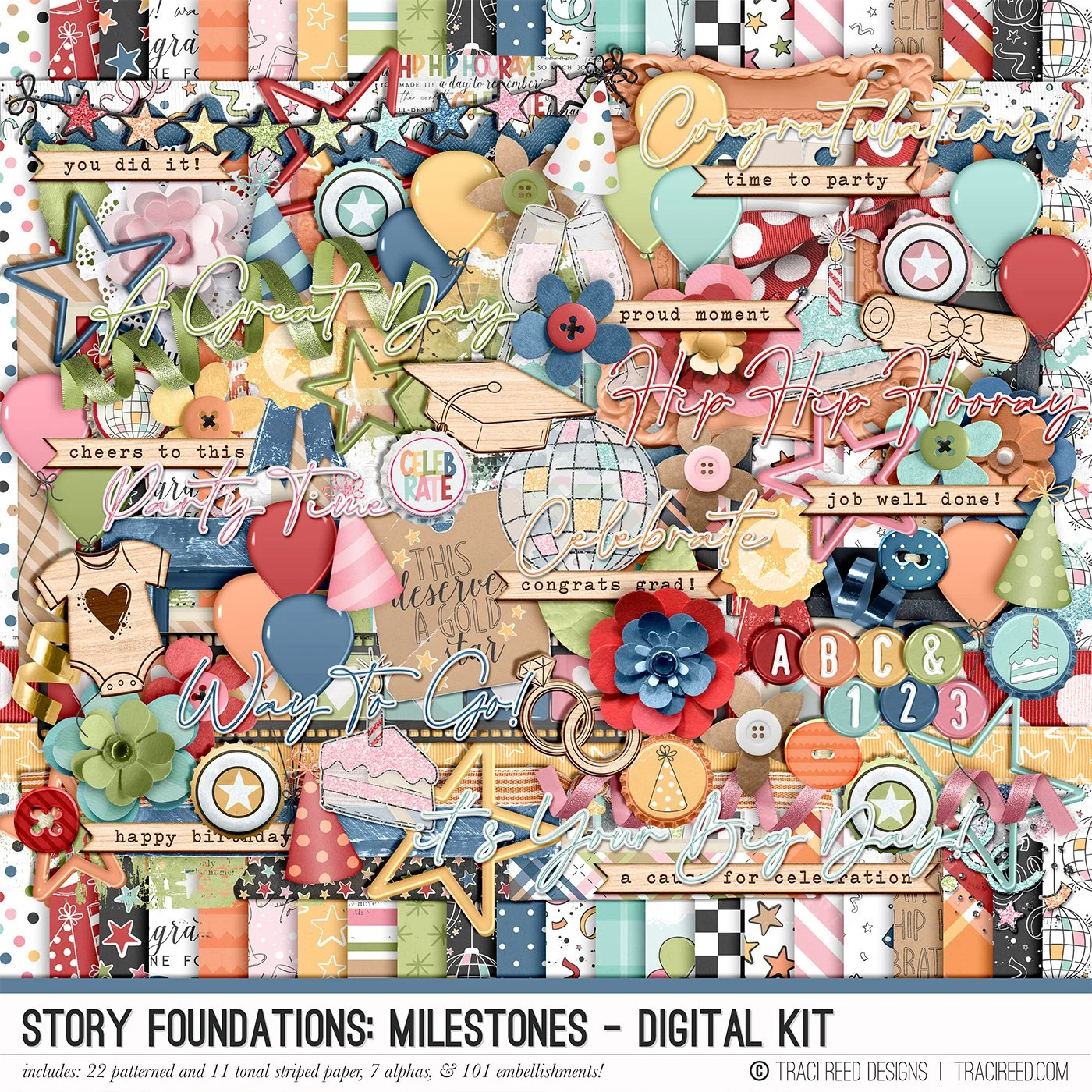
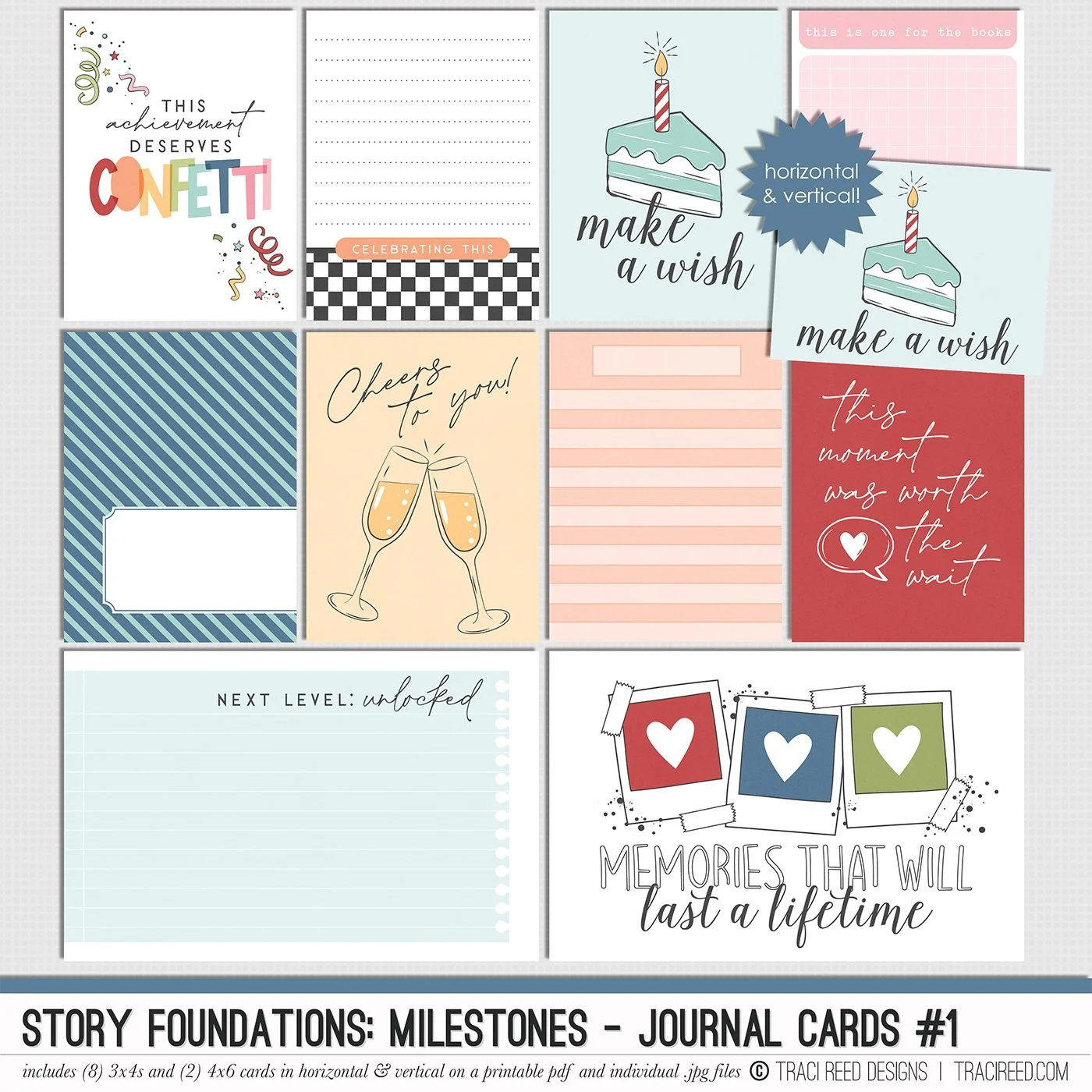
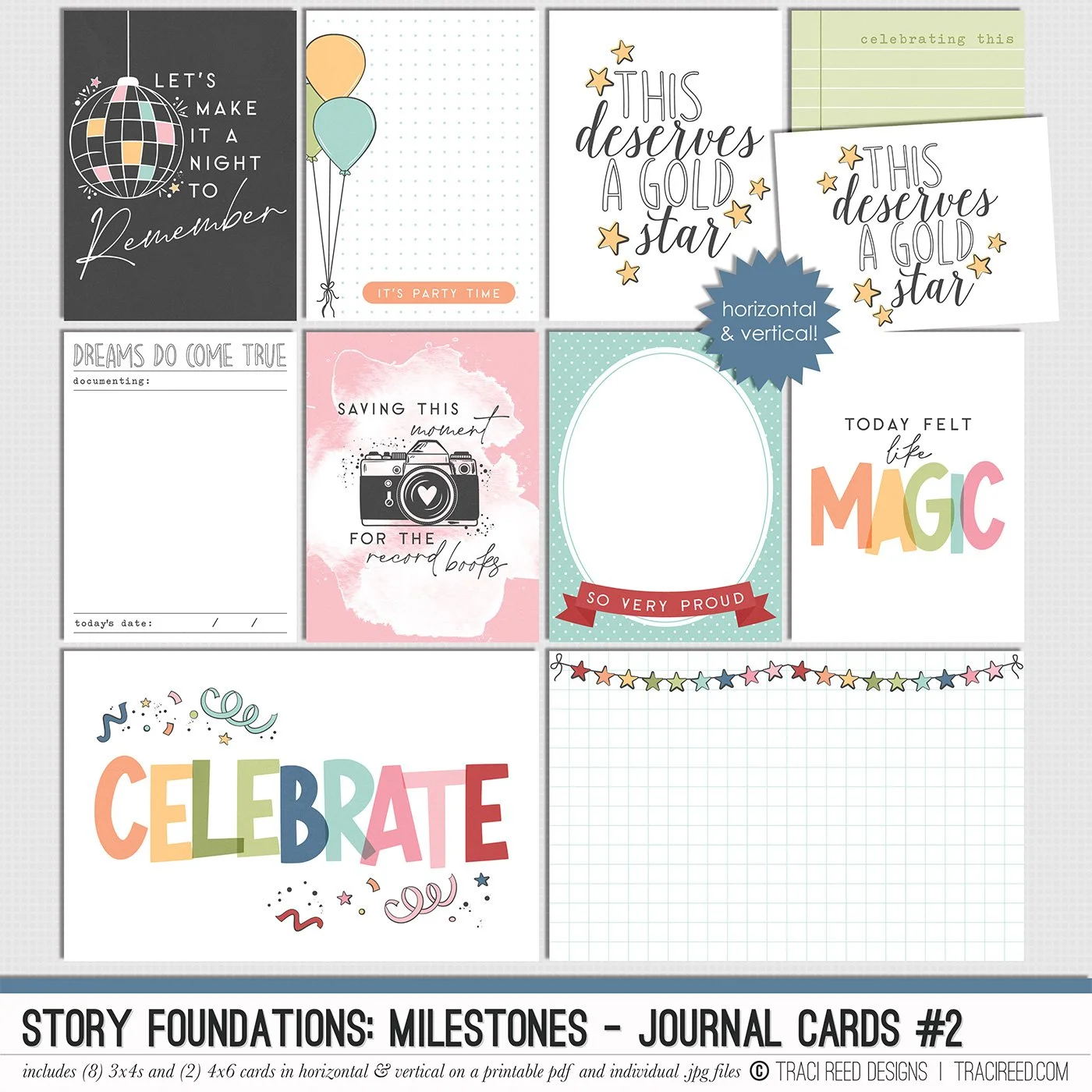
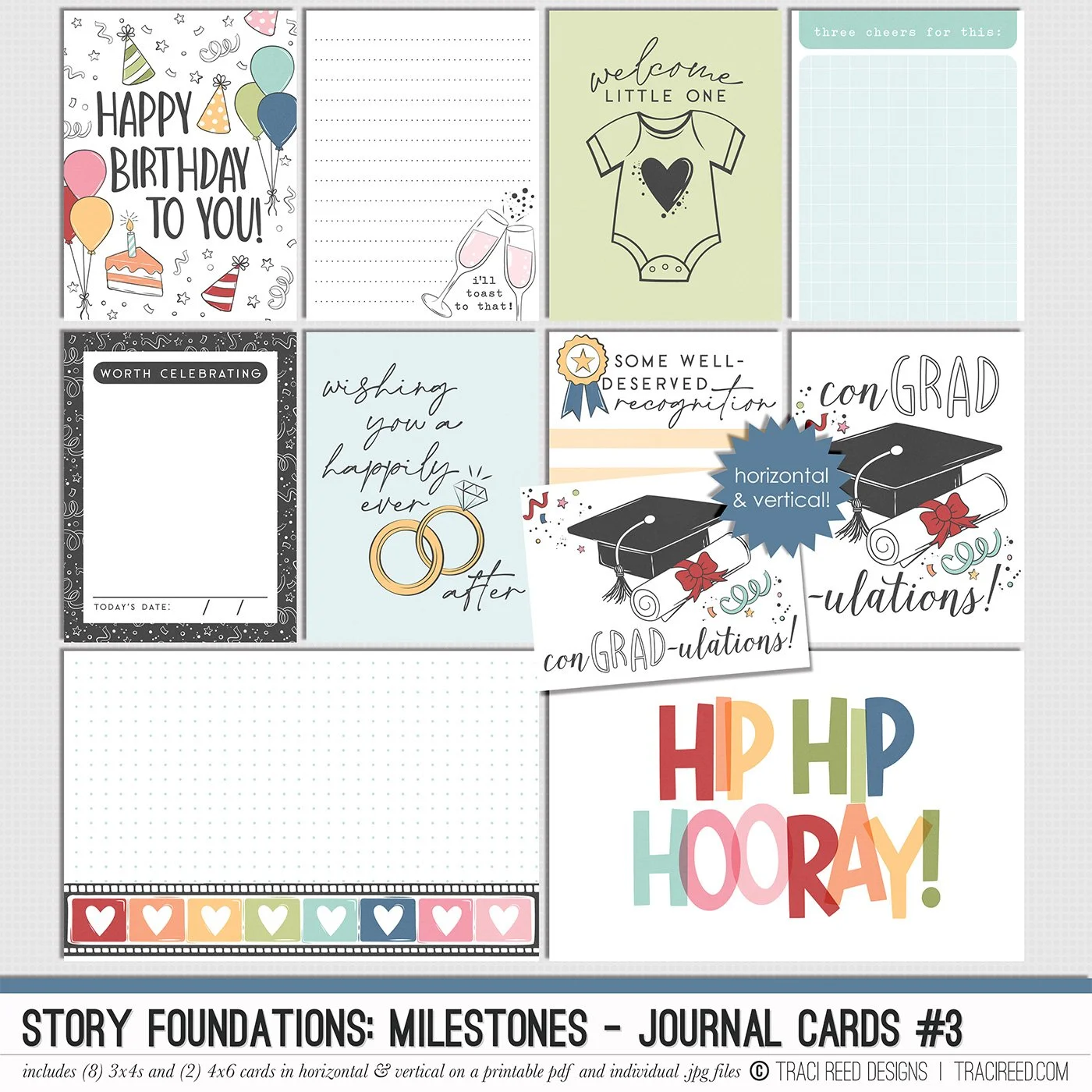
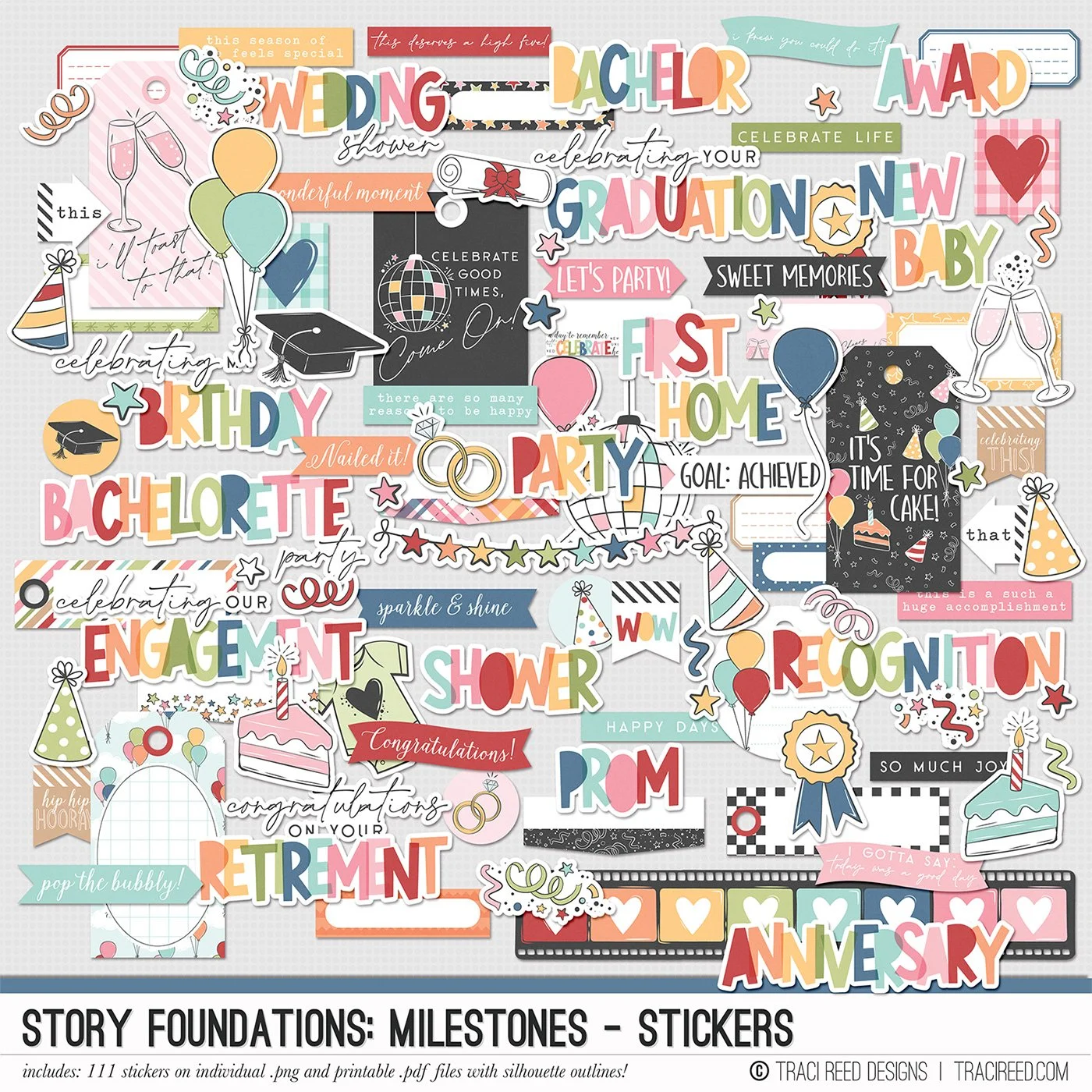
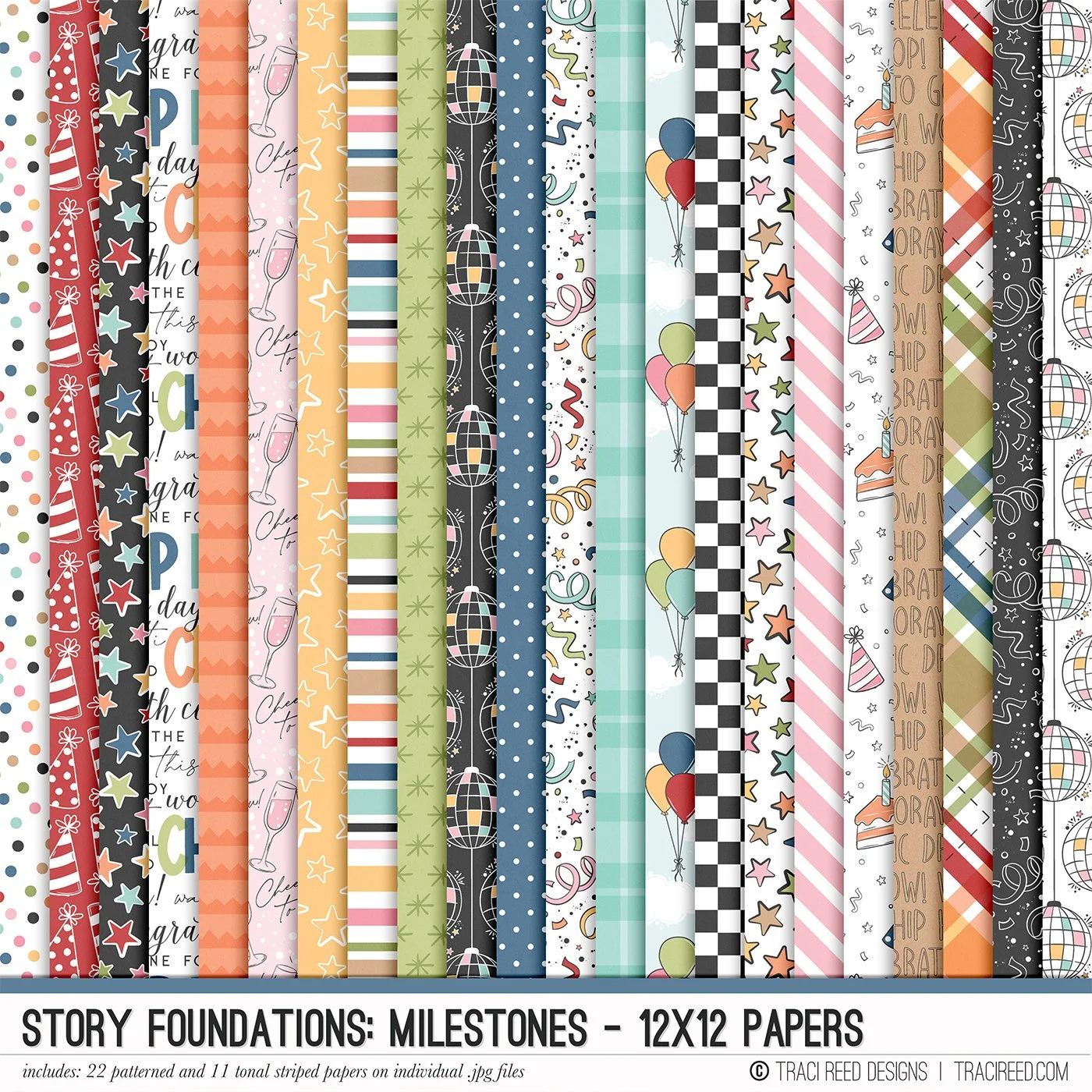
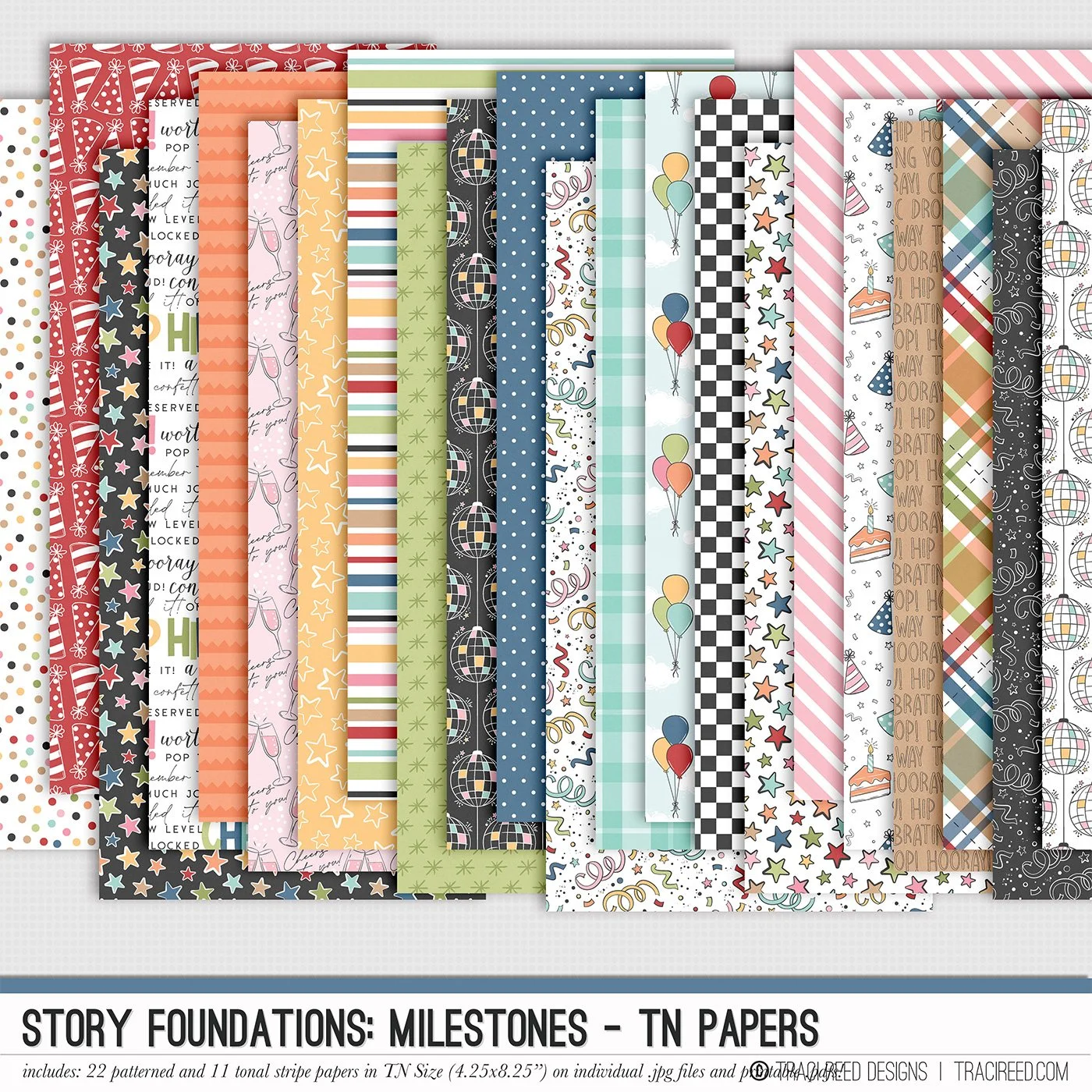
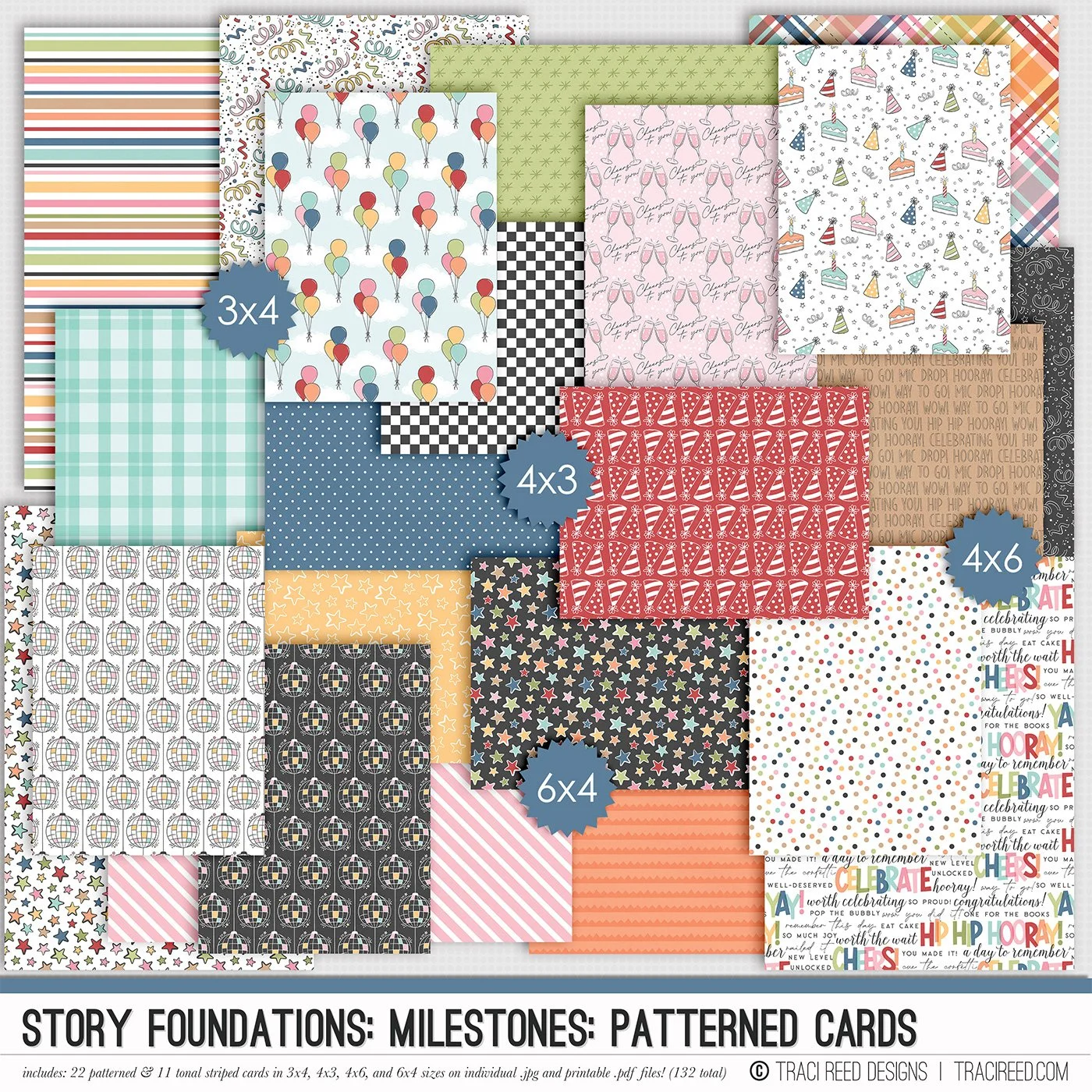
Story Foundations Chapter Five: Milestones is all about celebrating the moments that make up a life well lived. From birthdays, graduations, weddings, and new babies to promotions, vacations, anniversaries, and everyday victories, this chapter was designed to help you document the stories worth remembering both big and small.
Filled with playful celebratory icons, colorful details, and versatile storytelling elements, Milestones brings a fun and joyful energy to your scrapbook projects without feeling limited to one specific occasion. Balloons, confetti, disco balls, cakes, ribbons, stars, champagne toasts, and mix-and-match title pieces make it easy to create pages that feel personal to your memories and celebrations.
Like every chapter in the Story Foundations series, Milestones was created with flexibility in mind. The bright but balanced color palette pairs effortlessly with a wide variety of photos and themes, making it just as perfect for documenting a graduation or engagement as it is for capturing the little moments that deserve a little extra confetti on the page.
See the unboxing and example images for the Story Foundations: Milestones collection HERE.
Don’t forget, the entire 2026 Story Foundations Collections are meant to mix and match and pair with each other! You can see all the Story Foundations Chapters HERE.
BUNDLE INCLUDES:
Story Foundations: Milestones Digital Kit, Cards 1, 2, &3 + Stickers!
BUNDLE DOES NOT INCLUDE:
Story Foundations: Milestones TN Papers or Patterned Cards