
Create an Interactive Polaroid Photo Pull on your Scrapbook Page with Becky!
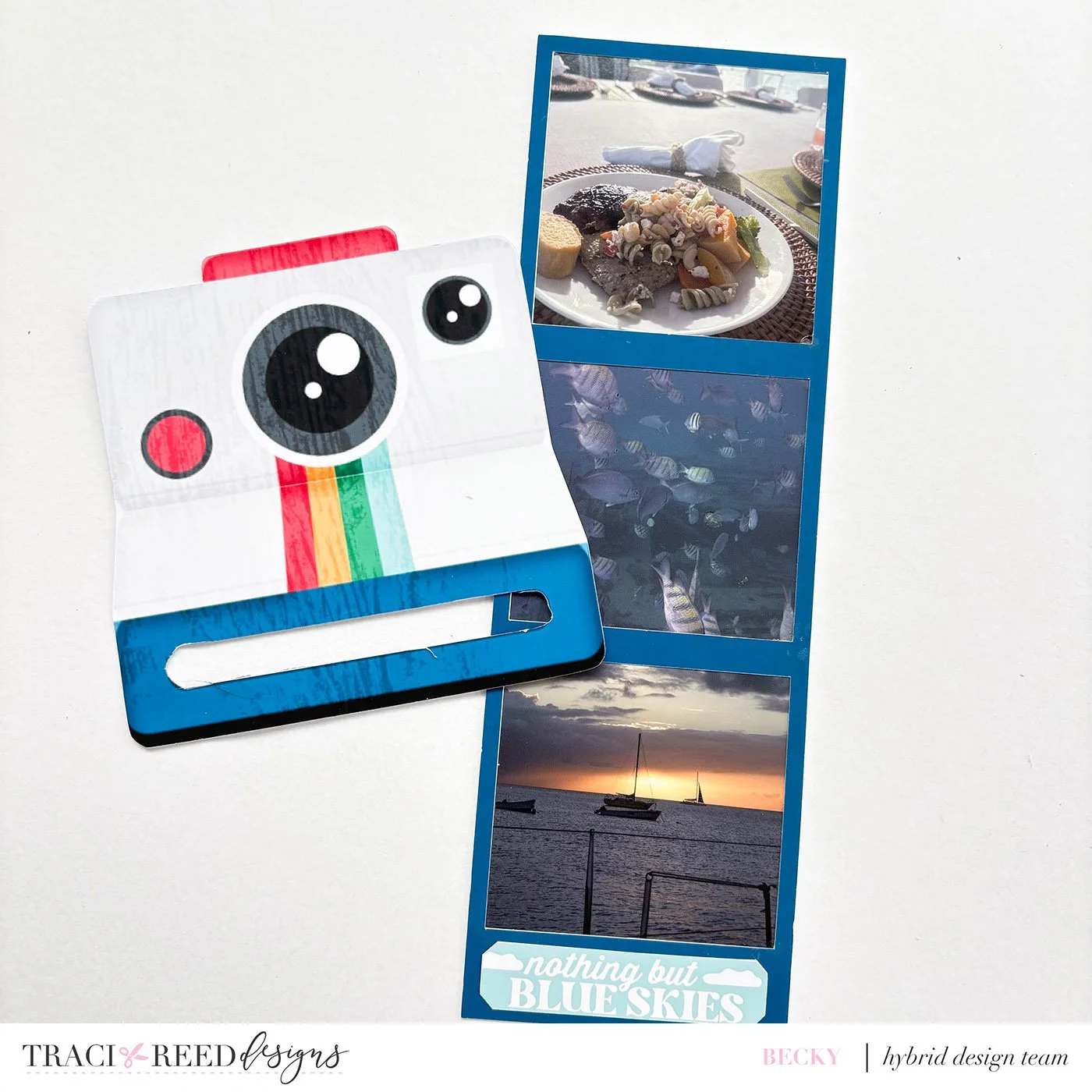
Having just returned from Barbados with over 400 photos I thought of a fun way to include 4 photos on one page. I love the collection Island Time and looking through it for inspiration I spotted the Polaroid camera - perfect! I printed and cut it out oversized and also print and cut a film strip the same width as the opening of the camera. To the film strip I added my photos (adding a backing of a piece of cardstock to give it some strength) and I cut out the opening of the camera - keeping the dark blue bit I cut out.
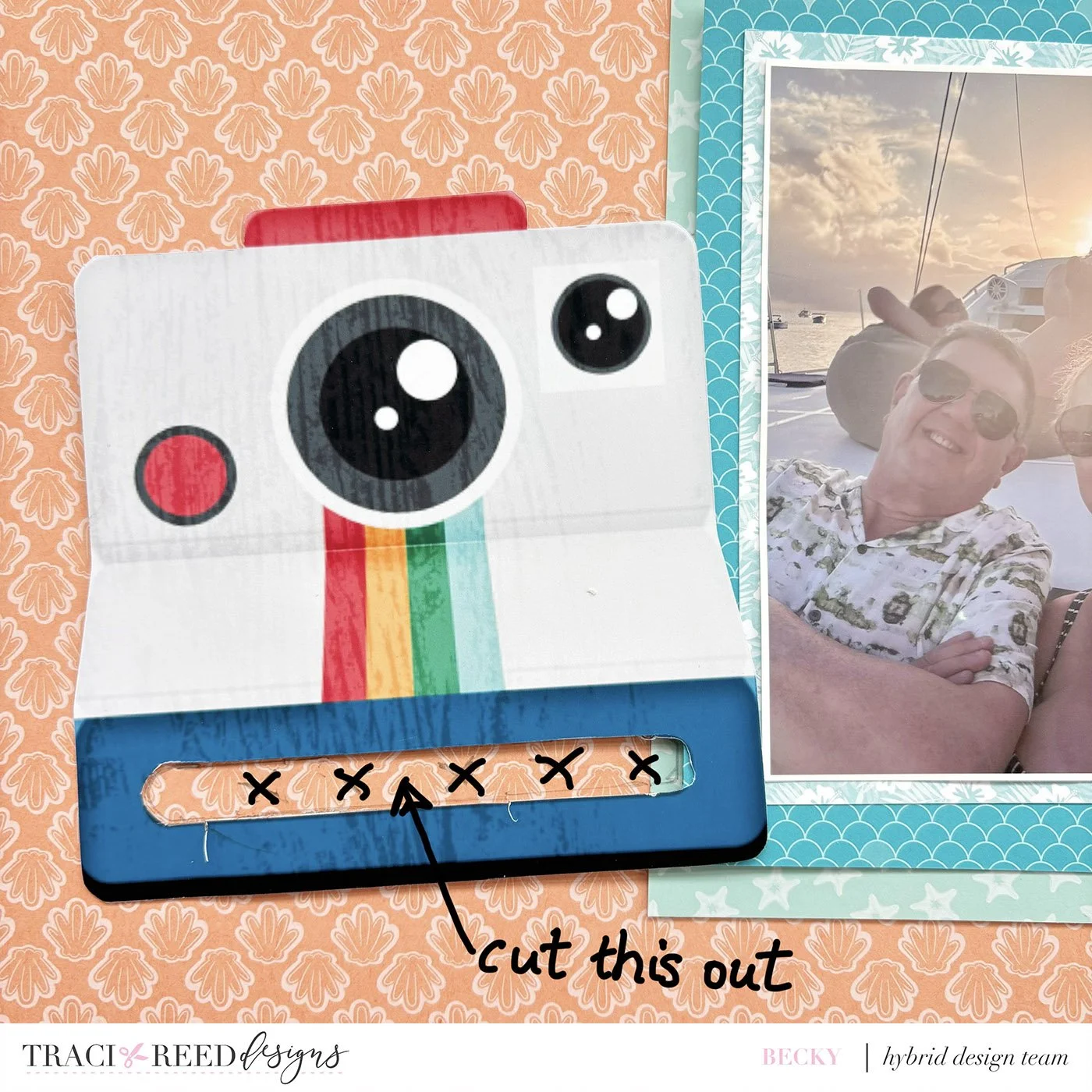
I then placed my matted photo onto my background page and worked out where I wanted to place my camera. I then marked onto the background paper where the slot for the camera was going to be and cut it out.
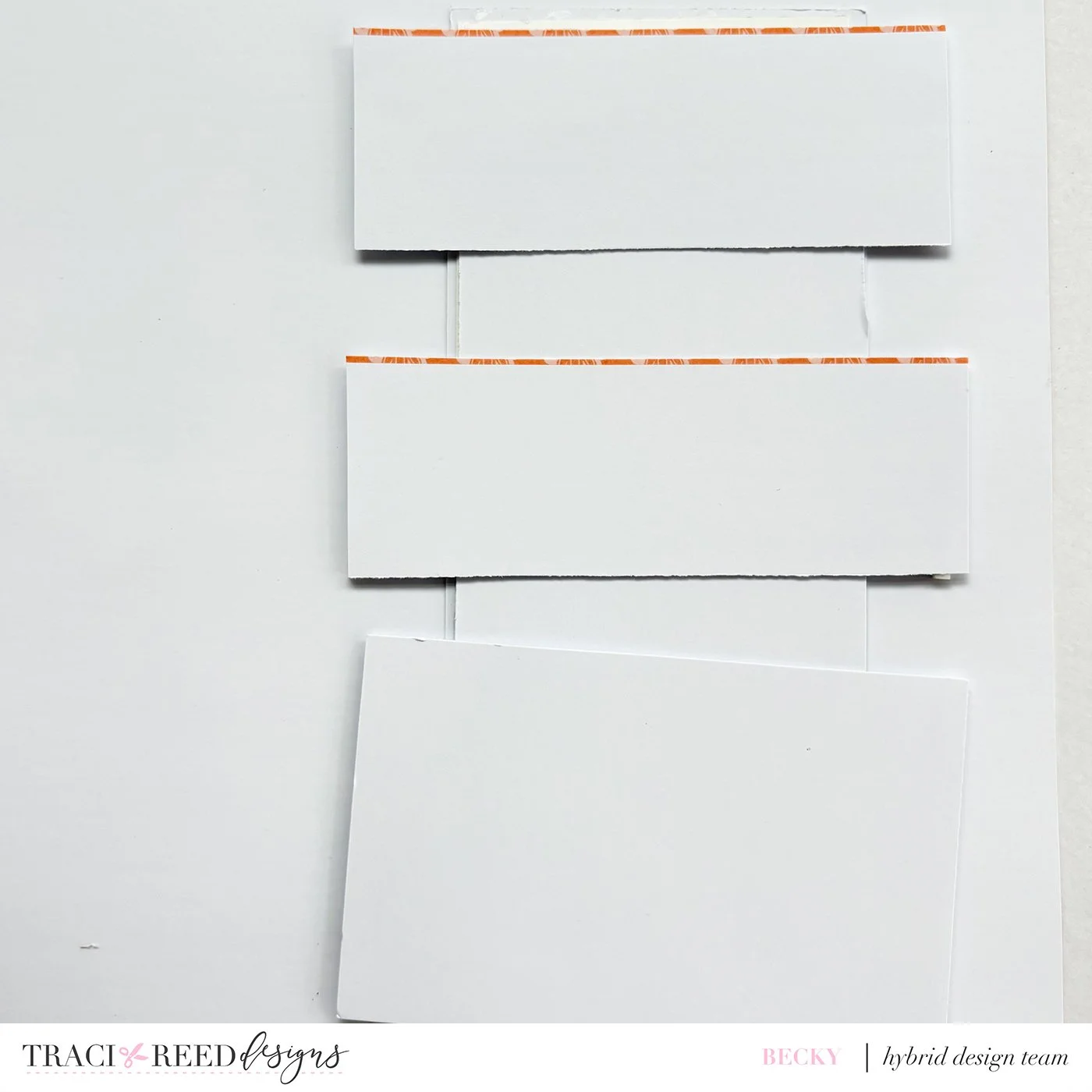
The photo strip will slide into this slot but we do not want it to move so I stuck some guide strips on the back, raised on foam pads so that the strip can move easily. On the bottom strip I stuck the blue piece I had cut out from the camera to make it look nice.
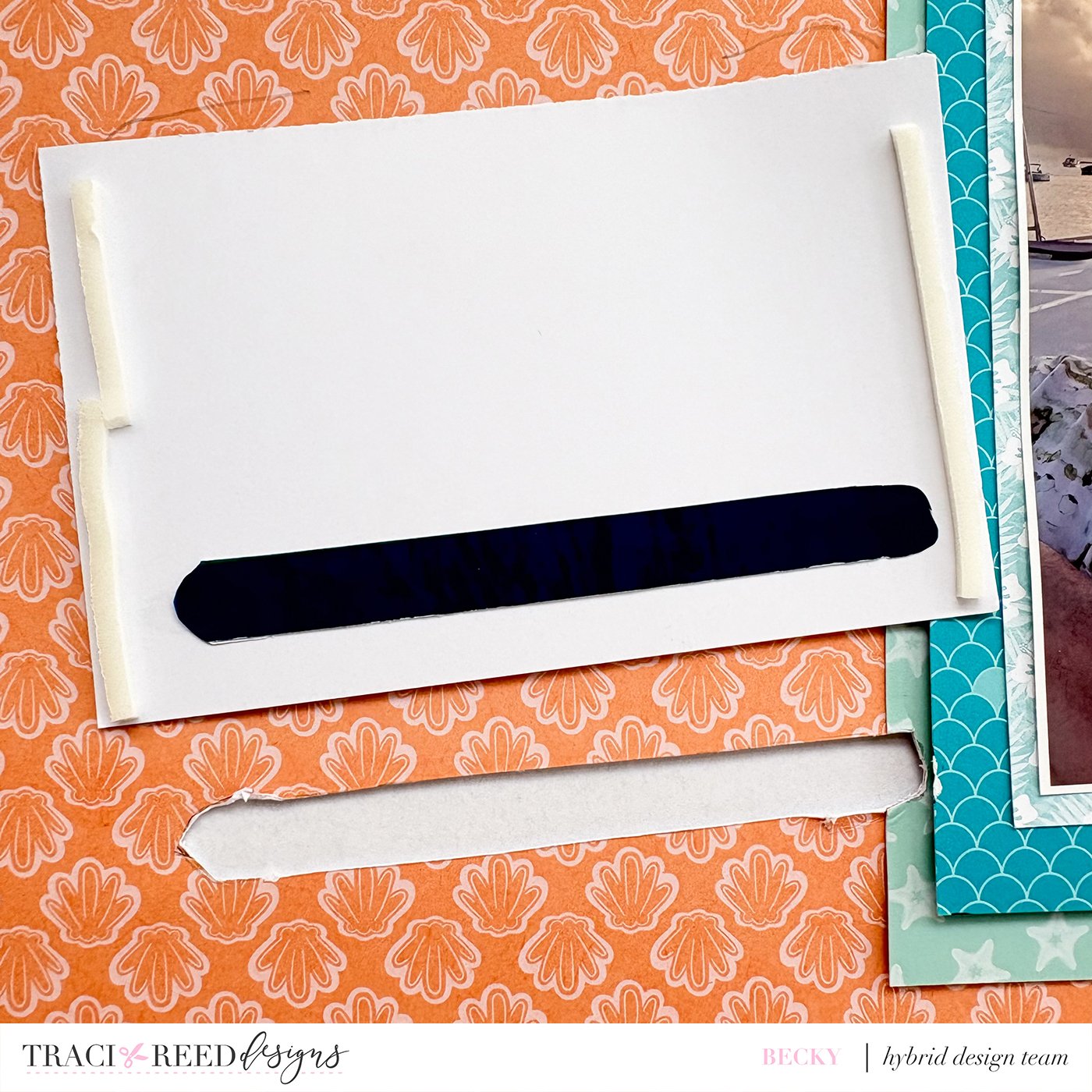
I then stuck the camera flat to the background paper and inserted the photo strip into the slot. This can now be slid in and out of the camera - fun!
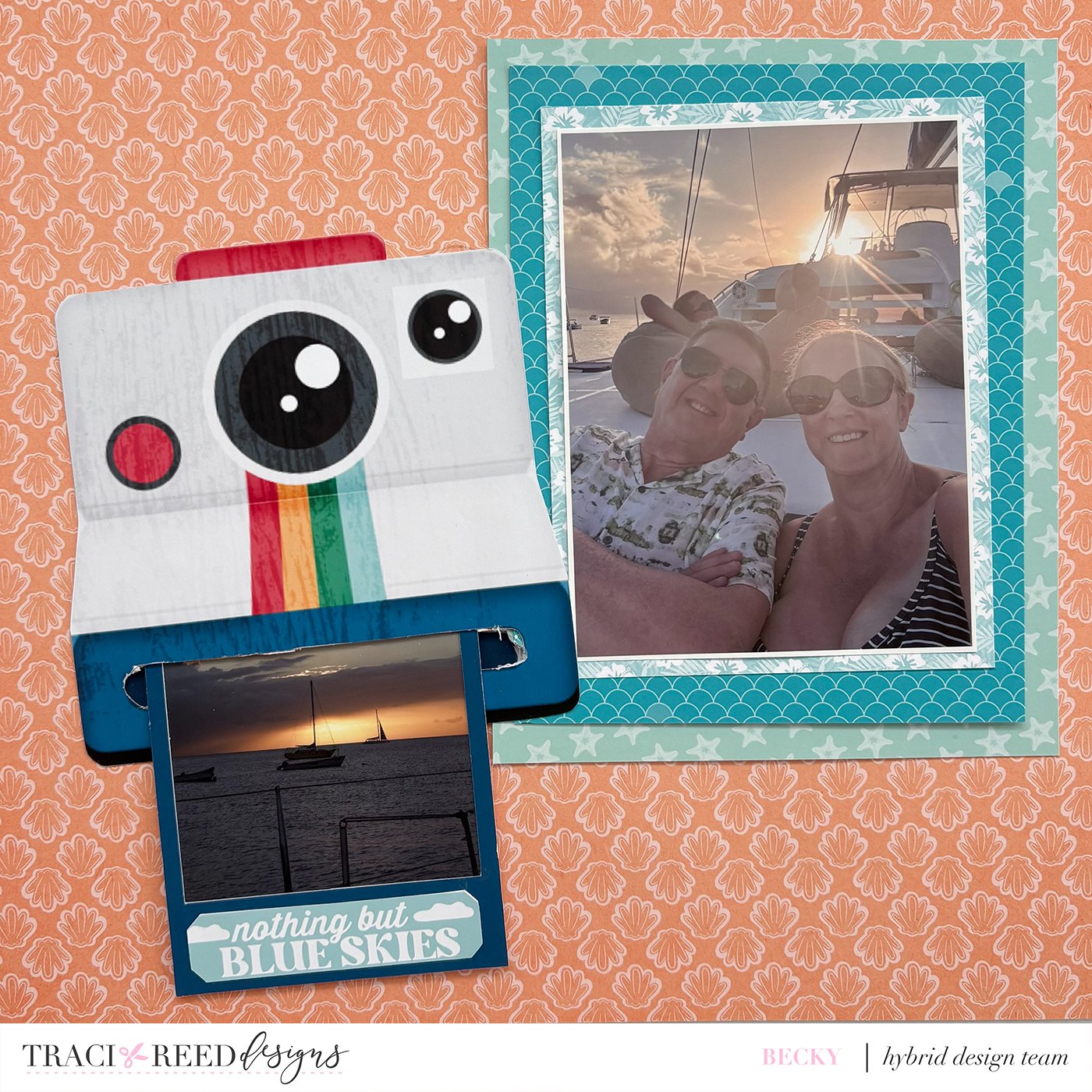
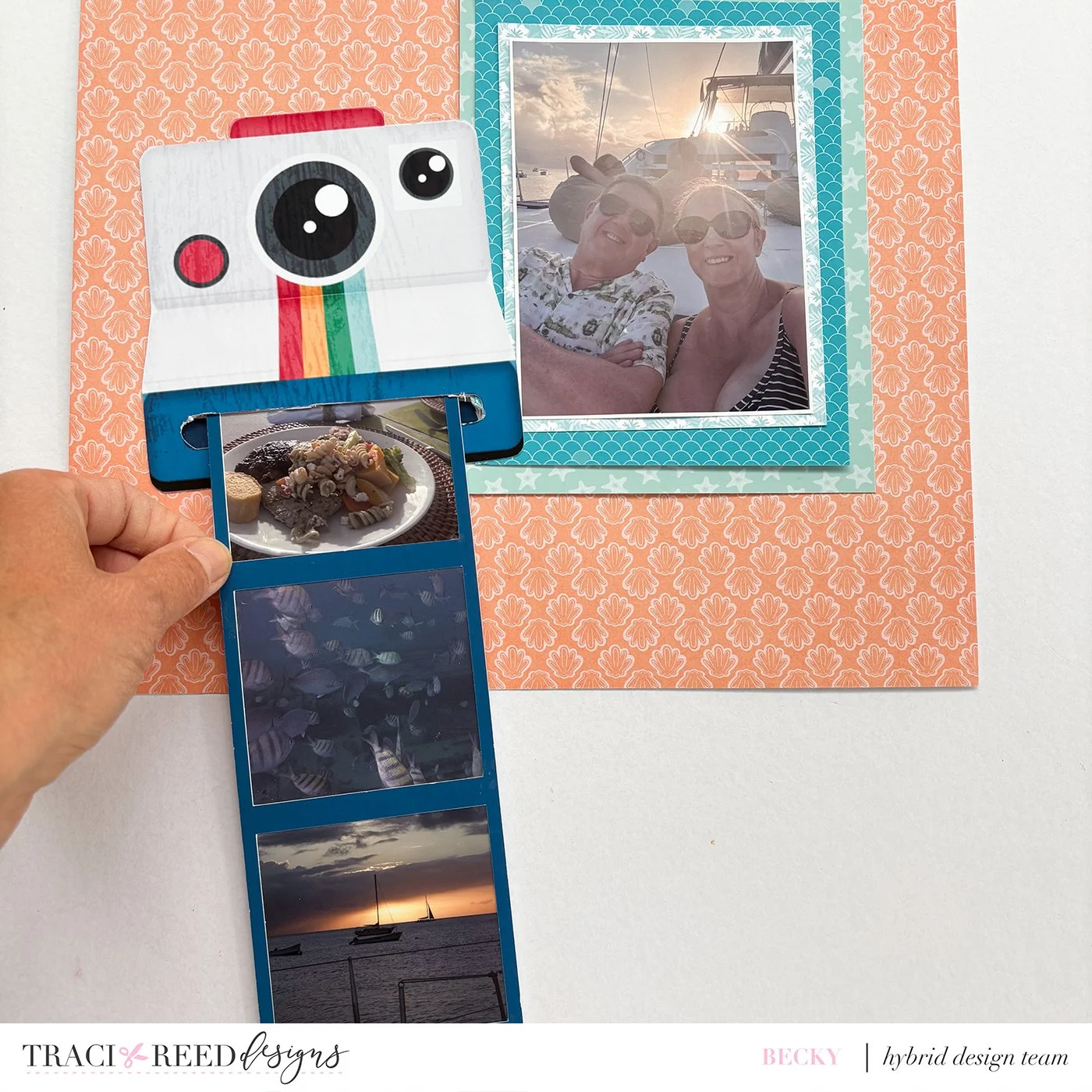
It was then just a case of adding embellishments and a title from the stickers pack and the digital pack. I also added a few gems from my stash, some gold splatters and my journalling.
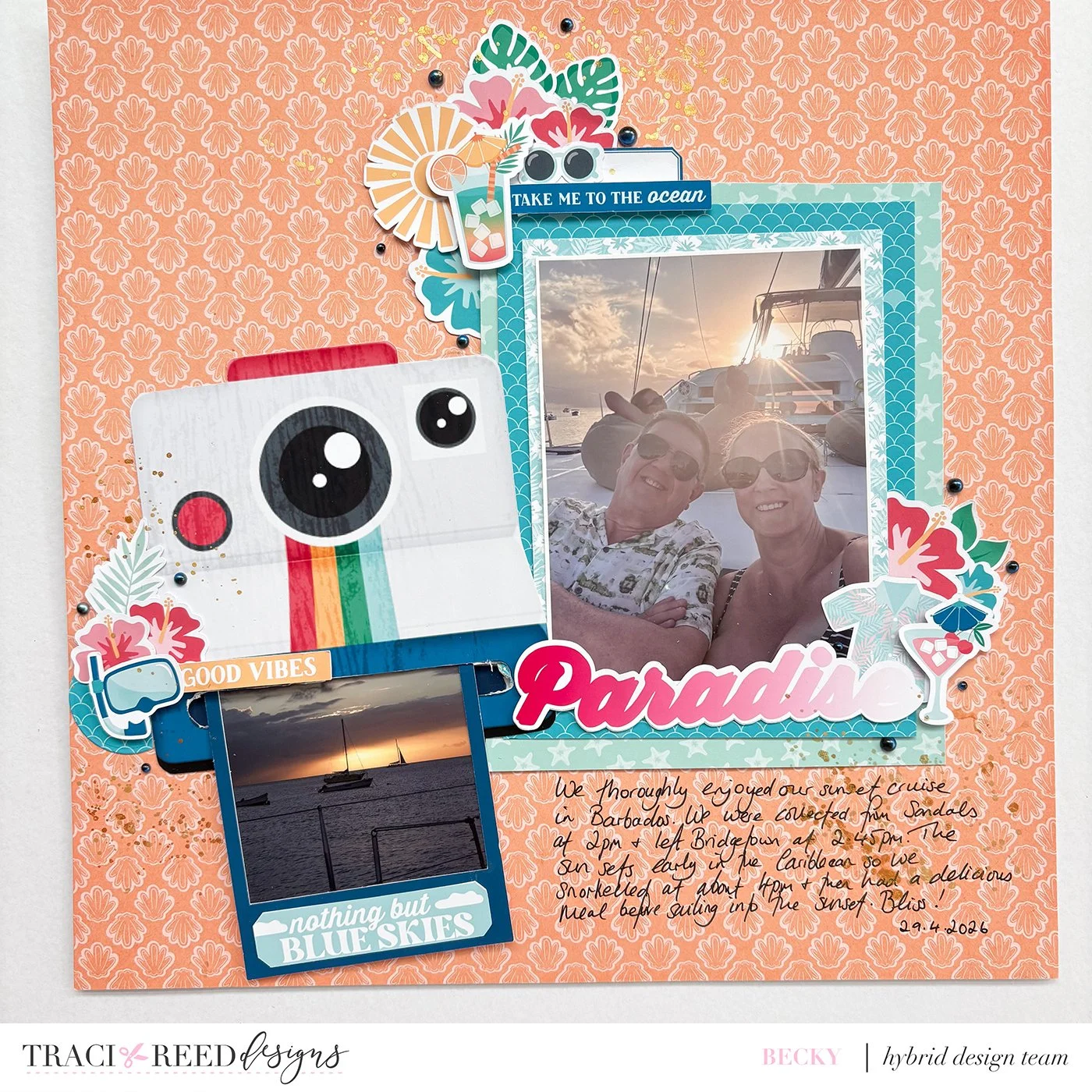
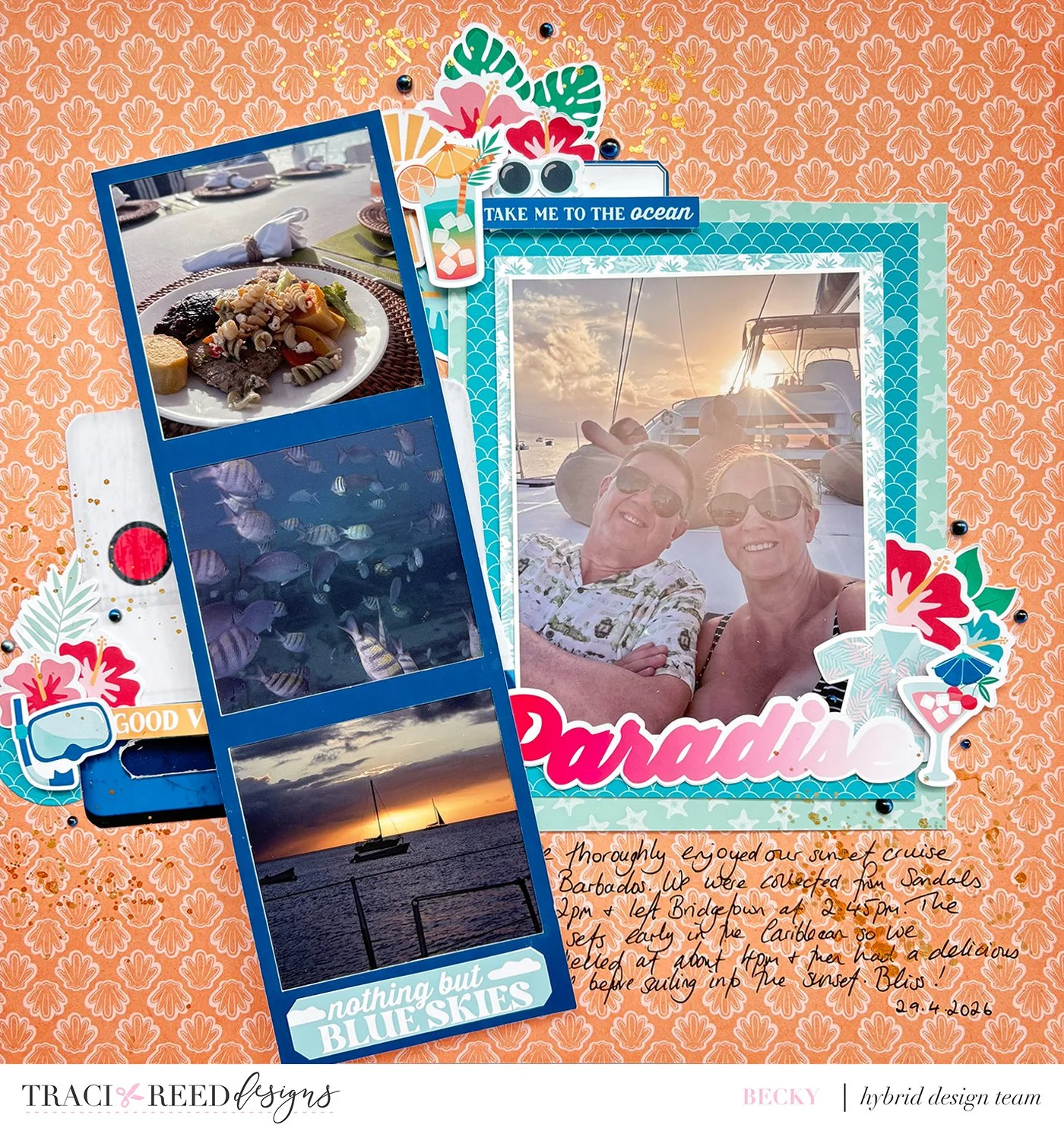
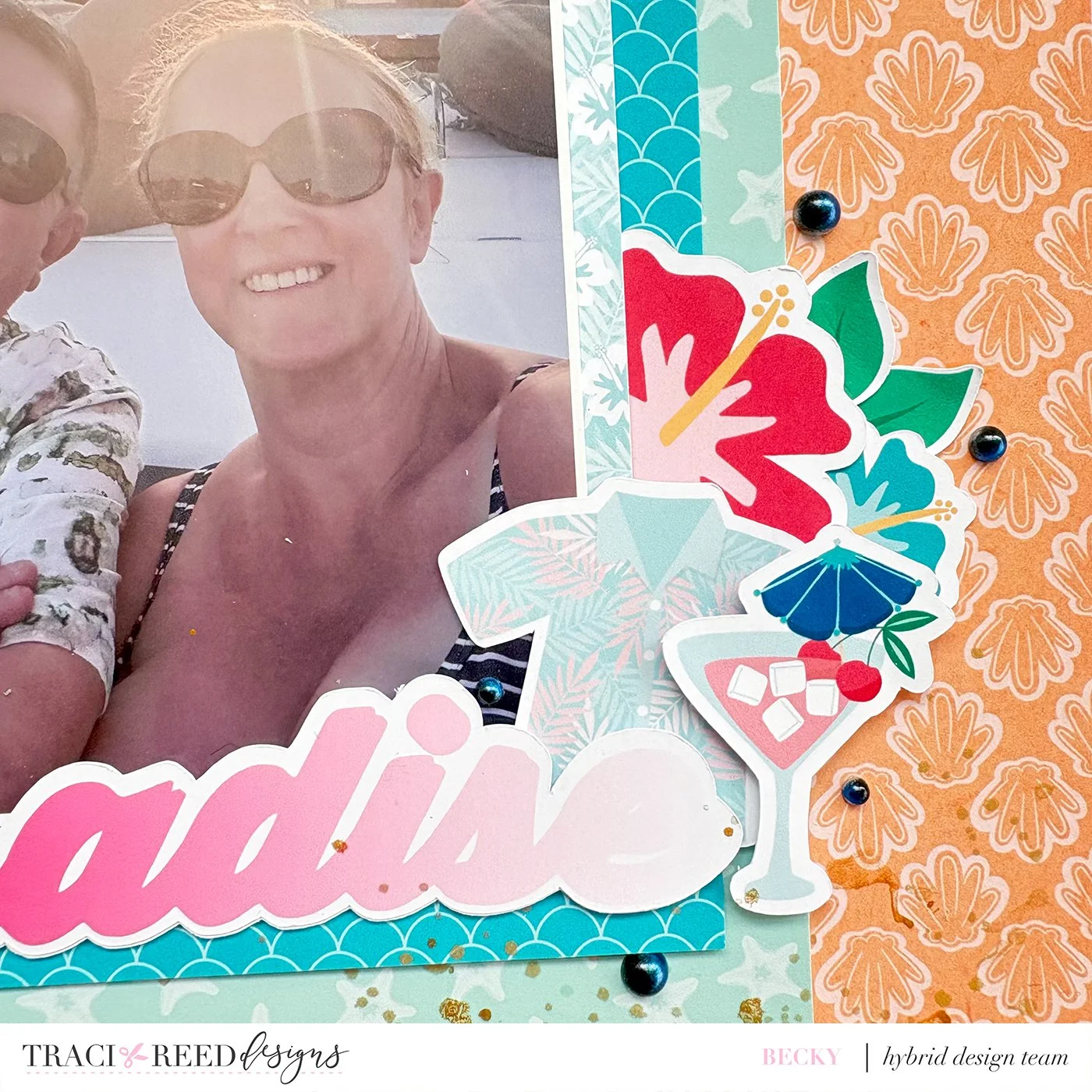
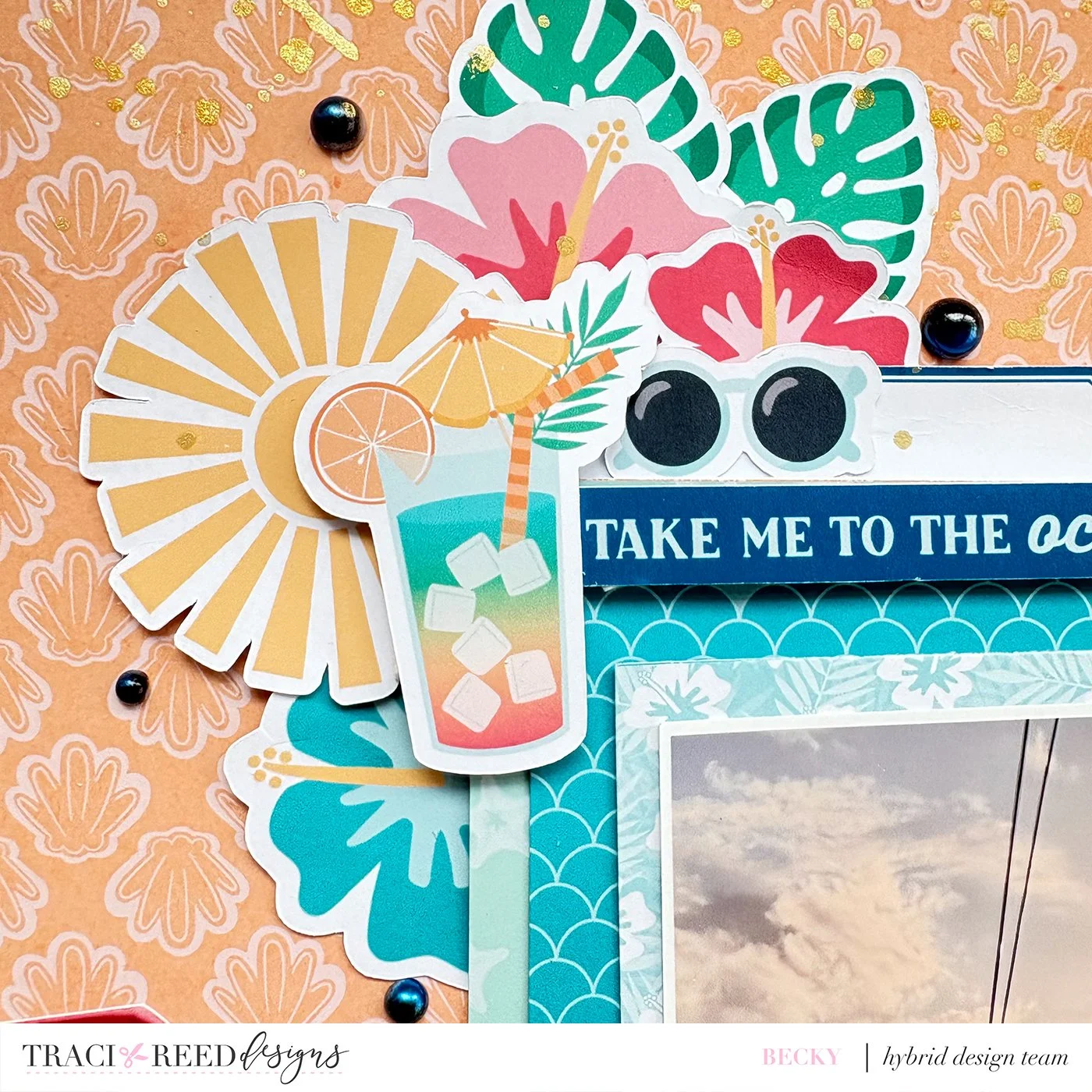
I hope that you will have a look at the different stickers in collections and see if there is a way you can change them to make interactive elements on your page! It is a fun way to scrapbook!


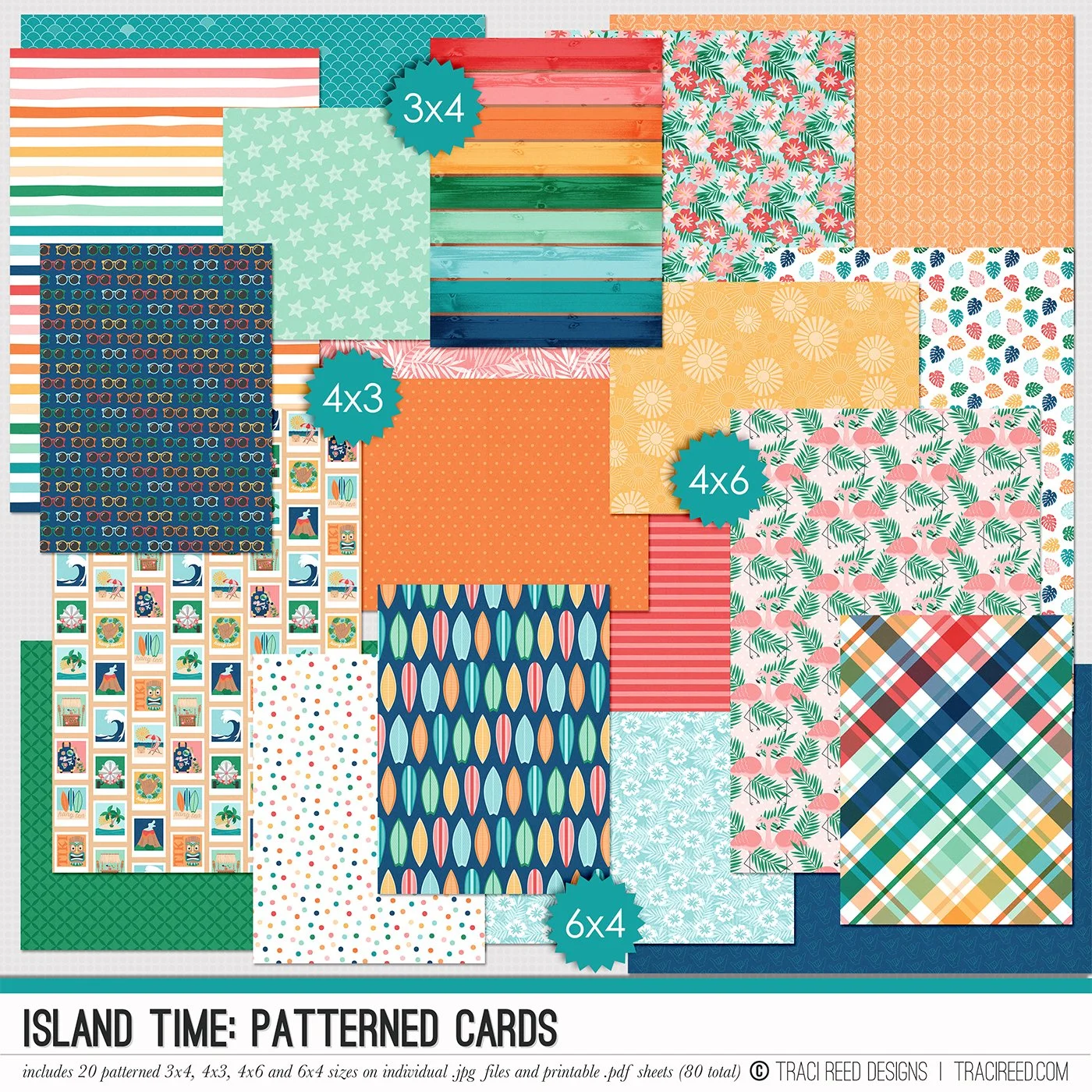
Relax, we’re on Island Time! Let’s go where the waters are warm and the clocks don’t matter, who’s ready to relax? Island Time is a beautiful tropical-inspired collection that can take you from Maui to Miami with ease! If you’re looking for that perfect bright and happy collection to scrapbook all your tropical travels (or even just your dreams of them) Island time is perfect for you!
Bonus, Island Time compliments the Weekender and Anywhere But Here collections beautifully to form one big mega-collection!
Check out the blog for the complete unboxing and inspirational projects from the team!
BUNDLE INCLUDES:
Island Time Digital Kit, Cards #1 & #2, TN Signatures and Stickers!
BUNDLE DOES NOT INCLUDE:
6x8 Signatures, 6x8 Papers, Patterned Cards, TN Papers or Album Class