Generating Custom Color Palettes for Your Layout from your Photos with Vanessa
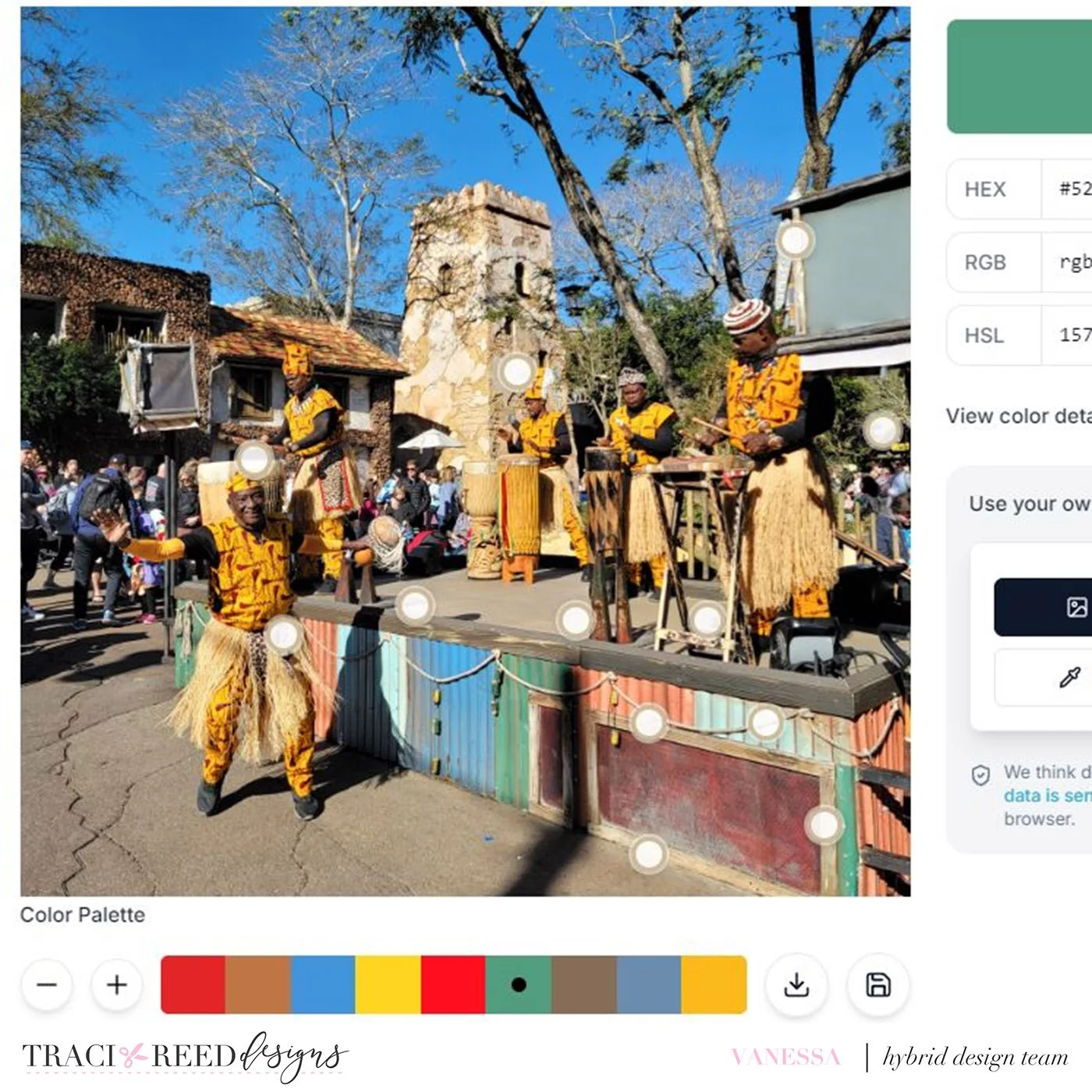
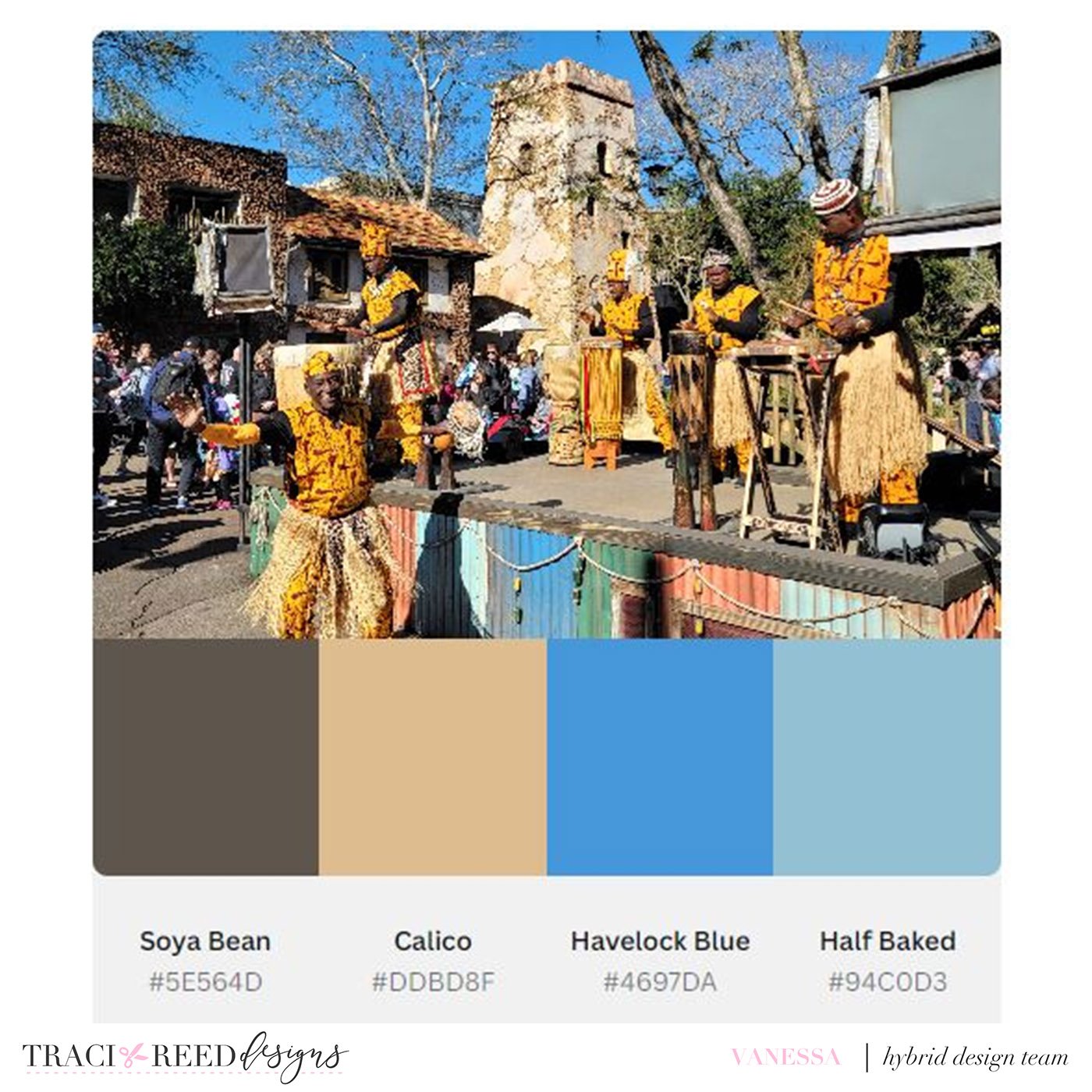
The places we visit and the details we capture in our photos are some of the best sources of inspiration for colors to use in layouts. There are so many free sites online that will allow you to upload a photo and from that photo the application will pull colors. These websites are a great tool to help generate fun and different color pallets for scrapbook layouts. Some of my favorite websites are Canva Color Palette Generator, Coolers.co, Adobe Color Picker and Image Color Picker
For my layout today I selected my photo and used the sites above to generate a color palette for my layout. Some just choose the colors while others allow you to choose the number of colors as well as the color choices. The photos below display the color palettes that were generated from each of the websites listed above.
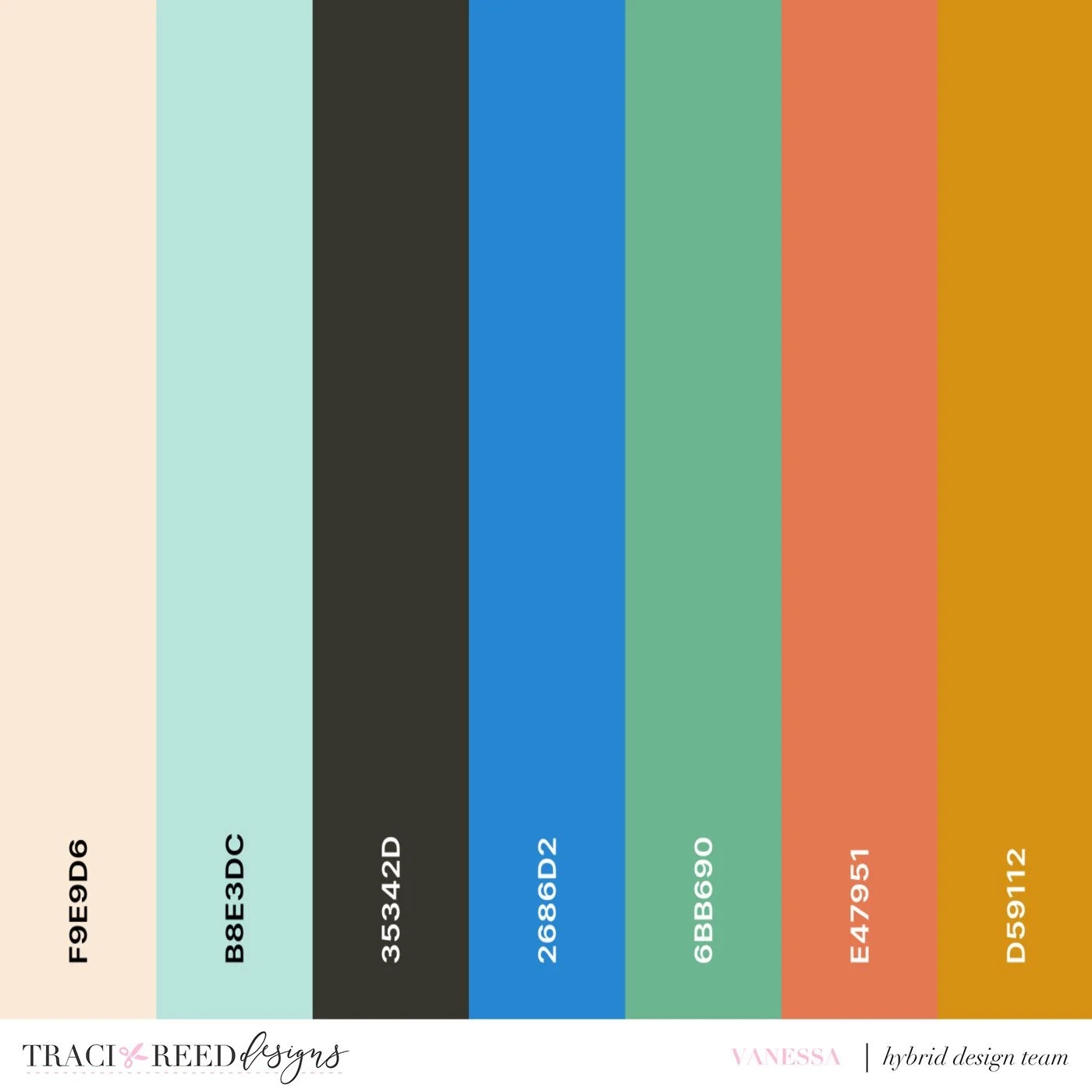
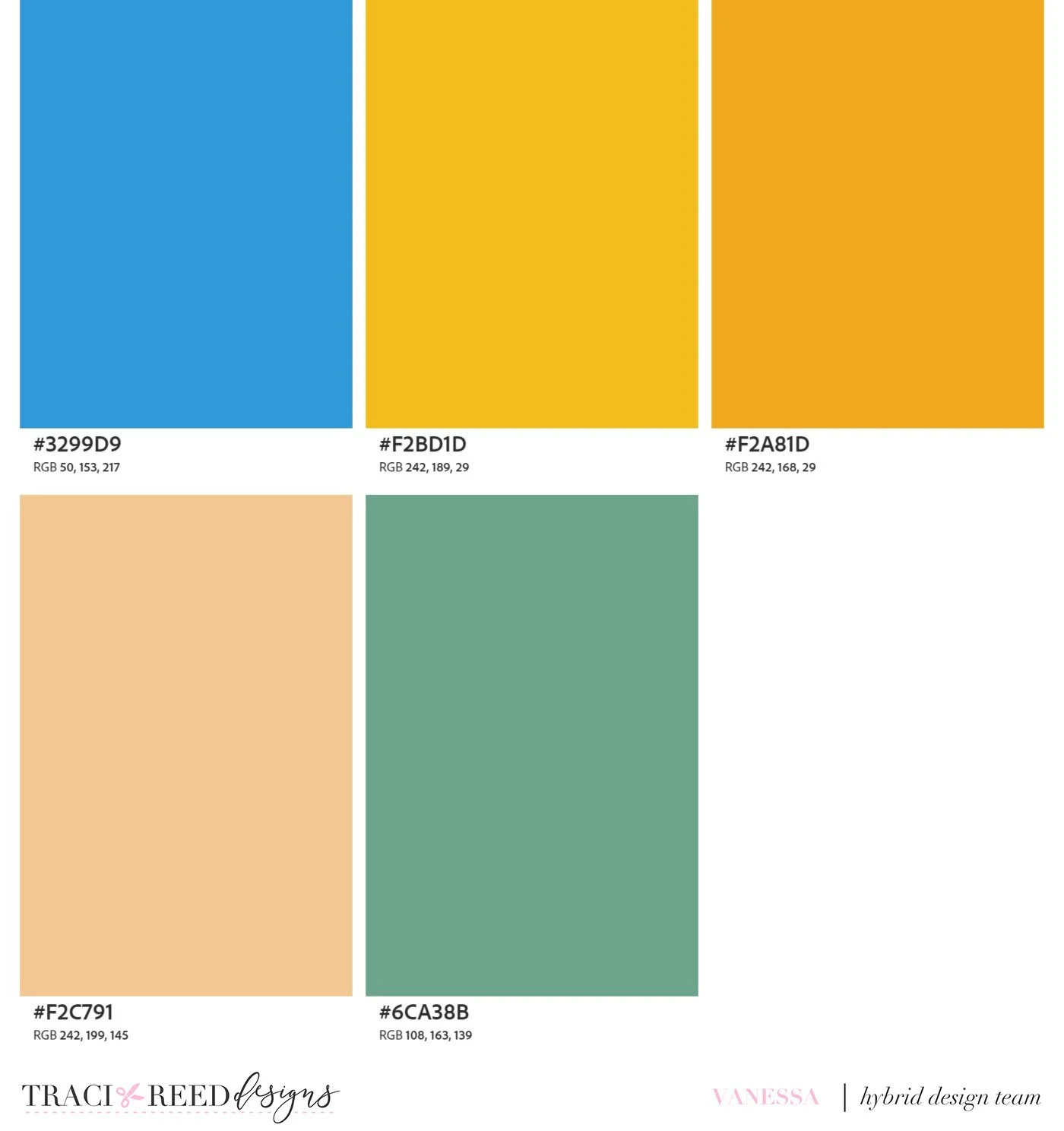
From the color palettes I choose to use the palette generated from coolers. Using the palette, I went through my Traci Reed Design collections and chose the Amber Glow and Story Foundations collections to create my layout. I choose papers from both collections including creating a background using the plaid from Amber Glow, the yellow ledger paper from Story Foundations and the mixed media element from Amber Glows Digital kit.
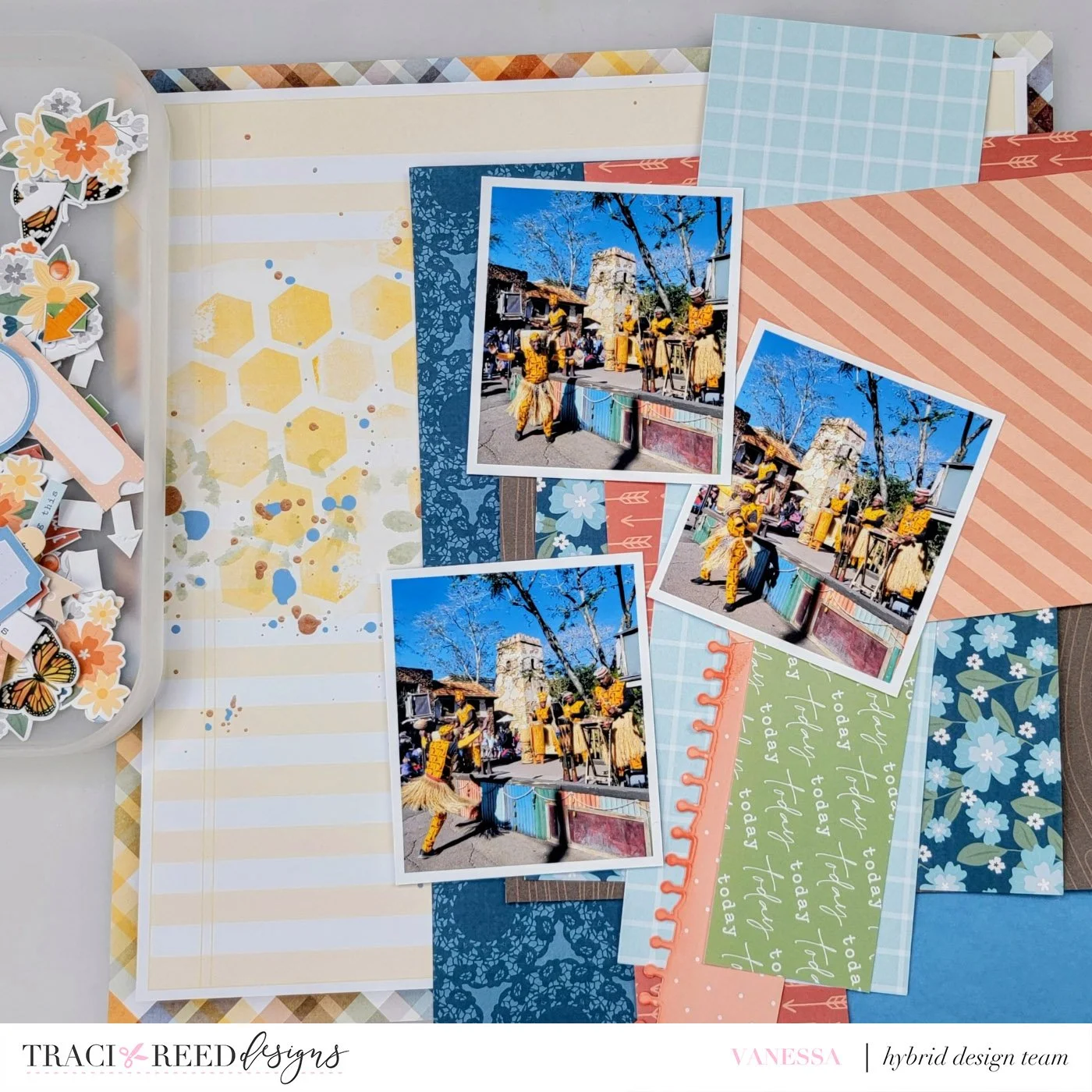
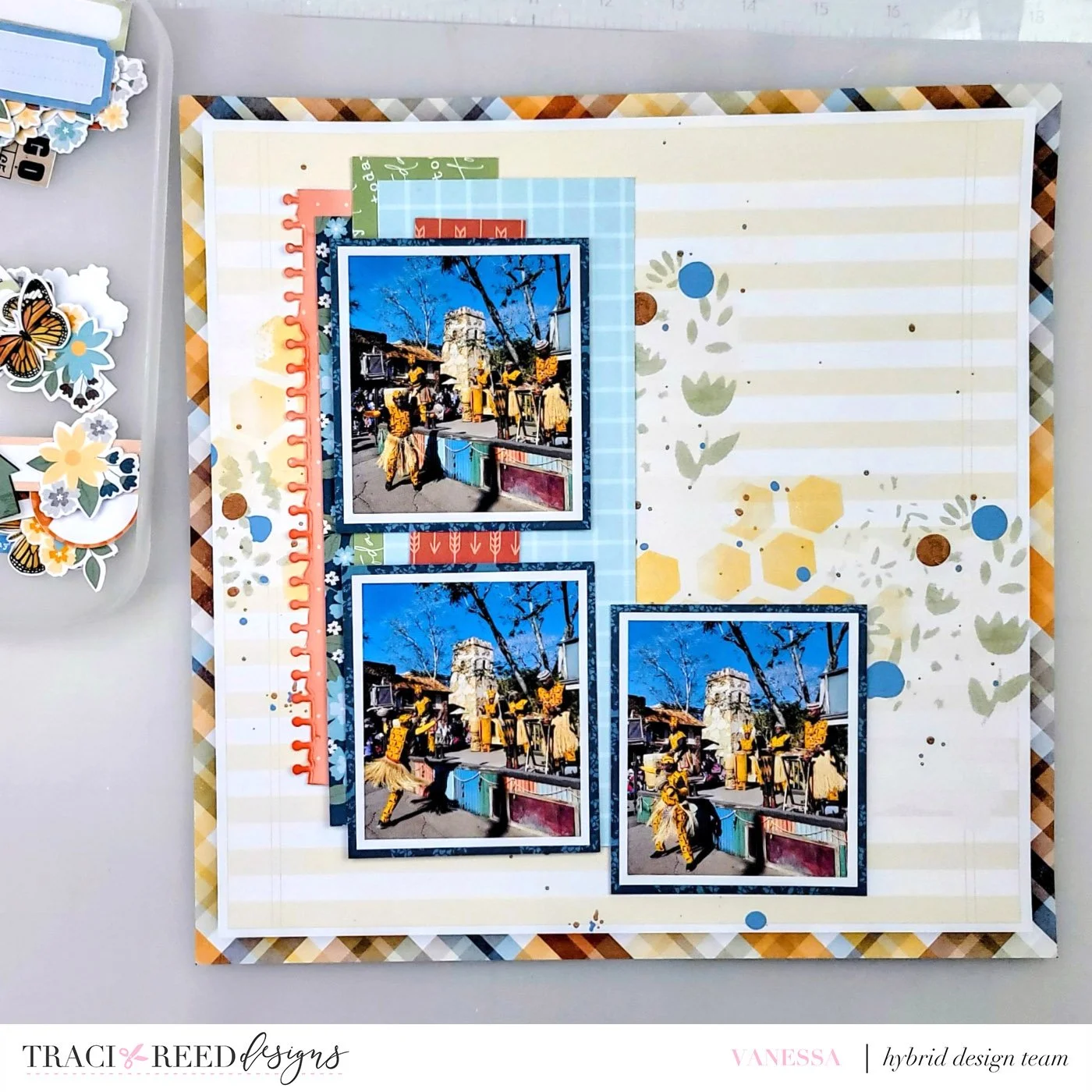
With my collections selected I built my layout matting my photos on the blue doily paper from the Amber Glow collection and cutting the paper from both collections into different length strips that I then layered vertically on the left side of the layout placing my photos over top.
With my papers and photos in place I pulled florals and arrows and enamel dots from the Amber Glow collection paired with labels and word bits from the Story Foundations collection. I layered up my embellishments into three clusters around the page. To the right of the photos, I placed my title which was made from the typewriter alpha in the Story Foundations collection. To finish the layout, I added the faux enamel dots to each of the clusters and applied glossy accents giving them an enamel dot look.
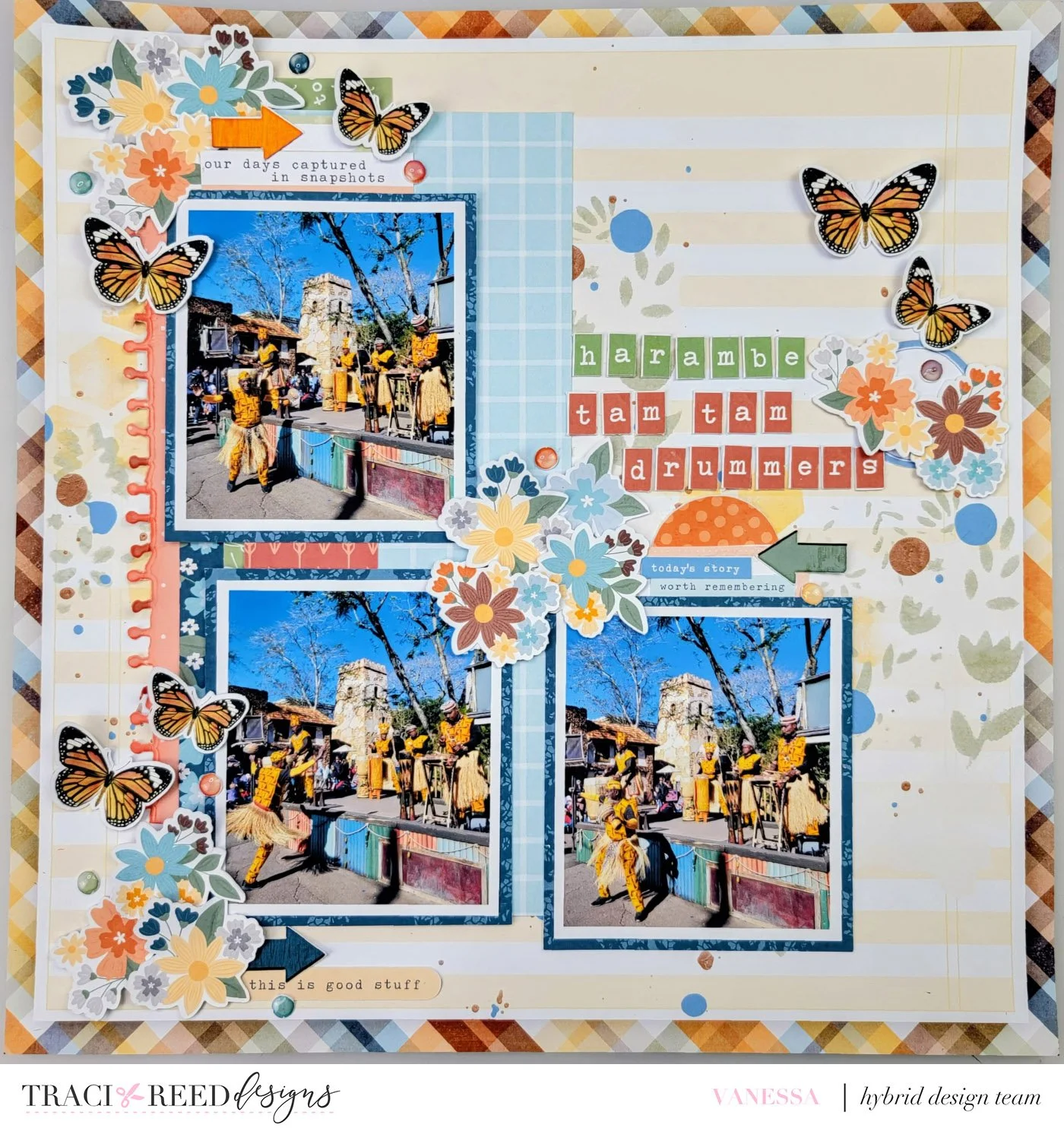
Using these online tools can be a fun way to discover new color combinations for your layouts and inspire you to use different collections than you may normally have reached for. Give this color palette inspiration a try and tag us so we can see what you create, we would love to see it.
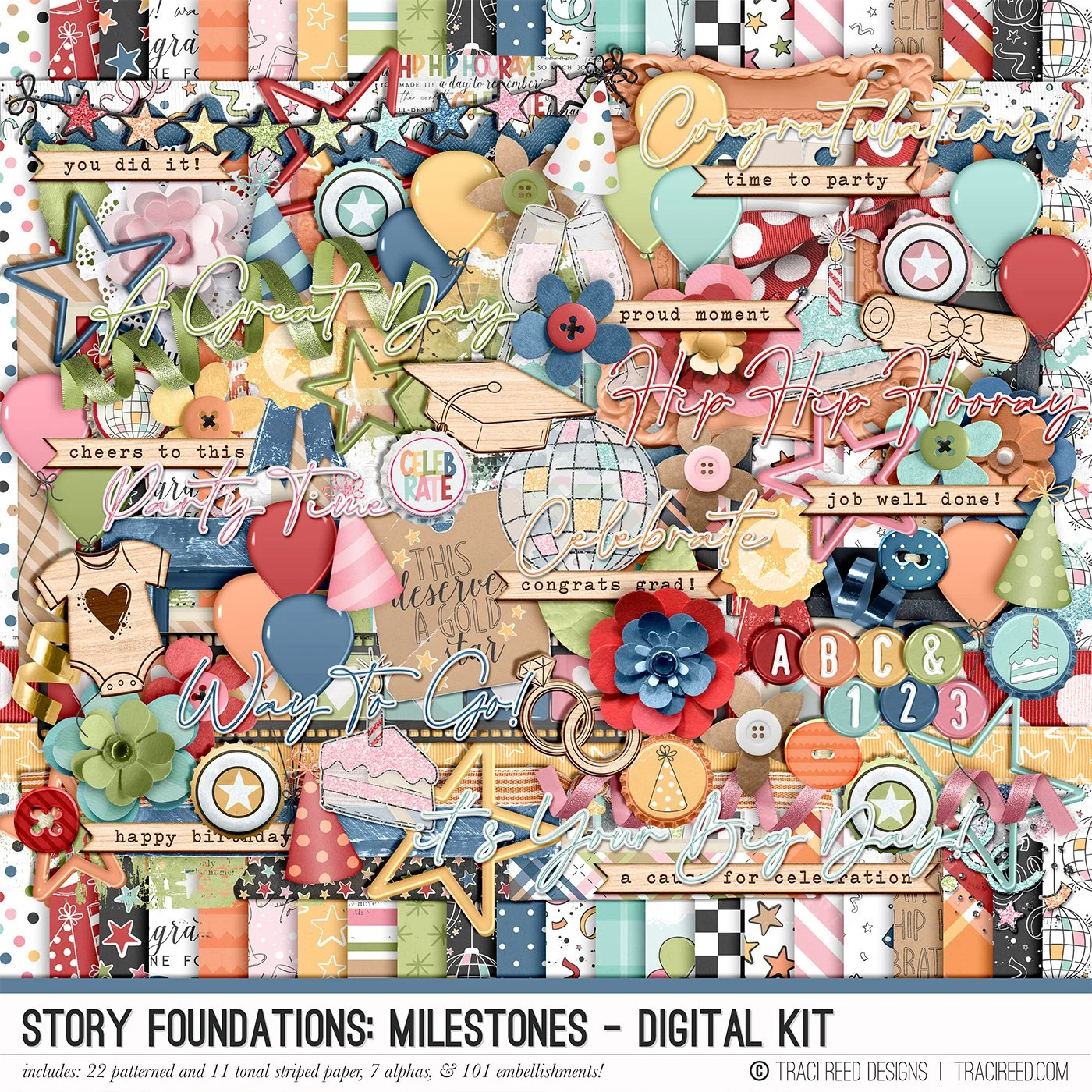
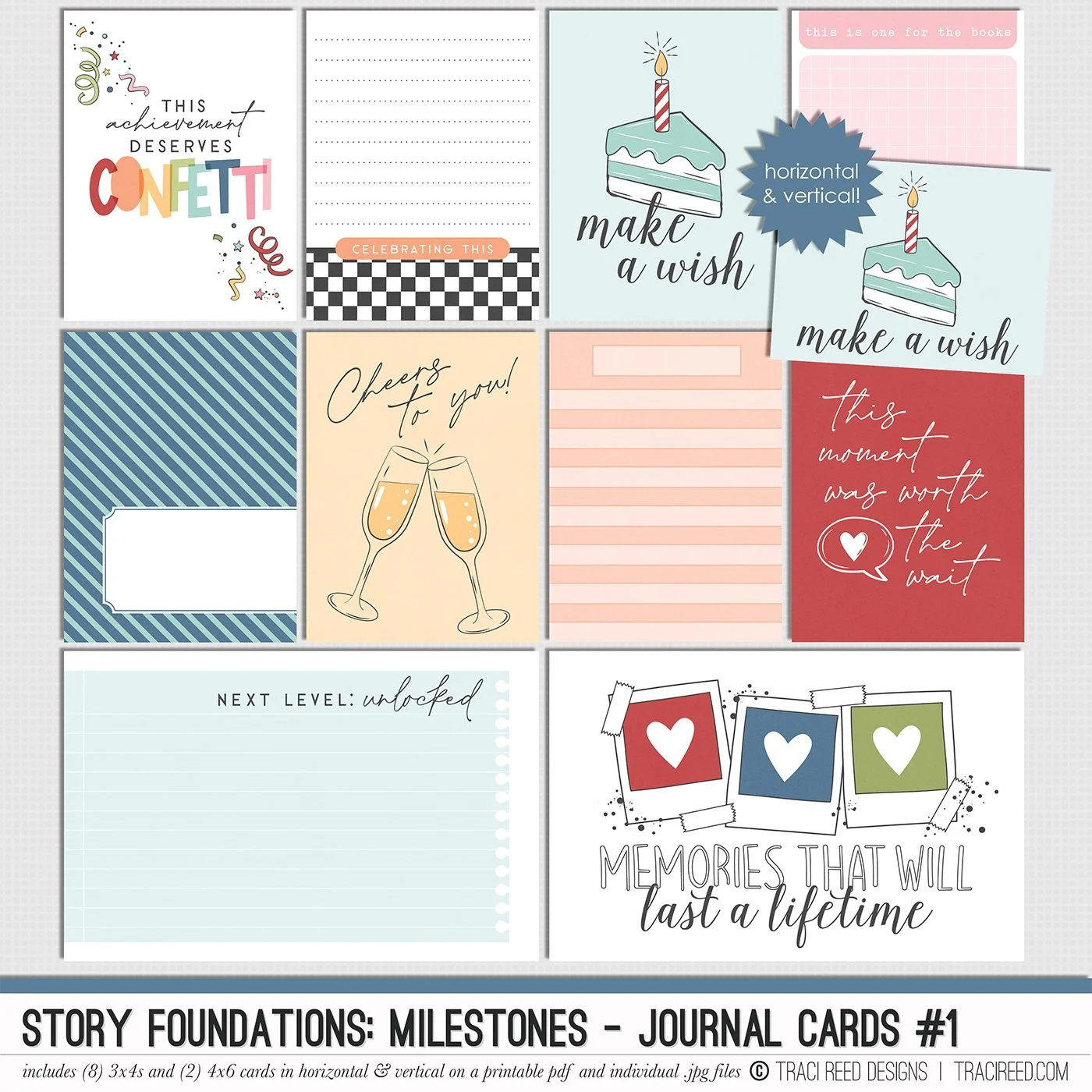
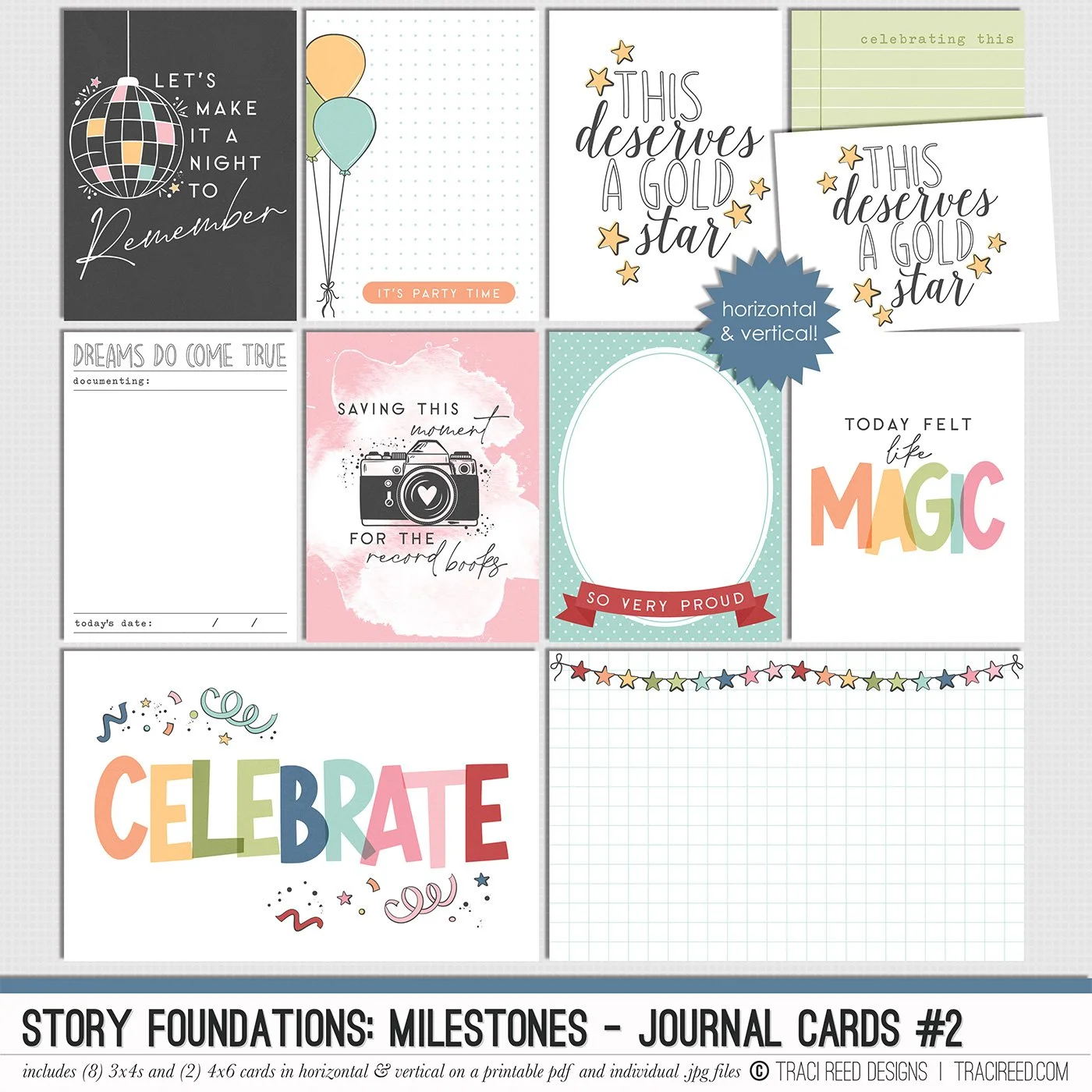
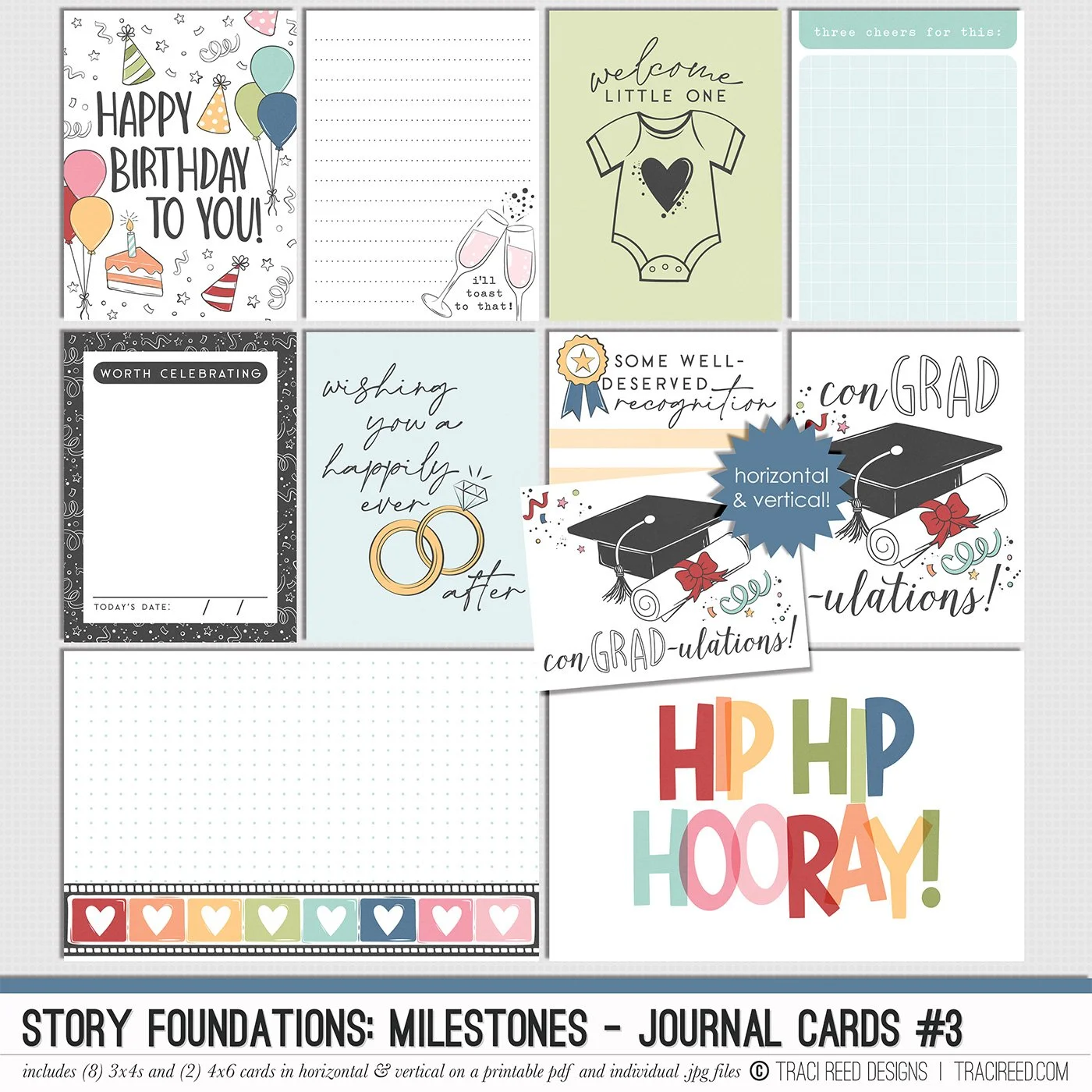
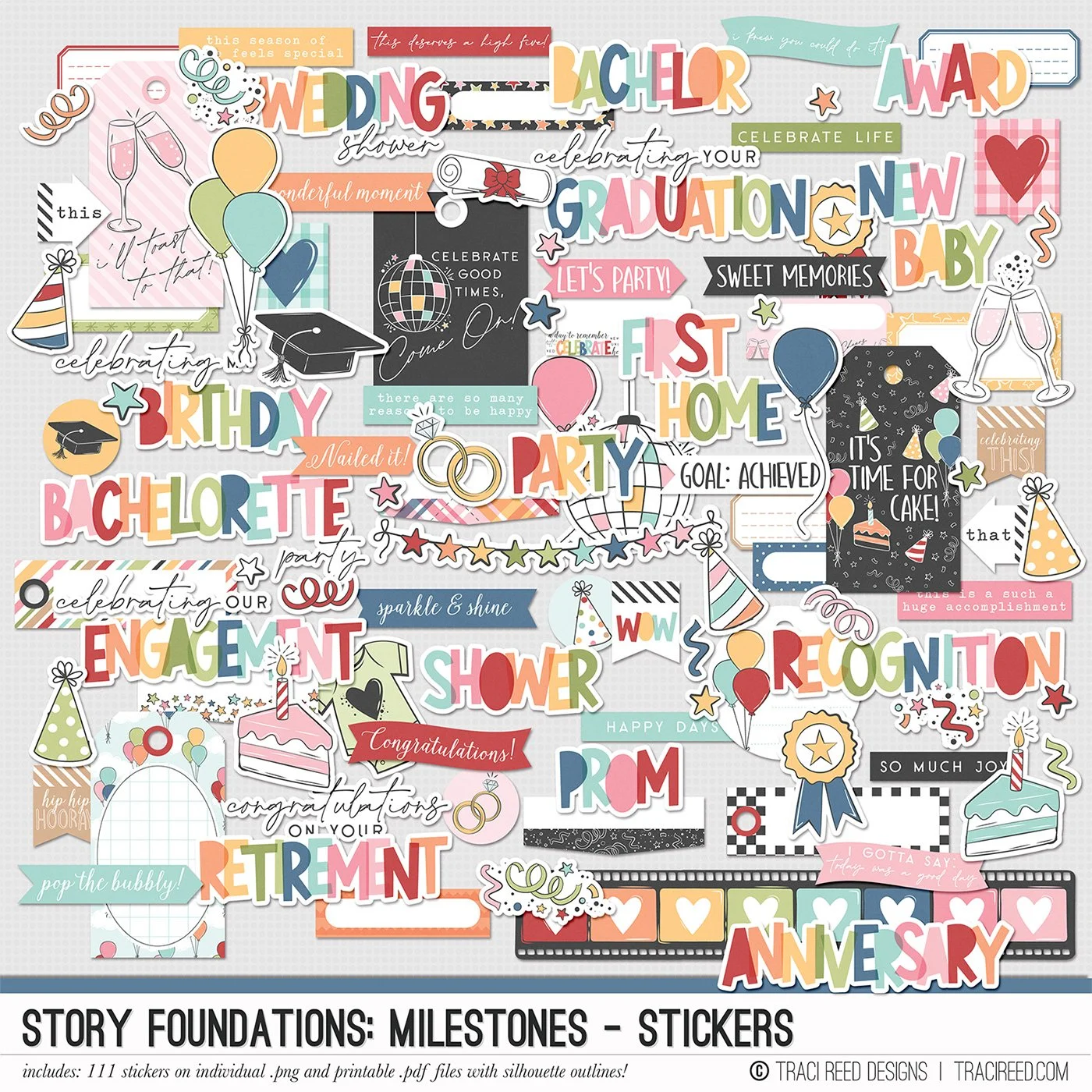
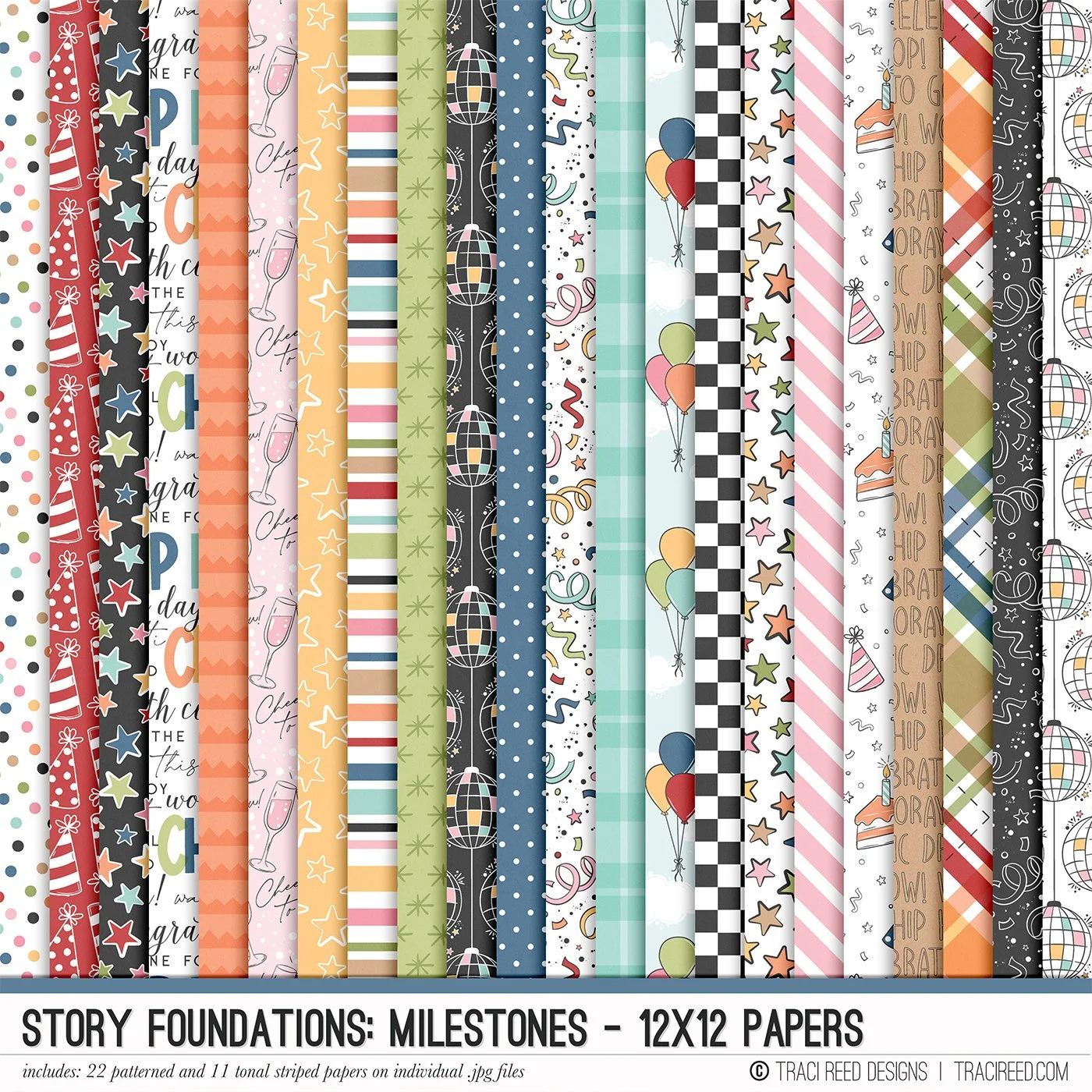
Story Foundations Chapter Five: Milestones is all about celebrating the moments that make up a life well lived. From birthdays, graduations, weddings, and new babies to promotions, vacations, anniversaries, and everyday victories, this chapter was designed to help you document the stories worth remembering both big and small.
Filled with playful celebratory icons, colorful details, and versatile storytelling elements, Milestones brings a fun and joyful energy to your scrapbook projects without feeling limited to one specific occasion. Balloons, confetti, disco balls, cakes, ribbons, stars, champagne toasts, and mix-and-match title pieces make it easy to create pages that feel personal to your memories and celebrations.
Like every chapter in the Story Foundations series, Milestones was created with flexibility in mind. The bright but balanced color palette pairs effortlessly with a wide variety of photos and themes, making it just as perfect for documenting a graduation or engagement as it is for capturing the little moments that deserve a little extra confetti on the page.
See the unboxing and example images for the Story Foundations: Milestones collection HERE.
Don’t forget, the entire 2026 Story Foundations Collections are meant to mix and match and pair with each other! You can see all the Story Foundations Chapters HERE.
BUNDLE INCLUDES:
Story Foundations: Milestones Digital Kit, Cards 1, 2, &3 + Stickers!
BUNDLE DOES NOT INCLUDE:
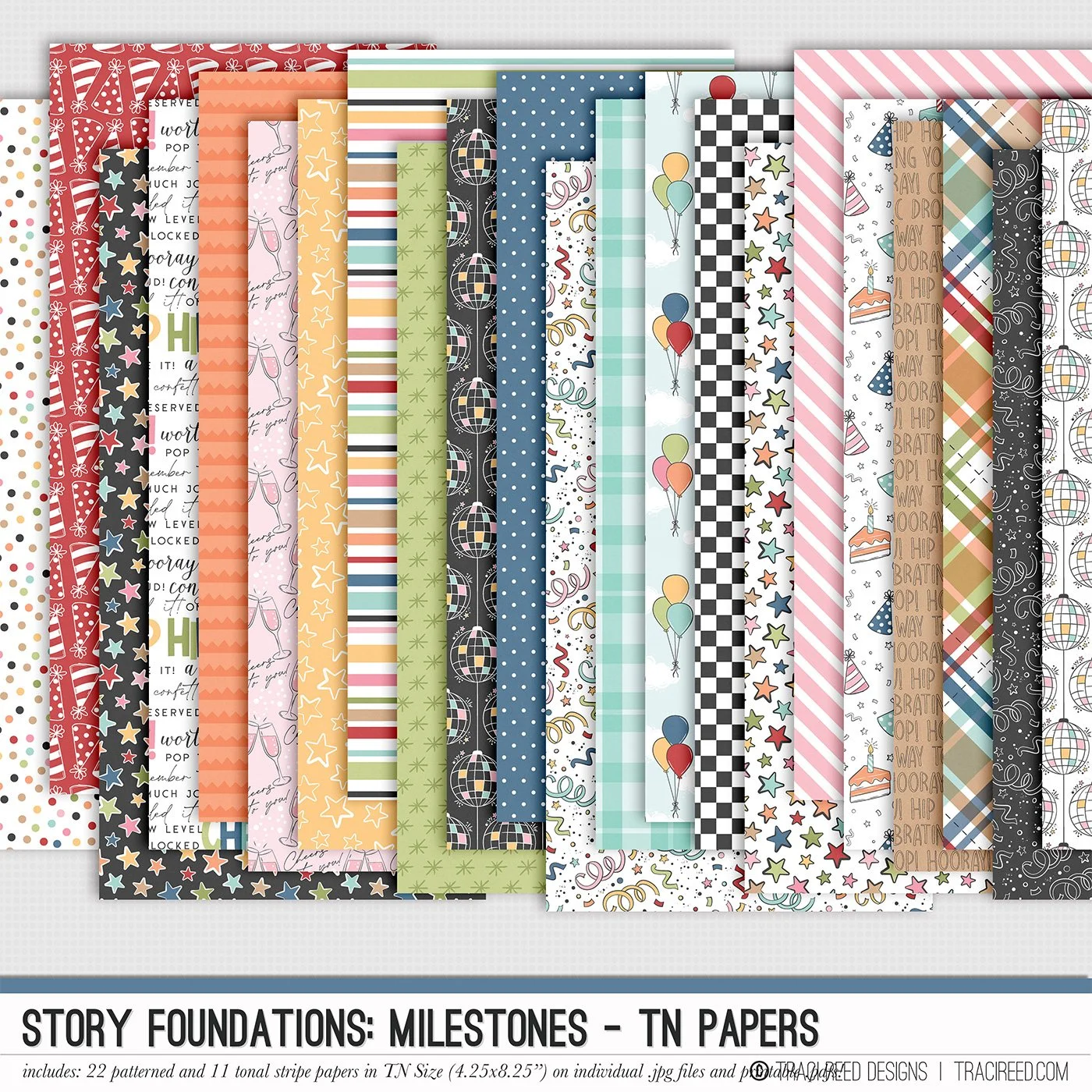
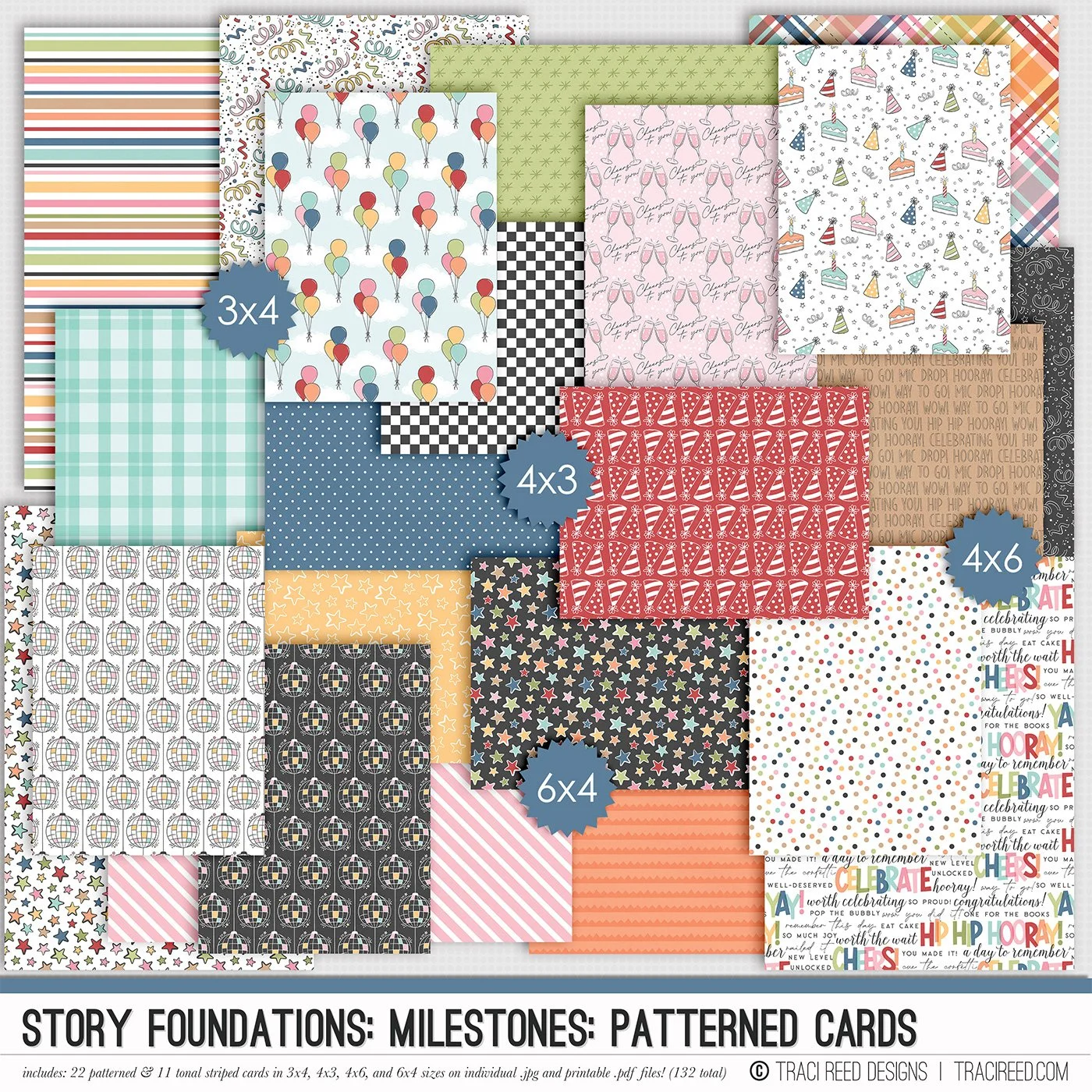
Story Foundations: Milestones TN Papers or Patterned Cards