Tutorial: Masking In Affinity Using The Manuscript with Shayla
Every November I feel drawn to nostalgic, layer-heavy, romantic scrapbook designs. I think it’s the cozy vibes this scrapbooking style gives me. Normally, I’ll create a few traditional scrapbook layouts to get the paper layering fix, but this time I decided to switch things up and put some oldie-but-goodie clipping masks from Traci Reed Designs to use!
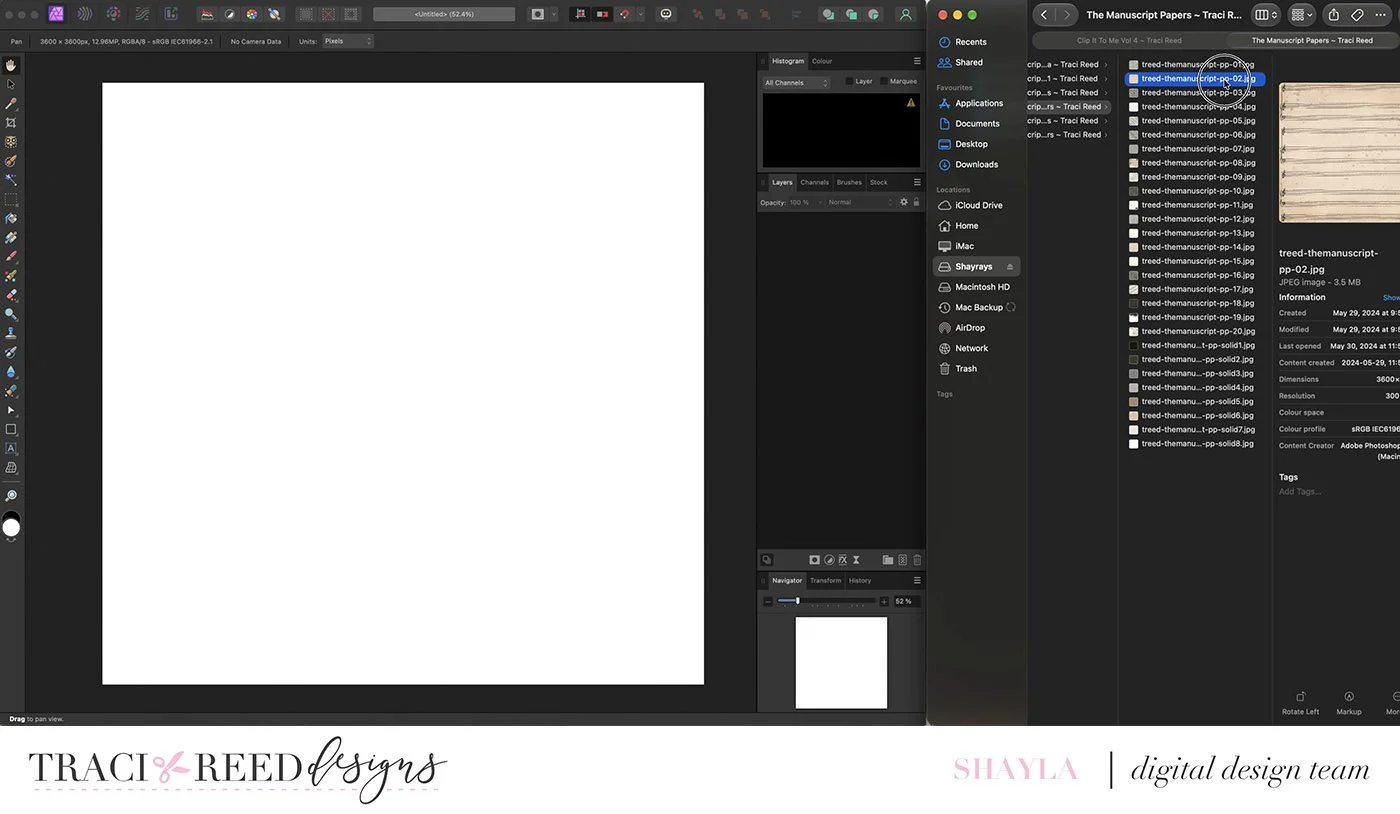
I started by opening the Affinity Photo 2 software on my iMac and starting a new 12x12 blank layout. I also opened a Finder window on the right side of my screen so I could easily browse through all the goodies in The Manuscript collection and drop them in as needed.
My entire layout was built around using the torn paper mask to layer papers for my background. I pulled a pattern for my top paper and then added the mask PNG, lining it up on top. To make it look like a real paper core, I used one of the lighter solid colours from the collection to clip onto the mask layer.
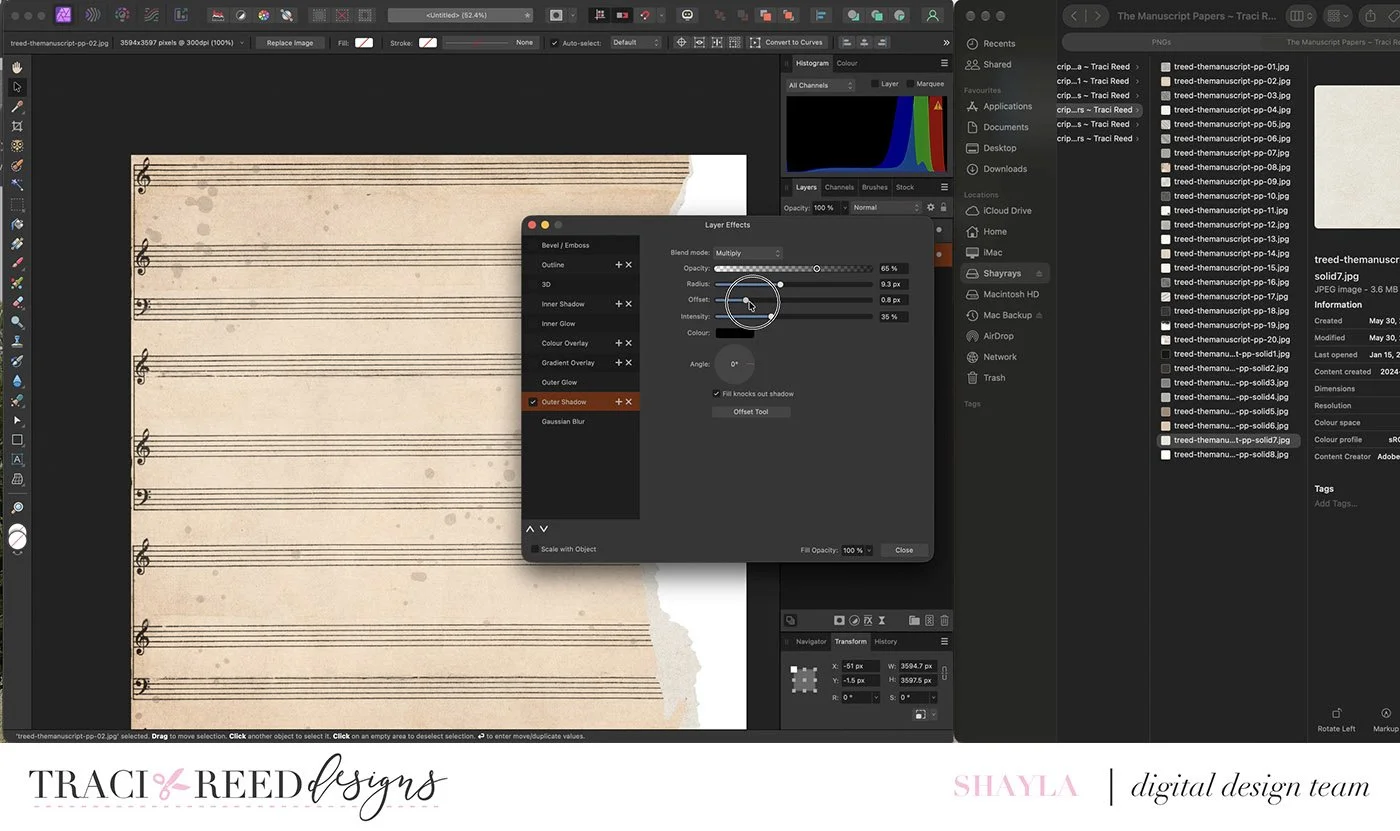
Then I added the floral pattern as an under layer, peeking out from behind the ‘torn’ edge. To help make the ‘torn’ edge look more realistic, I used an Outer Shadow effect and offset it.
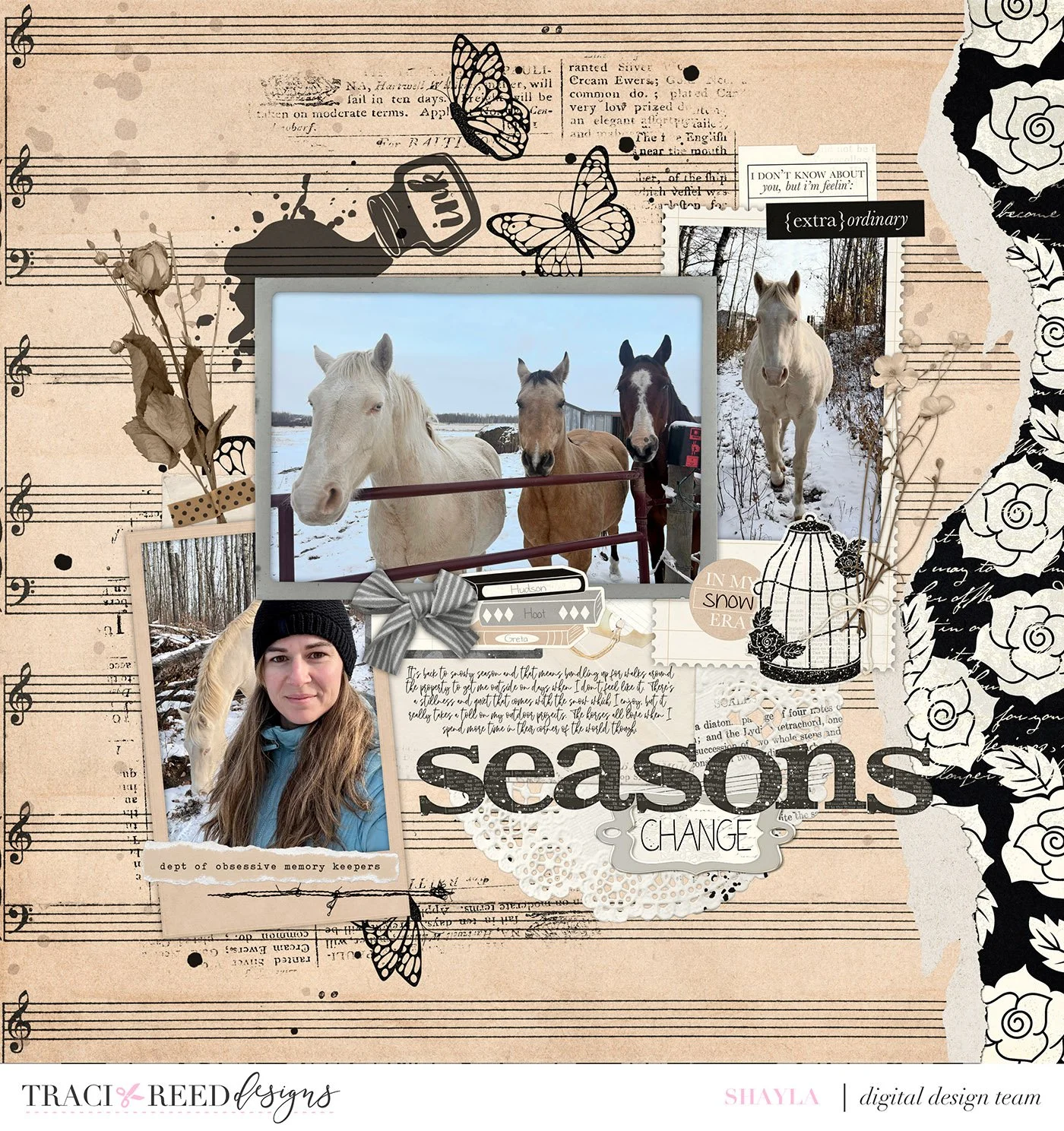
This layout is about the change of seasons and the slowing down of my life pace that often comes along with it. I built the foundations of the layout, and then added in my photos.
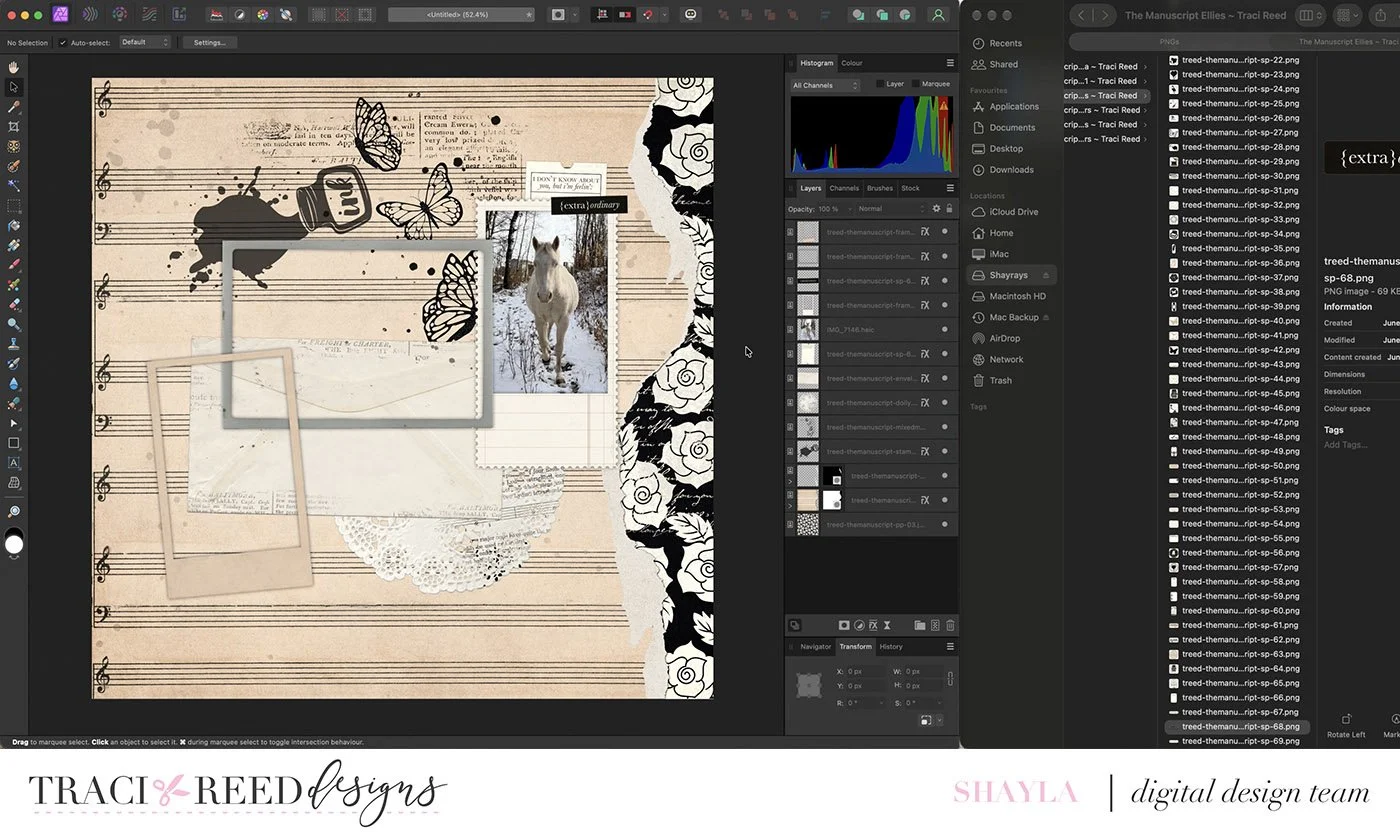
My last step is always layering final touch embellishments and adding in the journaling. I made some minor adjustments to the placement of the photo frames to keep balance in the final layout.
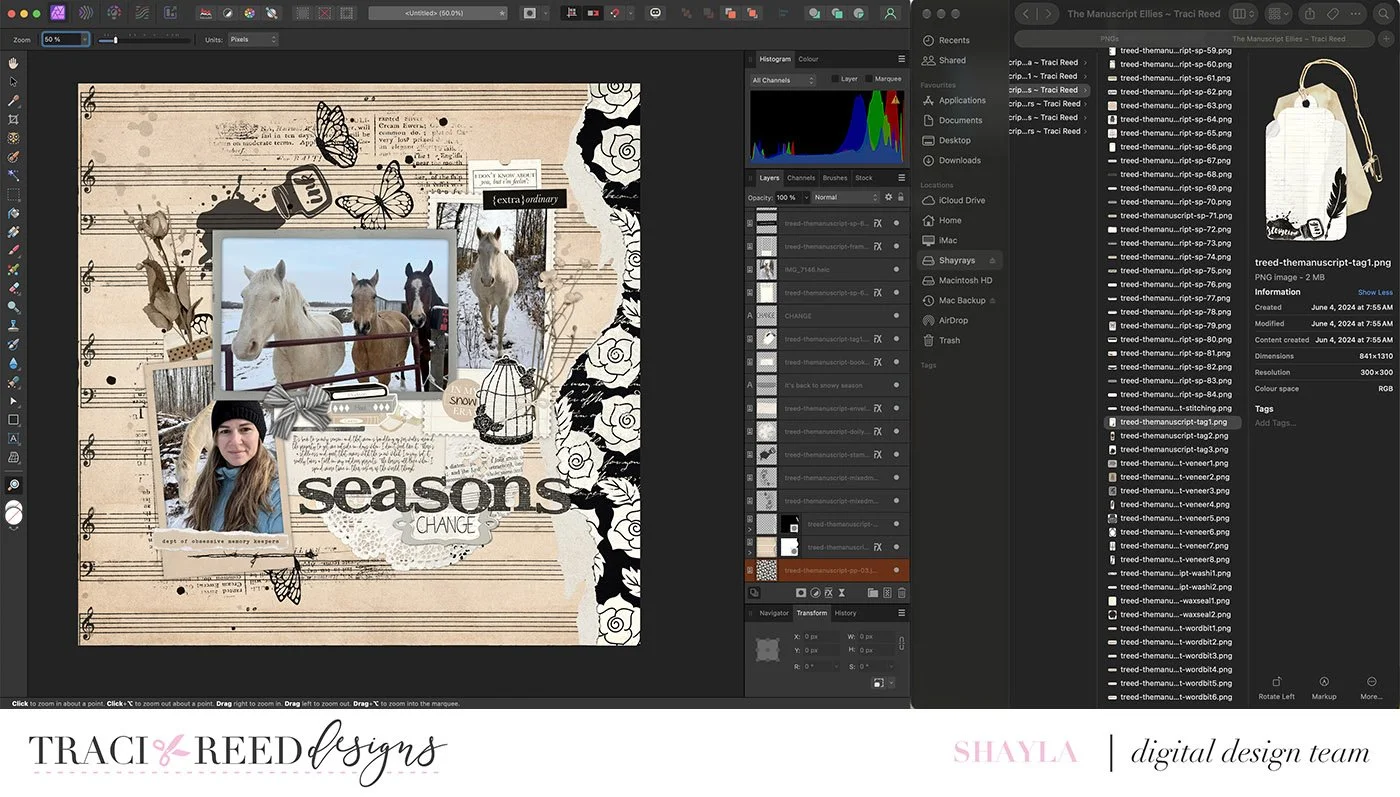
Using layering masks doesn’t have to be scary or complicated and it added a fun texture to my layout that’s normally something I’d only get from traditional scrapbooking.
My challenge to you is to bust out your digital mask collection for your next scrapbook layout. If you haven’t tried masking before, pick up one of the mask collections from Traci Reed Designs and give it a try.
Happy masking!


Step into a world of timeless elegance with "The Manuscript" digital/printable scrapbook collection. This unique collection blends handwritten vintage script overlays, newsprint, mixed media, and stamping with realistic elements like dried flowers, doilies, and film strips baked right into the design!
Featuring hand-drawn illustrations of typewriters, antique cameras, books, birdcages, and more, this collection offers a modern take on classic collage. Inspired by the aesthetic of The Tortured Poets Department by Taylor Swift, it combines illustrated and antique styles to document both heartfelt and joyous moments. Embrace the versatile neutral tones and add a touch of vintage sophistication to your creations with The Manuscript collection.
You can find all the team projects and unboxing for The Manuscript on the blog HERE.
DIGITAL KIT INCLUDES:
20 Patterned AND 8 Textured Solid 12x12 Papers, 3 complete alphas and 95+ digital embellishments!